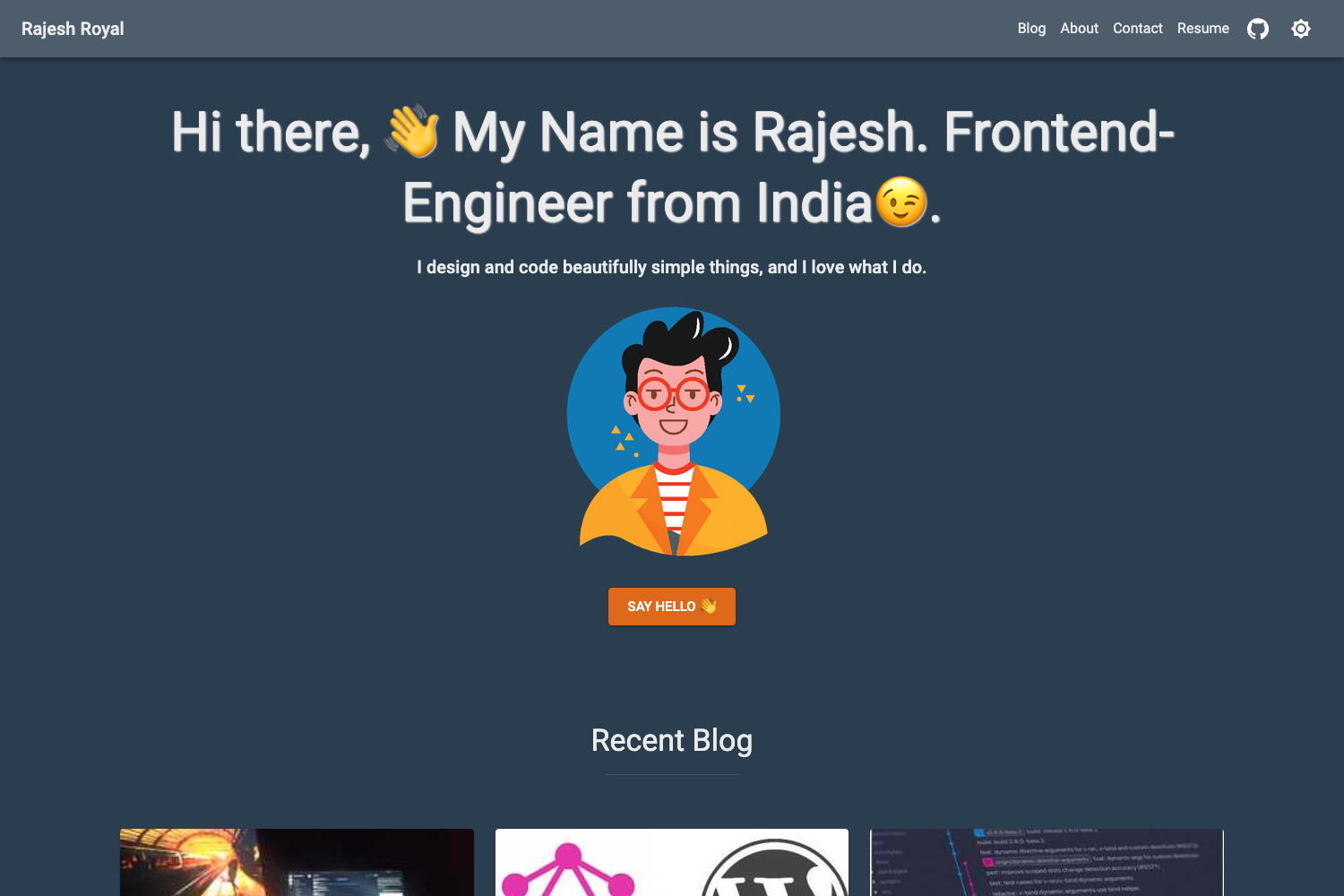
Template details
Gradfolio
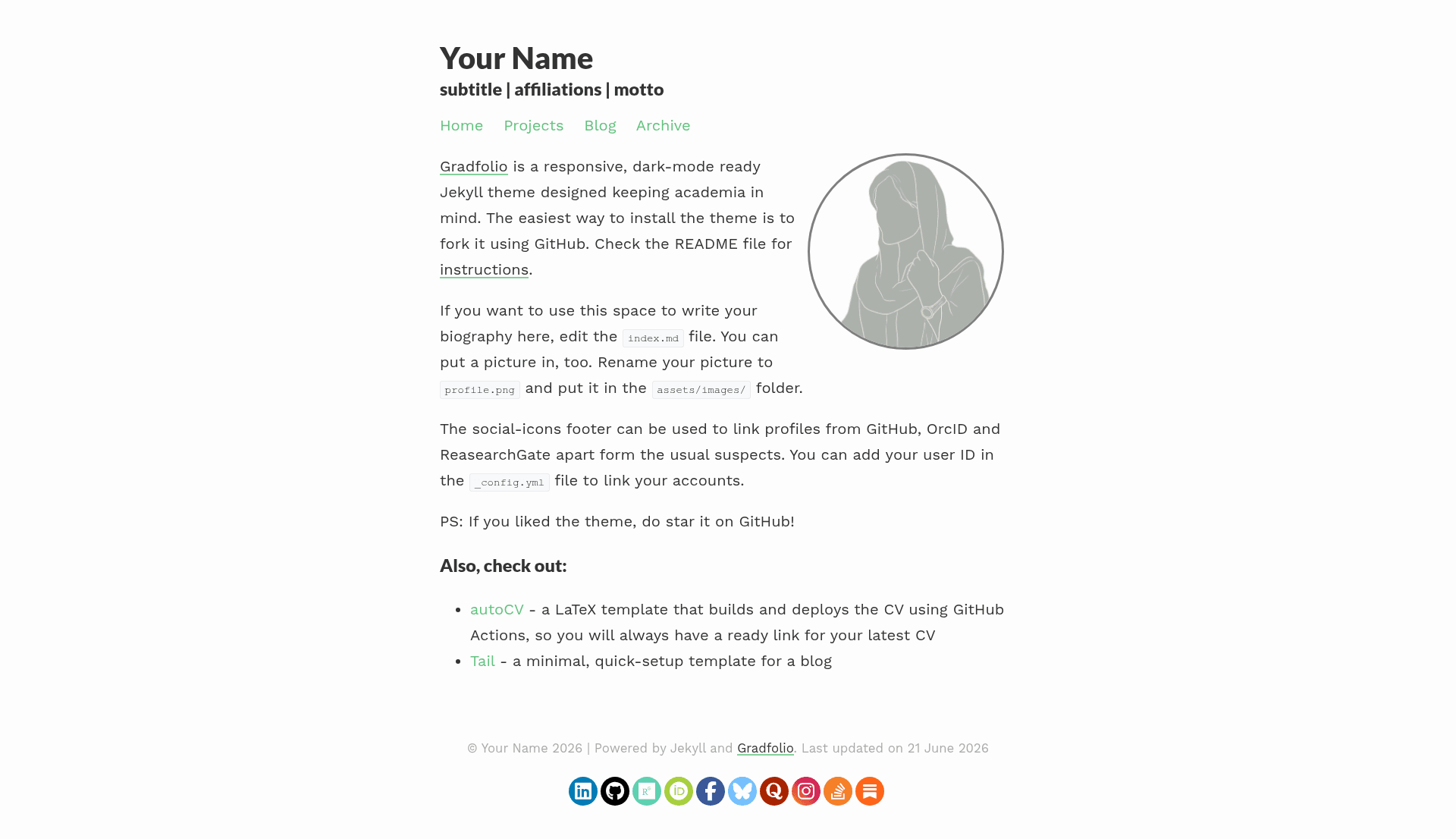
Responsive, dark-mode ready Jekyll theme designed for use as a personal website and portfolio.
About this template
Gradfolio is a responsive, dark-mode-ready Jekyll theme by Jitin Nair for creating a personal website and portfolio. It is built for static site generation: you write content in Markdown, and Jekyll renders a fast, static site that can be hosted on GitHub Pages. The theme includes a dedicated projects page and links to ResearchGate and ORCID profiles, making it particularly suited for researchers and academics.
What is Gradfolio?
Gradfolio is an open-source Jekyll theme that serves as a personal website and portfolio template. Its input is Markdown-based content and configuration files; its output is a static HTML site. The theme is maintained by Jitin Nair on GitHub and is distributed as a template repository that can be forked via the "Use this template" button. A live demo is available at https://jitinnair1.github.io/gradfolio/.
Key Features
- Responsive layout — the theme scales across mobile, tablet, and desktop screens without extra configuration.
- Dark mode support — the site automatically follows the user's operating-system dark mode preference using a CSS media query, with no manual toggle needed.
- Projects page — a built-in page for listing side projects or work pieces, each with a title, description, and optional image.
- ResearchGate and ORCID integration — dedicated configuration options let you link your academic profiles directly from the homepage or about section.
- GitHub Actions workflow — the repository includes a workflow that builds and deploys the site to GitHub Pages when you enable write permissions.
- Custom domain ready — the project wiki explains how to publish the site on your own domain.
- Local development support — you can download the source archive and run Jekyll locally, with setup steps in the wiki.
Who is it for?
- Researchers and PhD students — showcase publications, link to ResearchGate and ORCID, and present ongoing projects.
- Software developers — use the projects page to display code portfolios, side projects, and open-source contributions.
- Recent graduates — quickly stand up a clean personal website for job applications without learning complex frameworks.
What can you do with Gradfolio?
- Academics — add your research project list and academic profile links so thesis committees and collaborators can find your work in one place.
- Freelancers — present case studies under Projects and reuse the same site for client proposals and an online CV.
- Students — document personal projects and class assignments in a structured portfolio that looks professional to recruiters.
How does Gradfolio work?
Start by forking the GitHub repository using the "Use this template" button. Then, in your fork, enable GitHub Actions to allow the workflow to write to the repository. Edit the site configuration and content files to personalize the theme. Alternatively, download the source files and run Jekyll locally. The wiki contains a list of things to customise before you publish and steps for adding a custom domain.
FAQ
Is Gradfolio free?
Yes. The theme is open source and hosted on GitHub. You can fork it, modify it, and deploy it to GitHub Pages at no cost.
Does Gradfolio support dark mode automatically?
Yes. The site detects the user's system preference for prefers-color-scheme and switches between light and dark CSS variables without requiring a manual toggle.
Do I need to know Jekyll to use Gradfolio?
Basic familiarity with Markdown and Git is enough. The theme uses standard Jekyll files, and the wiki lists the key files to edit. No Ruby or plugin development is required for typical use.
Can I use my own domain?
Yes. The wiki includes instructions for publishing your site to a custom domain, including setting up a CNAME record and configuring GitHub Pages.