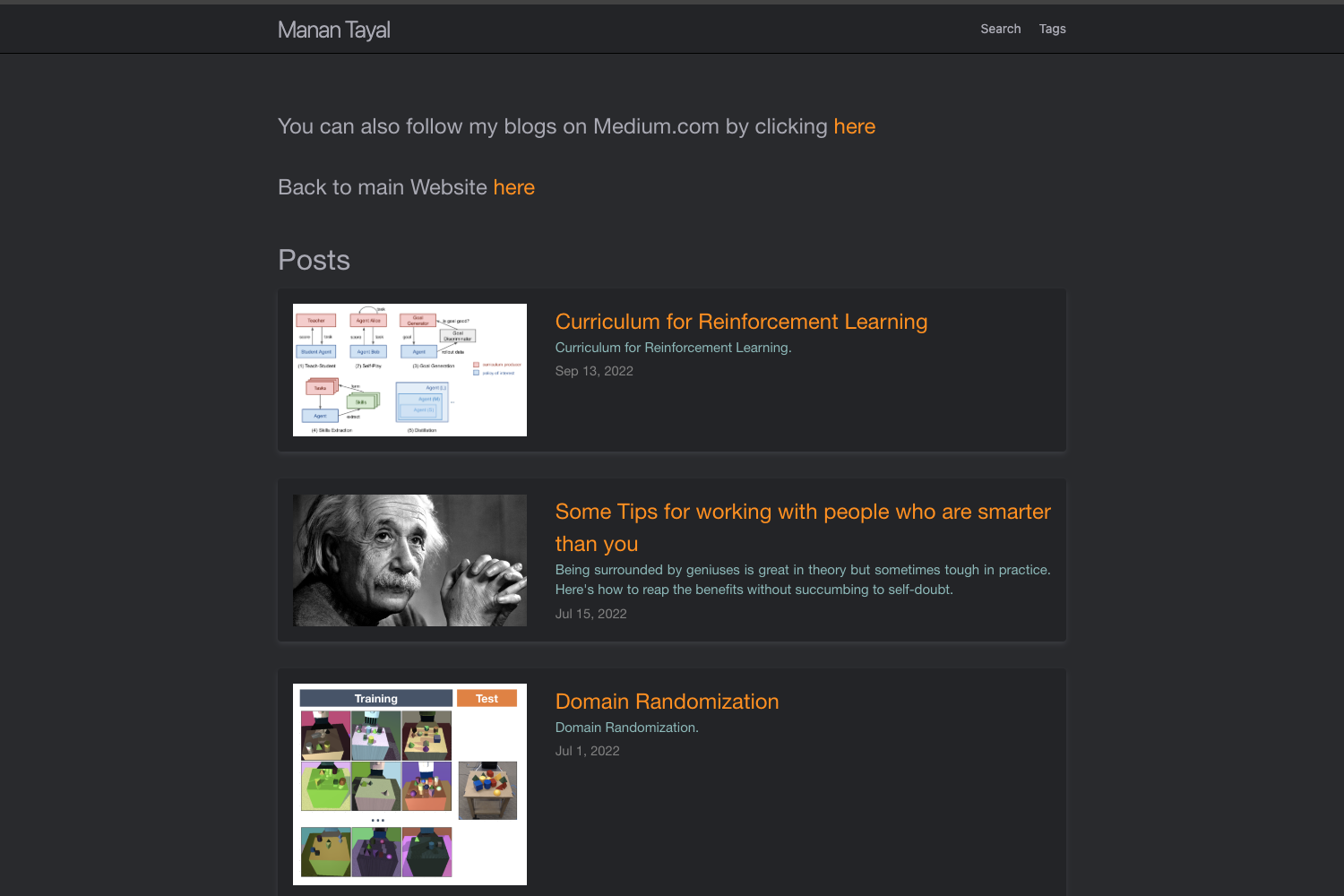
Template details
nextjs-mdx-blog-theme
Starter template for a personal website blog, built with Next.js, MDX, and Tailwind CSS.
About this template
nextjs-mdx-blog-theme is a free starter template for a personal website blog, built on Next.js with MDX for content and Tailwind CSS for styling, designed for one-click deployment to Vercel.
What is nextjs-mdx-blog-theme?
nextjs-mdx-blog-theme is a starter template for a personal website blog, built with Next.js, MDX, and Tailwind CSS. It takes Markdown/MDX content files as input and produces a styled blog site as output, ready to deploy to Vercel. The template lives in the alexcarpenter GitHub repository, which has 82 stars, and a live demo is available at nextjs-mdx-blog-theme.vercel.app.
Key Features
Next.js framework — The template is built on Next.js, giving you server rendering, static generation, and the full React ecosystem for a blog site.
MDX content — Posts are authored in MDX, so you can embed JSX components directly inside Markdown; the template uses next-mdx-remote to render MDX content.
Tailwind CSS styling — Styling is done with Tailwind CSS utility classes, and the template organizes classes through a cx utility that takes an array of strings.
Light and dark mode — The cx utility convention places base styles first, light mode styles second, and dark mode styles third, so every element can support light and dark themes with minimal effort.
One-click Vercel deploy — A Deploy with Vercel button clones the repository and deploys it to Vercel without manual configuration.
Local development workflow — You can run the template locally by cloning the repo, running npm install, and starting the development server with npm run dev:watch.
Live demo — The repository links to a demo site at nextjs-mdx-blog-theme.vercel.app so you can preview the theme before using it.
Who is it for?
Personal bloggers — Anyone who wants a fast, MDX-powered blog for a personal website can clone this template, replace the content, and deploy it to Vercel.
Next.js developers — Developers who want a minimal, well-structured starting point for a blog can use this template as a base and extend it with their own components and features.
Technical writers — Writers comfortable with Markdown can author posts in MDX and take advantage of embedded React components for interactive examples or diagrams.
What can you do with nextjs-mdx-blog-theme?
Start a personal blog — Use the template as your site foundation, write posts as MDX files, and get a Tailwind-styled blog with light and dark mode out of the box.
Create a portfolio with a blog — Add your own pages and components to turn the template into a personal portfolio that also hosts written articles.
Experiment with MDX — Test how MDX allows JSX inside Markdown by using next-mdx-remote, and build custom post layouts without leaving the template's conventions.
How does it work?
The template runs as a standard Next.js application. After cloning the repository, you install dependencies with npm install, start the development server with npm run dev:watch, and the blog becomes available locally. Content is stored as MDX files, and the styling is applied through Tailwind CSS using the cx utility for base, light, and dark mode class arrays.
FAQ
Is nextjs-mdx-blog-theme free?
Yes, the template is freely available in a public GitHub repository. You can clone it, modify it, and deploy it to your own Vercel account.
What is nextjs-mdx-blog-theme?
It is a starter template for a personal website blog that combines Next.js, MDX, and Tailwind CSS. It provides a working blog structure with light and dark mode styling and is designed to be deployed to Vercel.
How do I run nextjs-mdx-blog-theme locally?
Clone the repository, run cd nextjs-mdx-blog-theme, then install dependencies with npm install. Start the development server with npm run dev:watch and open the displayed local URL in your browser.
Does nextjs-mdx-blog-theme support dark mode?
Yes, it includes a Tailwind CSS setup for dark mode. The cx utility takes three class strings: base, light mode, and dark mode, so you can style elements differently for each theme.