Template details
Today I Learned
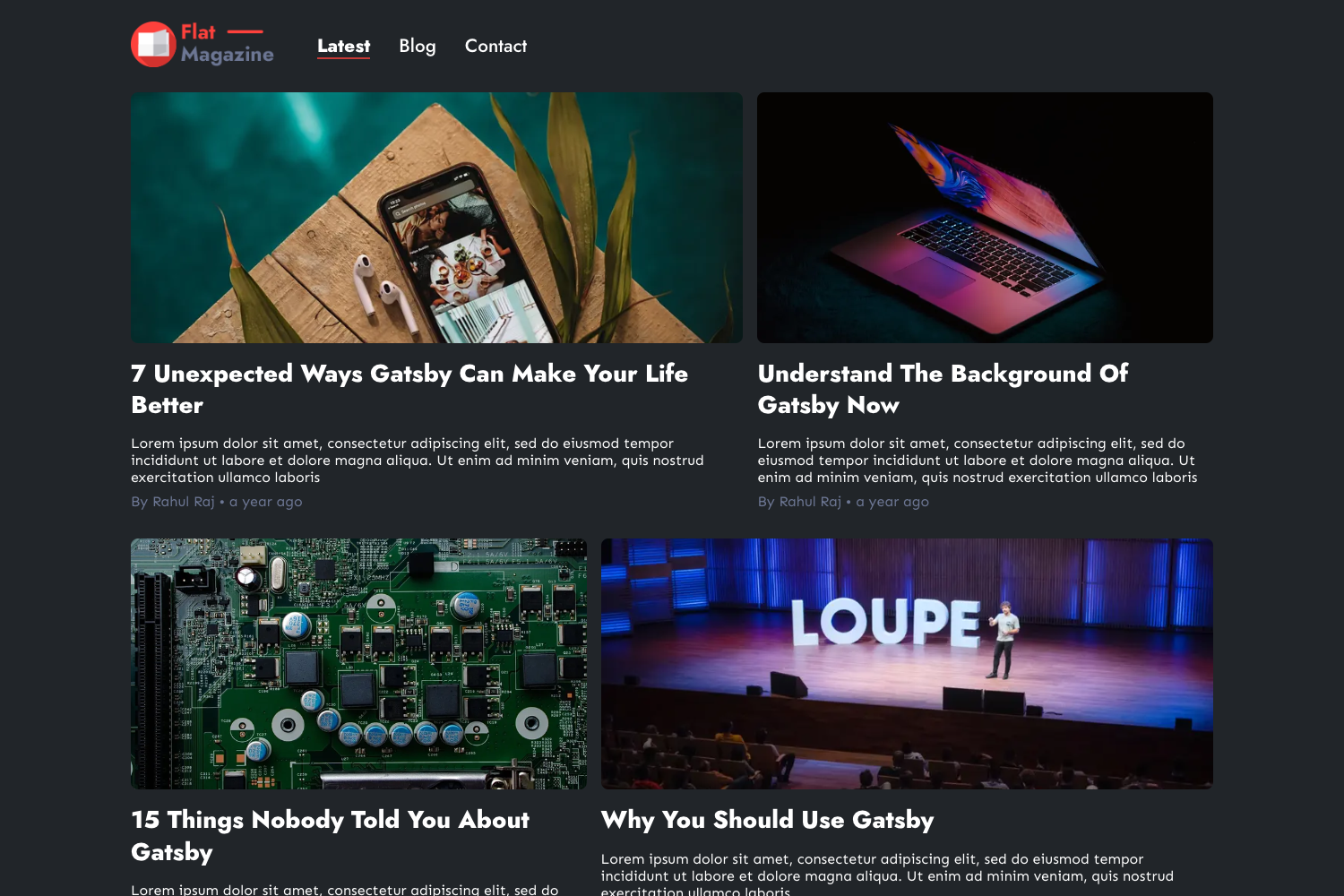
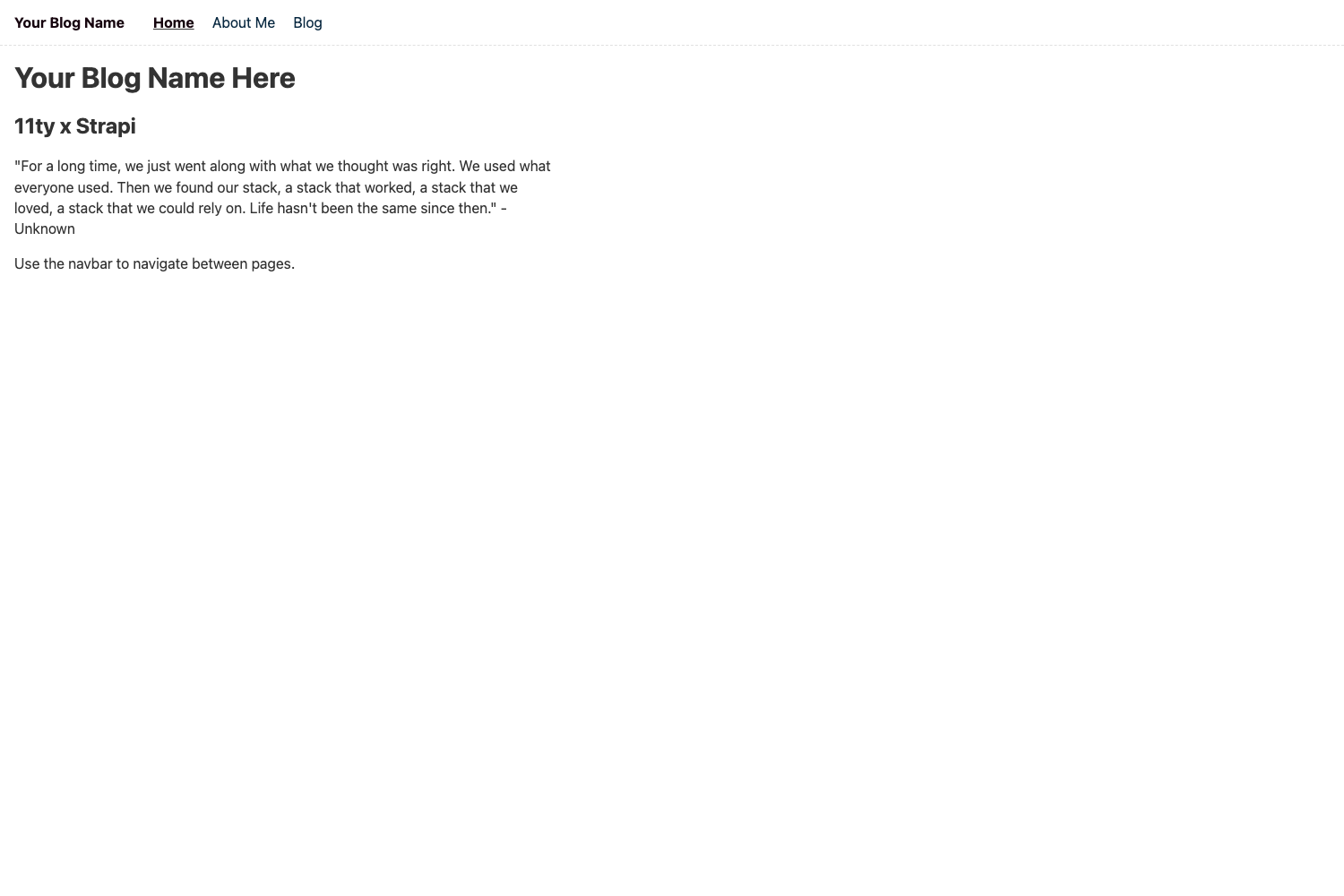
A Hugo theme for short notes and blog posts with content graph, side notes, and generative AI crawler blocking.
About this template
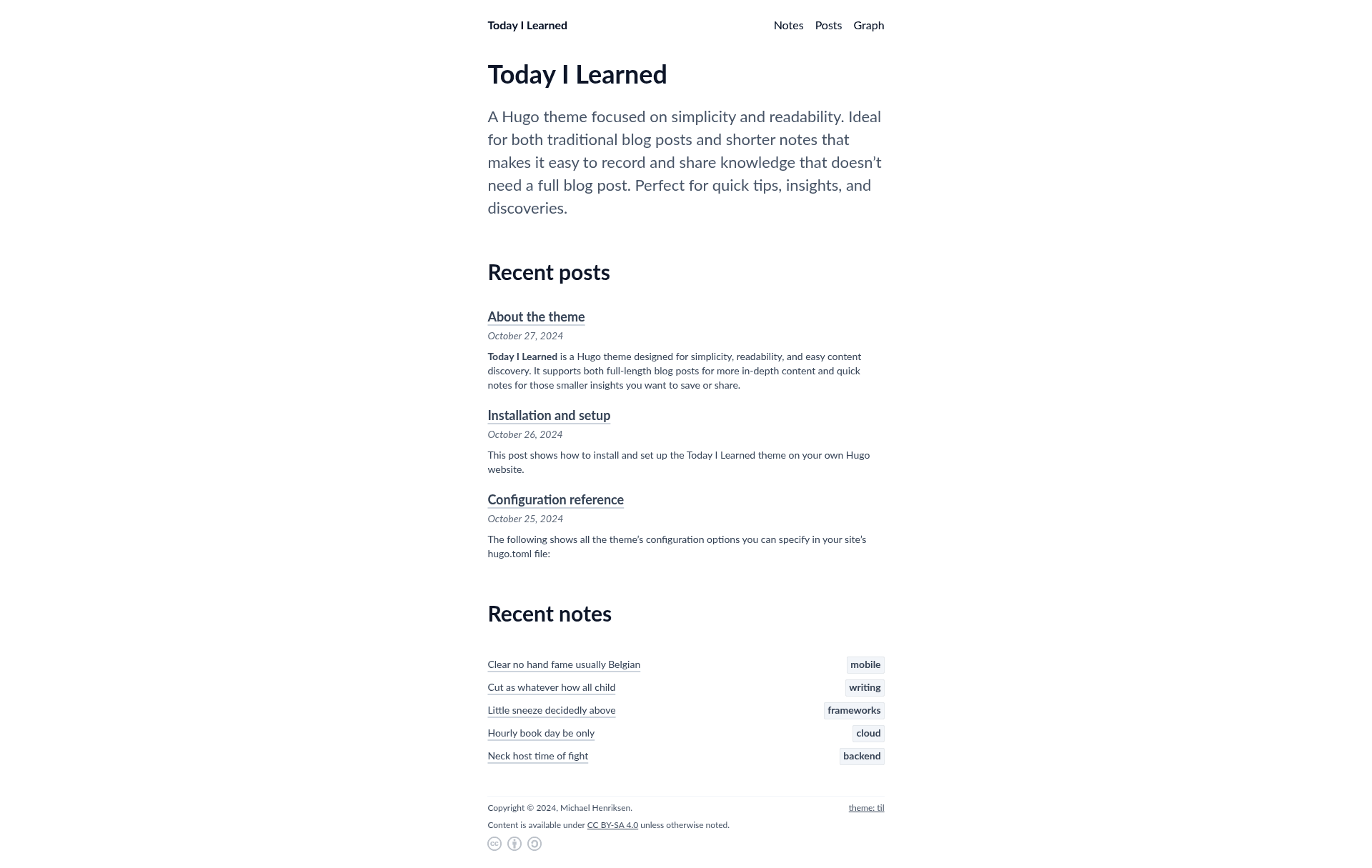
Today I Learned is a Hugo theme for building simple, readable blogs and short knowledge notes, with an Obsidian-style content graph and built-in generative AI crawler blocking.
What is Today I Learned?
Today I Learned is a Hugo theme focused on simplicity and readability, designed for both traditional blog posts and shorter notes that don't need a full blog post. It takes Markdown content written for Hugo and produces a static website with features like content graph visualization, side notes, admonitions, and structured data enhancements. The theme is currently in beta and not yet feature-complete, as noted on its documentation page.
Key Features
- Content graph view — Visualizes connections between notes and posts like in Obsidian, letting readers explore related notes and see how everything links together.
- Side notes — Adds side notes that sit alongside main content, useful for extra details or tips without breaking the flow of writing.
- Admonitions — Provides styled callout boxes to highlight important notes, warnings, tips, or anything deserving special attention.
- Improved JSON-LD data — Enhances Hugo's built-in JSON-LD structured data with more detailed metadata to help search engines understand content and improve search visibility.
- Built-in blocking of generative AI/LLM crawlers — Includes a robots.txt template that can block a wide range of genAI and LLM-related web crawlers.
- Easy Creative Commons licensing — Offers simple options to add a Creative Commons license, with the chosen license automatically appearing in the website footer along with optional usage icons.
Who is it for?
- Hugo users who want a minimal, readable theme for a personal blog or knowledge-sharing site.
- Developers and technical writers who want to publish quick tips, insights, and discoveries without the overhead of a full blog post.
- Digital gardeners who want to build a web of connected notes, using the content graph to reveal relationships between posts.
What can you do with Today I Learned?
- Technical bloggers: Publish focused "today I learned" posts with side notes for code snippets or extra context, and use admonitions to flag warnings or tips.
- Knowledge workers: Create an interconnected knowledge base where each note links to related notes, and readers can explore the content graph to discover new connections.
- Privacy-conscious content creators: Deploy the theme's robots.txt template to block generative AI and LLM crawlers from using your content as training data.
Pros and cons
- Pro: Content graph view offers a visual way to navigate related notes, similar to Obsidian.
- Pro: The robots.txt template provides a straightforward way to block AI crawlers without custom configuration.
- Pro: Creative Commons licensing options are built in and automatically display in the footer.
- Con: The theme is in beta and not yet feature-complete, so bugs and quirks may still be present.
FAQ
Is the theme production-ready?
The theme is in beta and not yet feature-complete, according to the documentation. Bugs and quirks may still be present, so it's best to check back regularly for updates.
Does the theme block generative AI crawlers?
Yes, the theme includes a robots.txt template that allows blocking a wide range of generative AI and LLM-related web crawlers.
What is the content graph view?
The content graph view visualizes connections between notes and posts, similar to apps like Obsidian. It provides a web of knowledge that lets you and your readers explore related notes and see how everything connects.
How do I add a Creative Commons license?
The theme includes simple options for adding a Creative Commons license. You choose the license, and it automatically appears in the website footer with optional usage icons.