Template details
First NextJS
A simple blog project based in NextJS (ReactJS); Next.js Crash Course
About this template
First NextJS is an open-source blog starter built with Next.js and React, created to accompany a Next.js crash course on YouTube and published as a live demo on GitHub Pages.
What is First NextJS?
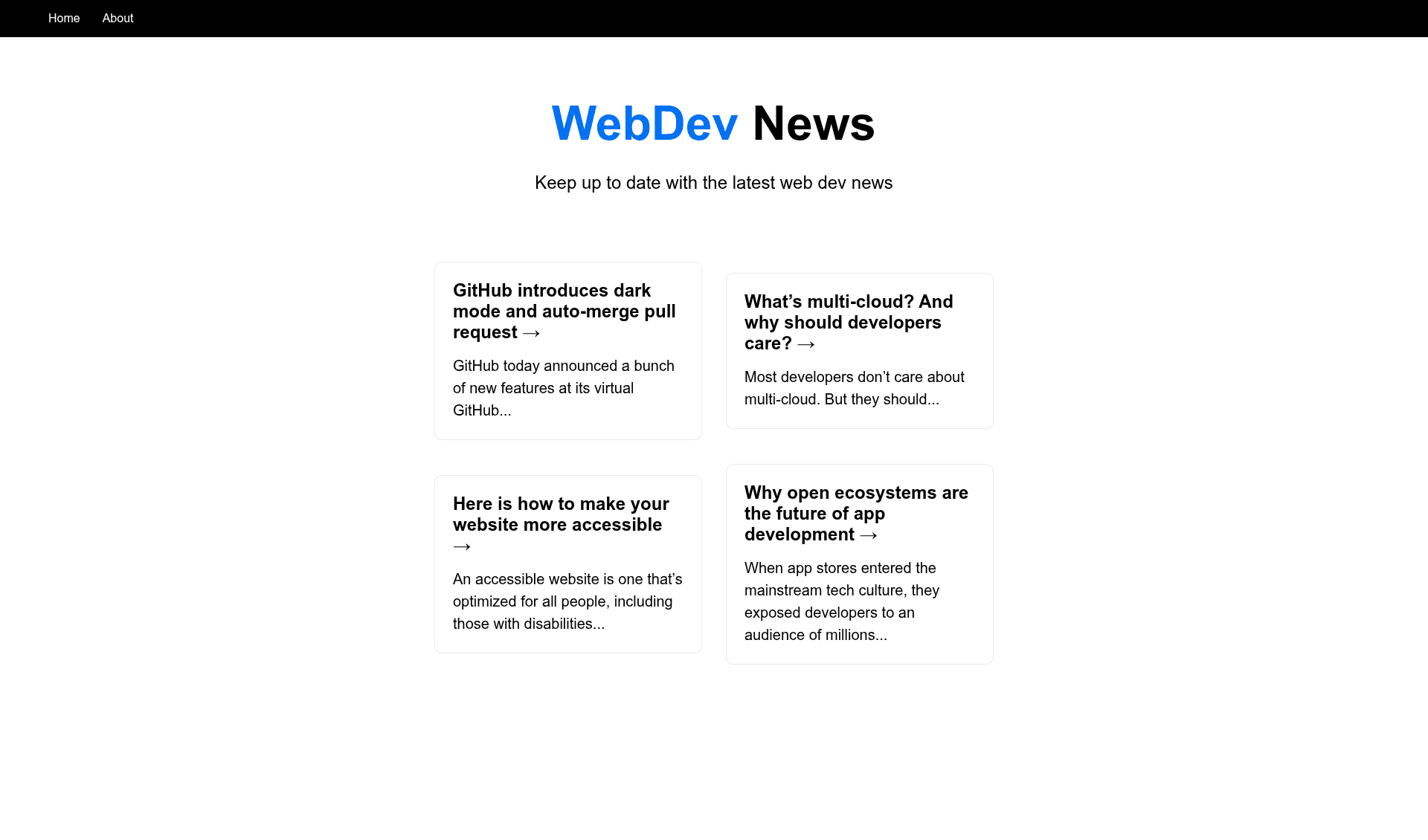
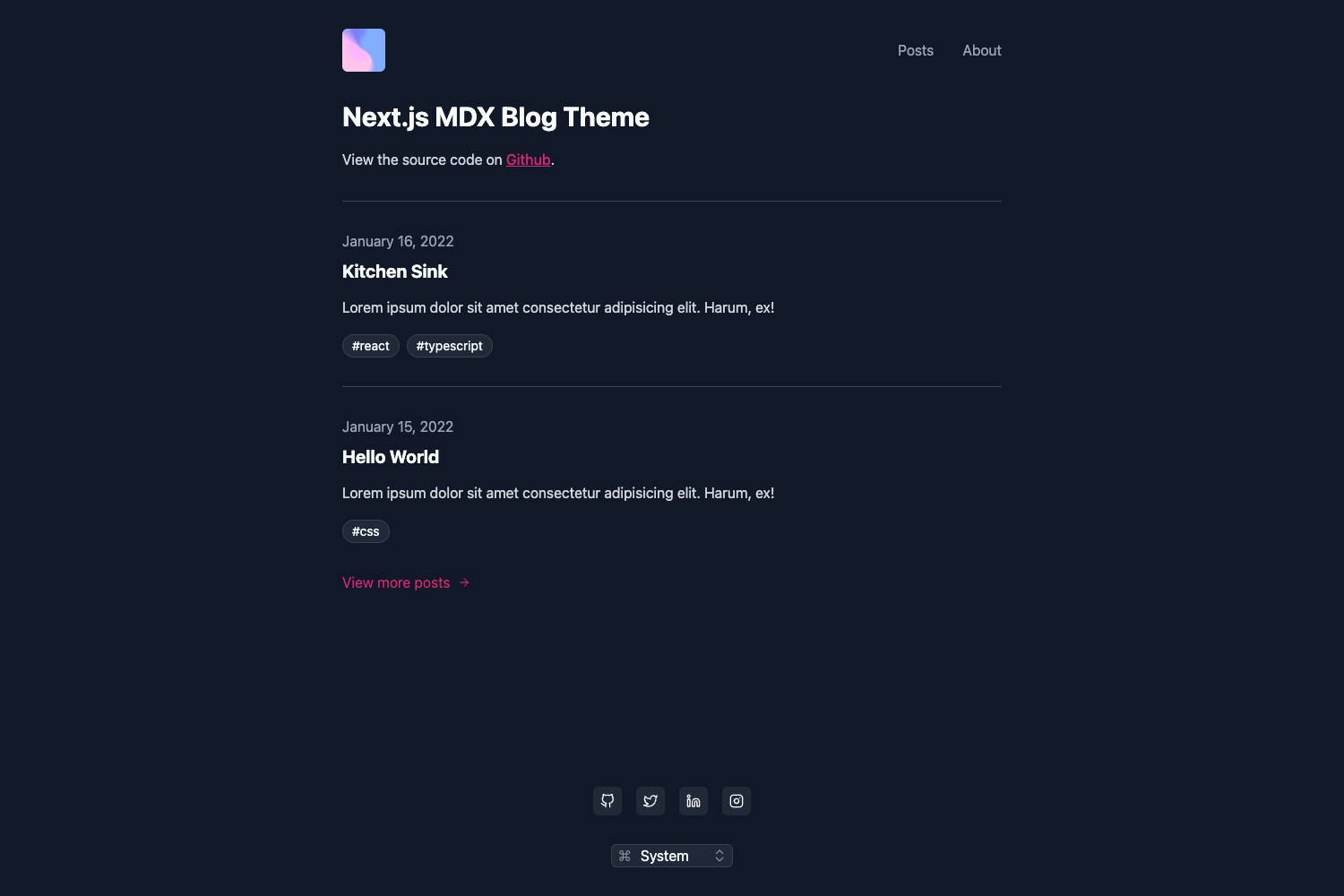
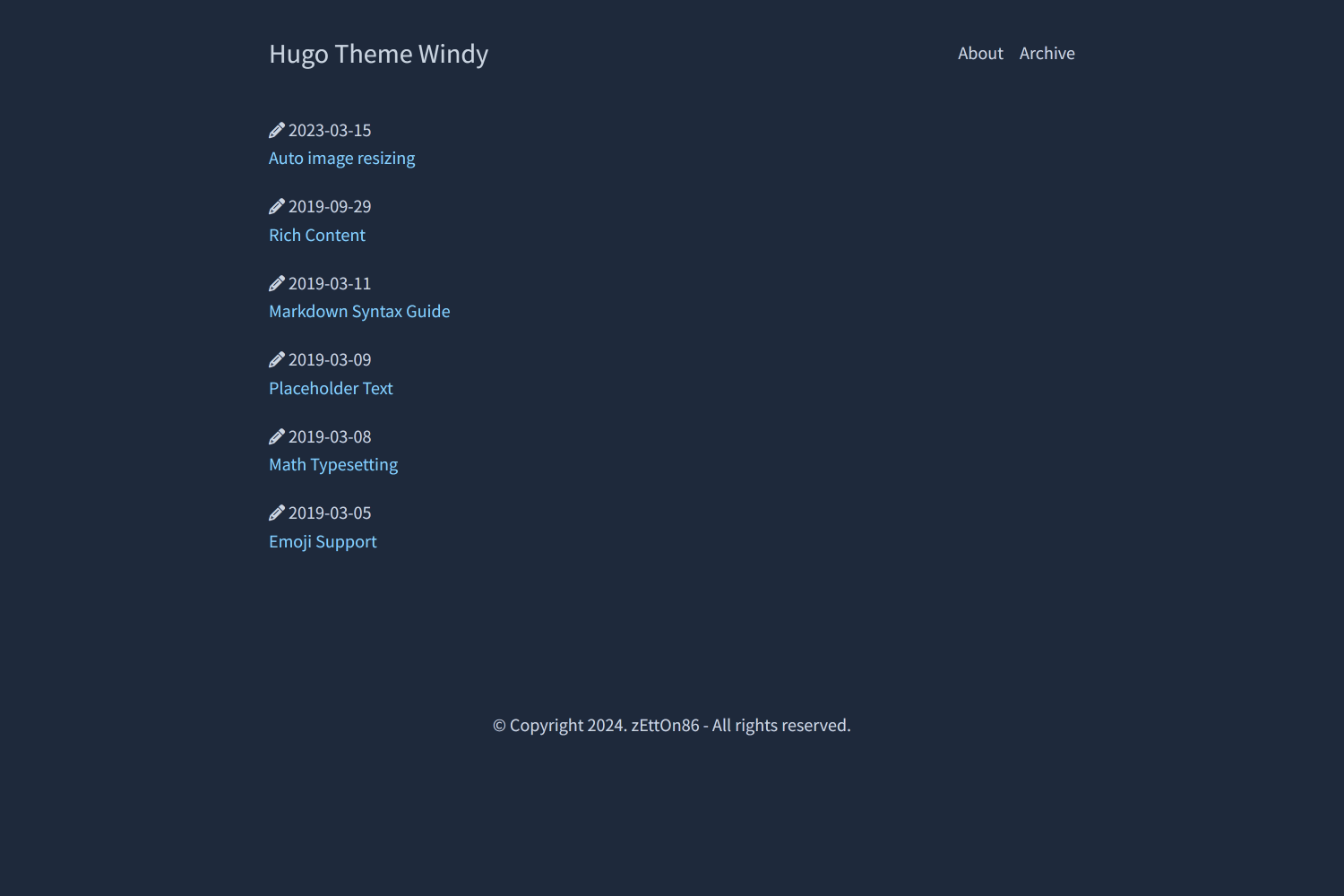
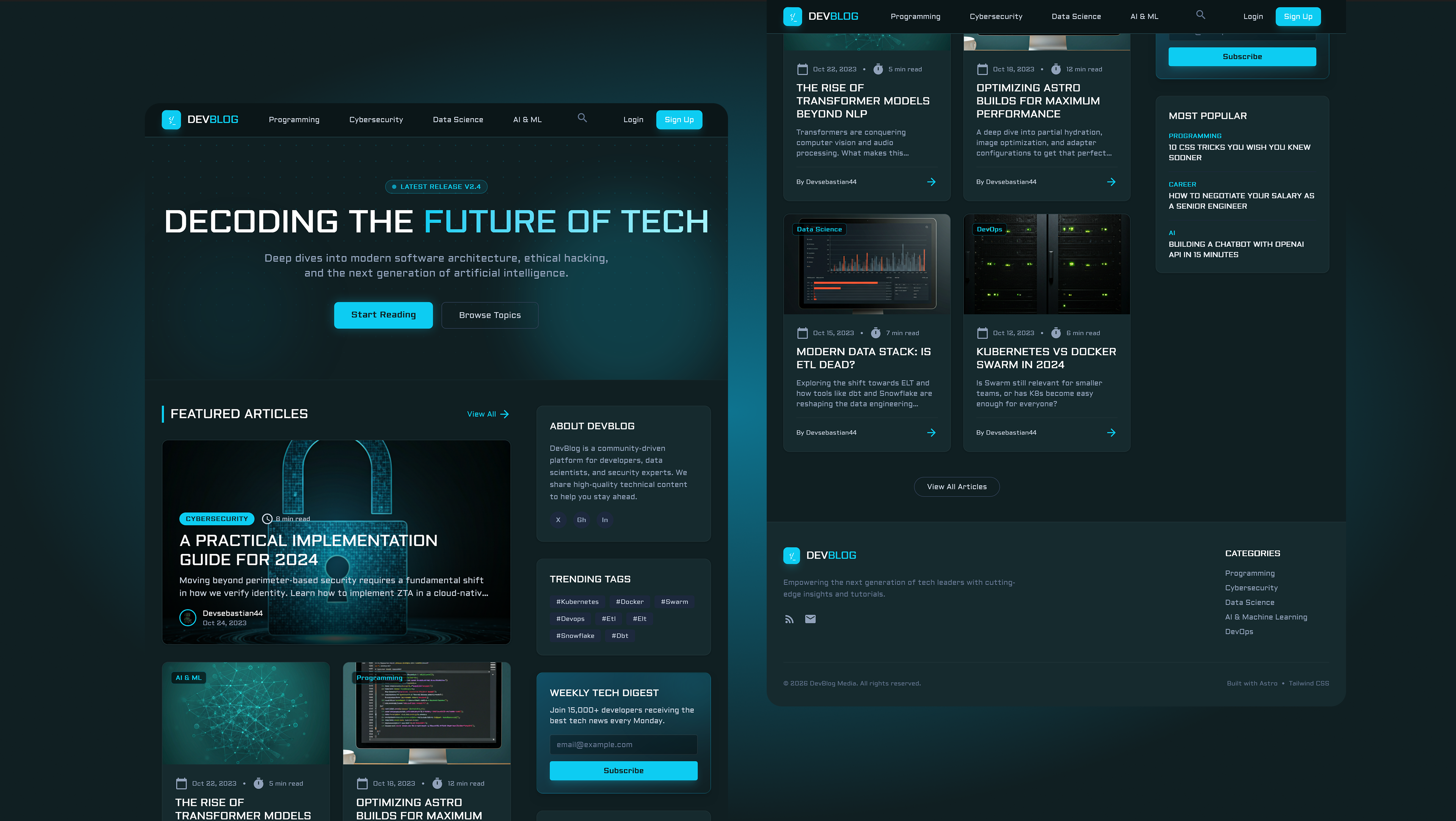
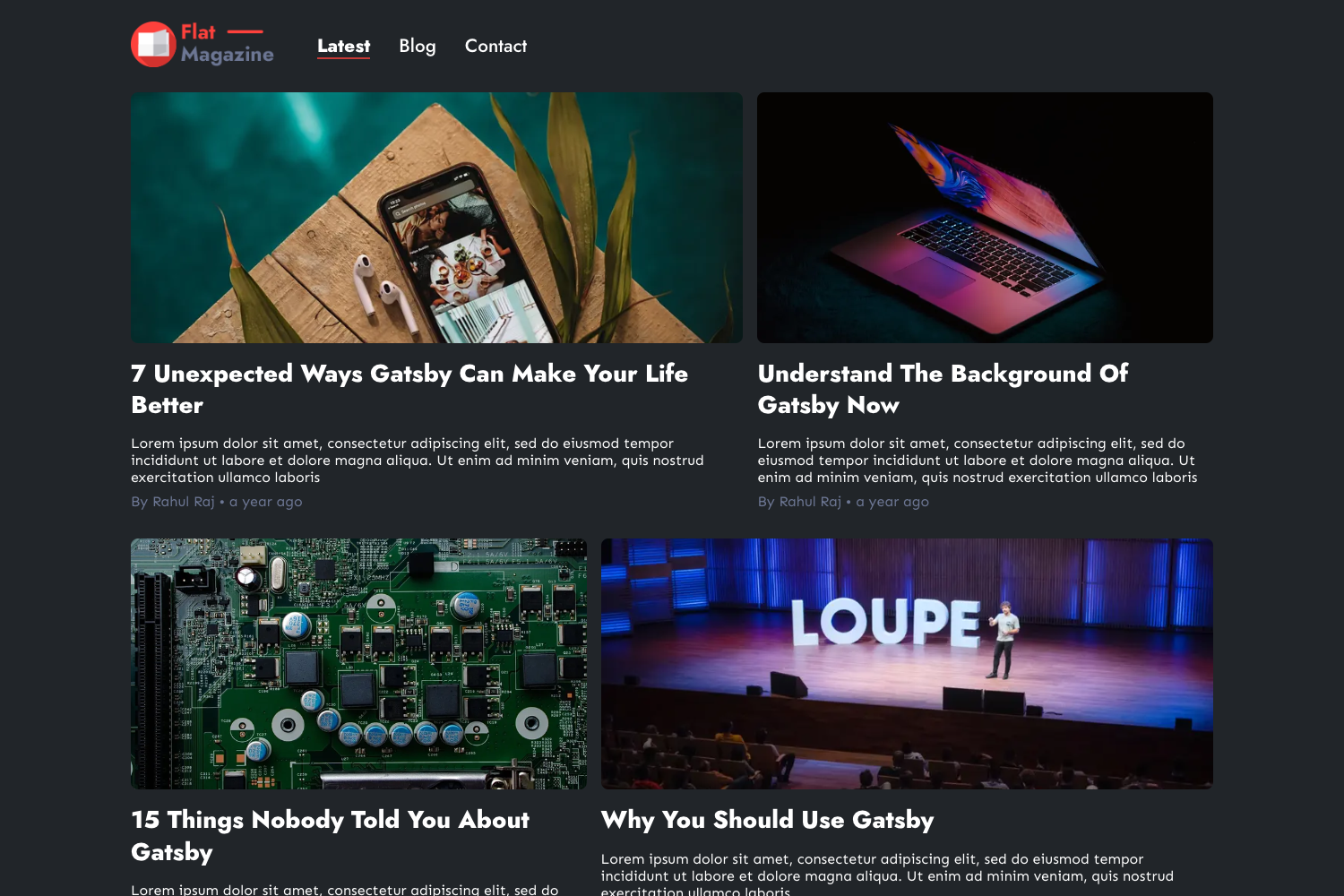
First NextJS is a minimal blog project built on Next.js, the React framework, bootstrapped with the official create-next-app tool. It takes a basic Next.js source tree and produces a working web app with a home page, an API endpoint, and a development server with fast refresh. The project is hosted live at basemax.github.io/FirstNextJS and its complete source is available on GitHub.
Key Features
- Next.js framework — Uses Next.js with file-based routing, so every file in the pages directory becomes a route automatically.
- create-next-app bootstrap — The project was initialized with create-next-app, giving it the standard Next.js folder structure out of the box.
- API routes — Ships with pages/api/hello.js, which exposes a JSON endpoint at /api/hello and serves as an example of Next.js serverless functions.
- Development server with hot reload — Running npm run dev or yarn dev starts a local server at http://localhost:3000 that updates instantly when you edit files like pages/index.js.
- Vercel deployment path — The README points to Vercel as the easiest deployment option and links to the official Next.js deployment documentation.
- Editable home page — The main page is defined in pages/index.js, so you can change the blog content directly in that file and see the result in the browser.
- Live demo on GitHub Pages — A built version of the blog is accessible at basemax.github.io/FirstNextJS for quick previewing.
Who is it for?
- Next.js beginners — Learn how a Next.js project is organized by reading the pages directory, the API folder, and the package.json scripts.
- Developers starting a blog — Use this as a bare-bones skeleton to replace with your own posts and styling instead of starting from an empty directory.
- Students following a crash course — Anyone working through the linked YouTube Next.js crash course can use this exact project as the companion code.
What can you do with First NextJS?
- Learn Next.js routing: Examine how pages/index.js maps to the root URL and how adding files under pages creates new routes.
- Experiment with API routes: Edit pages/api/hello.js to return custom JSON and test it at http://localhost:3000/api/hello.
- Build a personal blog: Replace the sample content in the home page with your own posts, then deploy the result to Vercel or GitHub Pages.
How does First NextJS work?
From the project root, run npm run dev or yarn dev to start the development server, then open http://localhost:3000 in your browser. Any edits to pages/index.js are applied instantly via fast refresh, and files in pages/api are served as API routes under /api/*.
FAQ
Is First NextJS free to use?
Yes. The source code is available on GitHub as an open-source project, and you are free to clone, modify, and deploy it without restrictions.
What do I need to run First NextJS?
You need Node.js and either npm or yarn. The README lists the exact commands to launch the development server.
Does First NextJS include a CMS or database?
No. It is a minimal Next.js starter with only a sample API route; there is no CMS, database, or authentication bundled in.
How do I deploy First NextJS?
The easiest method described in the README is to use the Vercel Platform, which is designed for Next.js apps. The project also has a GitHub Pages demo running.