Template details
HugoBlox Resume
Open-source Hugo theme that replaces outdated PDF resumes with one live, Markdown-owned link — AI-generated pages, visual editing, free to host forever.
About this template
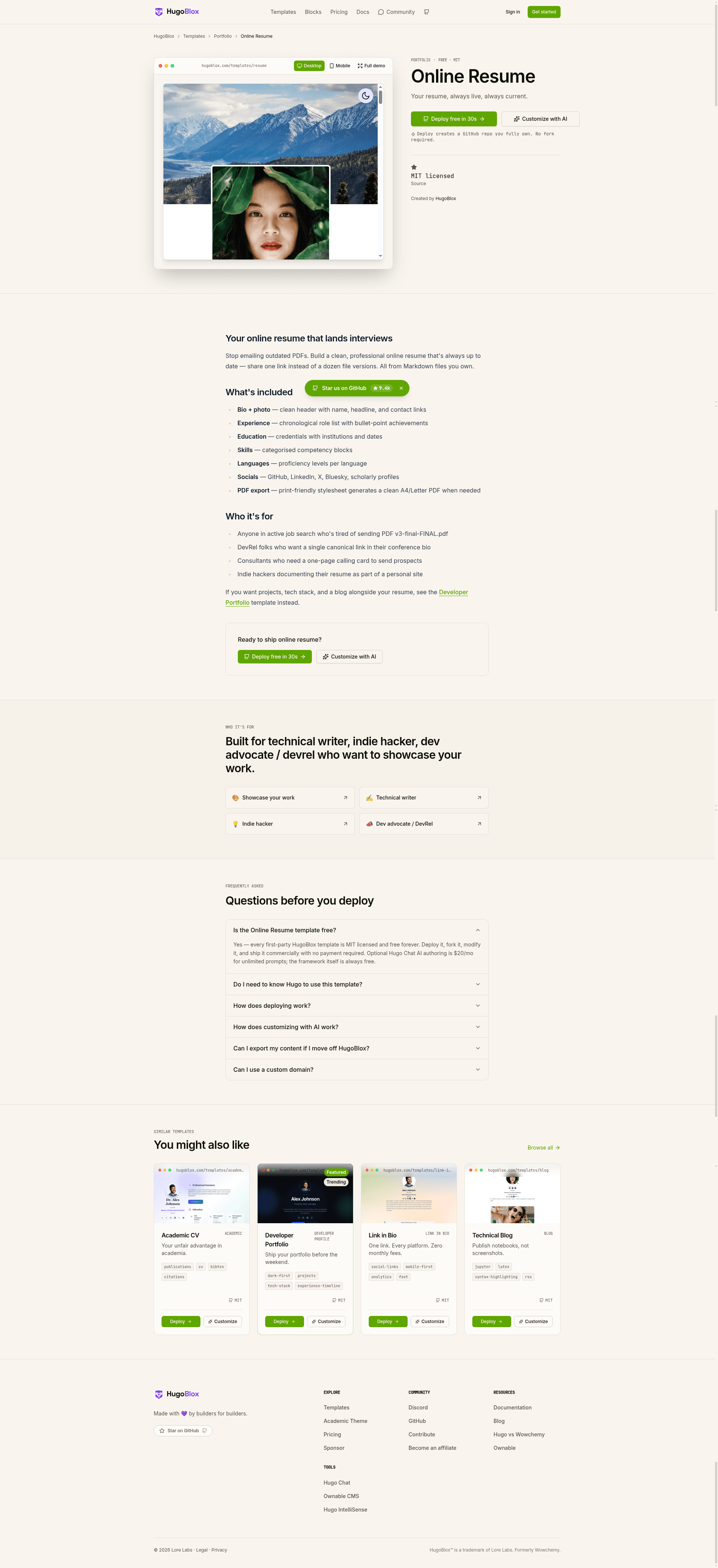
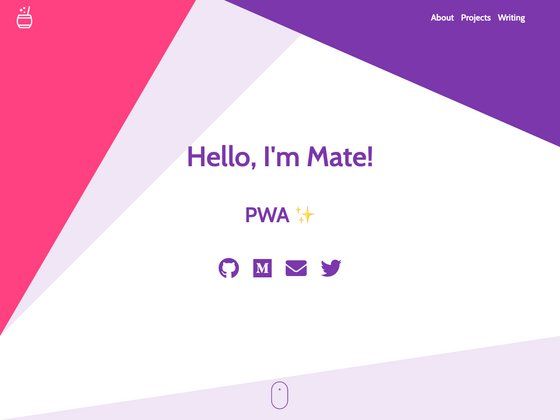
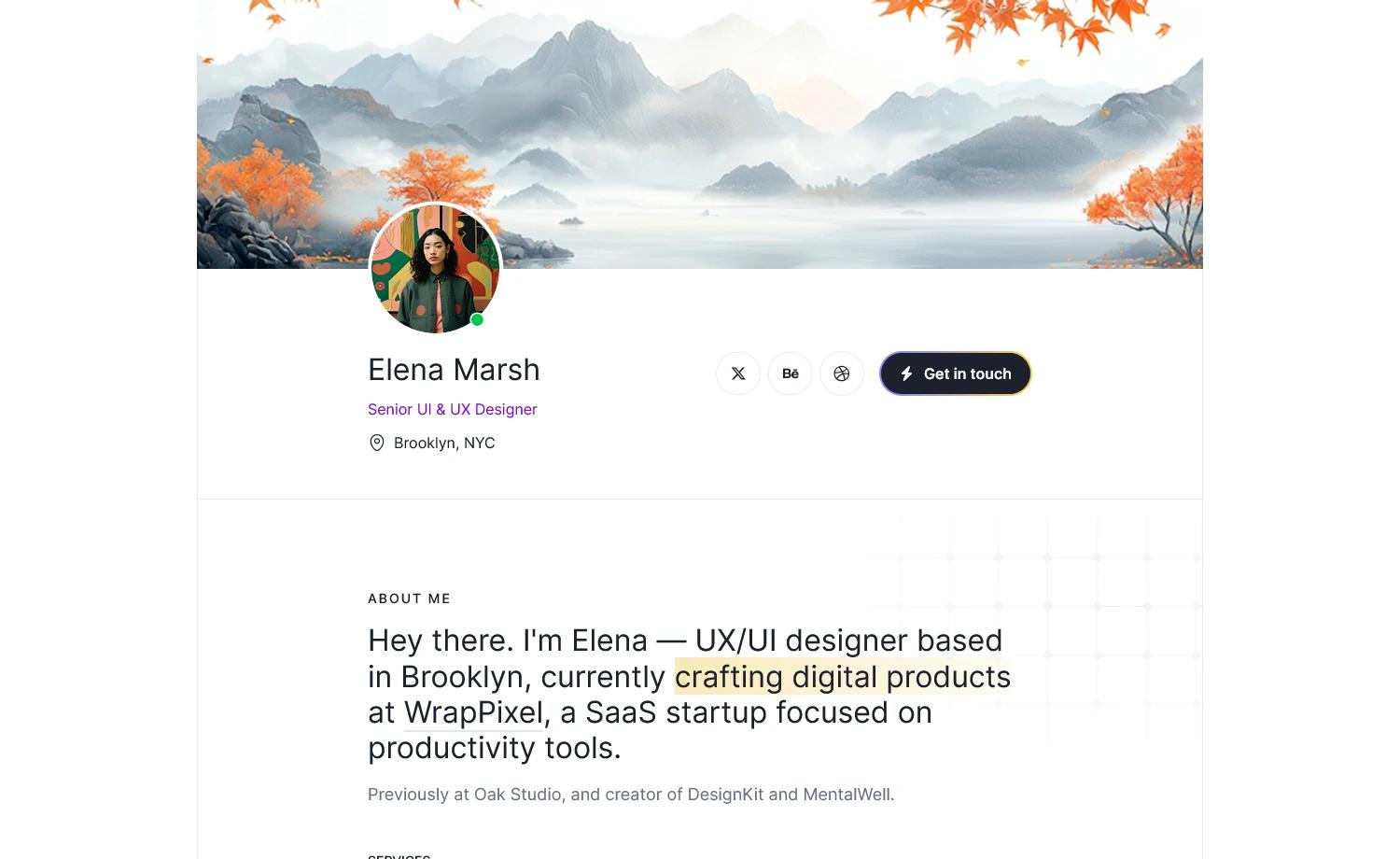
HugoBlox Resume (hugo-theme-resume) is a free, open-source Hugo web template that turns Markdown into a single-page online resume — one live link that stays current and replaces the habit of emailing outdated PDF attachments.
What is HugoBlox Resume?
HugoBlox Resume is a Hugo-based resume template from the HugoBlox ecosystem, maintained by Lore Labs under an MIT license since 2016 and part of a framework that powers more than 150,000 sites at a reported 4.9/5 official survey rating. It takes Markdown files describing work experience, education, skills, and contact details and outputs a static, single-page resume site deployable to GitHub Pages, Netlify, Vercel, or Cloudflare Pages on their free tiers. The template offers three editing modes — plain Markdown, the Ownable CMS drag-and-drop block editor inside VS Code, and AI generation through Hugo Chat — and every file remains human-readable Markdown with no database and no vendor lock-in.
Key Features
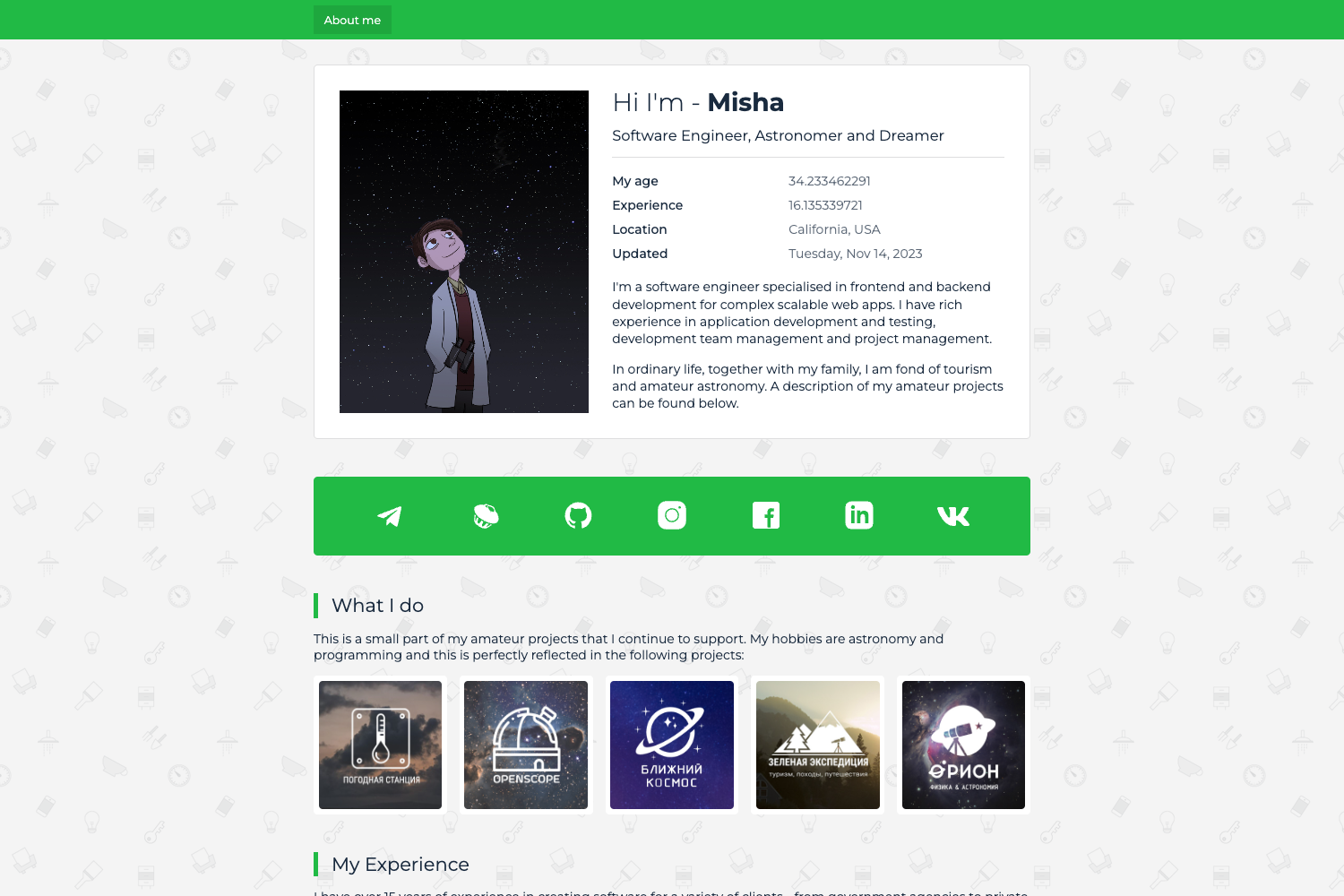
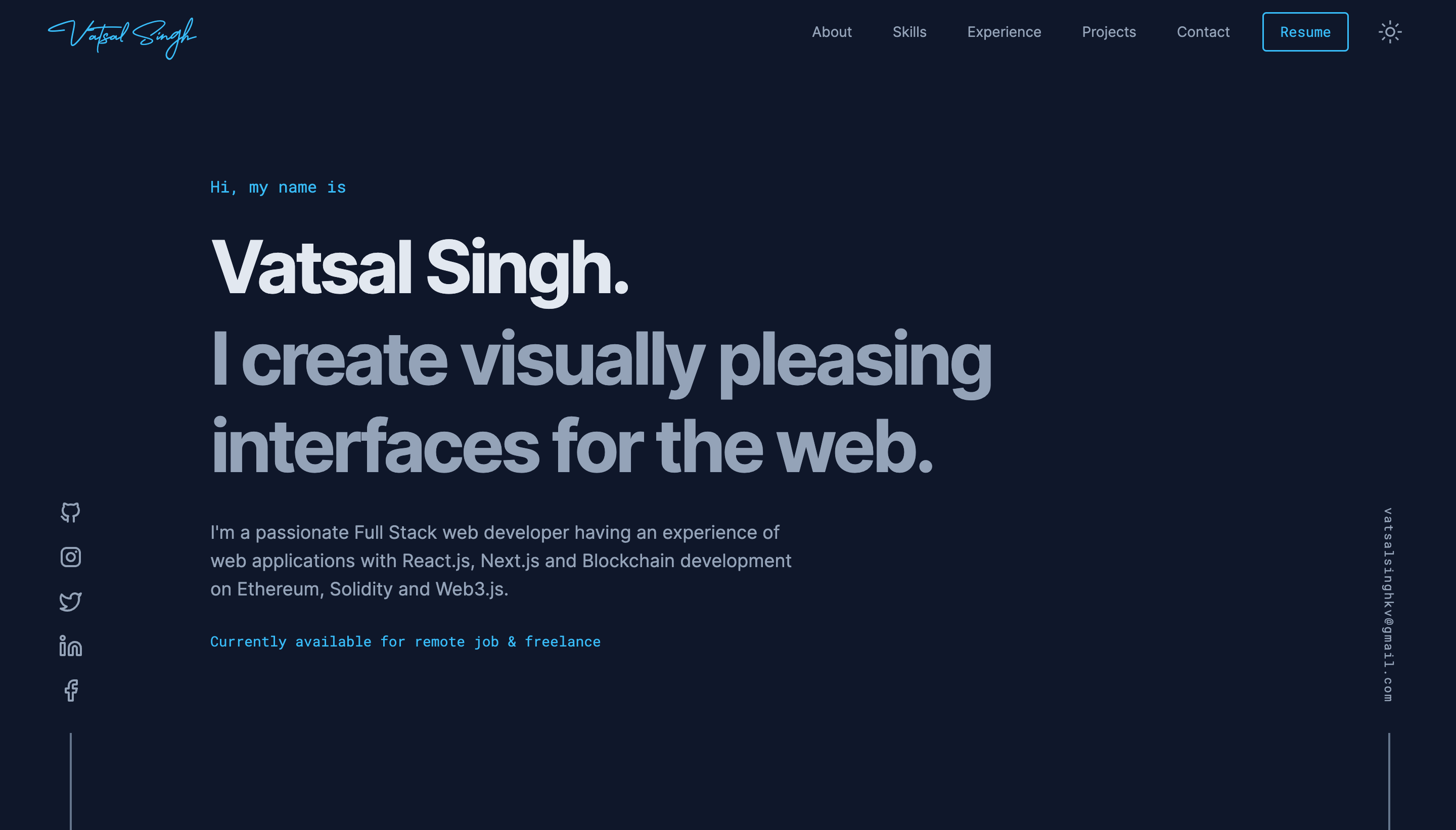
HugoBlox Resume combines a scannable single-page design, structured career timeline, visual skills display, and a fully free hosting stack.
- Clean single-page layout — a one-page design that fits experience, education, skills, and contact into a single scannable view for recruiters.
- Experience & education timeline — structured career history with roles, dates, and descriptions rendered as a timeline.
- Skills & expertise display — a visual skills section that lets hiring managers see strengths at a glance.
- Social links & contact block — LinkedIn, GitHub, email, and custom links collected in one place.
- AI page generation with Hugo Chat — describes what you need in plain English and generates structured pages with correct front matter, shortcodes, and blocks; free to try at hugo.chat.
- Visual block editor with Ownable CMS — drag-and-drop blocks in VS Code without writing code.
- Plain Markdown content — all content is human-readable Markdown; copy the folder anywhere to migrate.
- SEO & AI-ready output — the generated site is optimized for search engines and LLMs so profiles get found and recommended.
- Free hosting everywhere — deploy to GitHub Pages, Netlify, Vercel, or Cloudflare Pages, all of which offer free tiers for static sites.
Who should use HugoBlox Resume?
HugoBlox Resume suits anyone who currently sends PDF resumes, with distinct value for these groups:
- Job seekers — share one live link instead of attachments that get lost, and update the resume by editing a Markdown file and pushing to GitHub.
- Career changers — publish a clean, professional presence that does not read as strictly "developer" or "academic."
- Freelancers and consultants — showcase experience, skills, and social proof to potential clients through a single link.
- Applicants in competitive hiring rounds — stand out from identical Word documents with a professional, always-current web resume.
What can you do with HugoBlox Resume?
- Update in minutes: change a Markdown file and push to GitHub — no reformatting, no broken layouts, no version confusion.
- Export to PDF: print the page from the browser to produce a clean PDF for offline sharing when a link is not accepted.
- Generate with AI: tell Hugo Chat what you want, such as "create a resume page with my 5 years of product management experience," and get structured pages instantly.
- Deploy without installing anything: launch a live site in 60 seconds from the HugoBlox website, or use the CLI with
npx hugoblox create site --template resume(which requires Hugo Extended and Node.js).
How does HugoBlox Resume work?
Deploy first — either launch a live site in 60 seconds directly from the HugoBlox website with no software installation, or scaffold locally by running npx hugoblox create site --template resume. After deployment, customize through Hugo Chat's AI generation, Ownable CMS's visual editor, or direct Markdown edits; Hugo is only the build engine under the hood and never needs to be touched by hand.
Pricing
The template is freemium. The free Resume tier includes the clean single-page layout, standard sections, basic skills display, and community support. Resume Pro adds premium designs, advanced timeline and layout options, enhanced skills visualization, removes attribution, and provides priority support; plan comparison is available at hugoblox.com/pricing.
FAQ
Do I need to know Hugo to use this resume template?
No. You can edit visually with the Ownable CMS extension in VS Code or write plain Markdown. Hugo is the build engine that compiles the site, and the template's docs state you never have to touch it.
Can I export my online resume to PDF?
Yes. Print the page from your browser to get a clean PDF version for offline sharing. This is useful when a recruiter or application portal requires a file rather than a link.
Can I host my resume for free?
Yes. GitHub Pages, Netlify, Vercel, and Cloudflare Pages all offer free tiers for static sites, and the template deploys to any of them.
Can I migrate my content to another platform later?
Yes. Your site is just Markdown files in a folder, so you can copy them anywhere. There is no database and no vendor dependency, which prevents lock-in.
What is Hugo Chat and is it free to try?
Hugo Chat is an AI assistant trained on Hugo and HugoBlox documentation. You describe what you want in plain English, and it generates the correct pages with the right front matter, shortcodes, and blocks for this template. It is free to try at hugo.chat.
Can I cancel Resume Pro at any time?
Yes, according to the template FAQ you can cancel anytime with no questions asked.