Template details
Gatsby Starter Oasis
Lightweight page-based Gatsby starter with code highlighting, dark mode, Utterances comments, and a page creation tool.
About this template
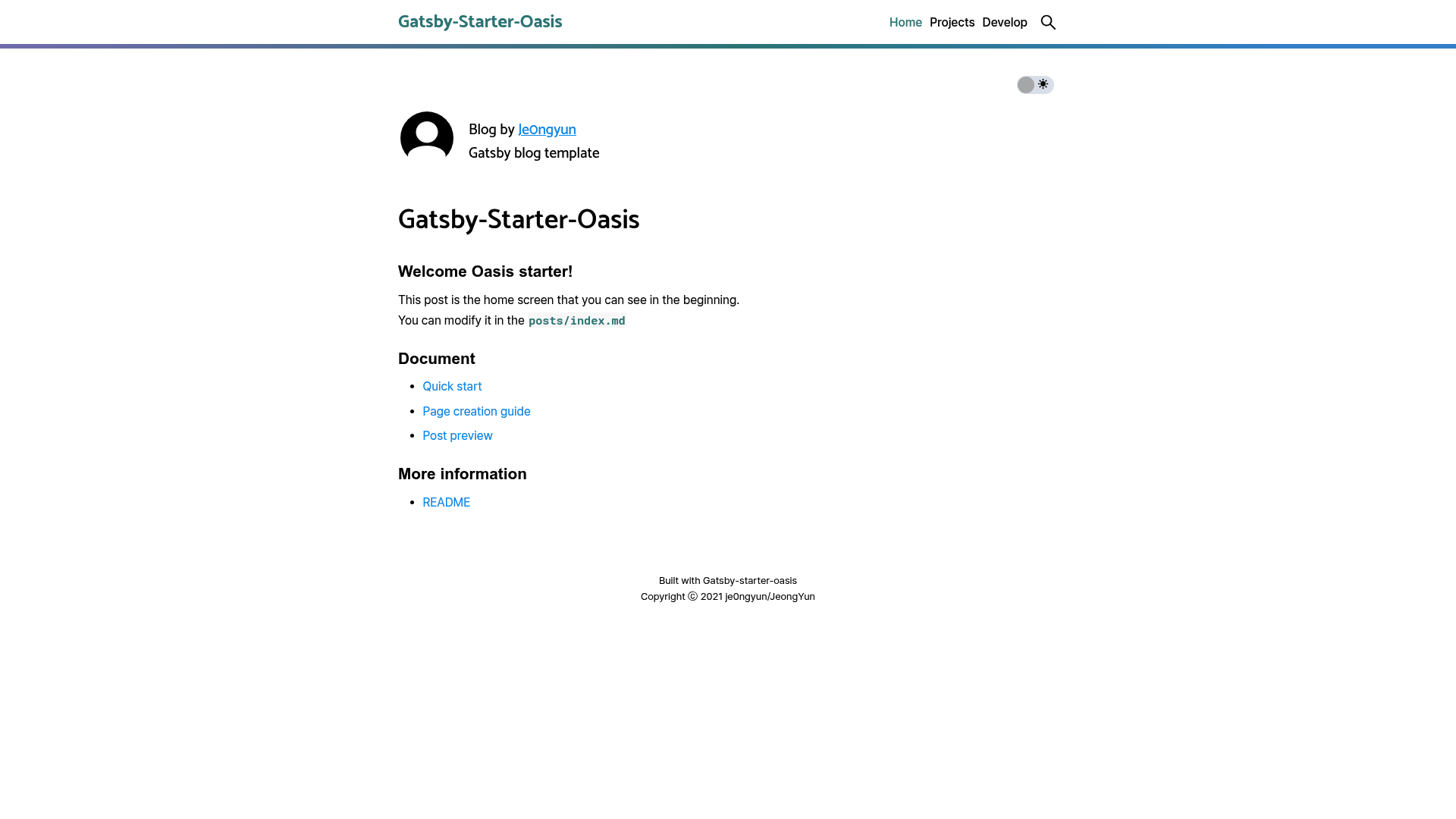
Gatsby Starter Oasis is a lightweight, page-based Gatsby blog starter with a highlight-based UI, built for developers who want a static blog with minimal setup.
What is Gatsby Starter Oasis?
Gatsby Starter Oasis is a Gatsby starter template that builds a multi-page blog from markdown files organized in folders. It takes user config defined in user-meta-config.js and markdown posts as input, and generates a static site with pages like Home, Projects, and Develop, along with RSS, sitemap, and robots.txt. It is created by GitHub user je0ngyun and released under the MIT license. The starter is available on GitHub at https://github.com/je0ngyun/gatsby-starter-oasis and has a live demo at https://gatsby-starter-oasis.netlify.app.
Key Features
- Code highlight and highlight-based UI — Code blocks are highlighted, and the interface uses a highlight aesthetic throughout.
- GitHub typography — Built on typography.js with the GitHub theme for familiar, readable text.
- Scroll gauge bar — A progress bar at the top shows how far the reader has scrolled through a post.
- Utterances comments — Comments are hosted in GitHub issues via the Utterances widget, requiring a GitHub repository.
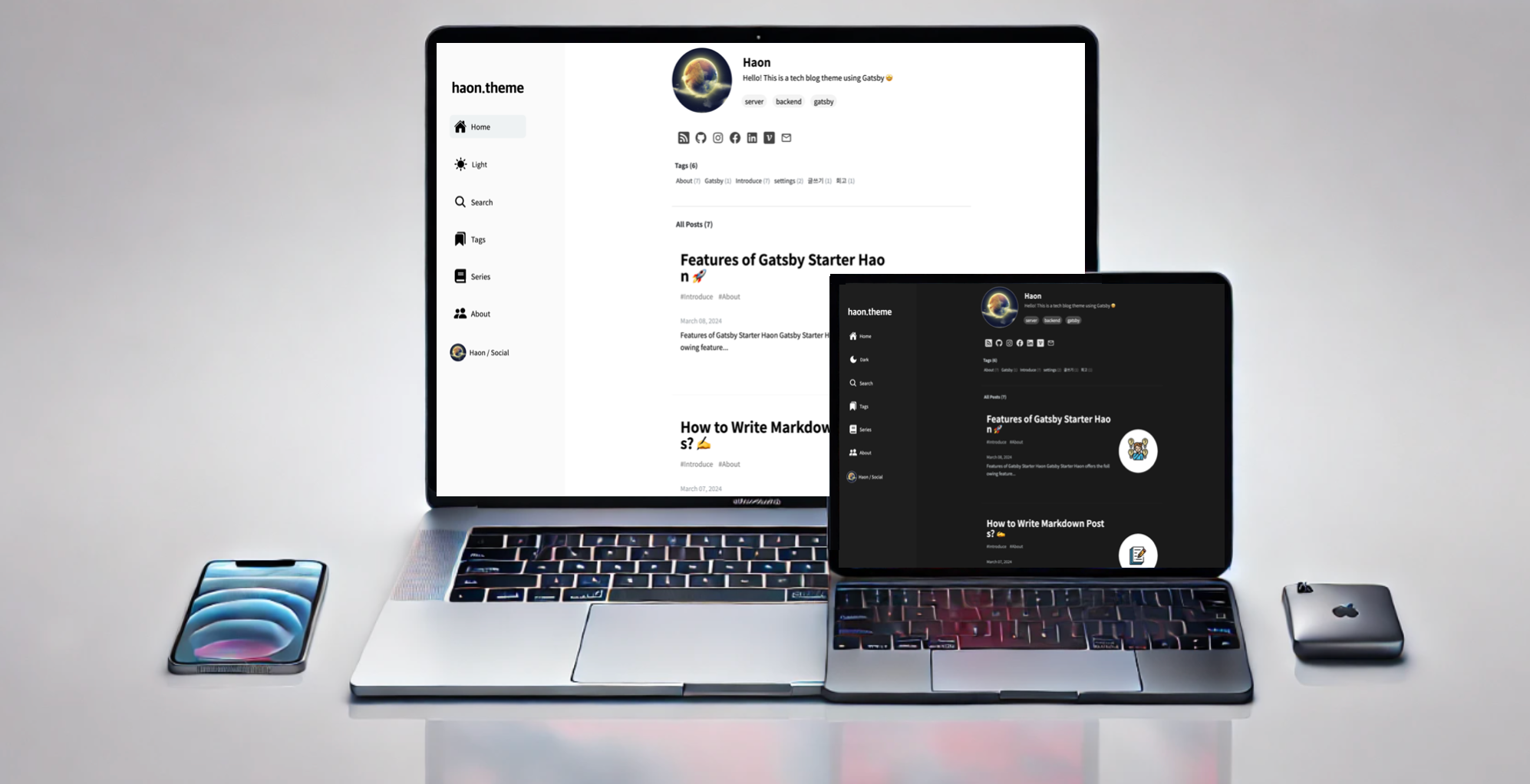
- Dark mode — Comes with separate
dark-mode.scssandlight-mode.scssstylesheets and a toggle button. - Page creation CLI — Running
npm run pagelaunches a CLI that scaffolds a new page and updatesuser-meta-config.js. - Project post frontmatter — Project posts support
tech,period, anddescfields to showcase work on a dedicated Projects page. - SEO and performance — Includes Google Analytics, RSS feed, sitemap, robots.txt, and reports a Lighthouse performance score of 98 or higher.
Who is it for?
- Developers who want a personal blog with code highlighting and quick deployment to Netlify or GitHub Pages.
- Project maintainers who need a dedicated page to present open-source projects with tech stack, period, and description fields.
- Technical writers who want to organize documentation into categories like devops, docs, and nodejs using a folder-based structure.
What can you do with it?
- Developers: Generate a new post by dropping a markdown file into the correct folder; the URL is automatically derived from the file path (e.g.,
develop/devops/my-post.mdbecomes/develop/devops/my-post). - Project maintainers: Create a project post with fields like
tech,period, anddescto describe a project on the Projects page. - Bloggers: Add comments to any post using the built-in Utterances widget, which requires a GitHub repository.
- Site owners: Deploy directly to Netlify via the provided deploy button, or to GitHub Pages as stated in the README.
How does it work?
After installing with npx gatsby new my-blog https://github.com/je0ngyun/gatsby-starter-oasis, you edit user-meta-config.js to set blog metadata, menu links, and directory mappings. Markdown posts are placed in posts/index.md for the homepage, posts/projects/ for projects, and posts/develop/ for development posts. Run npm run develop to preview locally; then build and deploy to Netlify or gh-pages.
FAQ
Is Gatsby Starter Oasis free to use?
Yes, the starter is licensed under the MIT License, so it is free for personal and commercial use.
How do I create a new page, like a Life section?
Run npm run page to use the CLI tool, then add the menu link and directory to user-meta-config.js as shown in the README.
How are post URLs generated?
URLs come from the folder structure. A file posts/develop/docs/test/quick-start2.md becomes /develop/docs/test/quick-start2. Subfolders become sidebar categories on the Develop page.
Does it support dark mode?
Yes, the starter includes dark-mode.scss and light-mode.scss and a toggle button.
Can I deploy to GitHub Pages?
The README explicitly says it's okay to use gh-pages instead of Netlify.