Template details
Matix-blog
Personal blog template built with Astro v5, Tailwind CSS v4, and Shadcn UI, powered by Markdown/MDX files.
About this template
Matix-blog is a personal blog template built with Astro v5, Tailwind CSS v4, and Shadcn UI components that converts Markdown and MDX files into a static, SEO-friendly blog site ready for zero-config deployment on Netlify.
What is Matix-blog?
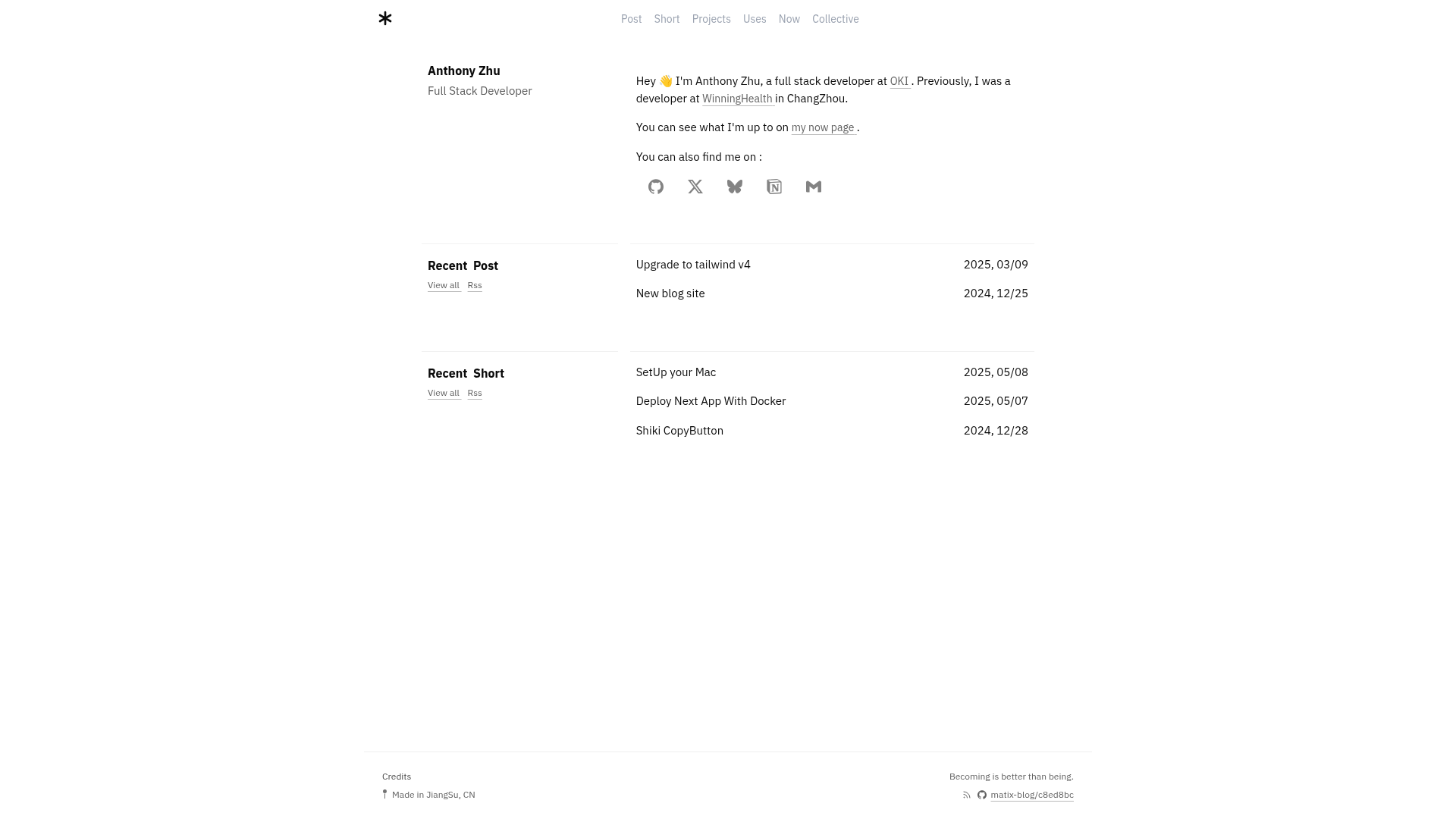
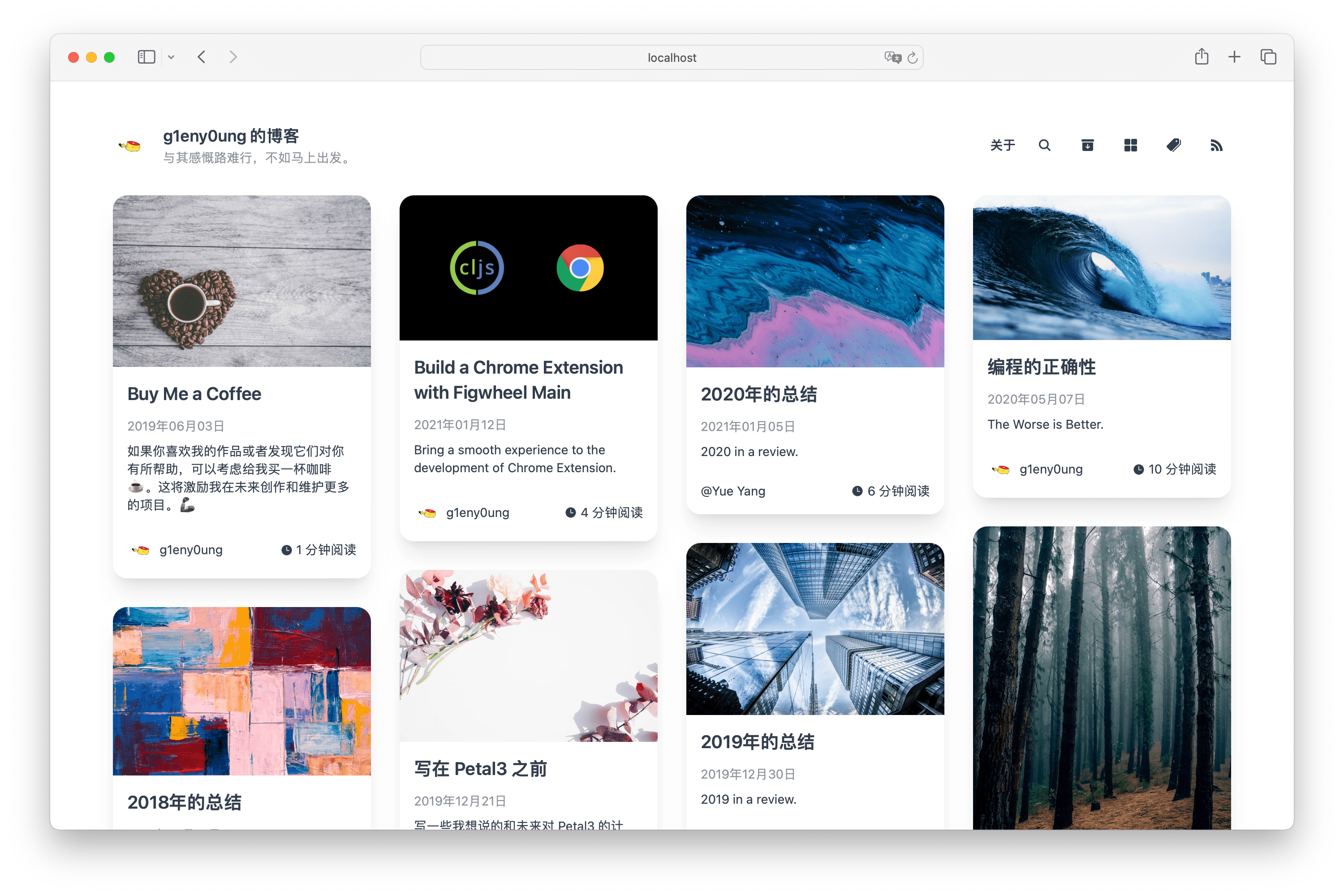
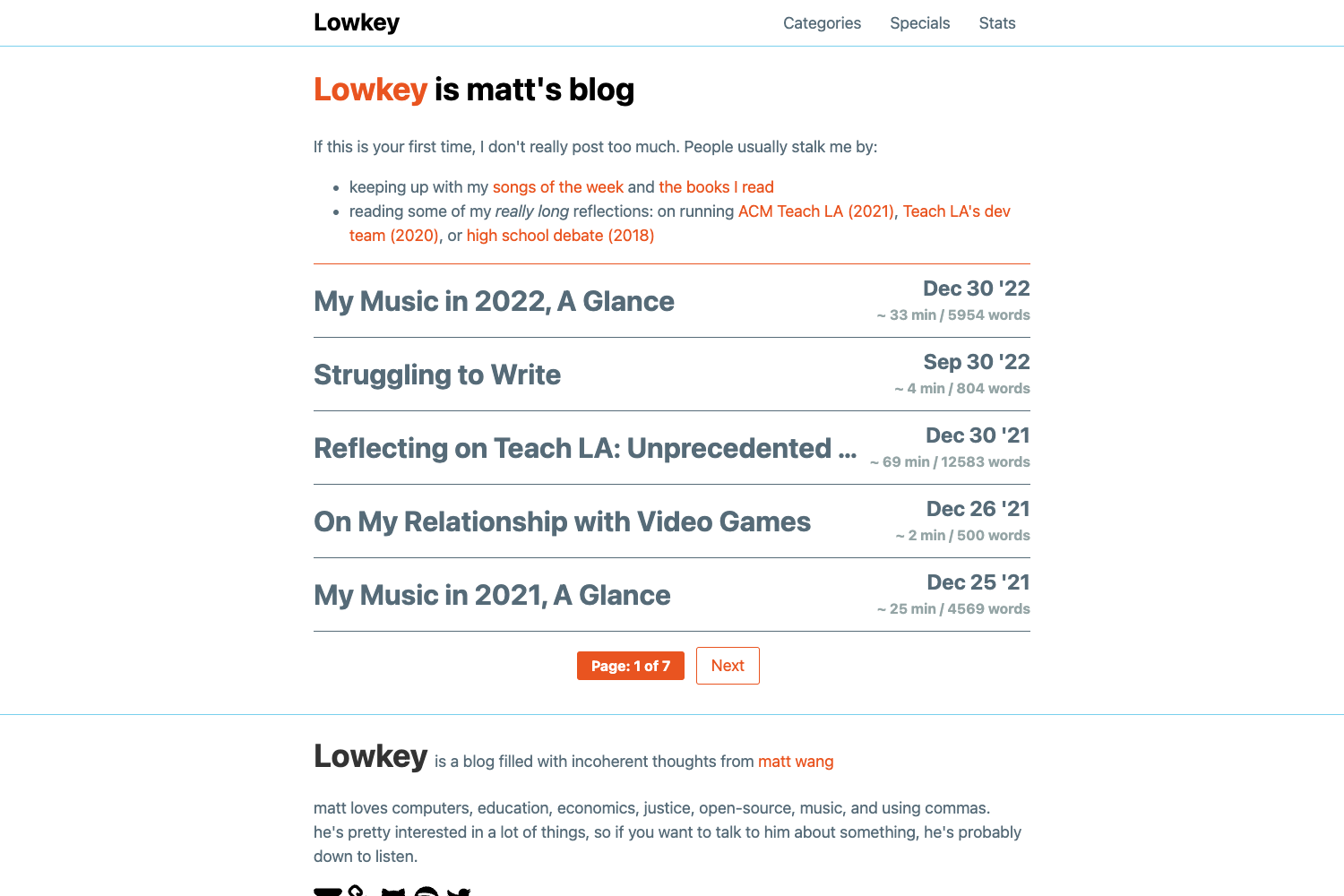
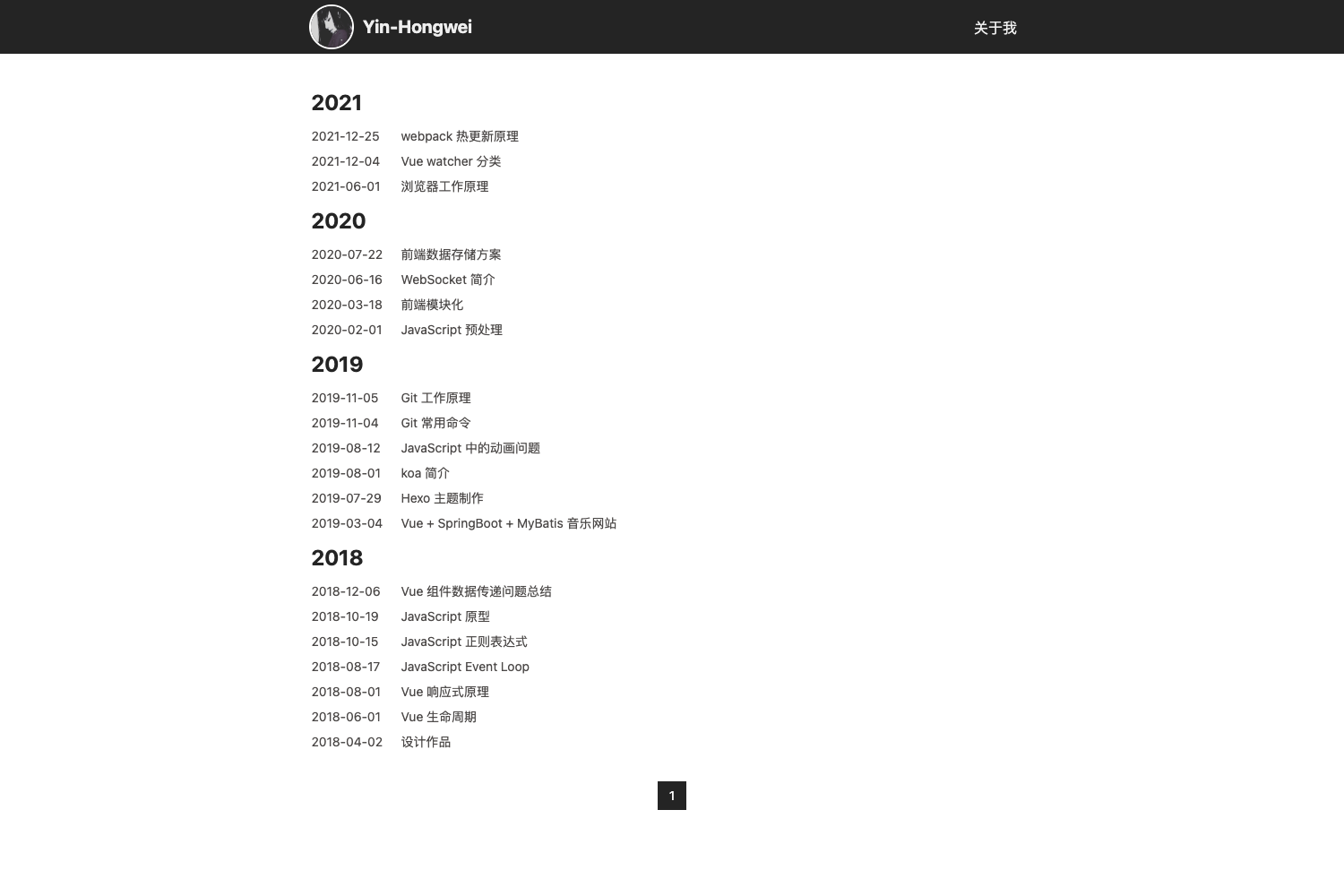
Matix-blog is an open-source blog template for creating personal websites, distributed under the MIT License. It runs on Astro v5 and uses Tailwind CSS v4 for styling along with Shadcn UI components. The template takes Markdown and MDX posts stored in src/content/post/ and generates a static site with a paginated home page, post pages, and configurable navigation. It is created by MatixLab and available as a GitHub template that can be cloned or forked.
Key Features
Matix-blog bundles the core needs of a static blog into a standardized project structure: content collections, component-based UI, and configuration files. The following features are confirmed in the template:
- Astro v5 framework — built on the latest version of Astro, which provides fast static site generation and a content collections API.
- Tailwind CSS v4 — utility-first CSS framework configured via tailwind.config.ts and modularized styles in src/styles.
- Shadcn UI components — includes components from Shadcn UI in src/components, allowing easy customization of the interface.
- Markdown/MDX content — blog posts are plain md or mdx files; use getCollection() to load posts from src/content/post/ and type-check frontmatter with an optional schema.
- Configurable site settings — src/config/site.ts lets you set author, title, description, URL, repository URL, social links (Twitter, GitHub, BlueSky, Notion, email), pagination page size (default 10), and home display number (default 5).
- Netlify zero-config deployment — connect the repository to Netlify to publish the site in about a minute.
- SEO-friendly and responsive — includes SEO support and a mobile-responsive layout.
- TypeScript — the entire codebase is written in TypeScript.
Who is it for?
Matix-blog suits anyone who prefers writing content as plain files rather than through a CMS. Concretely:
- Personal bloggers who want a fast, modern blog without building from scratch; they can write posts in Markdown/MDX and deploy to Netlify.
- Developers who prefer Astro and Tailwind CSS and want a customizable starter with Shadcn UI; they can adapt components and configuration to their needs.
- Writers who want to manage content through simple files and an optional frontmatter schema for validation.
What can you do with Matix-blog?
Matix-blog's feature set translates into several practical workflows:
- Publish posts: add Markdown or MDX files to src/content/post/; the template automatically lists them with pagination and provides a clean reading layout.
- Customize design: adjust global styles in src/styles, modify or extend Shadcn components, and change the site configuration to match your brand.
- Deploy quickly: generate the static site with pnpm run build and deploy to Netlify without extra configuration.
How does Matix-blog work?
The template follows a standard Astro workflow: first, create a repository from the GitHub template. Then install dependencies with pnpm, run pnpm run dev for local development at http://localhost:4321, and when ready, run pnpm run build to output a static dist folder. Finally, connect the repository to Netlify and the site goes live in about a minute.
Pricing
Matix-blog is free and open source under the MIT License.
FAQ
Is Matix-blog free?
Yes, the template is licensed under the MIT License, so you can use, modify, and distribute it freely.
What versions of Astro and Tailwind CSS does it use?
Matix-blog is built with Astro v5 and Tailwind CSS v4, along with Shadcn UI components.
How do I deploy to Netlify?
Go to app.netlify.com, select your repository, accept the defaults, and your site will be live within about a minute.
What content formats are supported?
The template supports Markdown (.md) and MDX (.mdx) files stored in src/content/post/. Frontmatter can be validated with an optional schema.
Does Matix-blog include SEO features?
Yes, the template is designed to be SEO-friendly and supports meta tags and other optimizations, though the exact configuration is handled through the site config file.