Template details
Open Blog
Open-source blog template built with Next.js 15, TypeScript, Shadcn UI, and Tailwind CSS.
About this template
Open Blog is an open-source blogging template built with Next.js 15, TypeScript, a REST API, Shadcn UI, and Tailwind CSS that gives developers a minimal, searchable blog they can clone, customize, and deploy.
What is Open Blog?
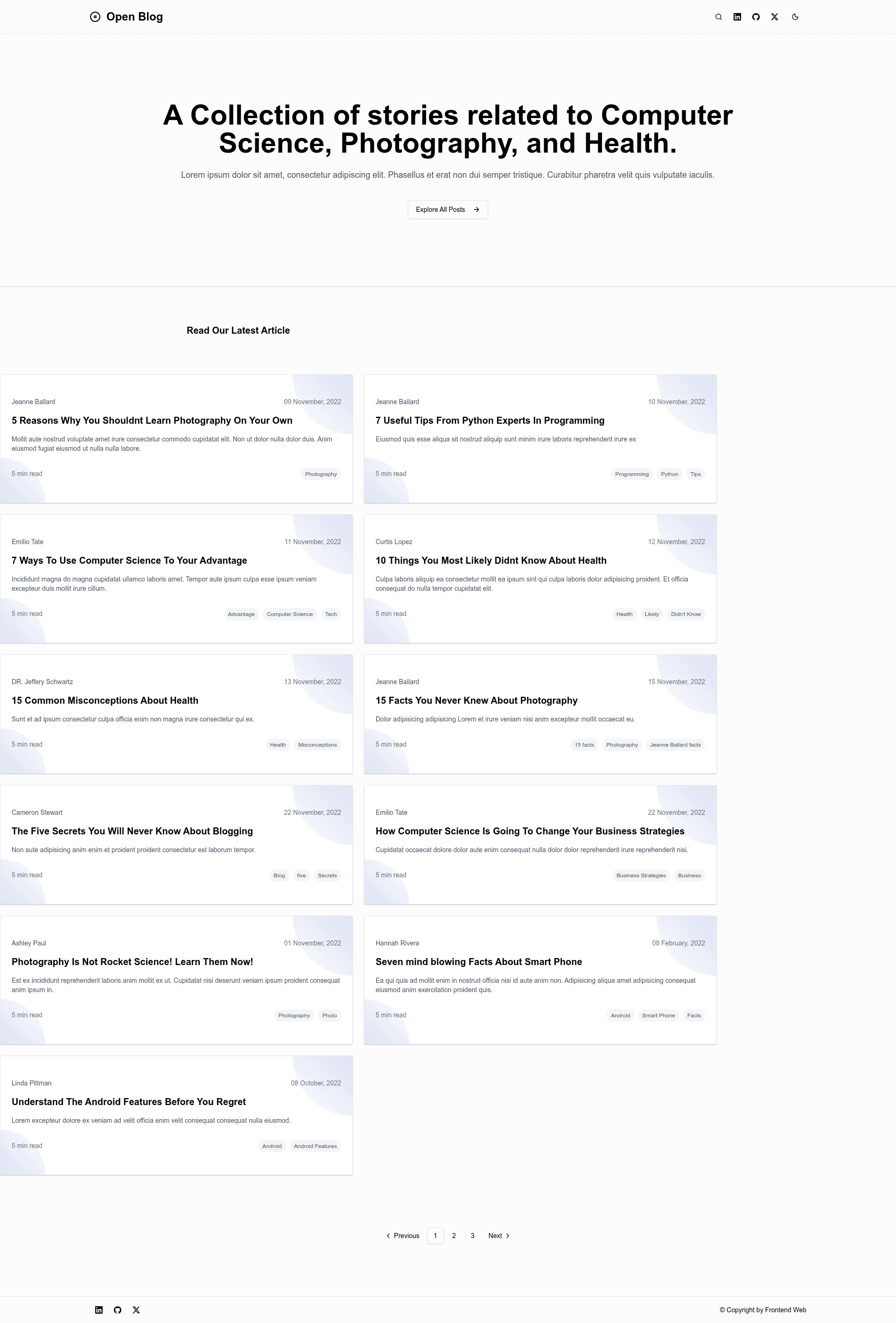
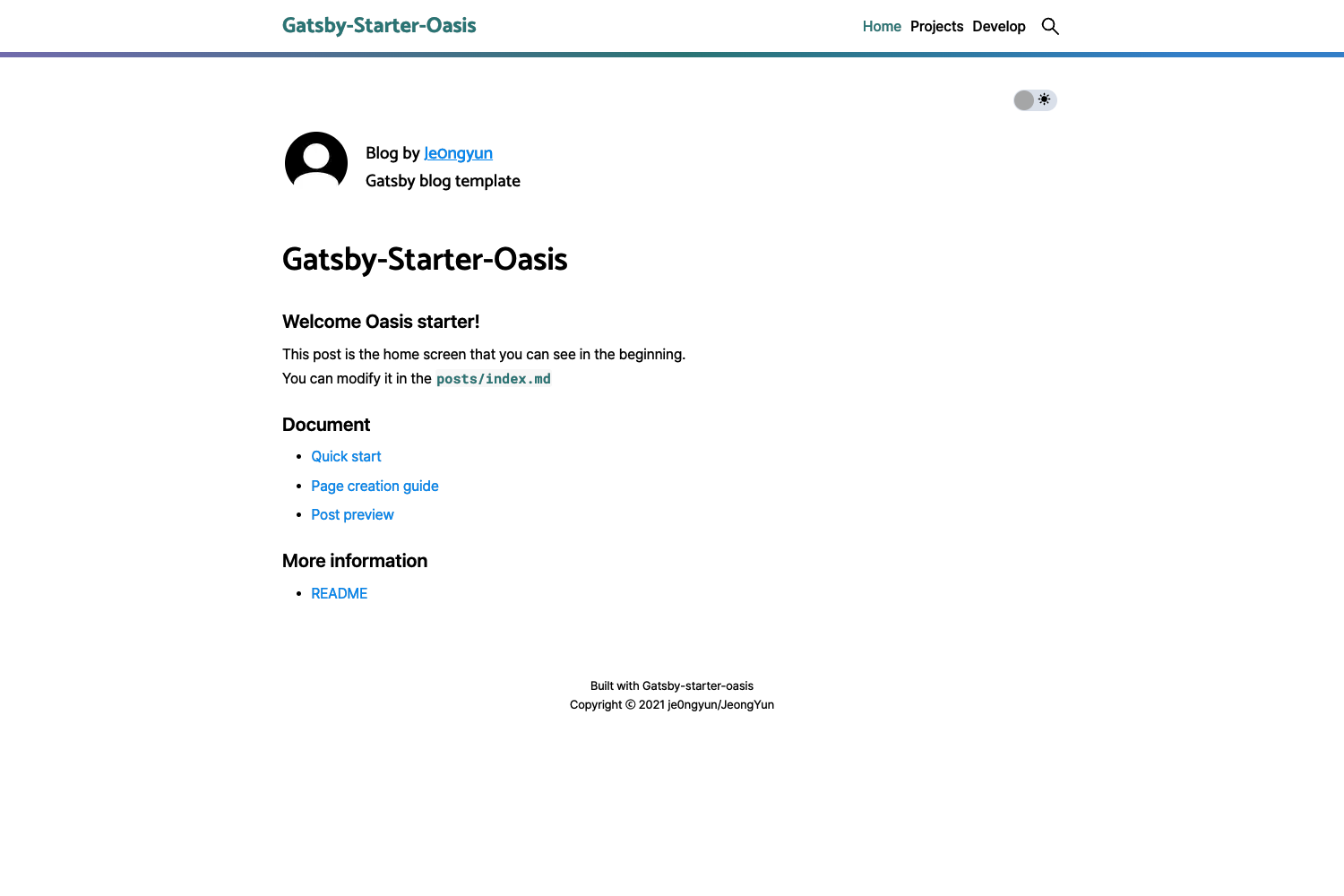
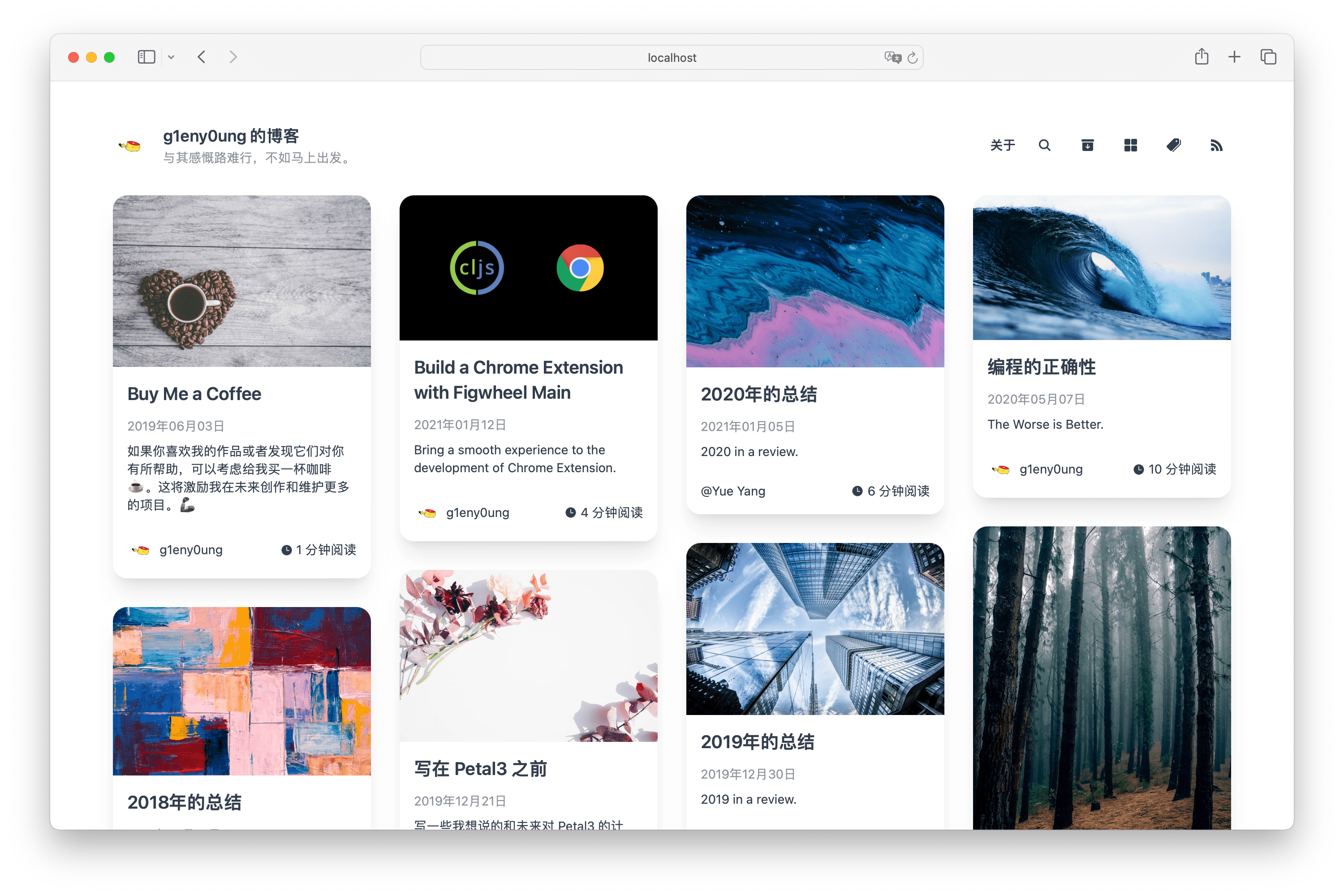
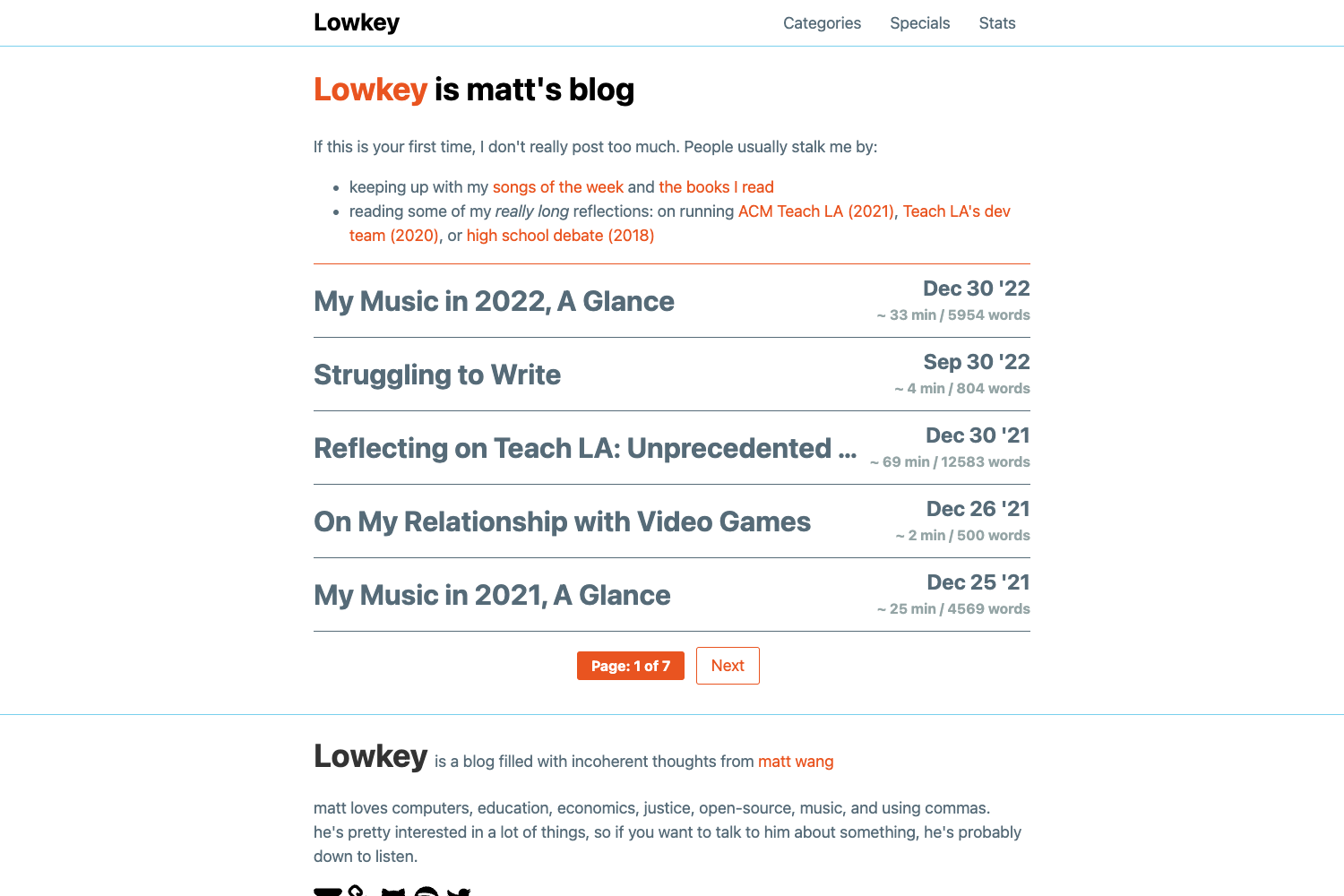
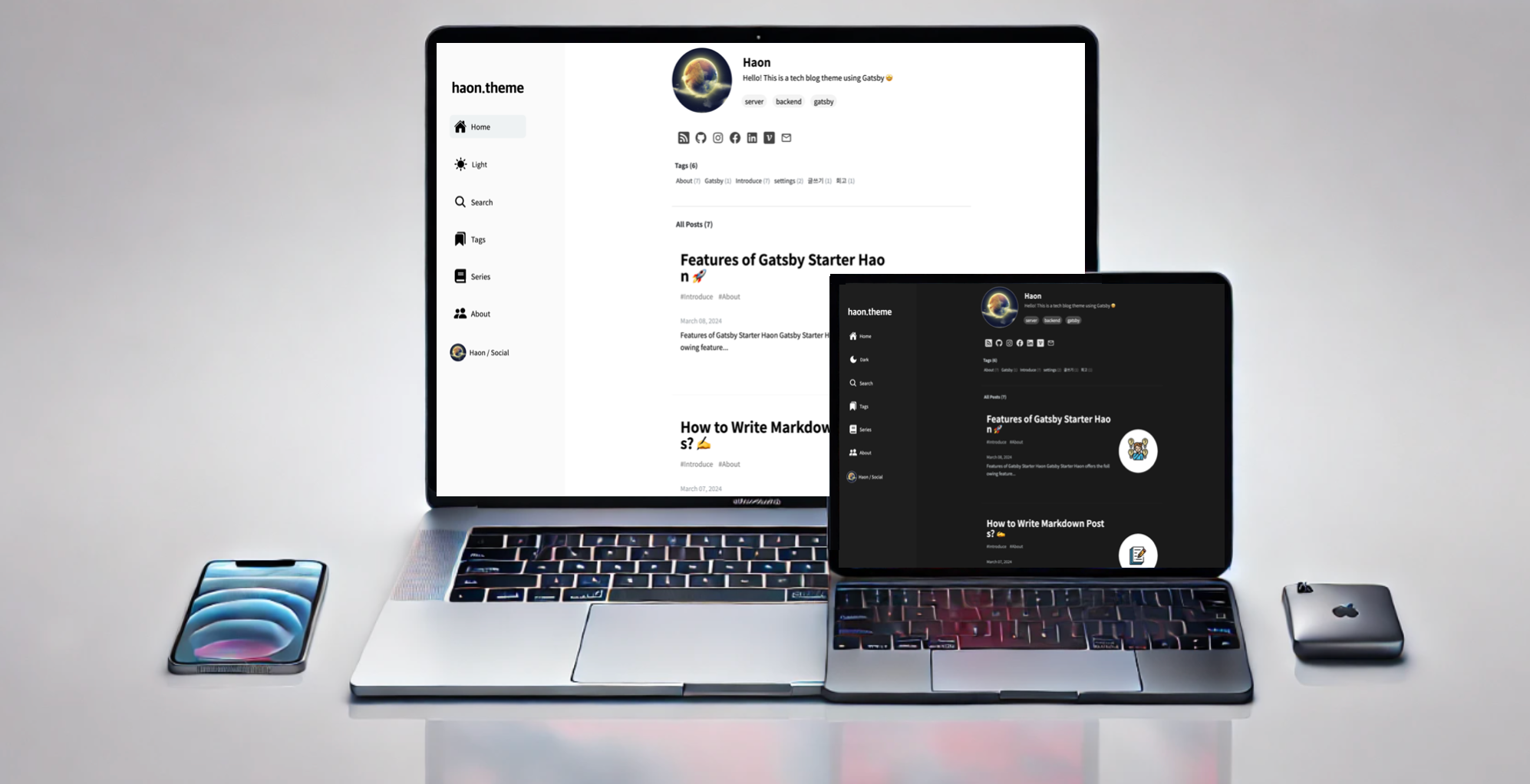
Open Blog is a free, open-source blog template maintained by frontendweb3 on GitHub. It runs on Next.js 15 and uses a REST API to feed content into pre-built page layouts including a home page, article reading page, tag page, search page, author page, and card list. The template ships with TypeScript for typed development, Shadcn UI for accessible components, and Tailwind CSS for utility-first styling.
Key Features
- Next.js 15 framework — built on the current Next.js version with App Router support for server rendering and static generation.
- TypeScript across the codebase — all components and API calls are typed, making the template easier to maintain and extend.
- REST API integration — content is consumed from a REST API, so you can plug in a headless CMS or a custom backend.
- Shadcn UI components — uses the shadcn/ui component collection, giving you a set of customizable, accessible UI primitives out of the box.
- Tailwind CSS styling — utility-first CSS classes let you adjust layouts, spacing, and themes directly in your JSX markup.
- Fuse.js-powered search — a built-in search page uses the fuse.js library for fast, fuzzy client-side matching of posts.
- Tag and author organization — dedicated tag and author pages automatically group posts for easier navigation.
- Typography plugin — @tailwindcss/typography handles the styling of article body content so long-form text stays readable.
Who is it for?
- Developers launching a personal blog — clone the repository, connect your REST API, and deploy the ready-made home, article, tag, and author pages.
- Next.js learners — read and modify a real project that combines Next.js 15, TypeScript, Shadcn UI, and Tailwind CSS in a single template.
- Open-source contributors — fork the repo to customize the design or add features, then submit pull requests back to the project.
What can you do with Open Blog?
- Personal bloggers: replace the REST API source with your own content and publish posts through the included article, tag, and search pages.
- Frontend developers: use the template as a foundation for client blogs that need a minimal, typed, Shadcn-based interface connected to a headless CMS.
- Portfolio authors: leverage the author page and card list to present your writing and projects in a clean, consistent layout.
How does Open Blog work?
Clone the repository with git clone https://github.com/frontendweb3/open-blog.git, then install dependencies with pnpm install or yarn install. Start the development server with pnpm dev or yarn dev and open http://localhost:3000 to view the blog locally. The template uses pnpm as the recommended package manager.
FAQ
Is Open Blog free?
Yes, Open Blog is open source and free to use. The repository is publicly available on GitHub under frontendweb3/open-blog, and you can clone, modify, and deploy it without licensing fees.
What packages does Open Blog include beyond the main stack?
The template includes Lucide icons for SVG icons, @tailwindcss/typography for article typography, and fuse.js for client-side search functionality.
How do I start the development server after cloning?
After running git clone https://github.com/frontendweb3/open-blog.git, run cd open-blog, then pnpm install or yarn install, followed by pnpm dev or yarn dev. The site will be available at http://localhost:3000.
Where is the live demo hosted?
A live demo of the Minimalist template is available at https://open-blog-beta.vercel.app, hosted on Vercel.
Does the template include tag and author pages?
Yes, the template includes dedicated tag and author pages, plus a search page and a card list layout, as shown in the repository screenshots.