Template details
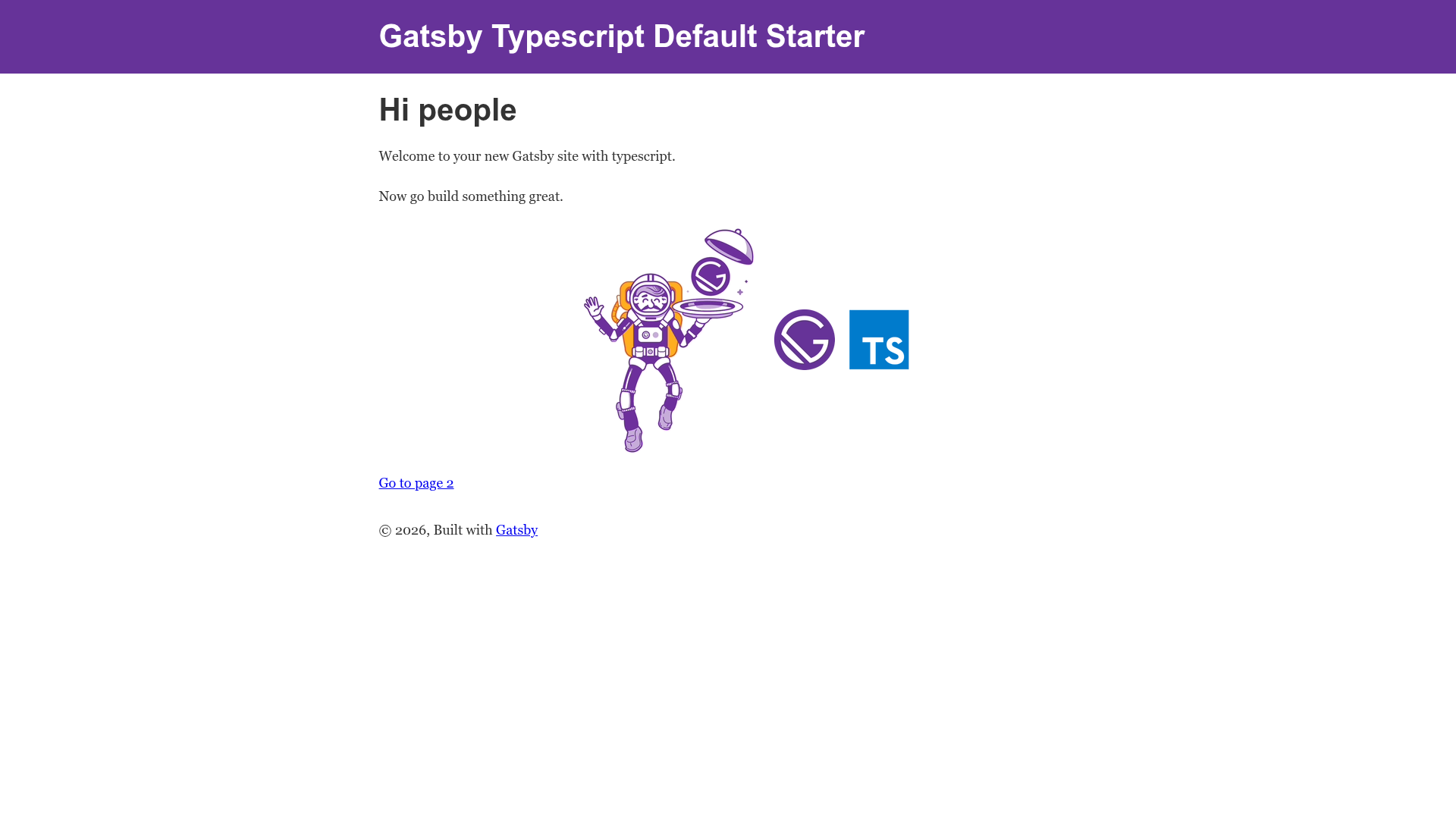
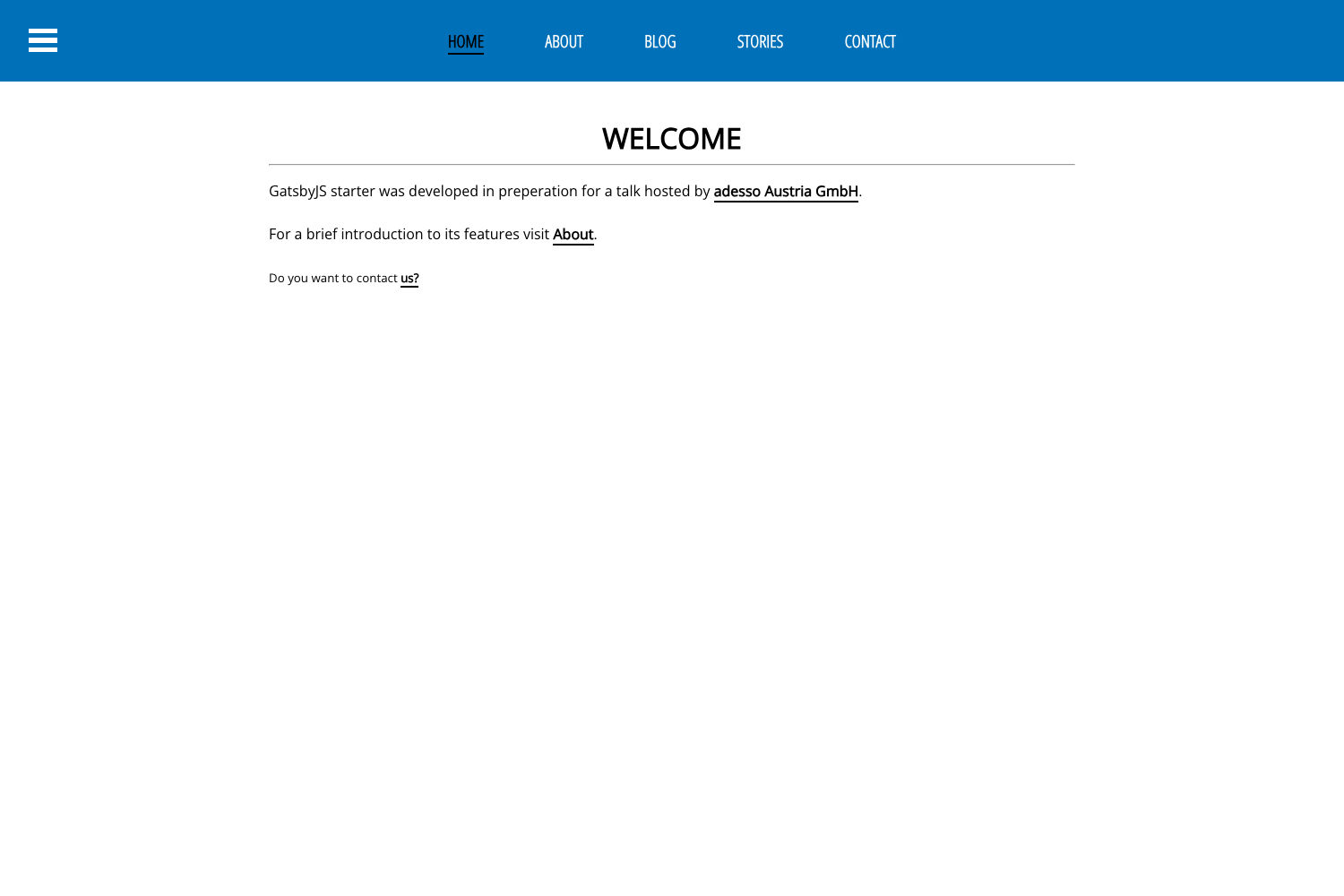
Gatsby Typescript Default Starter
Default Gatsby starter with TypeScript, ESLint, Prettier, and pre-configured Gatsby plugins for images and PWA.
About this template
Gatsby Typescript Default Starter is a boilerplate for Gatsby sites that combines the official gatsby-starter-default with TypeScript 4 and a pre-configured development toolchain. It produces a working Gatsby 3 site with React 17, ESLint, Prettier, and Husky hooks, ready for further customization.
What is Gatsby Typescript Default Starter?
This starter is a GitHub template based on gatsby-starter-default, extended with TypeScript support and modern linting/formatting tooling. It takes a new project name through the gatsby new CLI command and outputs a complete Gatsby site structure: a src/ directory, gatsby-config.js, gatsby-node.js, gatsby-browser.js, gatsby-ssr.js, tsconfig.json, and configuration files for ESLint, Prettier, and EditorConfig. The project runs on Gatsby 3 with Node.js 12.13.0 or higher and is maintained as a community starter by danangekal on GitHub.
Key Features
- TypeScript 4 — Includes tsconfig.json and source files written in TypeScript (src/pages/index.tsx), so type checking is in place from the first edit.
- React 17 + Hooks — The starter uses React 17, enabling functional components and hook-based state management for new pages.
- Gatsby 3 — Built on the Gatsby 3 static site generator with a GraphQL data layer; the GraphiQL explorer is available at localhost:8000/___graphql during development.
- ESLint 7 — Ships with an .eslintrc.json configuration that flags problematic JavaScript and TypeScript patterns while you code.
- Prettier 2 — Includes .prettierrc.json for consistent code formatting across editors and contributors.
- Husky 5 and lint-staged 10 — Git hooks are pre-configured to run linting and formatting on staged files before commits.
- Gatsby Image plugin — Optimizes image loading with lazy loading and responsive srcsets, as configured in gatsby-config.js.
- PWA and SEO defaults — Includes gatsby-plugin-offline and gatsby-plugin-manifest for installable progressive web app behavior, plus gatsby-plugin-react-helmet for meta tag management.
Who is it for?
Developers starting a new Gatsby project who want TypeScript and linting set up before writing their first component; teams that need consistent code style enforced with Prettier and ESLint across members; and anyone who wants the official default starter's file layout with PWA and image optimization already wired into Gatsby.
Use cases
- New Gatsby sites: Scaffold a project with
gatsby new my-site https://github.com/danangekal/gatsby-typescript-default-starterand begin editing src/pages/index.tsx. - TypeScript-based portfolios or blogs: Use the default pages, React Helmet SEO, and offline/manifest plugins to build a fast static site without configuring those plugins from scratch.
- Learning the Gatsby toolchain: Follow the included README to see how gatsby-config.js, gatsby-node.js, Gatsby browser/SSR APIs, and a TypeScript configuration fit together.
How does it work?
The starter is installed with the Gatsby CLI using the repository as a template. After running gatsby develop, the site runs at localhost:8000 and the GraphiQL data explorer at localhost:8000/___graphql; editing src/pages/index.tsx reloads the browser in real time. Deployment is supported through one-click buttons to Netlify and Vercel, which are included as Deploy buttons in the README.