Template details
Gatsby Web3 Starter
A starter repo used to bootstrap a blockchain enabled website or progressive web application.
About this template
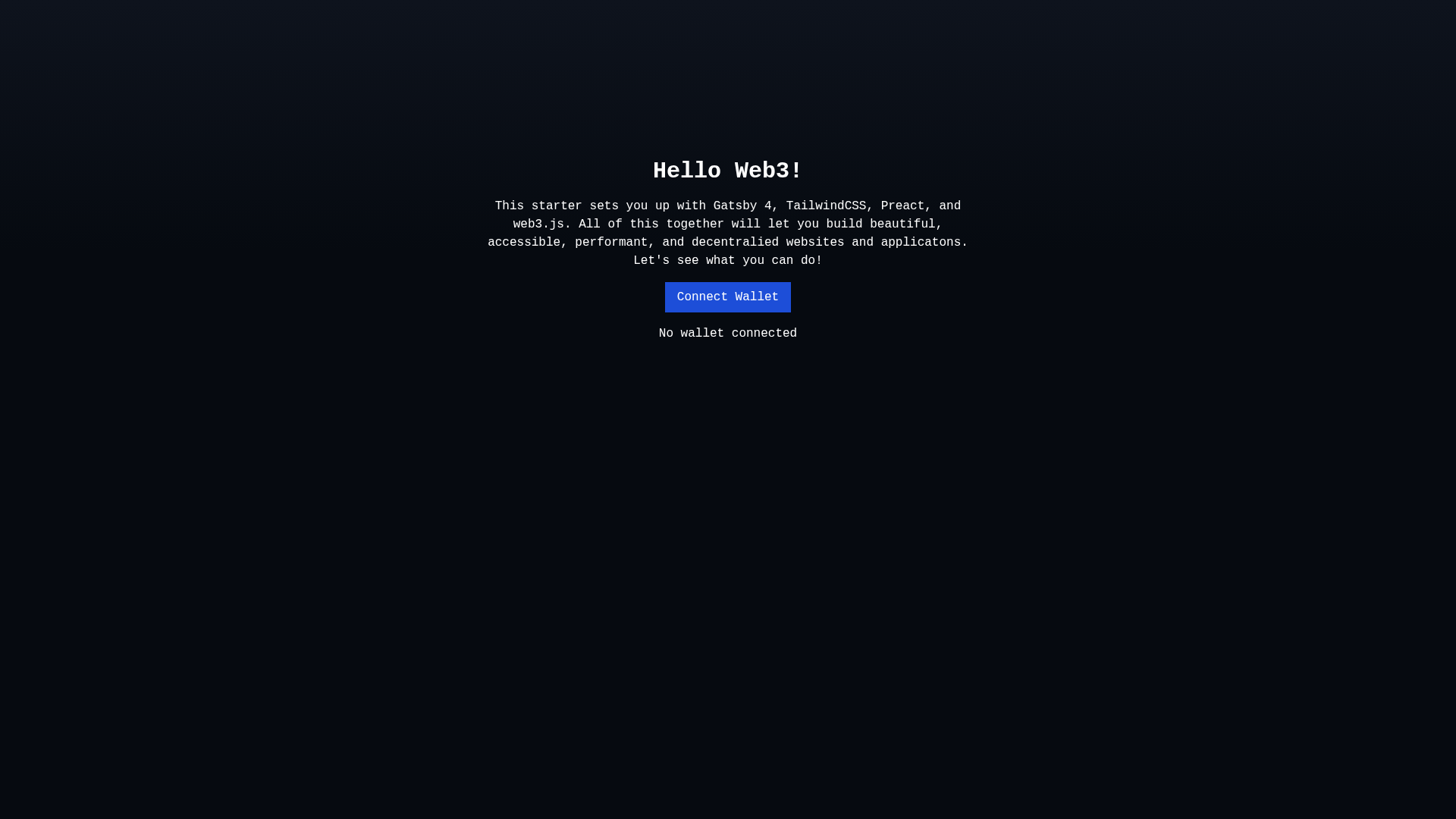
Gatsby Web3 Starter is a community-built Gatsby 4 boilerplate starter that scaffolds a blockchain-enabled website or progressive web application with Tailwind CSS, Preact, and web3 tooling preinstalled.
What is Gatsby Web3 Starter?
Gatsby Web3 Starter is a free, open-source starter template maintained by the GitHub user redhair. It takes a GitHub repository URL as input through the Gatsby CLI and produces a complete Gatsby 4 project with Tailwind CSS and PostCSS styling, the Preact renderer, and web3 boilerplate ready for blockchain features. The project runs entirely on the Gatsby framework and can be developed locally on localhost:8000 or deployed to Gatsby Cloud.
Key Features
- Gatsby 4 framework — Built on Gatsby 4 with the standard configuration files gatsby-config.js, gatsby-node.js, gatsby-browser.js, and gatsby-ssr.js for site metadata, build processes, browser APIs, and server-side rendering.
- Tailwind CSS with PostCSS — Utility-first styling is preconfigured through PostCSS, so class-based styling works as soon as the development server starts.
- Preact renderer — The starter includes Preact, a lightweight React-compatible library, to keep front-end payloads small and match the README's stated goal of maximum performance.
- Web3 boilerplate — Blockchain-oriented setup is included so dApp front-end features can be added without starting from a blank configuration.
- Progressive web app foundation — The repository's topic list includes progressive-web-app, and the README describes the starter as a way to bootstrap blockchain-enabled websites or PWAs.
- One-command setup — A new site is created by running
gatsby new my-gatsby-web3-starter https://github.com/redhair/gatsby-web3-starter, then developed withgatsby develop. - GraphiQL data explorer — Development mode exposes a second endpoint at localhost:8000/___graphql for querying and experimenting with the Gatsby data layer.
- 0BSD license — The starter is released under the permissive 0BSD license, and the README notes that the LICENSE file can be replaced with your own.
Who is it for?
Gatsby Web3 Starter is for developers who want to build blockchain-enabled websites on Gatsby without assembling the toolchain by hand. dApp front-end developers can scaffold a project with web3 dependencies already in place, while performance-focused teams can ship a Gatsby site that uses Preact instead of React to trim JavaScript bundle size. Gatsby newcomers can use the starter's conventional file layout and the GraphiQL tool to learn how the framework's data layer works.
What can you do with it?
- dApp developers: bootstrap a blockchain-enabled website or progressive web app with web3 tooling preconfigured, then build wallet or smart-contract features inside the src directory.
- Performance-focused front-end teams: run a Gatsby 4 site on Preact with Tailwind CSS utility classes for styling, avoiding the React runtime overhead.
- Gatsby learners: read the starter's gatsby-config.js, gatsby-node.js, gatsby-browser.js, and gatsby-ssr.js files to see how each Gatsby API layer is configured in a working project.
How does Gatsby Web3 Starter work?
Install the Gatsby CLI, then run gatsby new my-gatsby-web3-starter https://github.com/redhair/gatsby-web3-starter to clone the starter into a new project folder. Run gatsby develop to start the development server at localhost:8000 and edit src/pages/index.js to see live updates in the browser. For production, the README offers a one-click Deploy to Gatsby Cloud button that builds and hosts the site from the repository URL.
Pricing
The starter is free and open source under the 0BSD license; there are no paid tiers for the template itself.
Alternatives
Gatsby's official default starter, gatsby-starter-default, is the main alternative in the Gatsby starter ecosystem, but it ships without the Tailwind, Preact, and web3 configuration this starter adds.
FAQ
Is Gatsby Web3 Starter free?
Yes. The starter is open source and released under the permissive 0BSD license, which permits use, modification, and redistribution. The README explicitly says the LICENSE file can be replaced with your own.
How do I create a site from this starter?
Install the Gatsby CLI, then run gatsby new my-gatsby-web3-starter https://github.com/redhair/gatsby-web3-starter in your terminal. The command clones the starter into a new folder named my-gatsby-web3-starter with dependencies installed.
What tech stack does the starter use?
It is built on Gatsby 4, uses Tailwind CSS for styling through PostCSS, swaps in Preact as the rendering library, and includes web3 boilerplate for blockchain features. The repository also lists progressive-web-app among its topics.
Where do I edit the site content?
Open the src directory and edit src/pages/index.js. The development server at localhost:8000 hot-reloads the browser in real time when you save changes.
How do I deploy the site?
The README includes a one-click Deploy to Gatsby Cloud button that builds, deploys, and hosts the site on Gatsby's cloud platform using the repository URL.