Template details
GitHub Pages Template
An opinionated starting point and build system for collaboratively-edited HTML websites hosted on GitHub Pages.
About this template
GitHub Pages Template is a boilerplate and build system for producing collaboratively-edited, static HTML websites that are hosted on GitHub Pages, with version-pinned local development and automated testing built in.
What is GitHub Pages Template?
GitHub Pages Template is an opinionated starting point for HTML websites, created and maintained by William Entriken (fulldecent), that wraps a Jekyll static site generator in a Node.js build pipeline. You give it content files (for example, source/index.html, .md files, and a README) plus configuration, and it produces a ready-to-publish HTML website on GitHub Pages, with GitHub Actions workflows handling production builds. It is distributed as a public GitHub repository and is designed for teams that edit the site collaboratively.
Key Features
- GitHub Pages version alignment — The Ruby version is pinned in
.ruby-versionand the build uses thegithub-pagesgem rather than plain Jekyll, so local output matches what GitHub Pages runs in production. - Containerized development — A VS Code Dev Containers setup with Docker (OrbStack recommended on Mac, Colima as open-source alternative) gives every contributor the same Ruby, Node, and build tools.
- One-command build and serve —
yarn buildgenerates the HTML site, andyarn devserves it locally athttp://127.0.0.1:4000. - Automated validation —
yarn testruns HTML-validate and Nice Checkers on every page to check structured data (JSON+LD), hyperlinks, and best practices; the docs warn that tests againstbundle exec jekyll serveoutput can produce false positives. - Linting and auto-formatting —
yarn lintchecks code with Prettier and markdownlint, andyarn formatfixes issues automatically; Prettier caches results in thecache/folder for speed. - Documented dependency upkeep — Maintenance commands for
yarn set version latest,yarn upgrade-interactive, andbundle update --conservativekeep the template current, with the Ruby version synced from pages.github.com/versions. - Collaboration slots in the README — The template includes placeholder sections for content style guides and contributor instructions, signaling its purpose as a multi-editor website.
Who should use GitHub Pages Template?
- Project maintainers — Stand up a simple HTML website for a GitHub project and let contributors edit pages through pull requests, with lint and test checks in CI.
- Documentation teams — Publish a static docs or community site on GitHub Pages and keep tooling stable because Ruby is pinned to the exact version GitHub Pages uses.
- Developers learning GitHub Pages best practices — Use the template as a reference implementation for Jekyll, GitHub Actions, HTML validation, and structured data testing.
Use cases
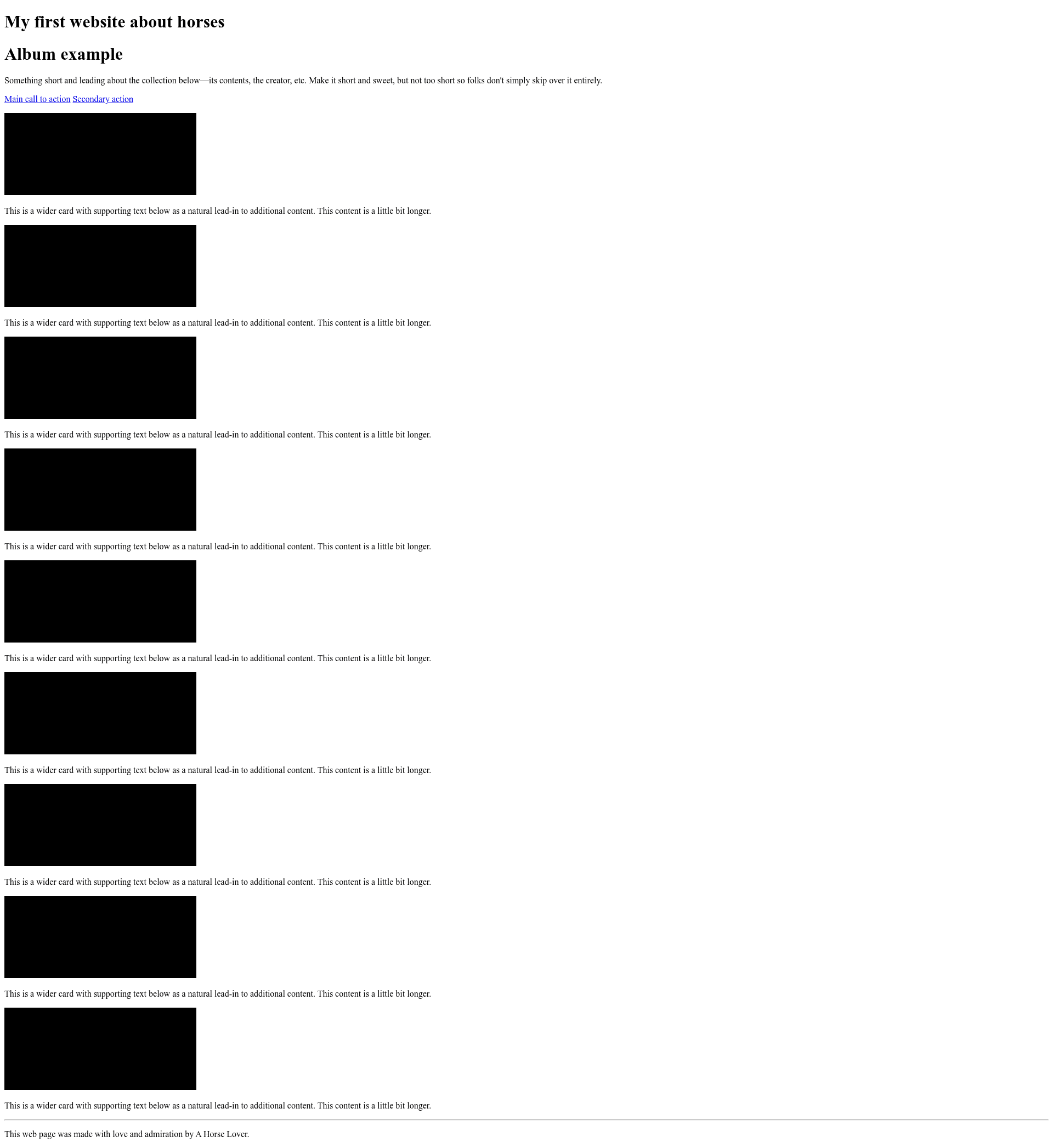
- Community websites: Start from the template, replace the placeholder "Horses website" title, add a content style guide, and deploy automatically through GitHub Actions workflows in
.github/workflows/. - Local content preview: Write or edit HTML and Markdown in
source/, runyarn devto preview changes, then runyarn buildto produce the final static output. - Quality-gated publishing: Run
yarn testafter building to verify JSON+LD structured data and hyperlinks before merging changes.
How does the template work?
First, open the repository in VS Code and use "Reopen in Container", or install Ruby from .ruby-version, Jekyll via bundle install, and Node via .nvmrc manually. Then run yarn build to generate the HTML site, yarn dev to serve it locally, and yarn test to validate the built pages.
FAQ
How do I build this website locally?
Use VS Code with the Dev Containers extension and a Docker host such as OrbStack, then run the command "Reopen in Container". Without Docker, install Ruby from .ruby-version, run gem install bundler and bundle install, install Node with nvm, run yarn install, then yarn build. The site appears at http://127.0.0.1:4000.
Why does the template use the github-pages gem instead of Jekyll?
The project uses the github-pages gem because GitHub Pages runs specific versions of Ruby, Jekyll, and plugins rather than whatever is in a Gemfile.lock. For the same reason, Gemfile.lock is listed in .gitignore, and .ruby-version is kept in sync with pages.github.com/versions.
What does yarn test check?
It runs HTML-validate and the Nice Checkers plugin on each built page, checking structured data (JSON+LD), hyperlinks, and other best practices. You must run yarn build first, and the docs warn that testing the bundle exec jekyll serve output may give false positives.
How do I update the template's dependencies?
Monthly maintenance commands are documented in the README: run yarn set version latest && yarn, run yarn upgrade-interactive, and run bundle update --conservative locally. To update the Ruby version, fetch pages.github.com/versions.json with jq and write the result to .ruby-version.