Template details
Next.js + Contentlayer
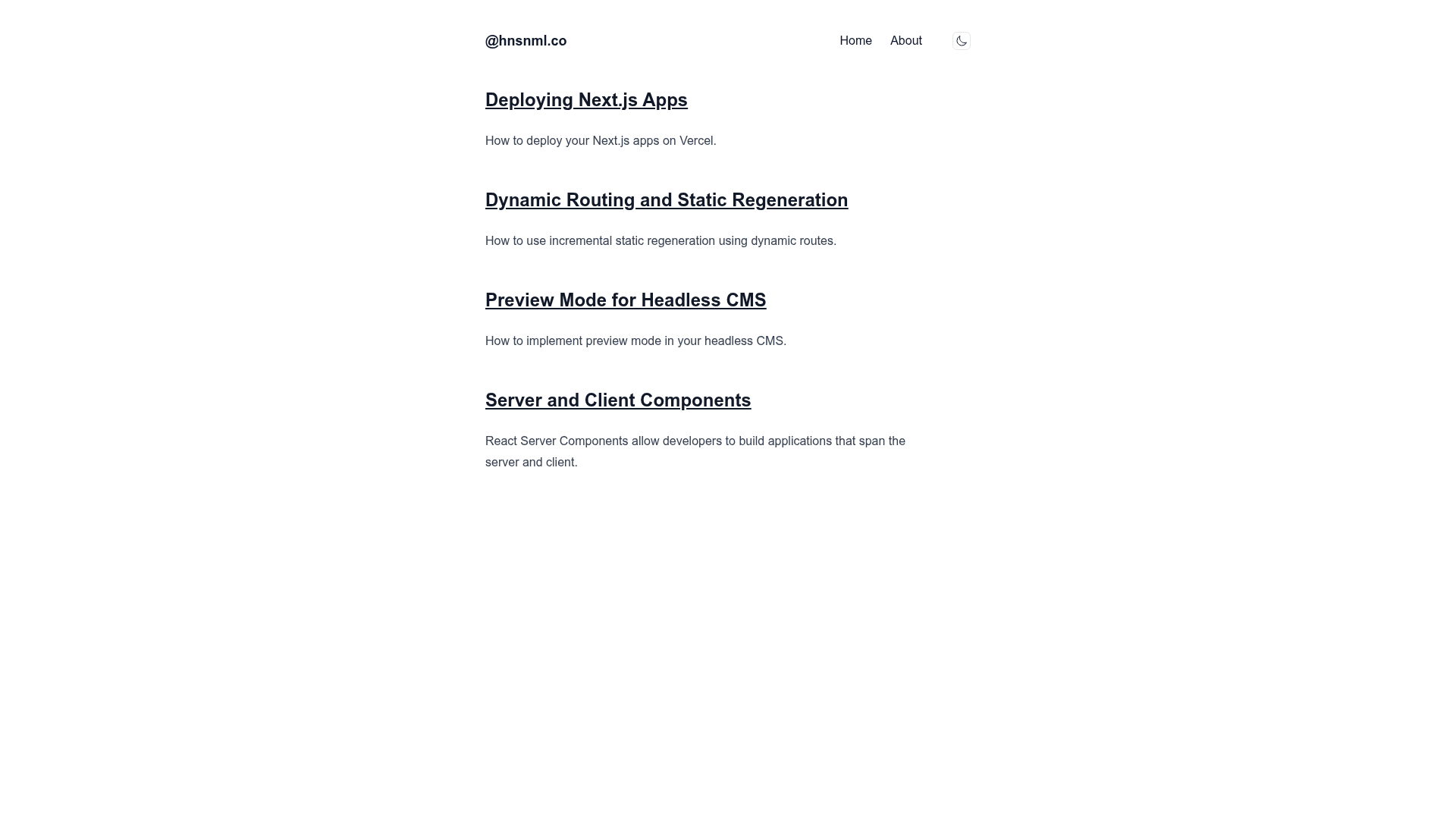
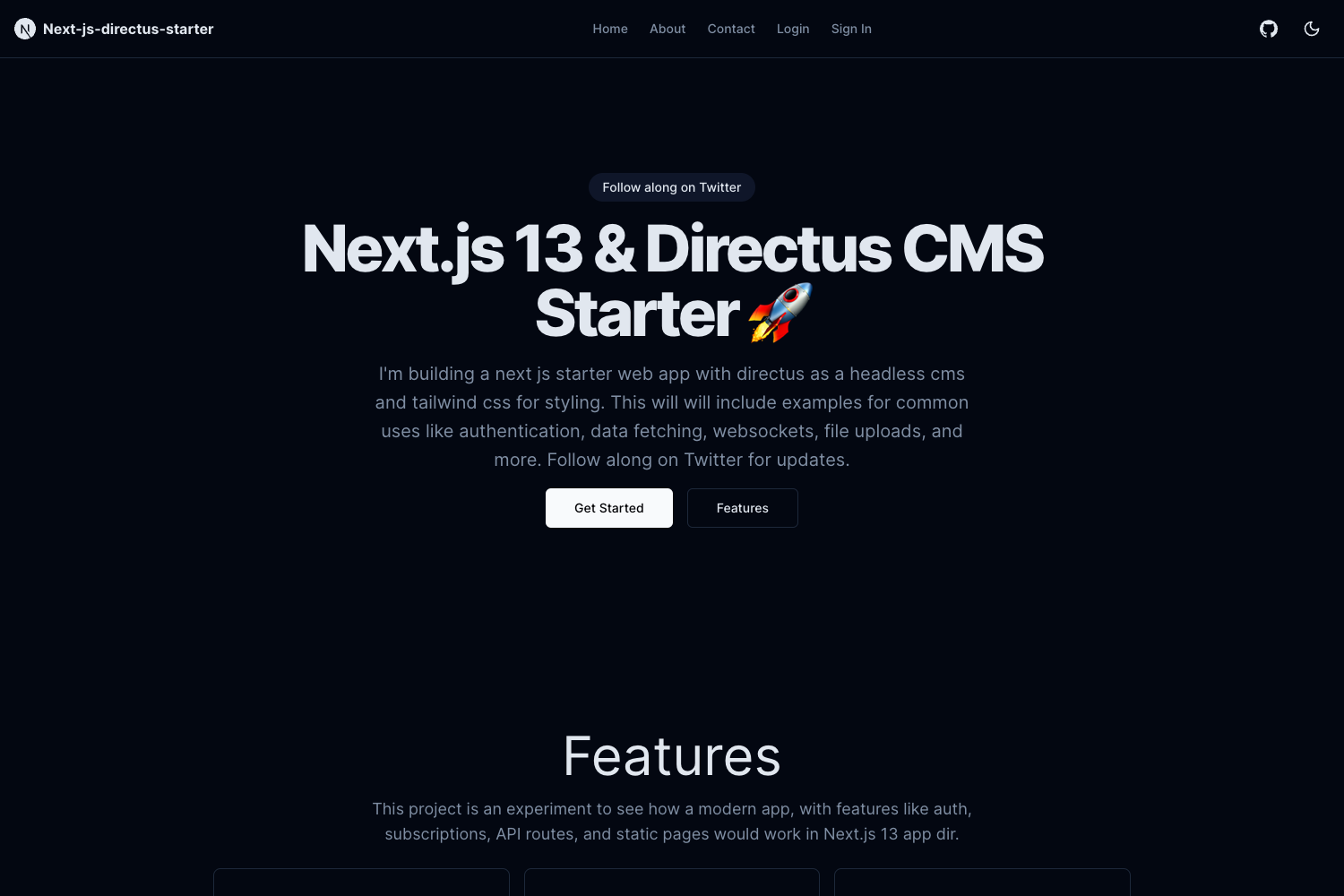
A template with Next.js 13 app dir, Contentlayer, Tailwind CSS and dark mode.
About this template
Next.js + Contentlayer is a starter template that combines the Next.js 13 app directory, Contentlayer, Tailwind CSS, and dark mode support for building content-driven websites. The repository includes a live demo on Vercel, making it easy to preview the default layout and styling before cloning.
What is Next.js + Contentlayer?
Next.js + Contentlayer is a starter template that pairs Next.js 13's app directory (the newer App Router) with Contentlayer, a content preprocessor that turns Markdown and MDX files into typed data. The template outputs a styled static site using Tailwind CSS, includes a dark mode theme, and is published as a GitHub repository with a live deployment hosted at nextjs-contentlayer-template.vercel.app.
Key Features
- Next.js 13 app directory — Uses the app router folder structure, so pages, layouts, and loading states live inside route folders rather than the legacy pages directory.
- Contentlayer integration — Contentlayer is preconfigured to read Markdown and MDX files from the project and generate typed JSON content data for use in page components.
- Tailwind CSS styling — The user interface is styled with Tailwind utility classes, processed via PostCSS, with the Tailwind config allowing theme customizations like colors and fonts.
- Dark mode support — The template ships with a built-in dark color scheme, so a dark presentation is available without additional styling setup.
- Live demo site — A deployed version of the template is available at the Vercel URL, letting you preview the default layout and typography before working with the code.
Who is it for?
- Developers starting a blog or documentation site — They can clone the repo and immediately write content in Markdown or MDX, with Contentlayer generating the data and Tailwind providing the layout and dark mode out of the box.
- Next.js learners who want a real app-router example — They can use the template as a reference for how to wire Contentlayer into a Next.js 13 project and how to structure app-directory folders.
- Content-focused teams that prefer Git-based workflows — Because content is just markdown files in the repository, teams can manage posts through pull requests while the template, Contentlayer, and Tailwind handle the rest.
What can you do with Next.js + Contentlayer?
- Start a personal blog quickly — Write posts in Markdown or MDX, and the template's Contentlayer pipeline will generate the type-safe data that drives the page display.
- Prototype a product changelog — Use the same content workflow to publish dated updates as markdown, with dark mode styled to match your brand.
- Learn the Next.js 13 app directory — Study a small, complete example of how layouts, pages, and content loading work together outside of a large boilerplate.
FAQ
What does this template use Contentlayer for?
Contentlayer is configured to transform markdown content files into typed data that the Next.js app can import. That means authors write plain Markdown or MDX, and the template automatically provides type-safe content objects to components, with validation from the contentlayer config.
Does the template include Tailwind CSS?
Yes, Tailwind CSS is part of the stack, and its styles are processed through PostCSS. The default theme can be adjusted in the Tailwind configuration file, which is included in the repository.
Is a demo available?
Yes. The repository provides a live demo at nextjs-contentlayer-template.vercel.app, built from the same codebase, so you can see the default layout and dark mode styling before cloning.