Template details
Goa
Clean, simple and minimalist Hugo theme for blogs and personal websites, featuring Bootstrap 5, Font Awesome 6, and Disqus comments.
About this template
Goa is a minimalist Hugo theme for blogs and personal websites, built by Raj Shenoy and Papyrus Apps, that turns Markdown content into a responsive static site.
What is Goa?
Goa is a clean, simple and minimalist theme created for the Hugo static site generator. It takes your Markdown posts and pages plus a hugo.toml configuration file and generates a responsive static website with a home page, blog listing, and standalone pages like About or Projects. The theme is maintained on GitHub by Raj Shenoy and Papyrus Apps and is available under the MIT license.
Key Features
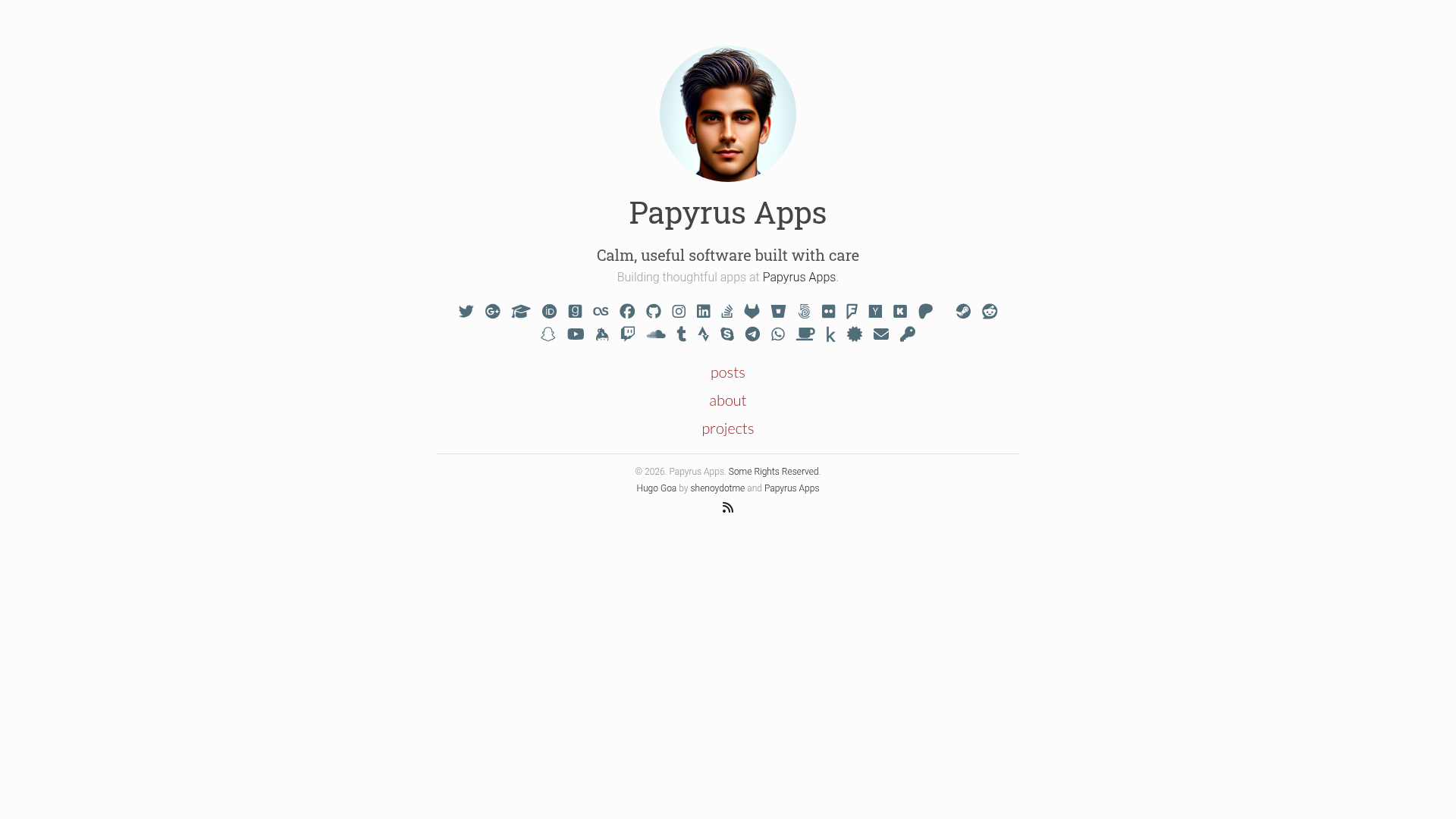
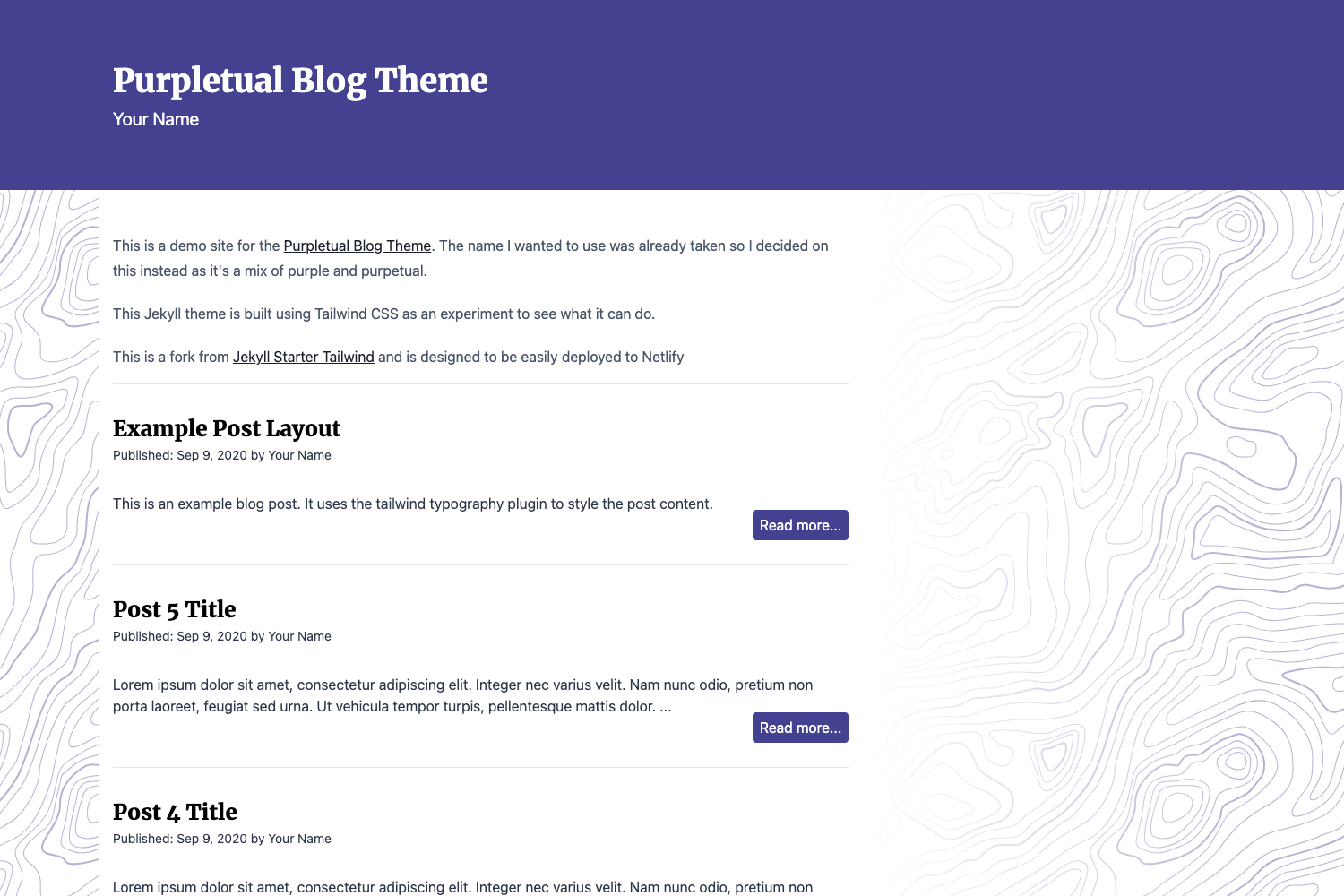
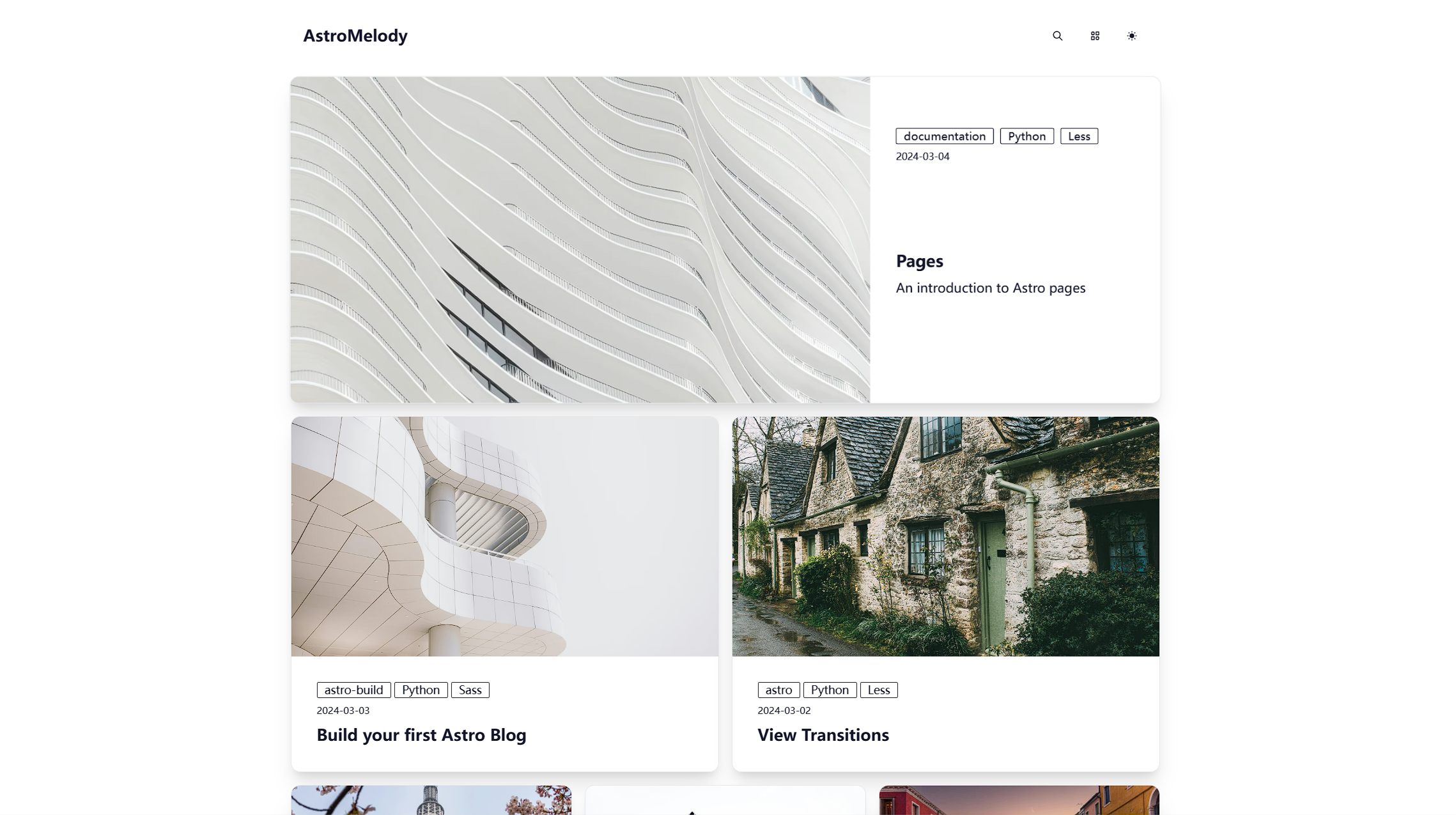
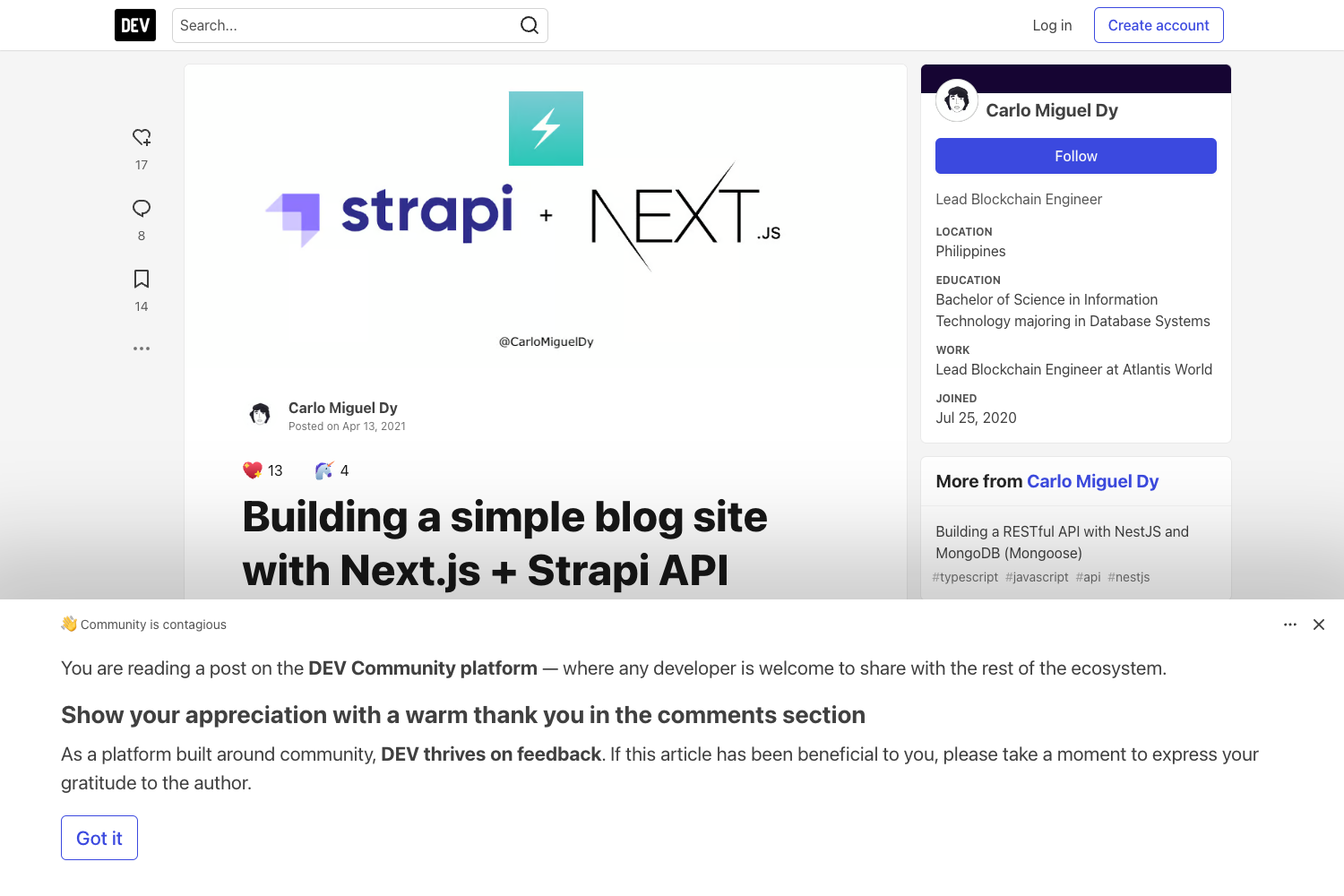
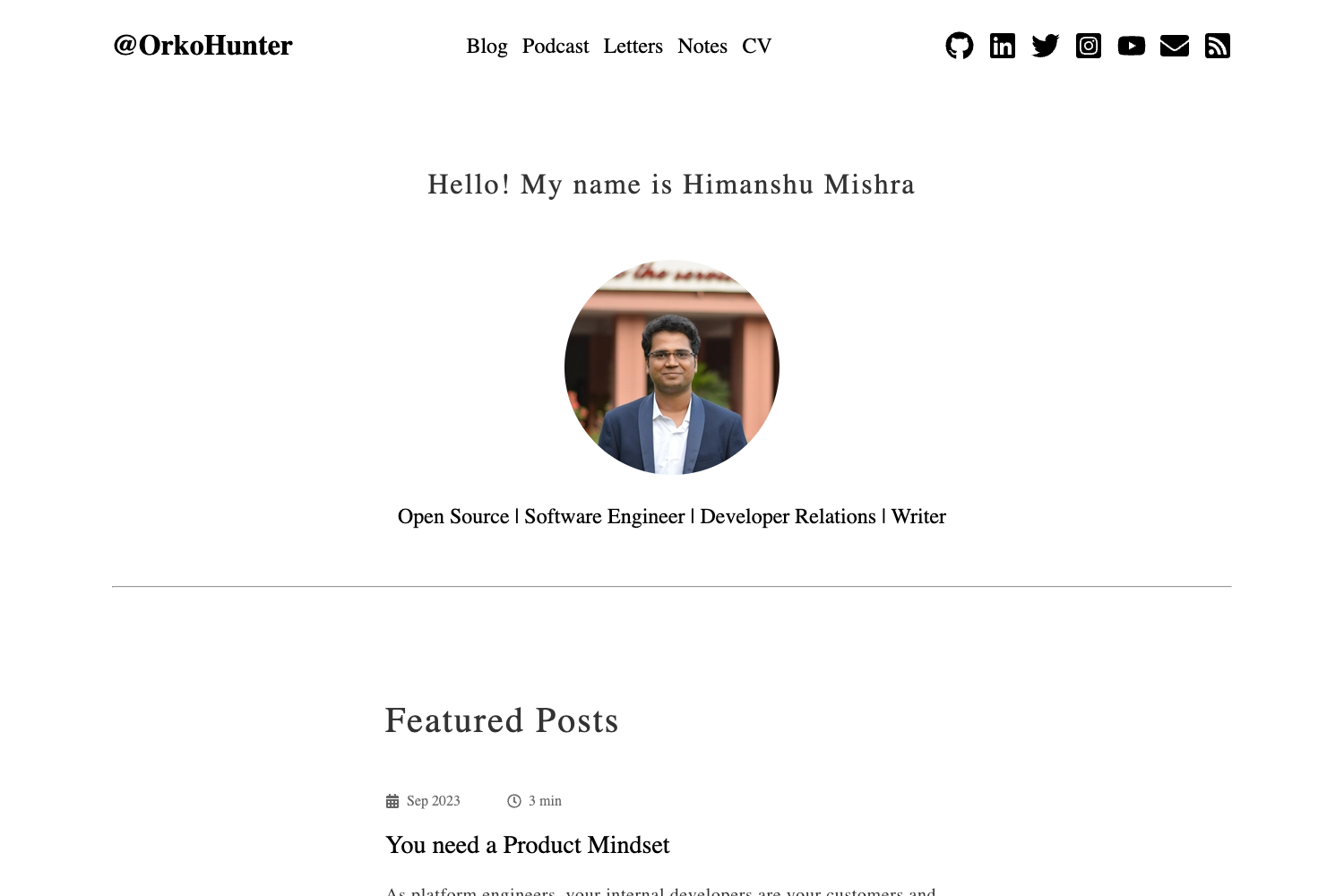
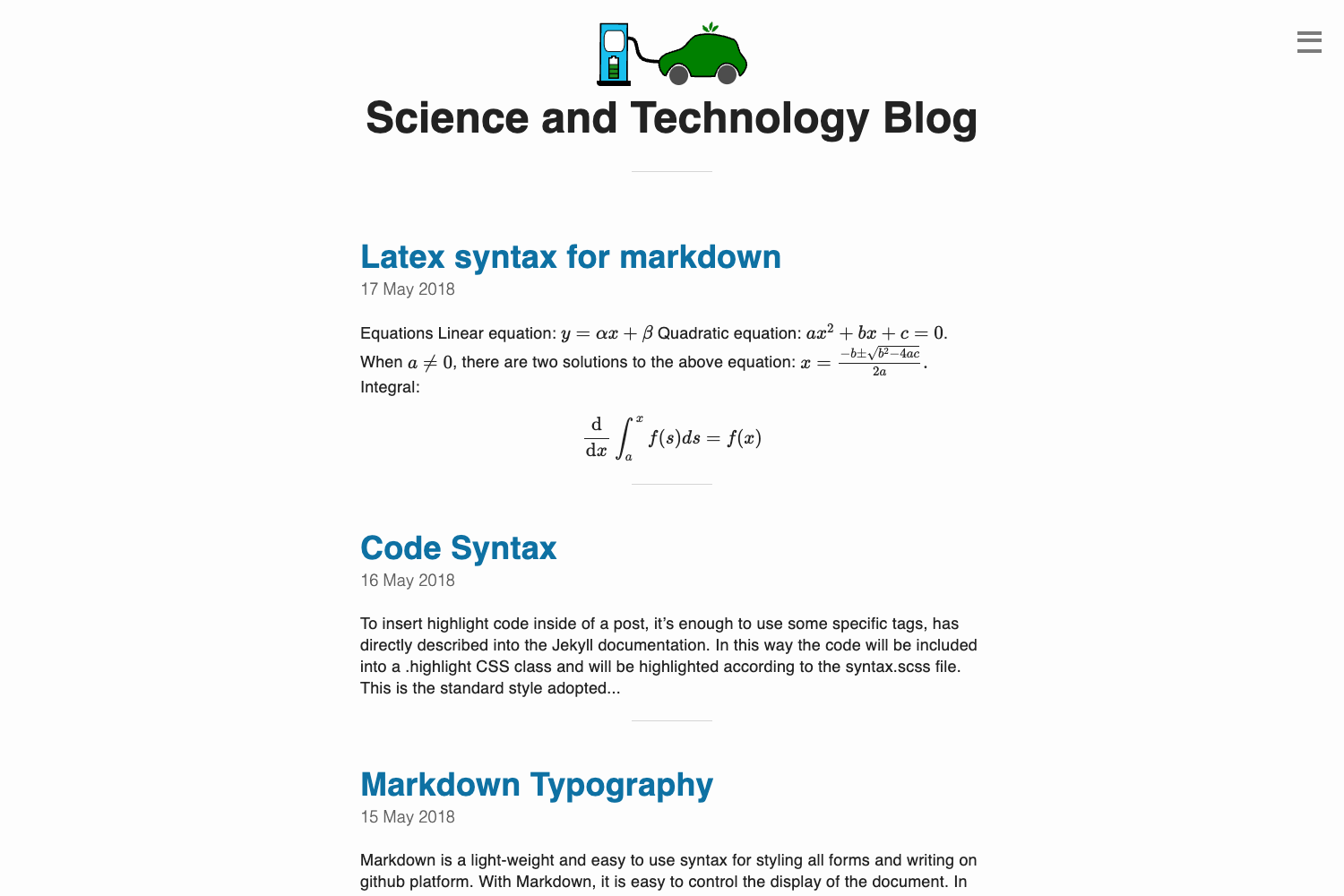
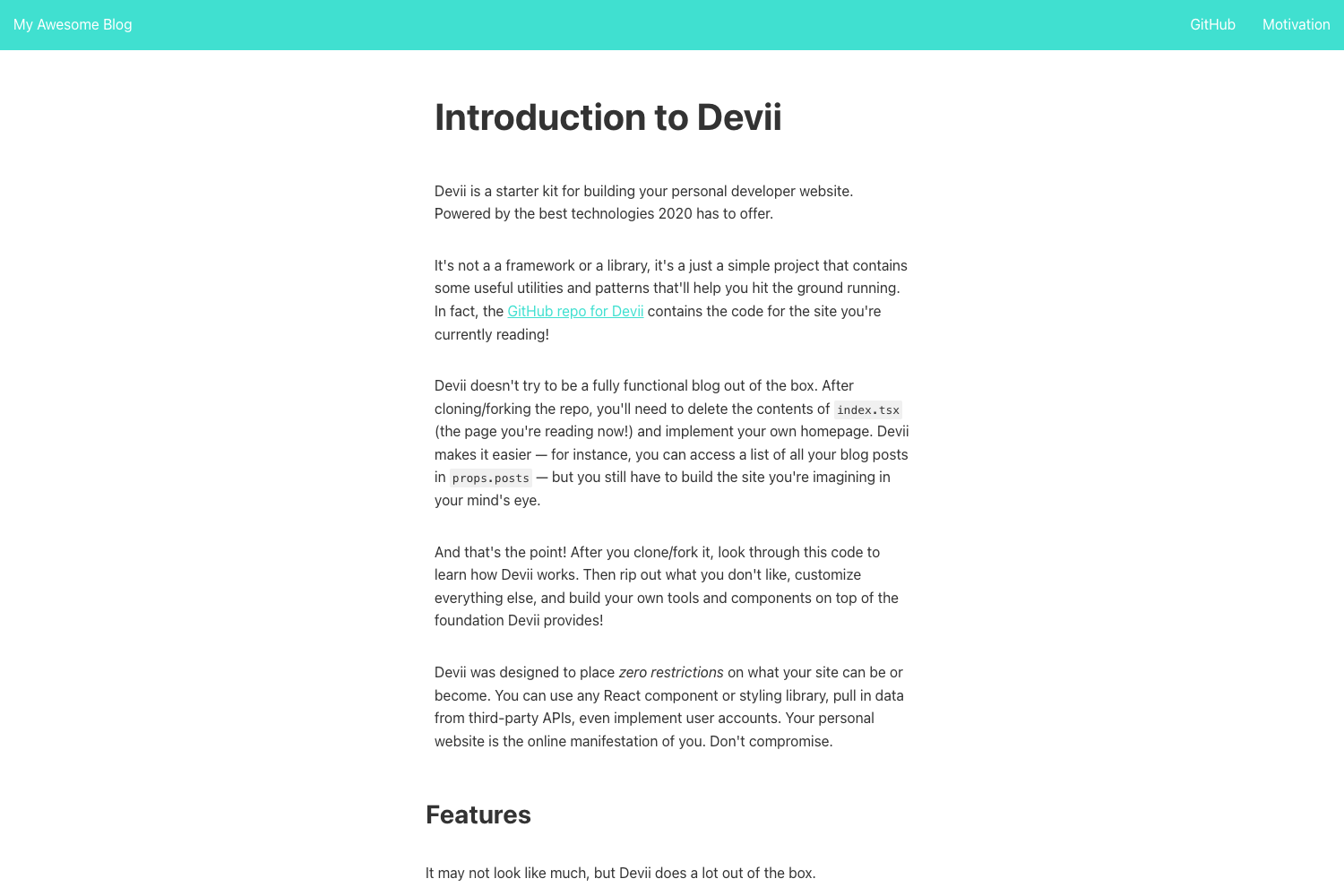
- Responsive design — Layout adapts to mobile and desktop with dedicated screenshots showing home, page, posts, and post views on both screen sizes.
- Bootstrap 5 and Font Awesome 6 — The theme is styled with Bootstrap 5 and uses Font Awesome 6 for social and UI icons.
- HighlightJS code highlighting — Enable syntax highlighting by setting the
highlightjsextra parameter to true. - Disqus comments — Built-in Disqus support for commenting; enable or disable per page with the
showcommentspage setting, which defaults to true. - Over 30 social account links — Supports GitHub, Instagram, LinkedIn, Twitter, Facebook, YouTube, Twitch, Reddit, Telegram, WhatsApp, email, PGP key, and many more in the social configuration.
- Google Analytics and 404 page — Built-in support for Google Analytics tracking and a custom 404 page.
- Per-page metadata control — The
showpagemetasetting (default true) lets you hide page meta information such as on an About page. - Main menu configuration — Define menu items with name, weight, and URL using the
[[menu.main]]structure in hugo.toml.
Who is it for?
- Bloggers — Publish Markdown posts under content/posts and manage draft status directly in front matter.
- Personal website owners — Create standalone pages like About or Projects by adding an index.md file in the appropriate content directory.
- Developers — Install the theme as a git submodule, customize the hugo.toml configuration, and deploy the generated static files to any hosting service.
What can you do with Goa?
- Launch a blog quickly — Run the four-line installation command to add the theme as a submodule, set it as the active theme, and start the Hugo development server.
- Build a personal landing page — Use the author introduction, description, and author image parameters to present yourself, then link out to dozens of social profiles.
- Publish a static site without a server — Run
hugo --cleanDestinationDirto output all HTML, CSS, JavaScript, and images to the public directory, ready for any static host.
How does Goa work?
Goa is installed as a git submodule in the themes directory of a Hugo site. After adding the theme name to hugo.toml, you create posts with hugo new content posts/my-first-post.md and preview them with hugo server -D to include drafts. Once a post's front matter has draft set to false, running hugo --cleanDestinationDir generates the publishable static files.
Pricing
Goa is free and open source under the MIT license.
FAQ
Is Goa free to use?
Yes, Goa is released under the MIT license, so you can use, modify, and distribute it freely, including for commercial projects. The license file is included in the theme repository.
How do I install Goa?
You add the theme repository as a git submodule, append theme = 'hugo-goa' to your hugo.toml file, and run hugo server. The exact commands are shown in the installation section of the README.
Does Goa support comments?
Yes, Goa has built-in Disqus support. You set your disqusShortname in the site configuration and control comments per page with the showcomments page setting, which is enabled by default.
Can I use Goa with Google Analytics?
Yes, set your Google Analytics ID in the googleAnalytics configuration variable, and the theme will embed the tracking code in your generated site.
What social links does Goa support?
Goa supports over 30 social accounts including GitHub, Instagram, LinkedIn, Twitter, Facebook, Medium, YouTube, Twitch, Reddit, Telegram, WhatsApp, email, and PGP. Each is configured by setting the corresponding username in the [params.social] section of hugo.toml.