Template details
Hexo Theme Cupertino
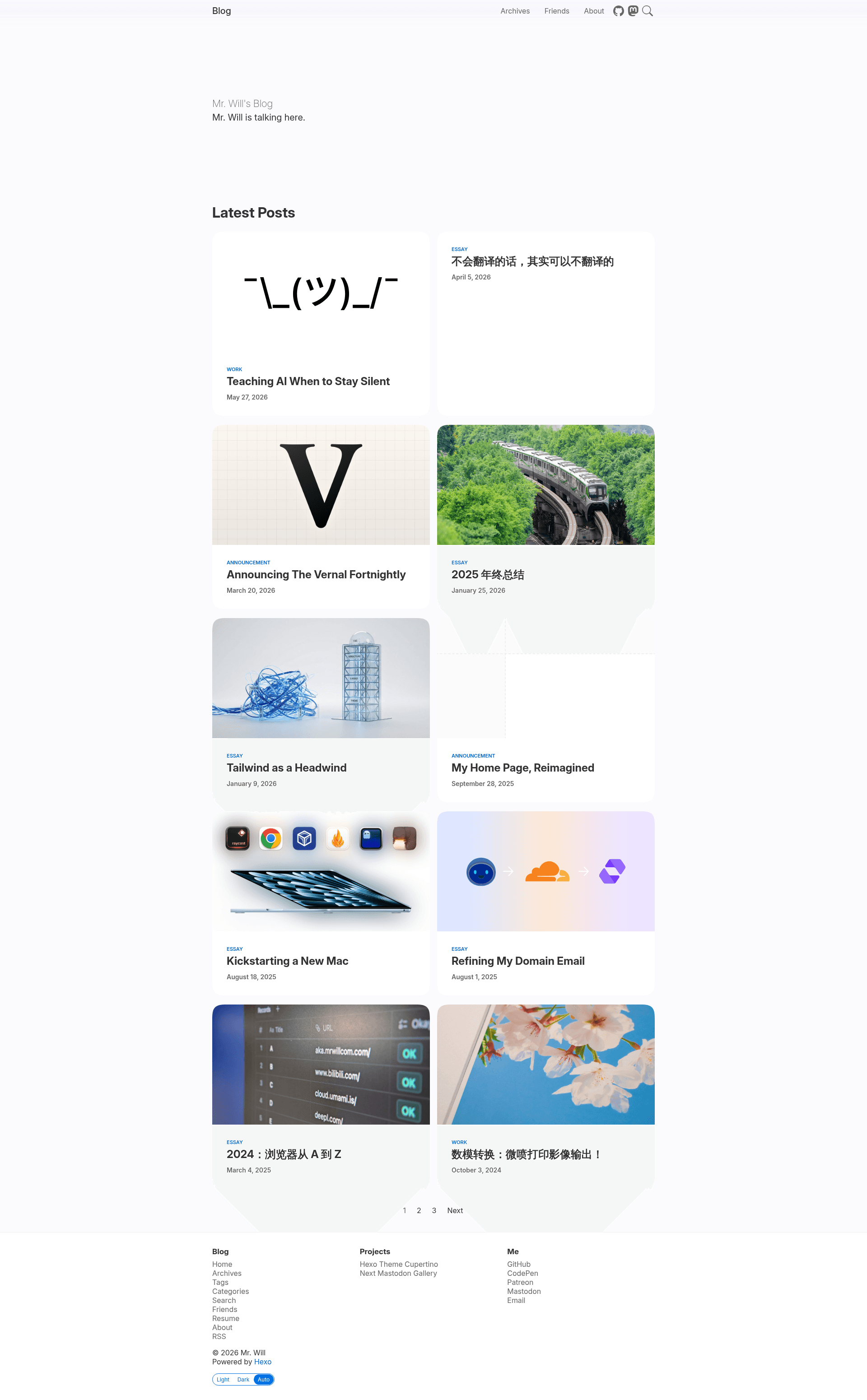
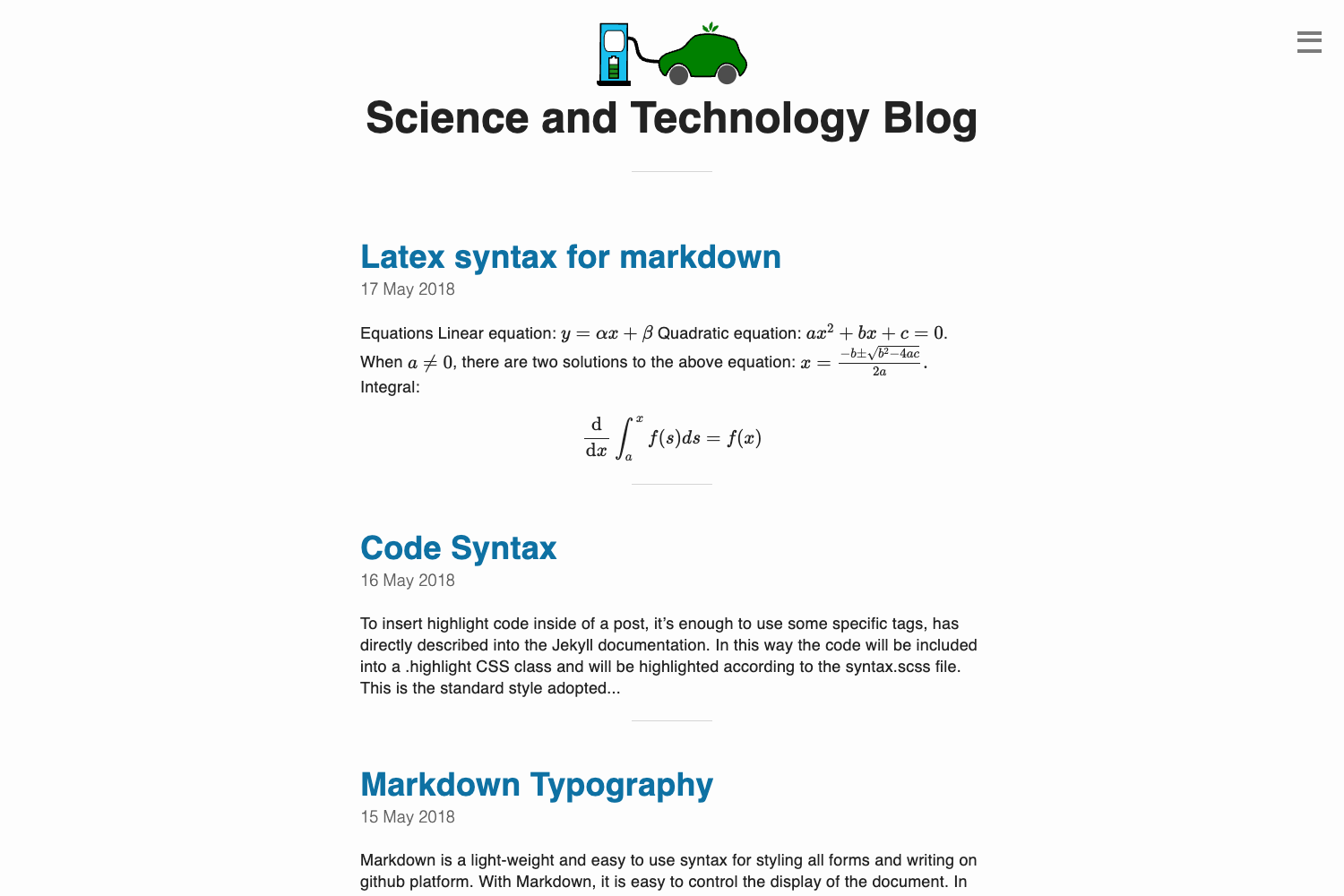
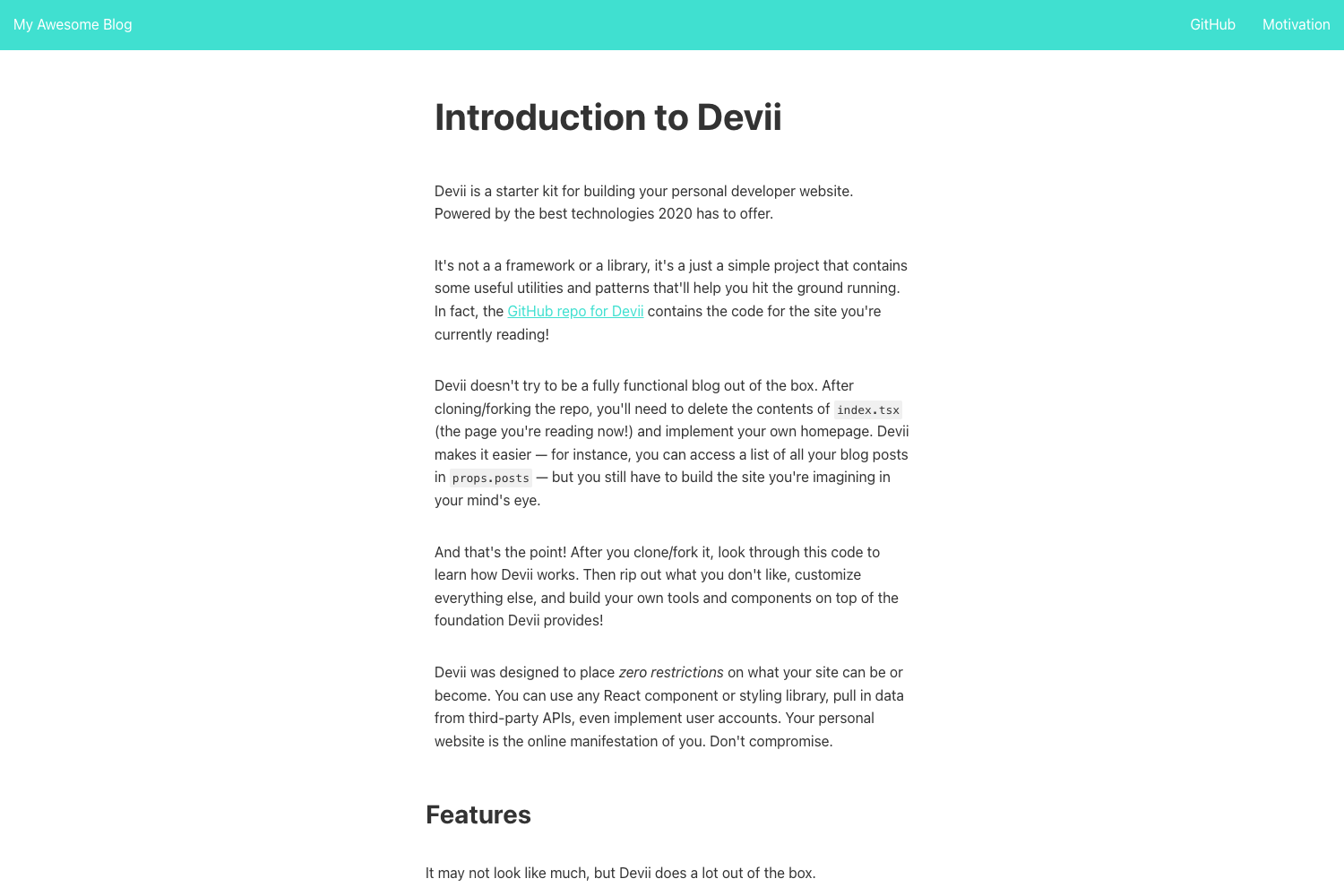
A modern Hexo blog theme based on Apple's Cupertino design, styled like Apple Newsroom.
About this template
Hexo Theme Cupertino is a blog theme for the Hexo static site generator that applies Apple's Cupertino design language to create an Apple Newsroom-style reading experience.
What is Hexo Theme Cupertino?
Hexo Theme Cupertino is a free, open-source theme specifically built for Hexo, the Node.js-based static blog framework. It takes your Markdown posts and renders them into a clean, modern interface, with all theme settings managed through a _config.cupertino.yml file that overrides the defaults. The theme is authored and maintained by MrWillCom, and it is distributed both as an npm package (hexo-theme-cupertino) and as a Git repository for manual installation.
What makes Hexo Theme Cupertino stand out?
- Cupertino Design foundation — The theme is explicitly styled after Apple's Cupertino design language, so it resembles the look of Apple Newsroom rather than typical blog themes.
- Dual installation options — You can install it with
npm install hexo-theme-cupertino, or clone the repository tothemes/cupertinoand install its dependencies withnpm install. - Override-based configuration — Create a
_config.cupertino.ymlfile beside your main_config.ymlto customize the theme, which then takes precedence over the built-in defaults. - Official docs and live preview — A dedicated documentation site at cupertino.mrwillcom.com and a working demo at blog.mrwillcom.com give you reference material and a real-world example.
- Streamlined updates — npm users run
npm install hexo-theme-cupertino@latest; Git users pull changes inside the theme directory and rerunnpm install. - Community and maintenance signals — The repository uses Changesets for versioning, runs continuous releases through pkg.pr.new, and displays badges for GitHub release, NPM downloads, and stars.
Who is Hexo Theme Cupertino for?
Hexo Theme Cupertino is for bloggers and developers who already use Hexo and want a contemporary, Apple-inspired design without building a theme from scratch. It fits personal bloggers looking for a distinctive site, developers who like clean codebases and easy theming, and writers who want their content presented in a minimalist style similar to Apple's own editorial pages.
What can you do with Hexo Theme Cupertino?
- Personal bloggers: Publish Markdown articles and get a polished, consistent layout that keeps the focus on your writing.
- Technical writers: Run a blog with a familiar Apple-like appearance that works well for tutorials, announcements, and project updates.
- Hexo users: Leverage the package manager workflow to keep the theme current with a single command.
How does Hexo Theme Cupertino work?
To set it up, make sure you have a working Hexo blog, then install the theme via npm or by cloning it into the themes directory. Next, set theme: cupertino in your blog configuration, and create a _config.cupertino.yml file for your personal overrides. For updates, run the appropriate npm or Git command.
Pricing
Hexo Theme Cupertino is free and open source. There is no paid tier described on the repository page; instead, the author accepts donations through Liberapay and Patreon to support continued development.
FAQ
How do I install Hexo Theme Cupertino?
Make sure you have a Hexo blog first. Then run npm install hexo-theme-cupertino, or clone the repository to themes/cupertino and run npm install in that directory. Finally, set theme: cupertino in your blog's _config.yml.
How do I update Hexo Theme Cupertino?
If you installed it via npm, run npm install hexo-theme-cupertino@latest. If you cloned the repository, enter the theme directory, run git pull, and then run npm install to fetch any new dependencies.
Does Hexo Theme Cupertino cost money?
No, the theme is free to use and open source. Donations are optional and can be made through Liberapay or Patreon if you want to support the project.