Template details
Devii
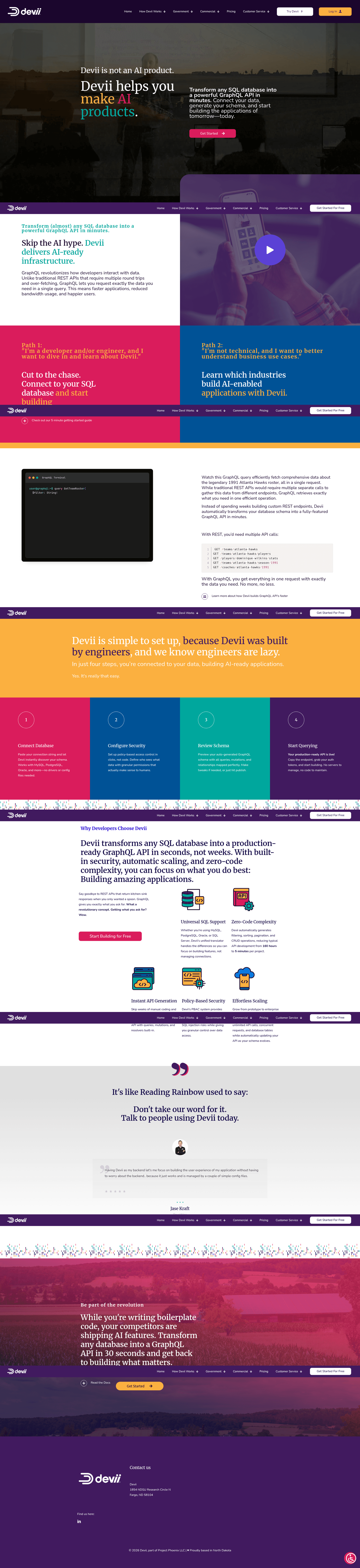
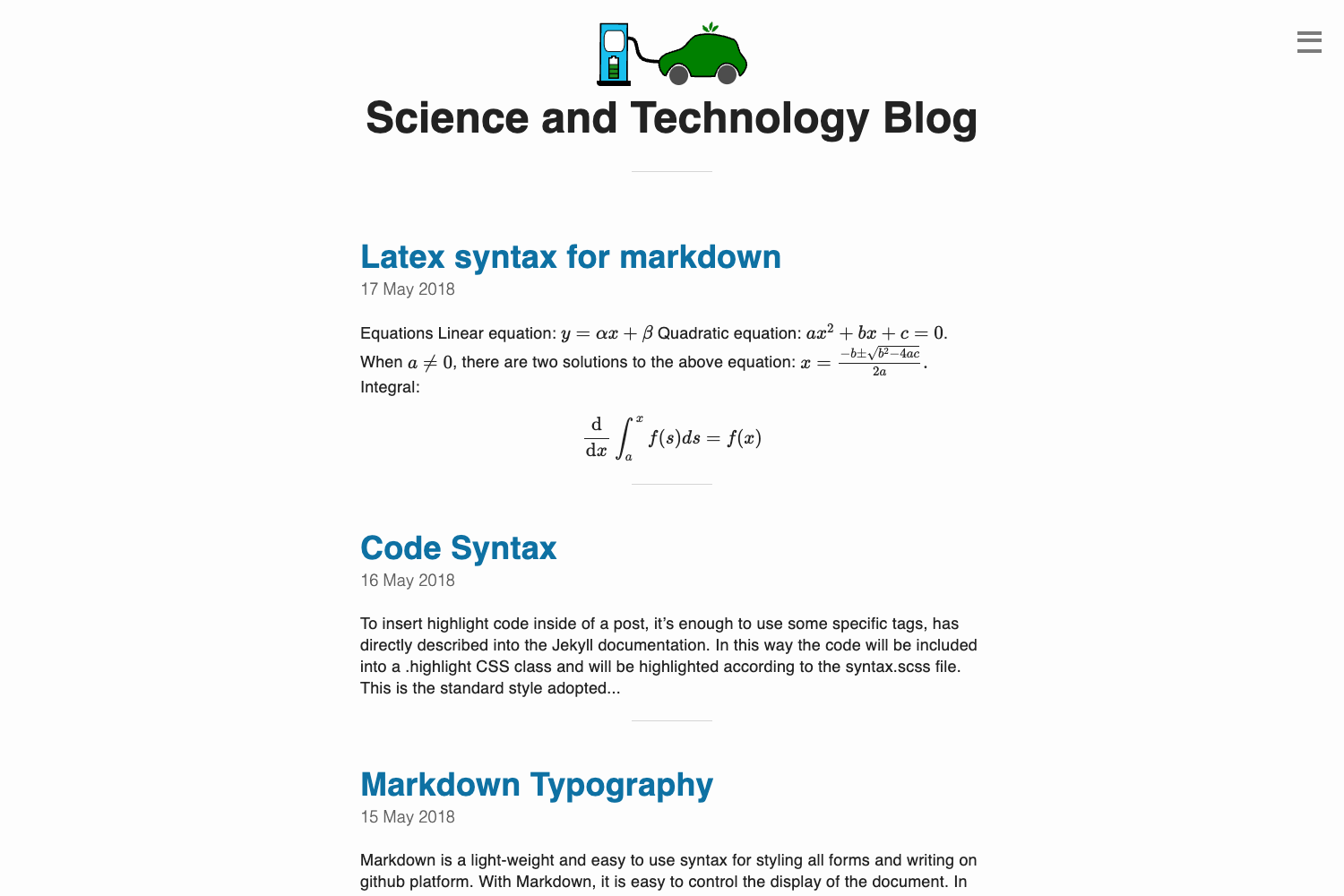
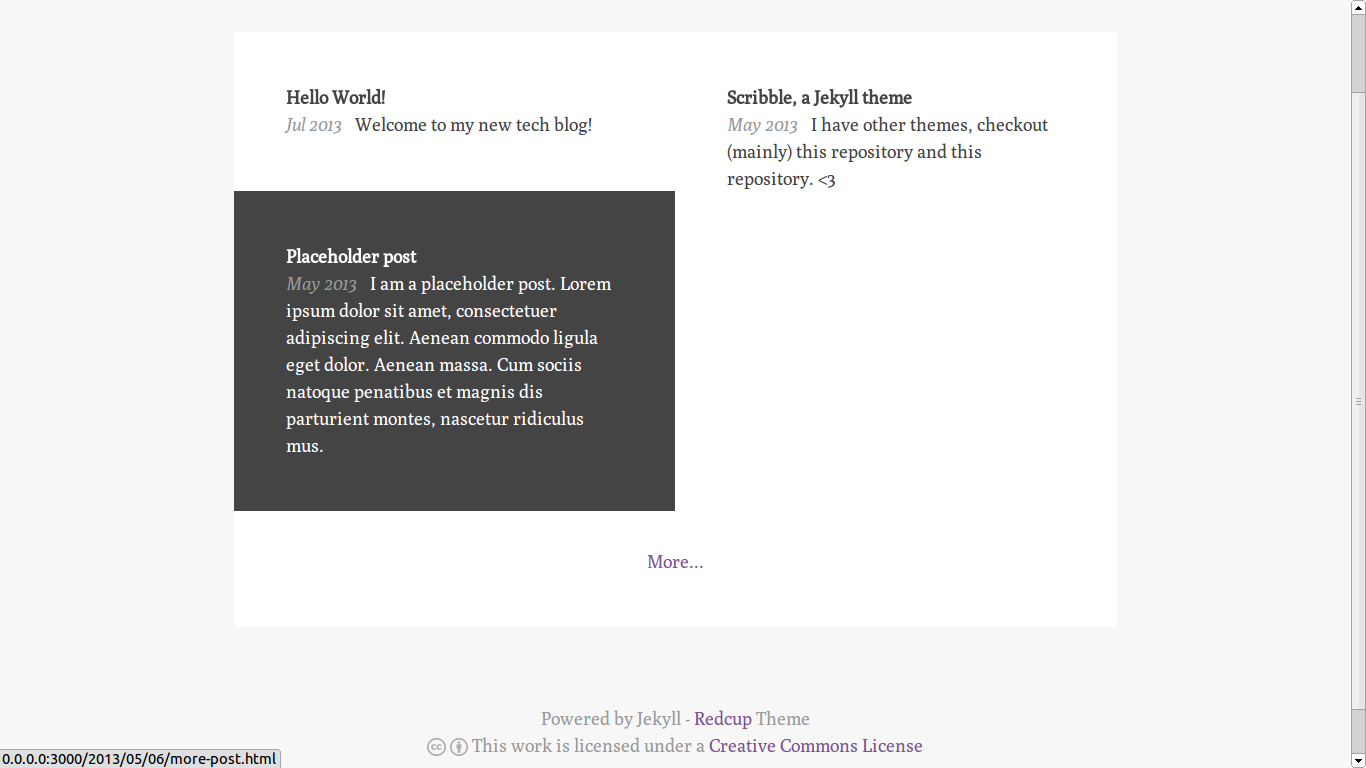
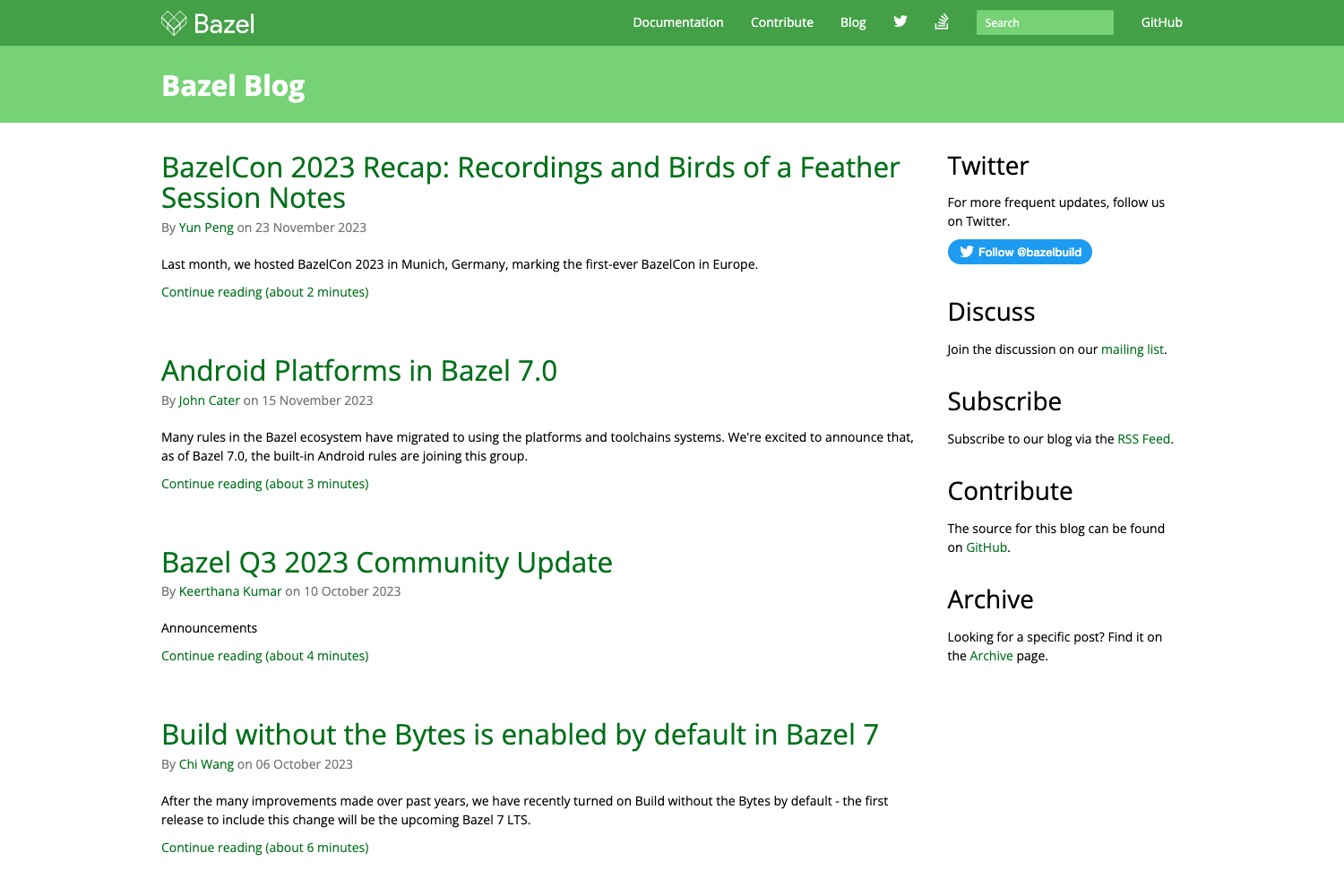
A developer blog starter built with Next.js, React, TypeScript, and Markdown, featuring syntax highlighting, SEO, and RSS generation.
About this template
Devii is an open-source developer blog starter that scaffolds a Markdown-powered blog on Next.js, React, and TypeScript, generating a fully static site with built-in syntax highlighting, RSS, and SEO. Created by Colin Hacks and hosted on GitHub, the repo doubles as documentation and a live demo at devii.dev.
What is Devii?
Devii is a developer blog starter that combines Next.js, React, TypeScript, and Markdown to produce a statically exported blog. It takes Markdown files placed in the /md/blog directory as input and outputs a static site with blog posts, an RSS feed, and SEO meta tags. The project is maintained by Colin Hacks and the code lives at github.com/colinhacks/devii.
Key Features
- Markdown-based static site generation — Add a
.mdfile to/md/blogand it becomes a blog post at/blog/slug, processed by Next.js during the build. - Next.js framework — Provides hot reload in development (
yarn dev) and static export viayarn build && yarn exportto theoutdirectory. - React + TypeScript — Custom pages and components are written as
.tsxfiles underpages, following Next.js dynamic routing conventions. - GitHub-style syntax highlighting — The
Markdown.tsxcomponent renders code blocks with language tags, similar to GitHub's highlighting. - Automatic RSS feed — Generates RSS from posts using the
rssandshowdownmodules; requires adatePublishedfield in frontmatter. - SEO best practices — Each post gets title, meta, Open Graph, Twitter, and canonical URL tags based on frontmatter like
descriptionandcanonicalUrl. - Google Analytics integration — Add your Google Analytics ID to
globals.tsand Devii automatically injects the tracking snippet. - Unopinionated styling — You can use any npm styling library; default Medium-inspired styles are implemented with
styled-jsxin the Markdown renderer.
Who is it for?
- Developers starting a blog — Quickly scaffold a personal tech blog without configuring a static site generator from scratch.
- React developers — Write custom pages and components in React and TypeScript, extending the starter with any npm package.
- Developers who want full control — Devii intentionally provides minimal out-of-the-box structure; you build the homepage and styling to match your brand.
What can you do with Devii?
- Personal tech blogs — Write posts in Markdown, add frontmatter metadata, and get SEO-friendly pages plus an RSS feed.
- Documentation or project sites — Use the Markdown loading utilities and custom React pages to build a hybrid content site.
How does Devii work?
After forking and cloning the repo, run yarn dev to start a local server on http://localhost:3000. Create a Markdown file in md/blog, and it appears as a new blog post. To deploy, run yarn build && yarn export to generate static files in out, then host on Vercel, Netlify, Firebase Hosting, or Amazon S3.
Pros and cons
- Pro: Full static export — Generates a fully static site with no server required, powered by Next.js.
- Pro: Open source and MIT licensed — Free to use and modify.
- Con: Minimal default pages — The homepage is intentionally bare; you must build your own homepage and page styling from scratch.
Pricing
Devii is free and open source under the MIT license.
Alternatives
- Gatsby blog starter — a popular React-based alternative to Next.js for static blogs.
- Hugo — a static site generator with built-in blog themes.
FAQ
Is Devii free?
Yes, Devii is open source and released under the MIT license. You can clone, modify, and deploy it without cost.
How do I add a new blog post?
Create a Markdown file with a .md extension in the md/blog directory. The file can include frontmatter (title, date, tags, etc.) and Markdown content. The blog post will appear at /blog/filename.
Does Devii support syntax highlighting?
Yes, the built-in Markdown component provides GitHub-style syntax highlighting for code blocks. Specify a language with a language tag like ts to enable highlighting.
What static site generator does Devii use?
Devii is built on Next.js, which handles static generation. Running yarn build && yarn export produces a static site in the out directory.
What are the requirements for RSS generation?
All posts must include a datePublished timestamp in their frontmatter for the RSS feed to generate correctly. The feed is created using the rss module.