Template details
Grunt Assemble
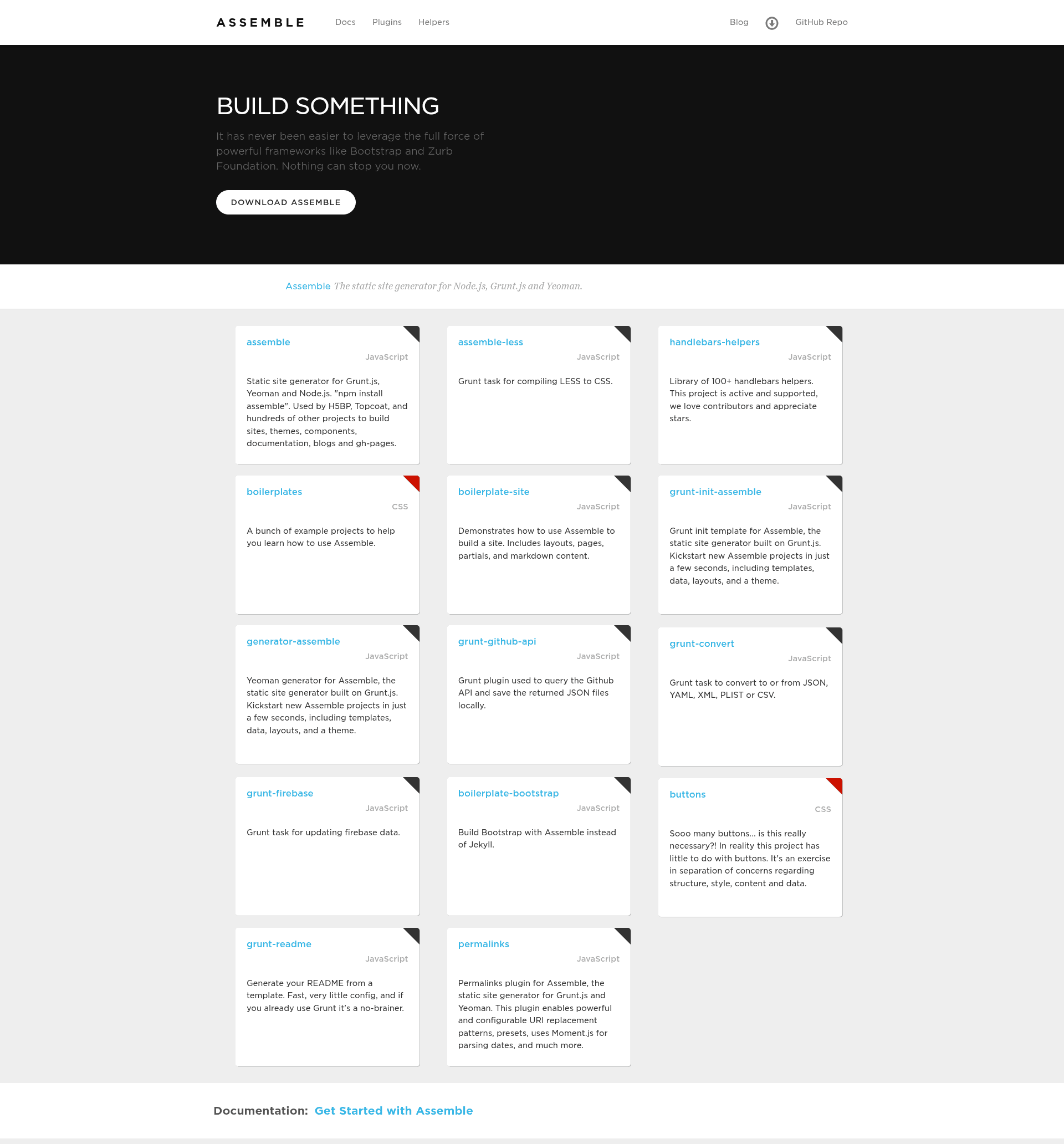
Static site generator for Grunt.js, Yeoman, and Node.js that builds sites, themes, components, documentation, blogs, and gh-pages.
About this template
Grunt Assemble is a static site generator that runs as a Grunt.js task, used by Zurb Foundation, Zurb Ink, H5BP, Topcoat, and hundreds of other projects to build HTML sites, themes, components, documentation, blogs, and gh-pages.
What is grunt-assemble?
Grunt Assemble is a static site generator for Grunt.js and Node.js. It takes Handlebars templates, partials, layouts, and data files (JSON or YAML) as input, and generates static HTML files as output. The project is maintained by Jon Schlinkert and Brian Woodward, and its documentation lives at assemble.io. It requires Grunt ~0.4.1 and is installed via npm as grunt-assemble.
What makes grunt-assemble stand out?
- Reusable fragments — Allows you to carve HTML up into partials, includes, and sections, then compose pages from those fragments.
- Layouts — Optionally wraps pages with layouts; supports nested layouts and a
layoutdiroption so layouts can be referenced by name. - Flexible page sources — Pages can be defined as HTML/templates, JSON, YAML, or directly in the Gruntfile via an options.pages array.
- Data integration — Data files in JSON, YAML, or YAML front matter are supplied to templates; wildcard glob patterns like
data/*.{json,yml}are supported. - Plugin and middleware ecosystem — Extend builds with plugins and middleware; the page lists assemble-middleware-anchors, contextual, drafts, i18n, lunr, permalinks, rss, sitemap, toc, and wordcount.
- Helpers included — Handlebars helpers from the
handlebars-helperslibrary are available by default; custom helpers can be loaded via thehelpersoption. - Engine option — Handlebars is the default template engine, but the
engineoption lets you switch, such as to Swig via assemble-swig. - Markdown support — Marked.js options can be configured for the markdown helpers, and
extsets the destination file extension (default.html).
Who is it for?
- Documentation teams — Assemble is used by Less.js / lesscss.org, Web Experience Toolkit, and other projects to generate documentation sites from templates.
- Front-end developers — Developers building themes, components, and multi-page sites with Grunt can generate static HTML from Handlebars partials and data without a backend.
- Team sites / blogs — Because it outputs plain HTML, Assemble suits blogs and marketing sites that can be hosted on GitHub Pages; it also has pagination support added in v0.4.14.
What can you do with grunt-assemble?
- Build a documentation site: Feed Markdown or Handlebars templates with a shared layout and data files, and get a static HTML site in the destination directory.
- Create a blog: Use the pagination feature and permalinks plugin to generate dated post archives from JSON/YAML collections.
- Generate a component library: Carve reusable partials for buttons, headers, and cards, then assemble multiple pages from those fragments.
- Generate a sitemap and RSS feed: Use the assemble-middleware-sitemap and assemble-middleware-rss plugins to produce
sitemap.xmland RSS feeds.
How does grunt-assemble work?
Add the grunt-assemble task to your Gruntfile, define an assemble target in grunt.initConfig() with options like partials, layout, data, and plugins, then run grunt assemble. The task reads source templates from the src property, applies the data and layouts, and writes rendered HTML to dest.
FAQ
Is grunt-assemble free?
Yes, grunt-assemble is released under the MIT license, and the source code is available on GitHub. It is also installed via npm as a dev dependency, so there's no licensing fee.
What template engine does grunt-assemble use?
By default it uses Handlebars. You can change it with the engine option — for example, assemble-swig supports Swig templates. Custom helpers and plugins are loaded through the helpers and plugins options.
What Grunt version does grunt-assemble require?
Grunt Assemble requires Grunt ~0.4.1. You load the task in your Gruntfile with grunt.loadNpmTasks('grunt-assemble').
How do I define layouts without an extension?
Use the layoutext option, then layouts in YAML front matter can be written as layout: default instead of layout: default.hbs. You can also set layoutdir so layouts are searched for by name.
What happened to versions below 0.2.0?
Versions below 0.2.0 are deprecated and available on the 0.1.15-deprecated branch. Versions at and above 0.2.0 contain the code from the original assemble project up to version 0.4.42; see the migration notes for breaking changes when upgrading.