Template details
Tailwind Figma
Free and open-source Figma UI kit for Tailwind CSS with components, responsive pages, and auto-layout.
About this template
Tailwind Figma (also known as FlowBite) is a free and open-source Figma design kit that provides Tailwind CSS–styled UI components and responsive example pages for designing web interfaces.
What is Tailwind Figma?
Tailwind Figma is a free and open-source set of UI components and pages in Figma built for Tailwind CSS. It takes the Tailwind design language — color tokens, typography scales, spacing values, and component patterns — and turns them into editable Figma frames, variants, and auto-layout groups. You duplicate the file from the Figma Community, then use the components directly in your own projects. The project is linked from Flowbite (flowbite.com/figma) and Themesberg (themesberg.com), and the repository metadata names it FlowBite.
What makes Tailwind Figma stand out?
- Figma variants — UI elements use Figma variants so you can toggle between states and styles in a single component without duplicating frames.
- Auto-layout — Components and pages are built with auto-layout, making them resize cleanly and stay aligned as you edit.
- Style guideline — A built-in guide includes Tailwind's color palette, typography, spacers, and icons for consistent use across screens.
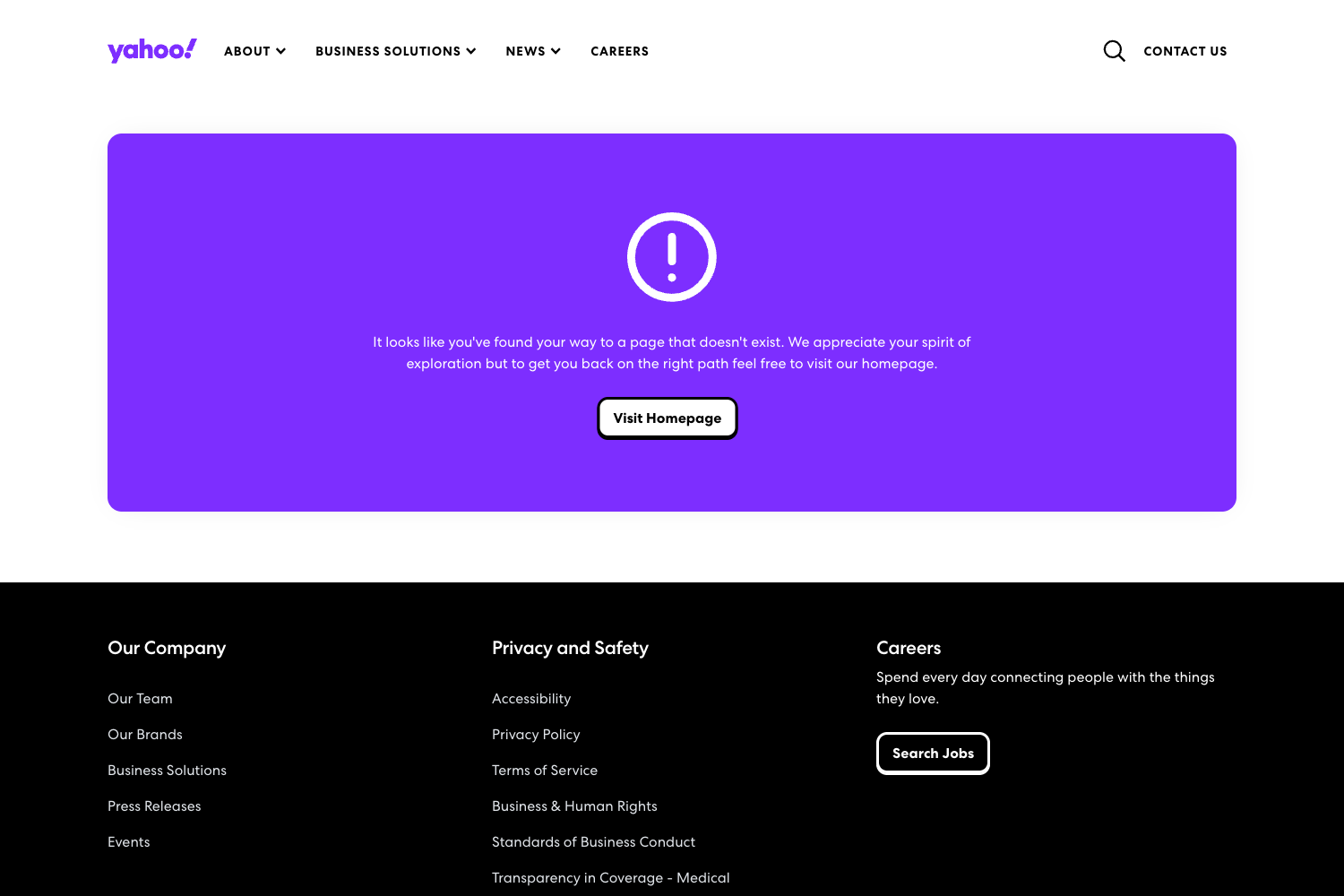
- Responsive example pages — The free edition includes a dashboard page, mobile screens, sidebar and menu, footer, and a 404 Not Found page that adapt to mobile, tablet, and desktop breakpoints.
- Ready-to-use components — Screenshots show buttons, badges, icons, typography styles, colors, and spacers as part of the kit.
- Open to community — The file is freely available on the Figma Community, so anyone with a Figma account can duplicate it.
- Full version with 27 pages — Upgrading unlocks 27 hand-crafted pages plus additional responsive screen examples and advanced UI elements.
Who should use Tailwind Figma?
- UI/UX designers designing dashboards or SaaS interfaces can use the dashboard page and component library as a starting point for mockups.
- Front-end developers working in Tailwind CSS can reference the style guideline to match design specs with utility classes for colors, spacing, and typography.
- Product teams building responsive web apps can prototype mobile, tablet, and desktop flows quickly from the included responsive screens.
What can you do with Tailwind Figma?
- Design a product dashboard: adapt the included dashboard page for analytics, admin panels, or internal tools.
- Prototype mobile experiences: use the mobile screen examples to lay out touch-friendly user flows in Figma.
- Build a consistent UI system: combine buttons, badges, footers, and navbars from the components section to maintain a uniform look across multiple screens.
How does Tailwind Figma work?
Open the Figma Community file page and click Duplicate to create an editable copy in your own Figma workspace. From there, copy individual components or entire pages into your projects and adjust them with auto-layout and variants.
Pricing
Tailwind Figma is freemium. The free edition is available through the Figma Community, and the full version with 27 hand-crafted pages, additional responsive screens, and advanced elements is a paid upgrade; pricing is listed on the flowbite.com/figma page.
FAQ
Is Tailwind Figma free?
Yes, the free edition is an open-source UI kit that you can duplicate from the Figma Community at no cost. A separate full version with more pages and components is available for purchase through the Figma Flowbite page.
What's the difference between the free and full version?
The free edition includes core elements like buttons, badges, colors, typography, spacers, icons, a dashboard page, and a few responsive screens. The full version adds 27 hand-crafted pages, responsive examples for mobile, tablet, and desktop, and advanced UI elements built with Figma variants.
What tools do I need to use it?
You need a Figma account to open and duplicate the file. Figma's free tier works fine; no additional software or Tailwind CSS configuration is required to use the design kit.
Does Tailwind Figma include code files?
No, this is a design kit rather than a code template. It provides visual styles and components that match Tailwind CSS's naming conventions, but you generate the actual HTML/CSS separately when you build the product.
Who made Tailwind Figma?
The project is presented on Flowbite (flowbite.com/figma) and Themesberg (themesberg.com), and the repository metadata names it FlowBite.