Template details
Hacker
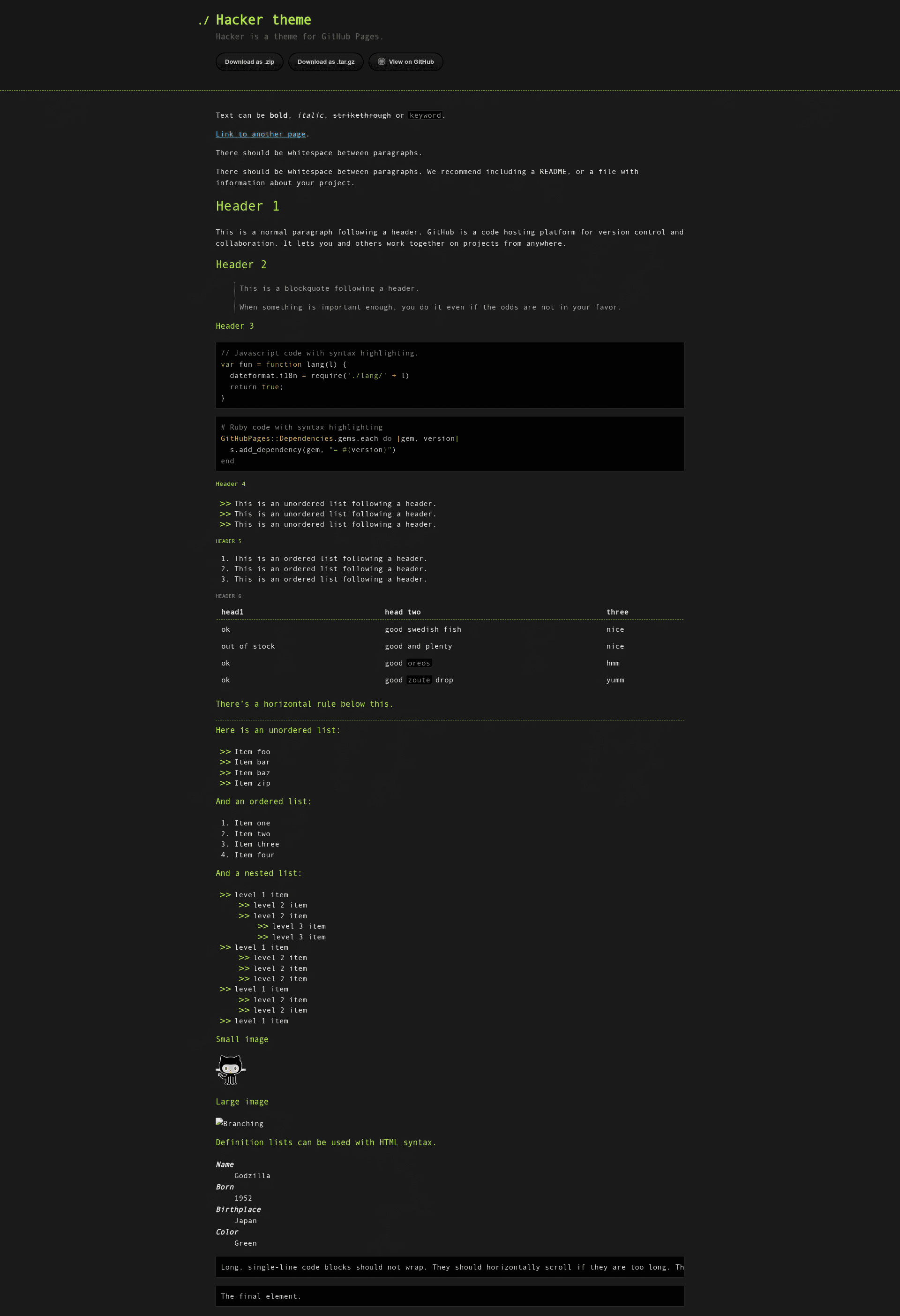
Hacker is a Jekyll theme for GitHub Pages, designed for quick and easy personal or project websites.
About this template
Hacker is a free, open-source Jekyll theme for GitHub Pages that lets you publish a personal or project website by adding a few lines to your site's configuration.
What is the Hacker theme?
The Hacker theme is a Jekyll theme maintained by the pages-themes GitHub organization. It takes a Jekyll site (a directory with _config.yml and markdown/HTML content) and produces a static website served by GitHub Pages. The theme includes a default layout, stylesheet, and includes files that you can override. It is designed to be simple out of the box, with opt-in customization for users who need more control.
Key Features
The theme provides several configuration hooks and overrides that let you control its behavior without editing the generated HTML.
- Simple installation — Add
remote_theme: pages-themes/hacker@v0.2.0and thejekyll-remote-themeplugin to your_config.ymlto activate the theme on GitHub Pages. - Configuration variables — Set
title,description,show_downloads(true/false), andgoogle_analyticstracking ID in_config.ymlwithout touching HTML. - Custom styles — Create
/assets/css/style.scssand add your own SCSS after the theme's import line to modify colors, fonts, and layout. - Layout override — Copy the theme's
default.htmltemplate into/_layouts/default.htmlto change the HTML structure, or add custom files to your_includesfolder for smaller changes like a favicon. - Google Analytics support — Override the built-in snippet by placing the latest tracking code in
_includes/head-custom-google-analytics.html. - URL overrides — Replace GitHub-generated links by configuring
github:variables in_config.yml, such as providing a custom download URL instead of the default GitHub archive link. - Local preview — Clone the repository, run
script/bootstrapto install dependencies, thenbundle exec jekyll serveto preview atlocalhost:4000. - Tested and open source — The theme includes a minimal test suite via
script/cibuildand accepts contributions through its public repository.
Who is it for?
Hacker suits anyone who wants a GitHub Pages site with minimal setup and room to grow.
- GitHub Pages beginners — people who want a functional website quickly by editing only
_config.ymland adding content. - Jekyll developers — users who need a theme that respects Jekyll's standard configuration and supports SCSS customization without a build tool setup.
- Open-source maintainers — developers who want a simple project page with a download link, using the
show_downloadsoption and custom GitHub URL variables. - Theme contributors — members of the community who want to improve the theme by filing issues, proposing features in the roadmap, and submitting pull requests.
What can you do with the Hacker theme?
With the configuration variables and override files, you can shape the theme for several common site types.
- Personal websites: publish a title and description with minimal configuration, hosted for free at a GitHub Pages URL.
- Project pages: display a download button by setting
show_downloads: true, and override the default download URL to a custom archive. - Customized sites: extend the theme with custom SCSS and layout overrides to create a unique design while staying on the Jekyll platform.
How does the Hacker theme work?
Setting up Hacker follows the standard Jekyll remote-theme workflow.
- Add
remote_theme: pages-themes/hacker@v0.2.0to your_config.ymland includejekyll-remote-themein the plugins list. - (Optional) Add
gem "github-pages"to your Gemfile to preview the site locally with Jekyll. - Push your repository to GitHub; GitHub Pages builds the site using the theme's default layout and styles.
Pricing
Hacker is free and open source, hosted on GitHub under the pages-themes organization. There are no paid tiers; you can use it on any GitHub Pages site without charge.
FAQ
How do I install the Hacker theme?
Add remote_theme: pages-themes/hacker@v0.2.0 to your _config.yml and make sure jekyll-remote-theme is listed in the plugins array. If you already have a plugins list, add the remote-theme plugin to it. Push to GitHub Pages and the theme will be applied.
Can I customize the theme's colors?
Yes. Create a file called /assets/css/style.scss in your site with the required front matter, then add your own SCSS rules after the theme import line. You can also set new values for Sass variables before the import to change theme defaults.
How do I add Google Analytics?
Set the google_analytics variable in _config.yml to your tracking ID, and the theme will include the standard code. To use the latest Analytics snippet, place it in _includes/head-custom-google-analytics.html in your site.
How do I preview the theme locally?
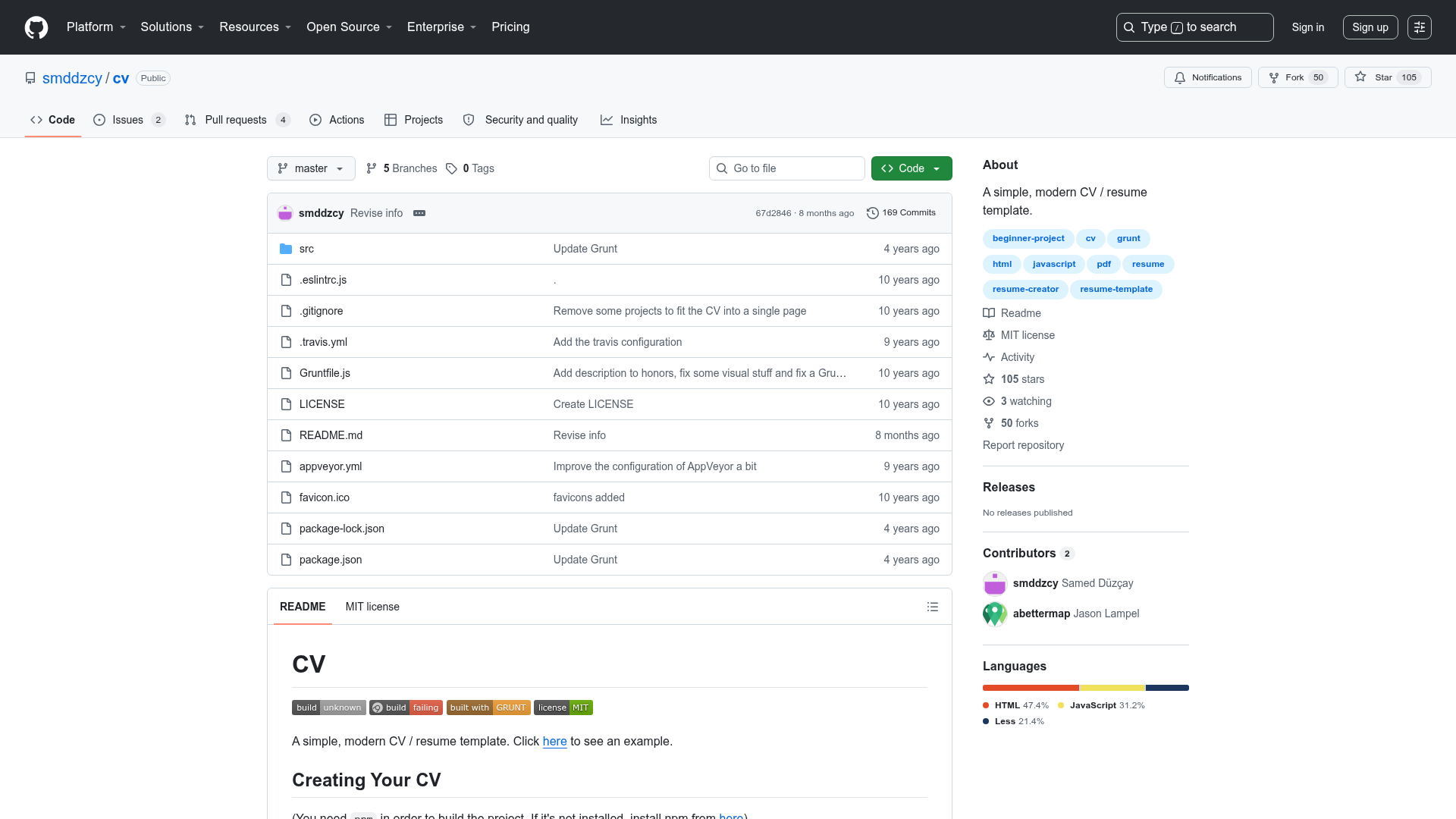
Clone the theme's repository, run script/bootstrap to install dependencies, then run bundle exec jekyll serve. Open http://localhost:4000 in your browser to preview the theme. This is also the workflow for testing changes to the theme.
Is the Hacker theme free?
Yes, Hacker is a free open-source Jekyll theme maintained by the pages-themes organization on GitHub. You can use it on as many GitHub Pages sites as you like, and you can contribute improvements via the public repository.