Template details
Nice Tat
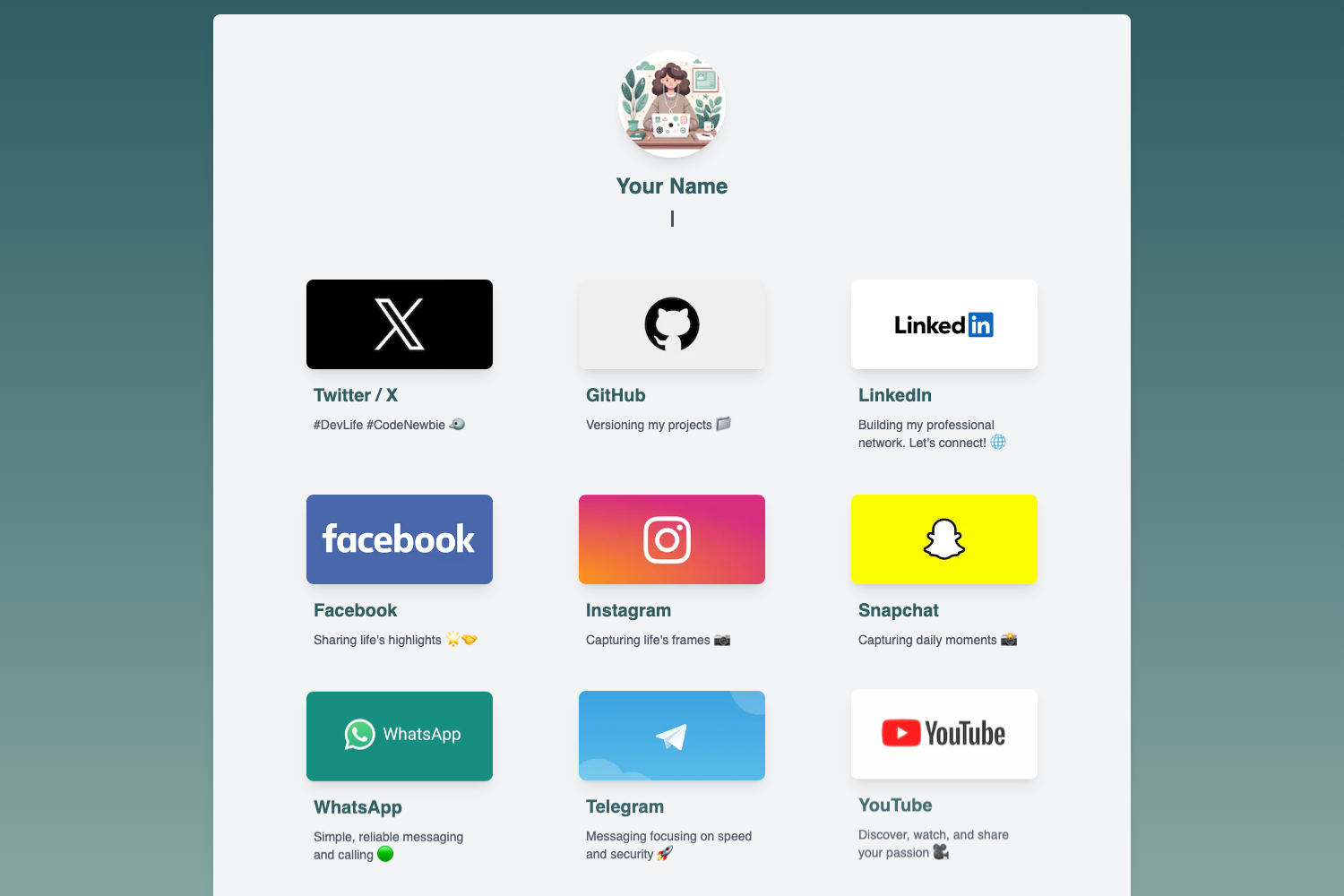
One-click deployable Astro site template for an ultra-minimal link-in-bio personal page, inspired by Casey Neistat.
About this template
Nice Tat is an Astro site template for creating an ultra-minimal personal page or link-in-bio site, inspired by Casey Neistat's famously sparse personal website. The template is designed to be deployed in about two minutes using one-click deployment buttons on Netlify or Vercel, with all content managed through Markdown files.
What is Nice Tat?
Nice Tat is a static site template built with the Astro framework and styled with Tailwind CSS. It takes Markdown files as input and produces a clean, single-page website with smooth page transitions and dark mode support. The template runs on any static hosting platform, with Netlify and Vercel deploy buttons provided. It was created by GitHub user ThatGuySam and published in the repository ThatGuySam/nice-tat.
Key Features
- One-click deployment — Deploy to Netlify or Vercel directly from the repository buttons with no command-line setup.
- Markdown editing — Add or edit pages by creating Markdown files in the /src/pages directory.
- TailwindCSS styling — Customize the look using Tailwind utility classes without writing custom CSS.
- Dark mode — A built-in dark mode toggle for easier night-time viewing.
- Page transitions — Smooth animated transitions when navigating between pages.
- SEO-friendly structure — Basic metadata and semantic HTML included out of the box.
- Detailed README — The repository includes a guide covering setup, editing, and adding new pages.
- Site-wide configuration — Change the site name and other global options in src/config.ts.
Who should use Nice Tat?
- Freelancers and professionals who need a quick personal landing page with links to their portfolio, social media, or contact information.
- Link-in-bio creators who want a self-hosted alternative to services like Linktree, with full control over the code.
- Developers who are experimenting with Astro and want a minimal starter that demonstrates Markdown content collection and Tailwind integration.
Use cases
- Content creators: Redirect followers to a single page that lists all your social profiles, videos, and other links.
- Developers: Use the template as a playground for testing Astro's static generation, markdown rendering, and page transitions.
- Designers: Modify the Tailwind theme to match your personal brand and create a unique minimal page.
How does Nice Tat work?
After clicking the deploy button on Netlify or Vercel, you connect your repository and the site is automatically built and hosted. Once deployed, you can edit the site directly on GitHub or clone the repository to your local machine. To add a new page, you create a Markdown file in /src/pages, for example /src/pages/twitch.md, and add your content and options. Site-wide settings like the site name are configured in src/config.ts.
FAQ
Is Nice Tat free to use?
Yes, the template is publicly available on GitHub and can be used and modified without licensing restrictions.
Do I need to know how to code to use it?
Basic familiarity with Markdown and GitHub is helpful, but the one-click deployment and detailed README make it accessible to beginners.
What hosting platforms work with Nice Tat?
The template includes one-click deploy buttons for Netlify and Vercel, but because it generates static HTML, it can be hosted on any static site hosting service.
Can I add more pages than the default one?
Yes, each Markdown file you add to /src/pages becomes a new page on the site, so you can grow it into a small multi-page site.