Template details
Vrus
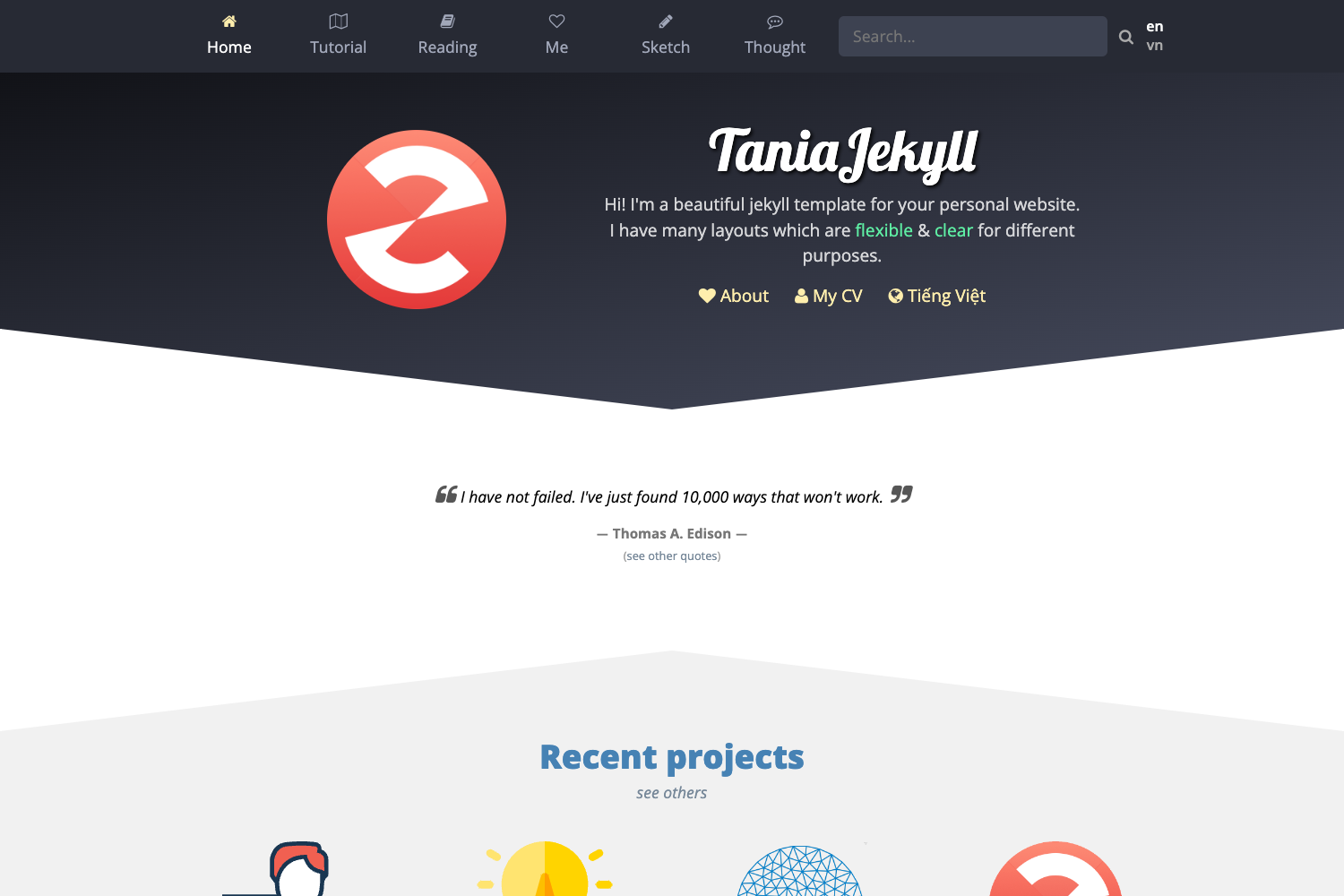
Personal website starter built with Astro 4.0 and Tailwind CSS, with a Vercel-hosted demo.
About this template
Vrus is a free, open-source personal website starter template built with Astro 4.0 and Tailwind CSS that compiles a static single-page site from .astro and .md files, with a live demo hosted on Vercel.
What is Vrus?
Vrus is a starter theme for personal websites that uses Astro 4.0 as its static site generator and Tailwind CSS for styling. As an Astro template, it takes project files placed in src/pages/ and outputs a production-ready static site into ./dist/ when you run the build command. The template's live preview is available at vrus.vercel.app, and its code is MIT-licensed while the written content and images are shared under CC BY-NC-SA 4.0.
Key Features
- Astro 4.0 static generation — any
.astroor.mdfile placed insrc/pages/becomes a route using the file's name. - Tailwind CSS styling — utility-first CSS framework is included for styling the starter components.
- Starter project structure — the template ships with
src/components/Card.astro,src/layouts/Layout.astro,src/pages/index.astro, and apublic/favicon.svg. - Multi-framework component support — components in
src/components/can be written in Astro, React, Vue, Svelte, or Preact. - pnpm-based workflow — the repository uses pnpm commands:
pnpm install,pnpm run dev(serves at localhost:4321),pnpm run build, andpnpm run preview. - Production output to
./dist/— the build command generates a static site ready for hosting on any static host such as Vercel. - Separate content licensing — code is MIT-licensed; the template's words and images are licensed under CC BY-NC-SA 4.0.
Who is it for?
Vrus suits developers who want a minimal Astro-based personal homepage without configuring a full framework. It also fits Tailwind CSS users who prefer utility classes to style a small landing page, and static-site enthusiasts who want a lightweight SSG starting point that can be deployed to Vercel or similar hosts.
What can you do with Vrus?
- Launch a personal homepage: edit
src/pages/index.astroto replace the starter content with your own name, bio, and links. - Add pages or blog posts: create
.mdfiles insrc/pages/and Astro will generate routes for them automatically. - Reuse layouts and components: modify
Layout.astrofor a shared page shell andCard.astrofor repeatable content blocks. - Deploy to Vercel: connect the project to Vercel's Git integration, or use the live demo at vrus.vercel.app as a reference for the final result.
How does Vrus work?
Start by running pnpm install to install dependencies, then pnpm run dev to launch a local server at localhost:4321. Edit the files in src/ — Astro hot-reloads changes. When ready, run pnpm run build to compile the site into static files under ./dist/, and pnpm run preview to test the production build locally.
FAQ
Is Vrus free to use?
Yes. The template's code is released under the MIT license, and its written and visual content is licensed under CC BY-NC-SA 4.0, so you can use and modify it freely within those terms.
What package manager does Vrus use?
The template is configured for pnpm. The README lists pnpm install, pnpm run dev, pnpm run build, and pnpm run preview as the primary commands.
Can I use React components in Vrus?
Yes. The src/components/ directory is designed to hold Astro, React, Vue, Svelte, or Preact components, so you can bring in UI from other frameworks alongside Astro.
Where can I see a live demo of Vrus?
A live demo is hosted at https://vrus.vercel.app/. The README includes this link as the template's preview site.