Template details
Typst Bilingual Resume Template
A Typst bilingual (Chinese/English) resume template that compiles to PDF via GitHub Actions or typst.app, with optional profile photo support.
About this template
Typst Bilingual Resume Template is an open-source Typst resume template that produces Chinese and English PDF resumes automatically via GitHub Actions or the Typst web app.
What is Typst Bilingual Resume Template?
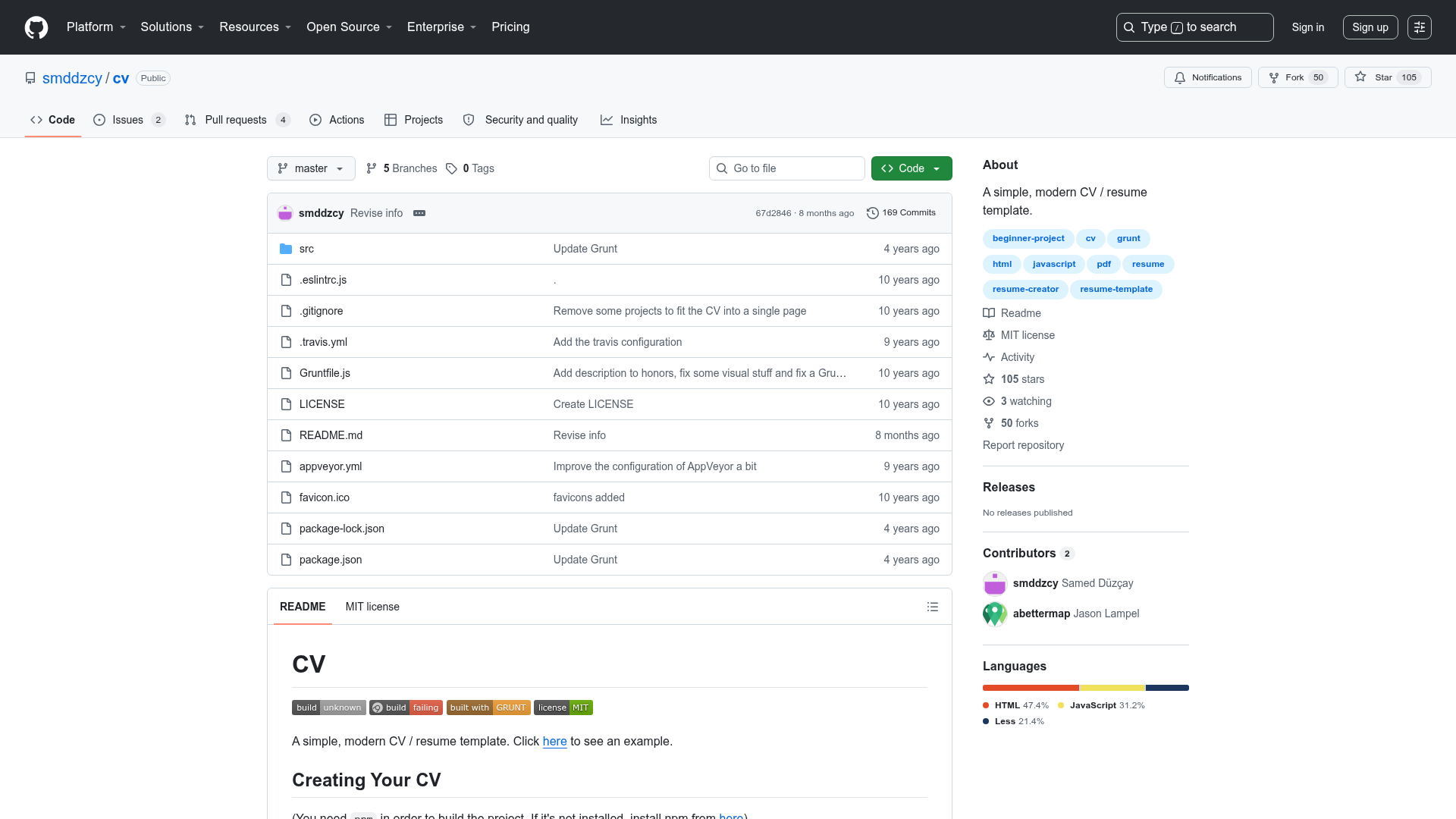
This template is a Typst-based resume template for creating bilingual (Chinese/English) resumes. It takes resume content written in the src folder and outputs two PDF files — one in Chinese and one in English — using the Typst typesetting system. The template is created by NorthSecond and available as a GitHub repository at NorthSecond/Auto_Typst_Resume_Template. It can be compiled without a local Typst environment thanks to a shared project on typst.app or GitHub Actions integration.
Key Features
- Bilingual output — Compiles both a Chinese and an English resume from the same source, using Noto Serif CJK SC for the Chinese version and Centaur for the English version.
- No local environment required — Compile directly on typst.app via the shared project link (project ID r4XMUB3ENQUH7zWiuK7_tO), or let GitHub Actions run the build after every commit.
- Optional profile photo — Set the
pic_pathparameter to a file path to include a photo, or leave it empty to omit it entirely. - GitHub Actions automation — The repository includes a workflow that runs
make allon each commit and packages the generated PDFs as downloadable artifacts. - GitHub Releases publishing — Create a
git tagand push it withgit push --tags; the generated PDFs are then automatically attached to a GitHub Release page. - Makefile targets — Local users with Typst and GNU Make can use
make all,make zh,make en, andmake cleanto build the resume. - Open-source license — Released under CC BY-NC 4.0, allowing free use with attribution but prohibiting commercial use.
Who is it for?
- Bilingual job seekers — Apply to positions requiring both Chinese and English resumes and need consistent formatting between the two versions.
- Students and academics — Create a professional CV for internships, graduate school applications, or academic roles where a clean, typeset PDF is expected.
- Developers familiar with Typst — Leverage the Typst language and GitHub Actions workflow to keep a resume under version control and regenerate PDFs automatically.
- People without local TeX or Typst setups — Use the typst.app online project to edit and preview without installing any software.
What can you do with it?
- Automate resume builds: Set up GitHub Actions once, then every push to the repository recompiles both the Chinese and English PDFs automatically.
- Maintain a versioned resume: Keep resume source files in Git and use tags to mark milestones, with PDFs published to GitHub Releases for easy sharing.
- Customize fonts and layout: Adjust the template's Typst code to change typography, spacing, and structure while keeping the bilingual output.
How does it work?
To use the template, either copy the typst.app project to your own account or click "Use this template" on GitHub to create a repository. Edit the resume content in the src folder, then either commit to trigger GitHub Actions or compile locally with make. The build process runs make all and generates the PDFs.
FAQ
Do I need to install Typst locally to use this template?
No. You can use the shared project on typst.app for online editing and real-time preview, or rely on the GitHub Actions workflow in the repository to compile PDFs for you. Local installation of Typst and GNU Make is only required for the make commands.
What fonts does the Chinese version use?
The Chinese resume uses the Google version of Noto Serif CJK SC (Source Han Serif). For online users, the font is available without installation. Local users need to install it or place the font files in the project root, and the Makefile already specifies the font path.
Can I include a profile photo?
Yes, the template supports an optional profile photo. Set the pic_path parameter to your photo's file path to include it, or set it to an empty string to omit it.
Is commercial use allowed?
No, the template is licensed under CC BY-NC 4.0, which permits free use with attribution but does not allow commercial use.