Template details
Heather
A hyperminimal Jekyll theme for building static blogs on GitHub Pages.
About this template
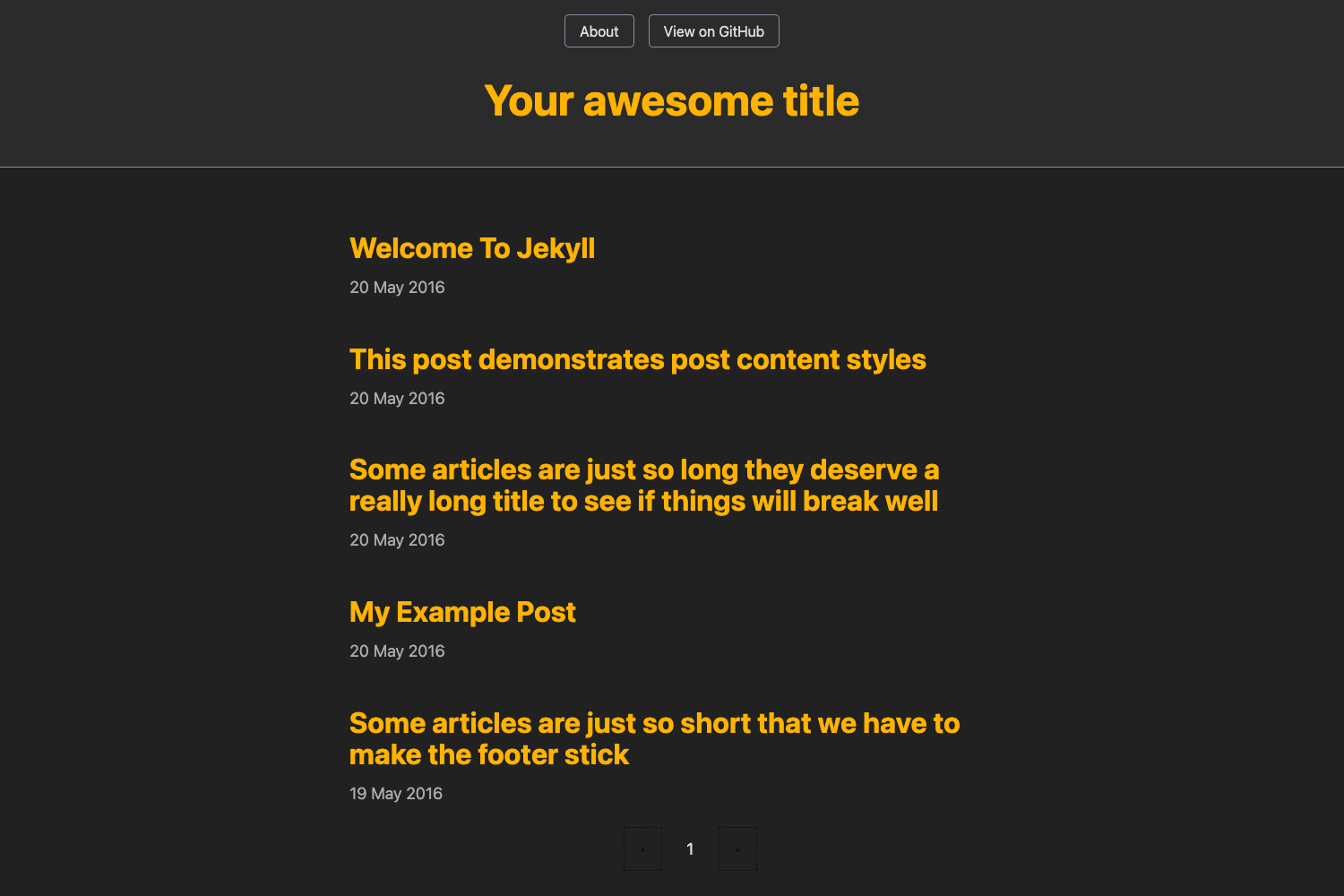
Heather is a hyperminimal Jekyll theme that builds static blogs on GitHub Pages, with a content-first design and minimal configuration. The theme, by Jxnblk, is MIT-licensed and has 125 GitHub stars.
What is Heather?
Heather is a hyperminimal Jekyll theme that takes a standard Jekyll site (a _config.yml file and Markdown posts in _posts/) and outputs a static HTML blog with a clean, content-first design. It runs on Jekyll, a static site generator that integrates directly with GitHub Pages, and is written by Jxnblk. The theme's default configuration sets the site name, description, author, and URL inside _config.yml, with a commented-out localhost URL for local development.
Key Features
- Hyperminimal design — Strips away sidebar, widgets, and visual noise so posts and typography are the focus; no theme customization options are documented beyond the config file.
- GitHub Pages ready — Works out of the box with GitHub Pages, which automatically builds Jekyll sites from a repository's
mainbranch orgh-pagesbranch. - Configurable site metadata — Edit
name,description,author, andurlin_config.yml; an example localhost URL is commented out for switching between local and production. - Pagination included — Sets
paginate: 16in the config, showing 16 posts per page on index pages. - Clean permalinks — Defines
permalink: /:titleso each post URL is just the site root plus the post title, without date folders. - Example post template — Ships with
_posts/2103-01-01-template.md; users rename the file to match the date and title and then edit the front matter and content. - MIT License — Free to use, modify, and redistribute, as noted on the theme's GitHub page.
Who is it for?
Heather is aimed at Jekyll users who want a no-frills blog theme with minimal setup. A developer new to Jekyll can clone the theme, change the _config.yml values, and have a working blog in minutes. A writer or blogger who prefers Markdown over a CMS can publish posts by dropping files into _posts/. It is also suitable for someone hosting a personal site on GitHub Pages who wants the smallest possible visual footprint.
What can you do with Heather?
- Personal bloggers — Publish Markdown posts with a clean, readable layout and no competing interface elements.
- Developers — Use it as a base for experimenting with Jekyll's directory structure, pagination, and permalink conventions.
- GitHub Pages users — Deploy a static blog to GitHub Pages by pushing the repository, since Jekyll builds the site automatically.
How does Heather work?
After installing Jekyll, edit _config.yml to set the name, description, author, and URL (using http://localhost:4000 locally). To add a post, copy the provided template file in _posts/, rename it with the current date and title (for example, 2016-01-01-my-post.md), and write the content. Jekyll then generates the static HTML site, which GitHub Pages serves automatically.
FAQ
Is Heather free to use?
Yes. Heather is released under the MIT License, which permits free use, modification, and redistribution in both personal and commercial projects.
Do I need Jekyll to use Heather?
Yes. Heather is a Jekyll theme, so you need Jekyll installed locally to preview the site, and GitHub Pages to build it remotely. The theme's documentation assumes Jekyll is already set up.
How do I create a new post?
Create a new file in the _posts/ directory with a filename following the date-title convention, such as 2025-01-01-hello.md. Use the included _posts/2103-01-01-template.md as a starting point to see the required front matter structure.
Can I change the look and feel?
The theme is designed to be hyperminimal and does not document layout or style customization options. The primary controls are the metadata fields in _config.yml; any deeper styling would require editing Jekyll templates directly.