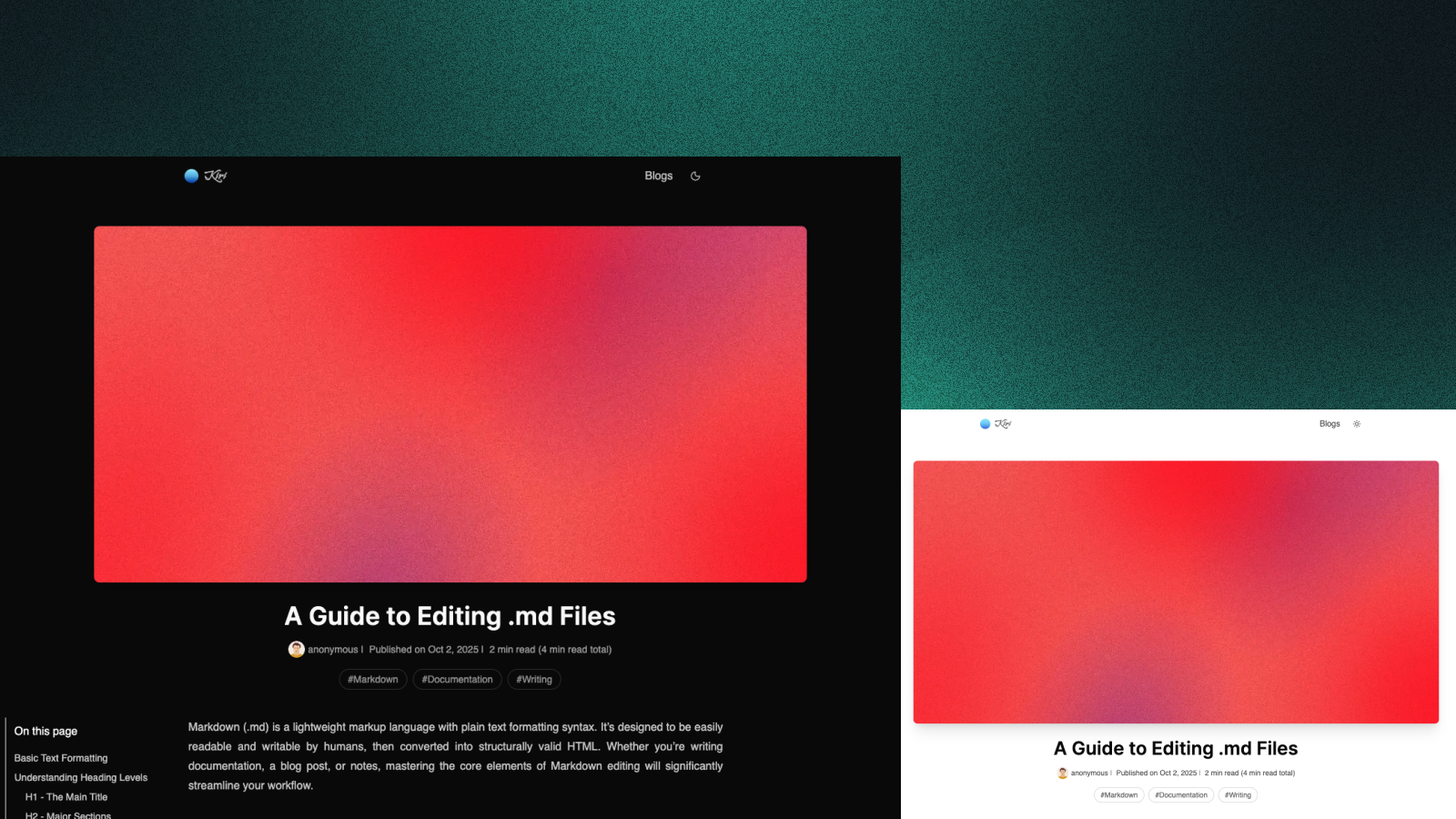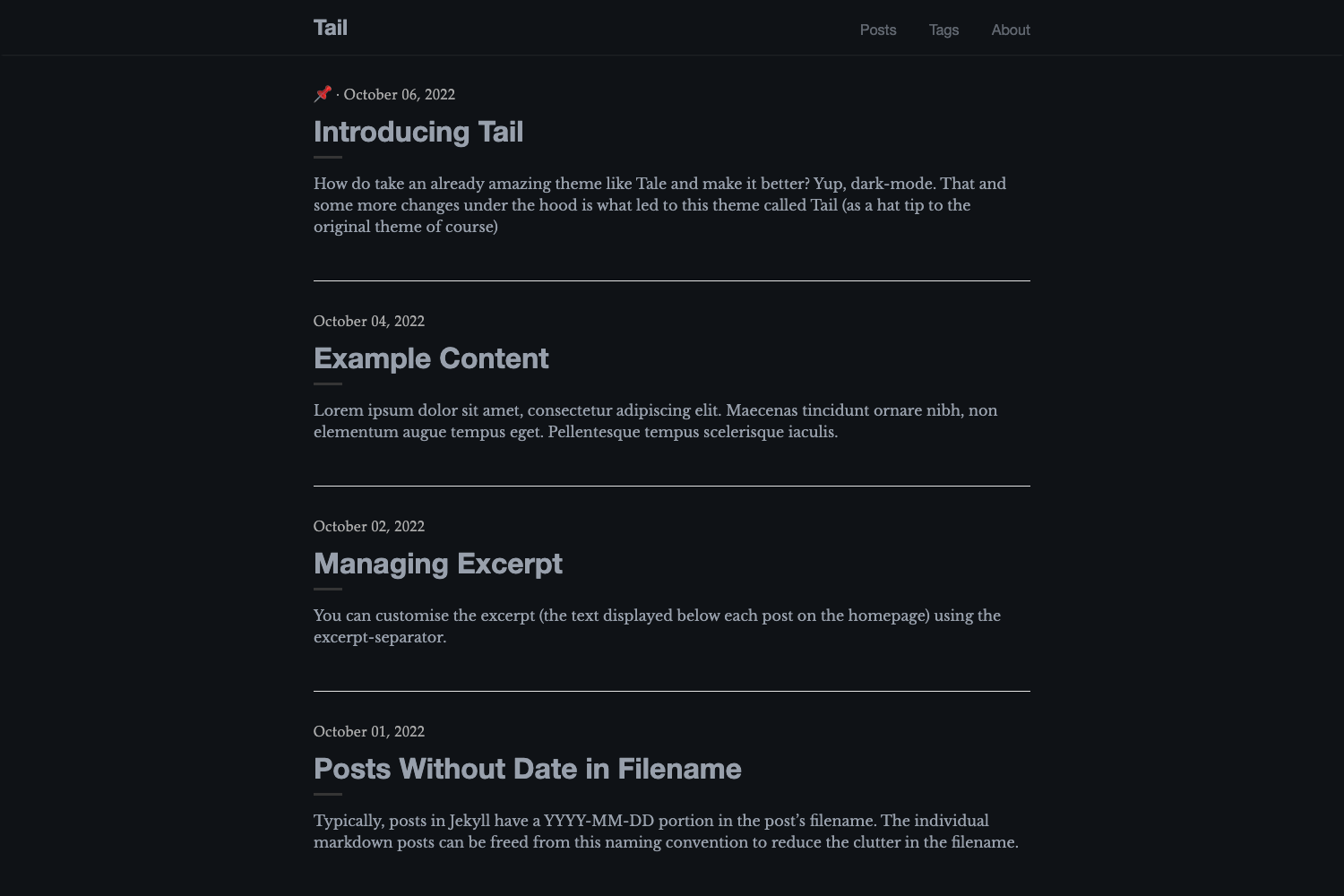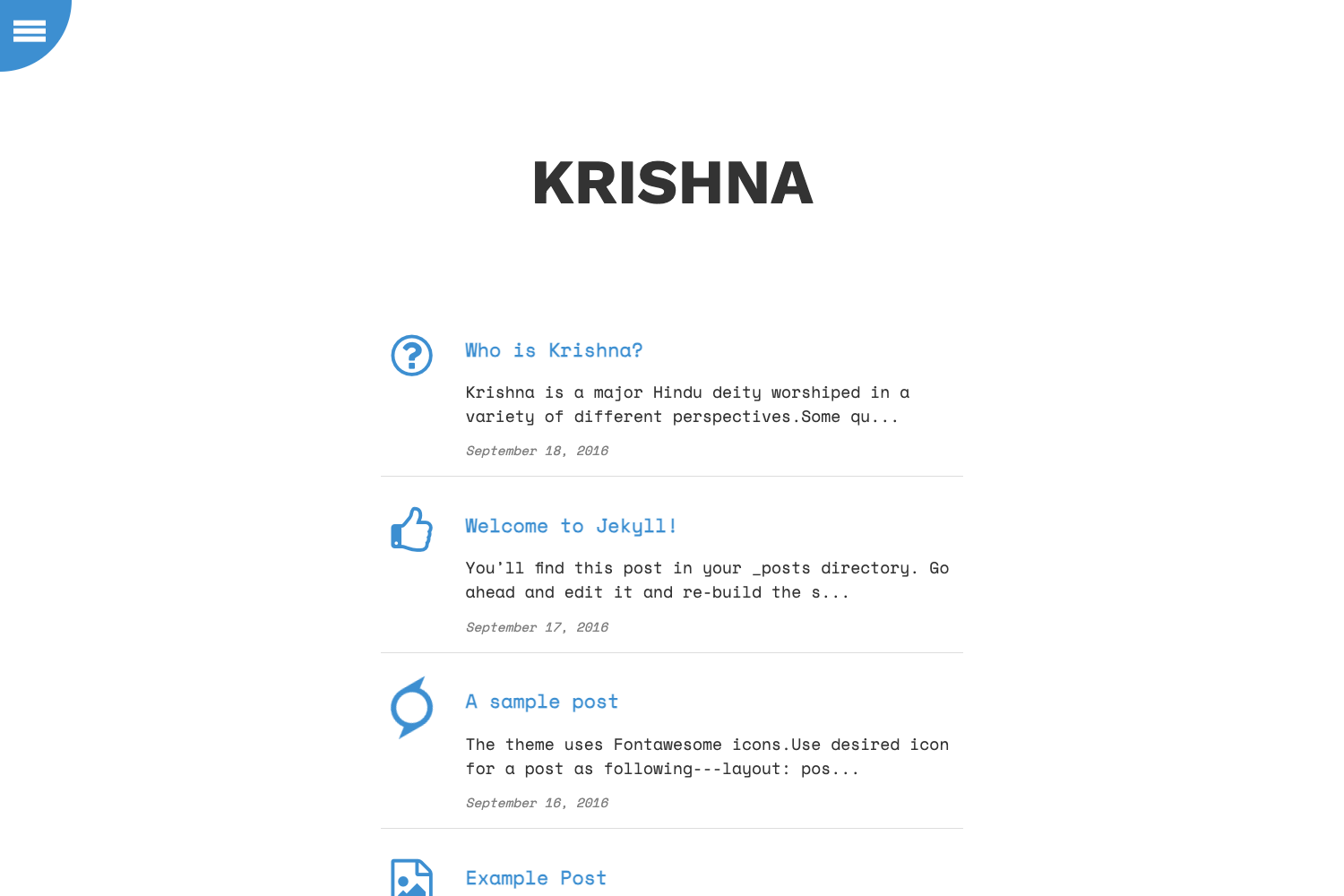
Template details
Next Blog Firestore
Open-source blog starter with Next.js SSR, Firebase Firestore storage, and a React-based CMS protected by Google Auth.
About this template
Next Blog Firestore is an open-source blog boilerplate that combines Next.js server-side rendering with Firebase Firestore for storage and a custom React-based CMS for writing and publishing.
What is Next Blog Firestore?
Next Blog Firestore is a starter template for building a blog on top of Next.js, Firebase Firestore, and Firebase Auth, created by Alexander Suevalov and licensed under MIT. It takes a Firebase project configuration (project ID, auth domain, API key) and a seed script that populates Firestore, and produces a server-rendered blog with posts, authors, tags, categories, and an admin interface at /admin. The template runs on Node.js via Next.js and is designed to be cloned and extended.
Key Features
- Server-side rendering with Next.js — Pages are rendered on the server, giving quick and SEO-friendly responses that score well in Lighthouse.
- Firestore backend with authentication — Posts and author records live in Firebase Firestore; the admin area is protected by Firebase Auth using a Google sign-in provider.
- Custom CMS with Mobx State Tree — The /admin panel is built with React, Mobx State Tree, and Styled Components, offering a simple, Ghost-inspired editing experience.
- Markdown with custom React components — Authors write in Markdown rendered by Marksy, with the ability to embed custom React components inside posts.
- Multi-language and multi-author support — The blog can be configured for multiple languages, and each author is mapped to a Firebase user UID stored in an authors collection.
- Content organization — Includes a posts feed, featured posts, and navigation by tags and categories.
- Developer tooling — The project ships with ESLint, Prettier, Webpack, Husky, Lint-Staged, and Ant Design for UI components.
Who is it for?
Developers who want a ready-made Next.js and Firebase blog architecture can clone the repo and use it as a starting point. Bloggers who need a custom CMS without hosted service fees benefit from the included admin panel and Google Auth. Teams running a publication with multiple authors and languages can use the built-in author mapping and i18n configuration.
What can you do with Next Blog Firestore?
- Independent bloggers: Create and publish Markdown posts through the /admin CMS, then see them rendered with server-side rendering for better SEO.
- Developers: Extend the React CMS and add custom components to posts, since the whole stack is JavaScript-based.
- Teams: Set up a multi-author blog by adding user UIDs to the authors collection and configuring multiple languages in config.js.
How does Next Blog Firestore work?
The README walks through a multi-step Firebase setup: create a Firebase project, enable Google authentication, create a Firestore database, publish the provided .firebase-rules file, add environment variables to .env (F_PROJECT_ID, F_AUTH_DOMAIN, F_API_KEY), generate a Firebase Admin service key as firebase-service-key.json, run yarn run seed to populate initial data, manually create the required Firestore indexes, and then run yarn dev and sign in at http://localhost:3000/admin with a Google account to start writing.
Pricing
Next Blog Firestore is free and open source under the MIT License.
FAQ
How do I set up the Firebase project?
Follow the steps in the README: create a Firebase account, enable Google authentication, create a Firestore database, and paste the provided .firebase-rules file. Then copy your project ID, auth domain, and Web API key into a .env file.
How do I add a new author?
Get the user UID from the Firebase Authentication section, create an authors collection in Firestore, and add a record whose document ID is that UID. Set the name field to the author id from config.js.
Does Next Blog Firestore support multiple languages?
Yes. The template includes multi-language support, and the configuration lives in config.js. It is designed for blogs that publish content in more than one language.
What license does it use?
The project is licensed under the MIT License, copyright 2018-present Alexander Suevalov.