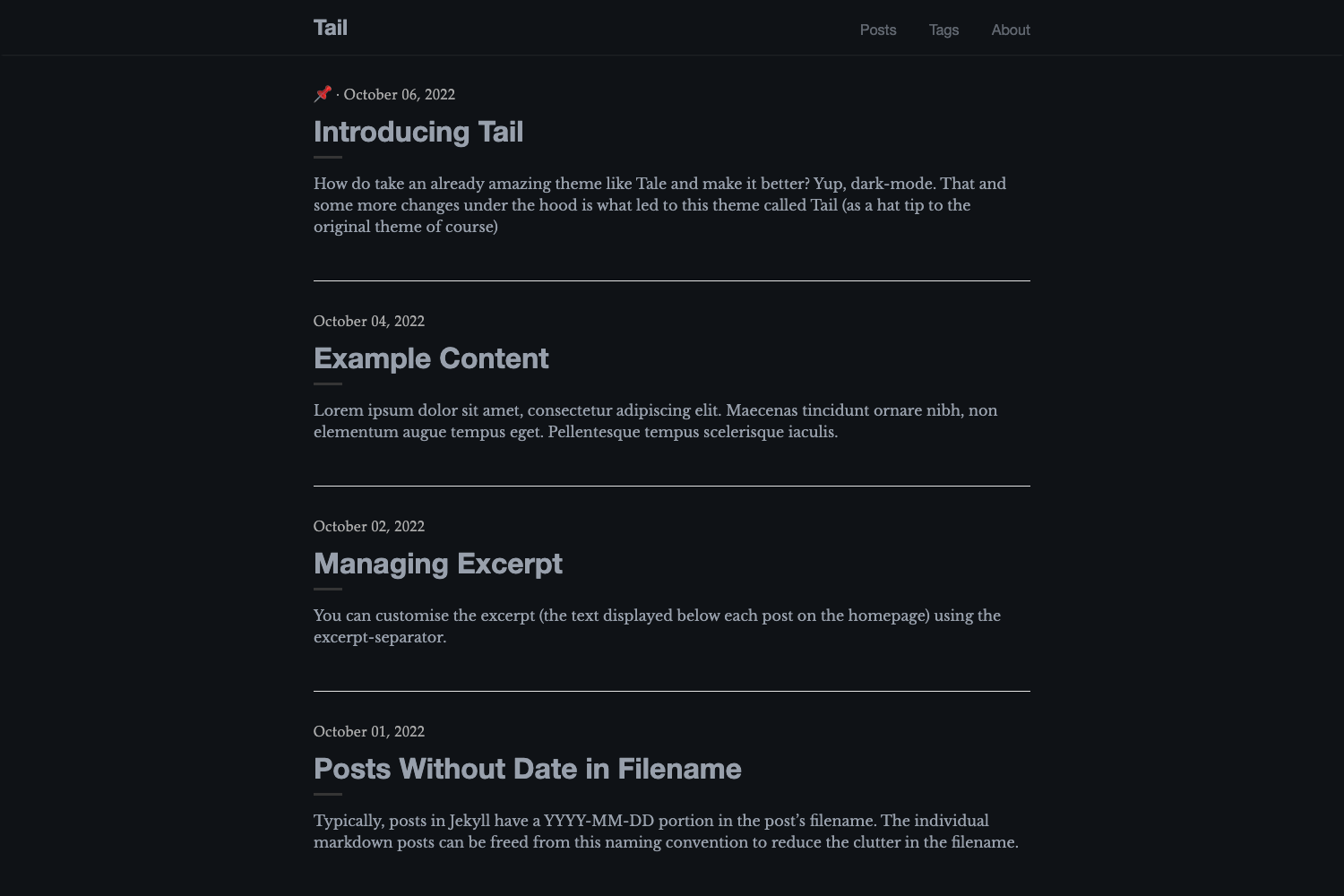
Template details
Minimal
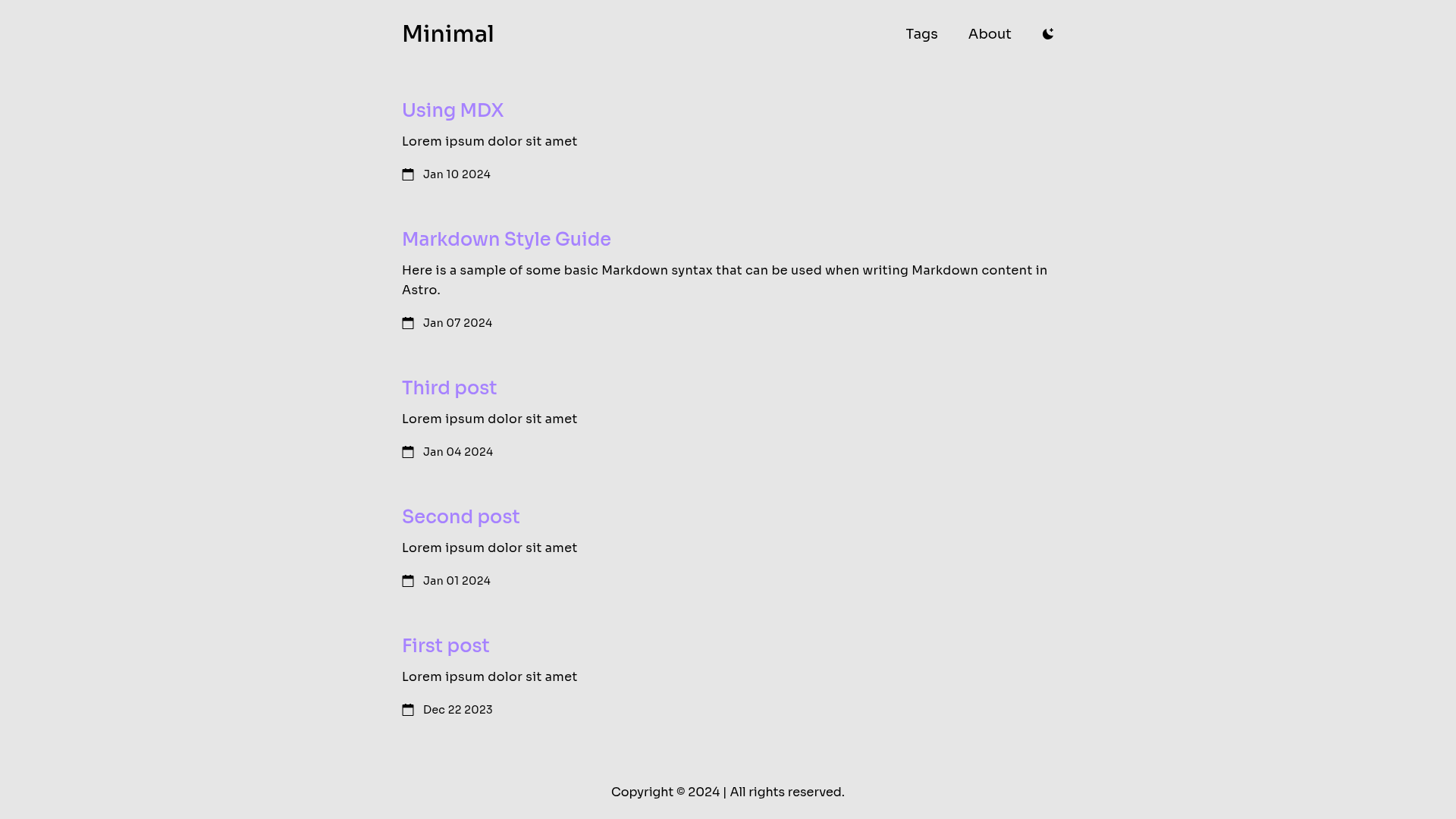
Free, open-source Astro blog theme with Tailwind styling, Markdown/MDX posts, dark/light mode, and expressive code blocks.
About this template
Minimal is a free, open-source blog theme built on Astro v4 that generates a responsive, SEO-friendly static site from Markdown and MDX posts, styled entirely with Tailwind CSS.
What is Minimal?
Minimal is a minimalistic Astro blog theme created by ekmas. It takes Markdown (.md) and MDX (.mdx) files placed in src/content/posts and builds them into a static blog with Tailwind CSS styling. The theme runs on Astro's content collections system, which validates post front matter, and produces a deployable static site in ./dist/ after running npm run build. It is distributed as a GitHub template, so users can click the "Create a new repo" button to generate their own copy.
Key Features
The theme packs Astro's modern static-site features into a small, customizable blog template with these visible capabilities.
- Astro v4 — Built on Astro version 4, using the framework's static-site generation and content collections for typed posts.
- Tailwind CSS styling — All layout and component styling is done with Tailwind, and colors can be customized by editing the Tailwind config.
- Responsive & SEO-friendly — The theme is responsive out of the box and includes meta-tag configuration via
src/config.ts. - Dark/Light mode support — Visitors can switch between dark and light themes, controlled by the Tailwind color configuration.
- MD & MDX posts — Blog posts are authored as Markdown or MDX files, validated through Astro content collections, each requiring front matter with title, description, publish date, and tags.
- View Transitions API — Page transitions use the browser's View Transitions API for smoother navigation between posts.
- Expressive-code code blocks — Code blocks are rendered with Expressive Code and styled using Shiki syntax highlighting; themes can be changed in both the Astro config's
expressiveCodeobject andconfig.ts. - Icons by Svgrepo — The theme includes icons sourced from Svgrepo.
Who should use Minimal?
Minimal is suited for any writer or developer who wants a fast, no-frills blog with a tiny configuration surface.
- Personal bloggers — Set up a clean, minimal blog with minimal configuration: change the site in
astro.config.mjsand the meta data insrc/config.ts. - Developers who want a fast static site — Astro v4 and static generation produce a site with no runtime JS for content pages.
- Writers comfortable with Markdown or MDX — Authors can focus on writing posts as .md or .mdx files without touching layout code.
What can you do with Minimal?
Using the template's documented commands and post format, you can move from repo creation to published content in a few steps.
- Start a blog from a GitHub template — Use the "Create a new repo" link to copy the template, then run
npm installandnpm run devfor local development. - Author posts in Markdown or MDX — Add a new .md or .mdx file to
src/content/postswith the required front matter and the site will pick it up. - Customize the look and code styling — Adjust colors in the Tailwind config, and change code-block themes in the
expressiveCodeobject insideastro.config.mjs.
How does Minimal work?
The workflow is documented in the README's "Get started" and "How to add new post" sections. After generating a repo from the template, you edit astro.config.mjs to set your site URL and src/config.ts for meta-tag data. To add a post, you create a new Markdown or MDX file in src/content/posts with front matter containing a title, description, publish date, and tags. Commands like npm run build output your production site to ./dist/.
Pricing
Minimal is free and open source, released under the MIT license. There are no paid tiers mentioned.
FAQ
The README answers the most common setup and customization questions directly.
How do I create a new post?
Create a new Markdown or MDX file in src/content/posts. The file must include front matter with a title, description, publication date, and an array of tags. The README provides an example with title "First post", description "Lorem ipsum dolor sit amet", publish date "Dec 22 2023", and tags "astro", "blogging", "learning".
Can I customize the colors of the theme?
Yes. Colors are applied via Tailwind, and you can change the entire layout's color scheme by editing the colors in the Tailwind config file.
How do I change the code block theme?
You need to update the themes in two places: the themes array in the expressiveCode object inside astro.config.mjs and the corresponding theme in src/config.ts.
Is Minimal free?
Yes, Minimal is free and open source under the MIT license.
What is the development server address?
Running npm run dev starts a local development server at localhost:4321.