Template details
Hello Friend
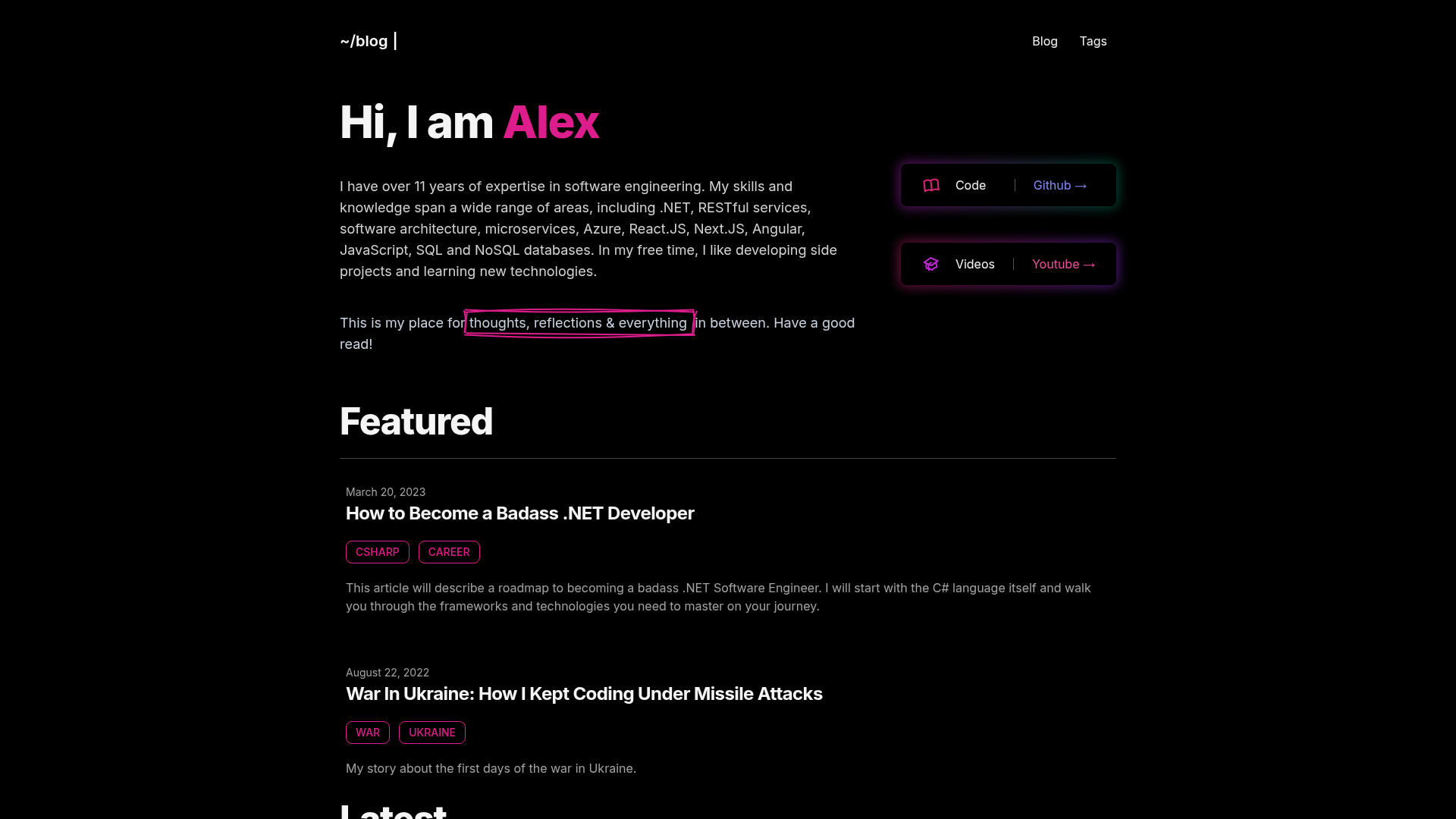
A minimal Hugo blog theme with dark/light mode, PrismJS highlighting, and built-in shortcodes.
About this template
Hello Friend is a minimal, archived Hugo blog theme that bundles dark/light theming, PrismJS code highlighting, and built-in shortcodes. Created by Radosław Kozieł (panr) and released under the MIT License, it renders markdown content into a fully responsive blog and requires Hugo Extended v0.90.x or newer.
What is Hello Friend?
Hello Friend is a Hugo theme that converts your markdown posts and front matter into a clean, responsive blog with configurable menus, cover images, and RSS feeds. It takes site configuration in config.toml and content from a content/posts/ directory, and outputs static HTML. The repository is archived and no longer maintained, but the theme remains fully usable, forkable, and modifiable because it depends only on Hugo's internal template engines.
Key Features
- Dark/light mode — defaults to your operating system preference, but you can force it to "light" or "dark" with the
defaultThemeconfig parameter. - Inter font — uses the Inter typeface by Rasmus Andersson for reading comfort, requiring no separate font files.
- PrismJS syntax highlighting — supports over 60 languages including Go, Python, TypeScript, Rust, HTML, CSS, and YAML; just wrap code in fenced blocks.
- Built-in shortcodes — includes
image,figure,imgproc(with Hugo image processing likeResize "250x"), and a collapsiblecodeshortcode with expand/collapse labels. - Improved RSS feed — cover images appear at the top of feed items,
rssFullText = trueemits full post content, andrssImagesets a site-wide image for feed discovery. - Cover images for posts — set
coverin front matter as an absolute path or, withuseRelativeCover = true, relative to the post folder; optionalcoverAltandcoverCaptionadd alt text and captions. - Fully responsive — the layout adapts to mobile, tablet, and desktop screen sizes without extra configuration.
- Last modified date — enable with
lastModDisplay = "Modified:"in config, optionally complemented by Hugo'senableGitInfo.
Who is it for?
- Personal bloggers — write markdown posts in Hugo and get a blog with reading time, table of contents, and a "Read more" button that can be hidden per post via
hideReadMore = true. - Hugo developers — fork or extend the theme; it offers
prepended_head.html,extended_head.html, andextended_footer.htmlpartials for injecting custom code without editing core files. - Site owners who want a straightforward setup — install through one of three methods (Hugo Module, local directory clone, or git submodule) and configure everything from a single
config.toml.
What can you do with Hello Friend?
- Publish a multilingual blog — use the
[languages]config sections to define per-language titles, menus, date formats, and even duplicate the archive page with.Langsuffixes likearchive.pl.md. - Build an archive page — copy the supplied
archive.mdfrom the example site into your content directory to get an automatic archive of all posts. - Add comments — integrate a comments system by editing the
layouts/partials/comments.htmlpartial; the theme provides the hook for your preferred provider.
How does Hello Friend work?
You start by downloading or cloning the repository into themes/hello-friend (or fetching it as a Hugo Module with hugo mod get github.com/panr/hugo-theme-hello-friend). After copying a minimal config.toml that sets theme = "hello-friend", pagination, and content type, you run hugo server -t hello-friend to serve a live preview at localhost:1313. Content lives in content/posts/ by default, and each post's front matter supports cover images, table of contents, and per-post settings.
FAQ
Is Hello Friend free to use?
Yes. The theme is released under the MIT License, so you can use it for personal or commercial projects, modify it, and redistribute it. The original license text is included in the repository.
Is Hello Friend still maintained?
No. The repository is archived, but the theme still works with current Hugo Extended versions (v0.90.x and above). Since it's open source, you can fork it, fix issues, or contribute features yourself.
How do I add a cover image to a post?
In the post's front matter set cover to an absolute path like /img/cover.jpg, or to a relative filename like cover.jpg and set useRelativeCover = true to resolve it from the post's folder. You can optionally set coverAlt and coverCaption.
Can I show full post content in the RSS feed?
Yes. Set rssFullText = true in your config.toml [params] section. Otherwise the feed uses the Description or Summary from front matter, and it automatically includes the post's cover image at the top of each item.
Does the menu support nested items?
No. The main menu does not support nesting, so all menu items must be top-level entries. You can control how many items appear by setting showMenuItems in config.