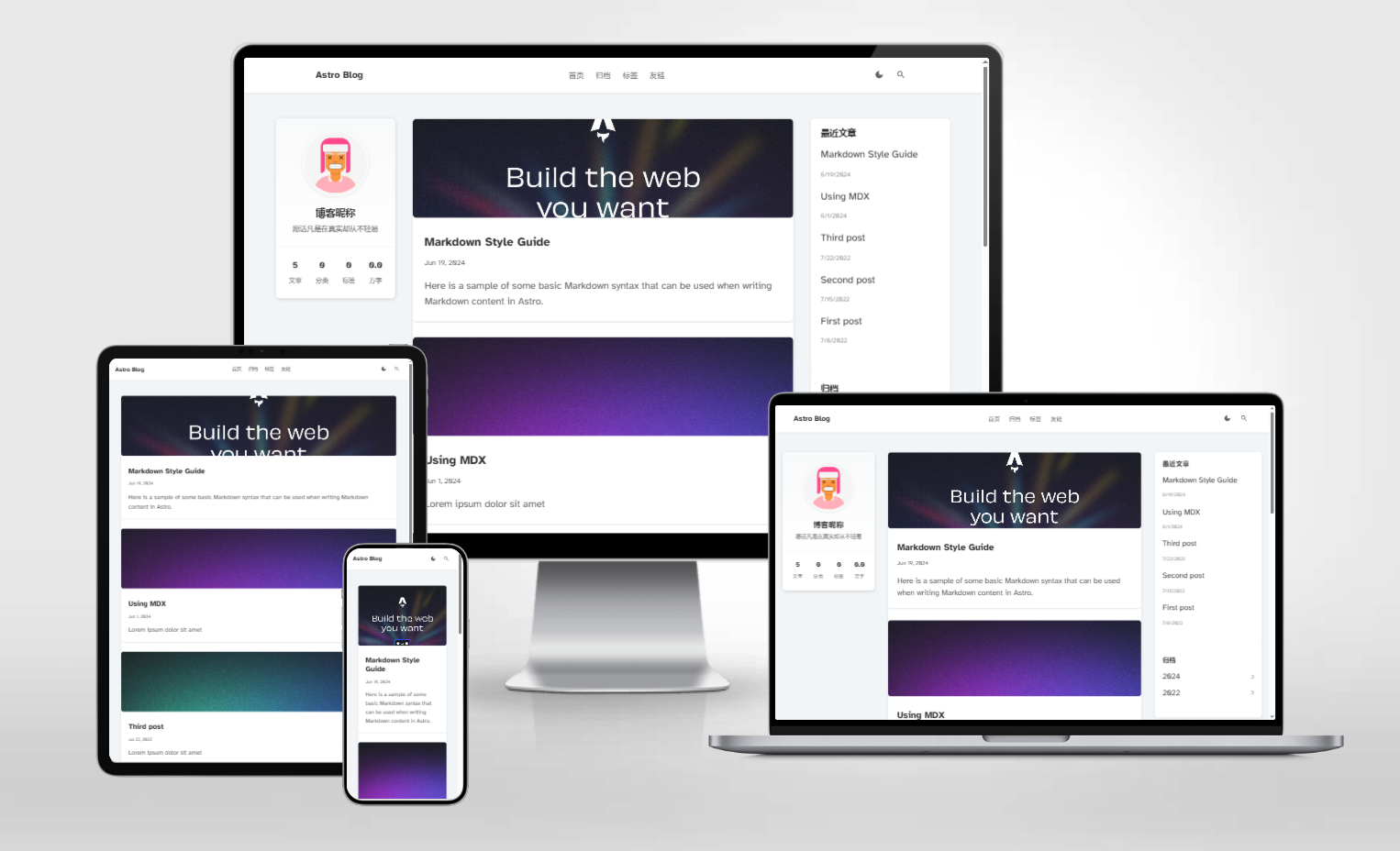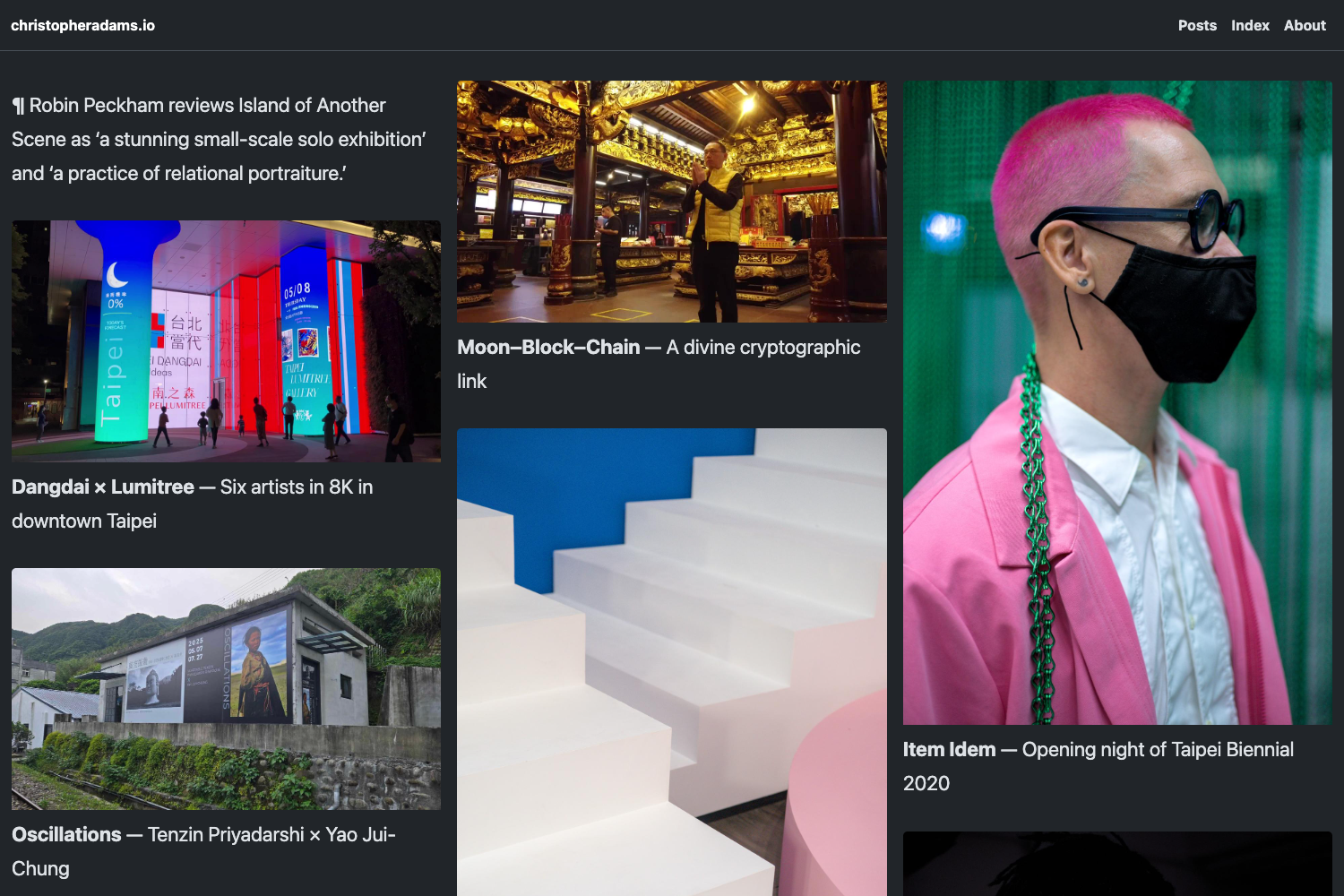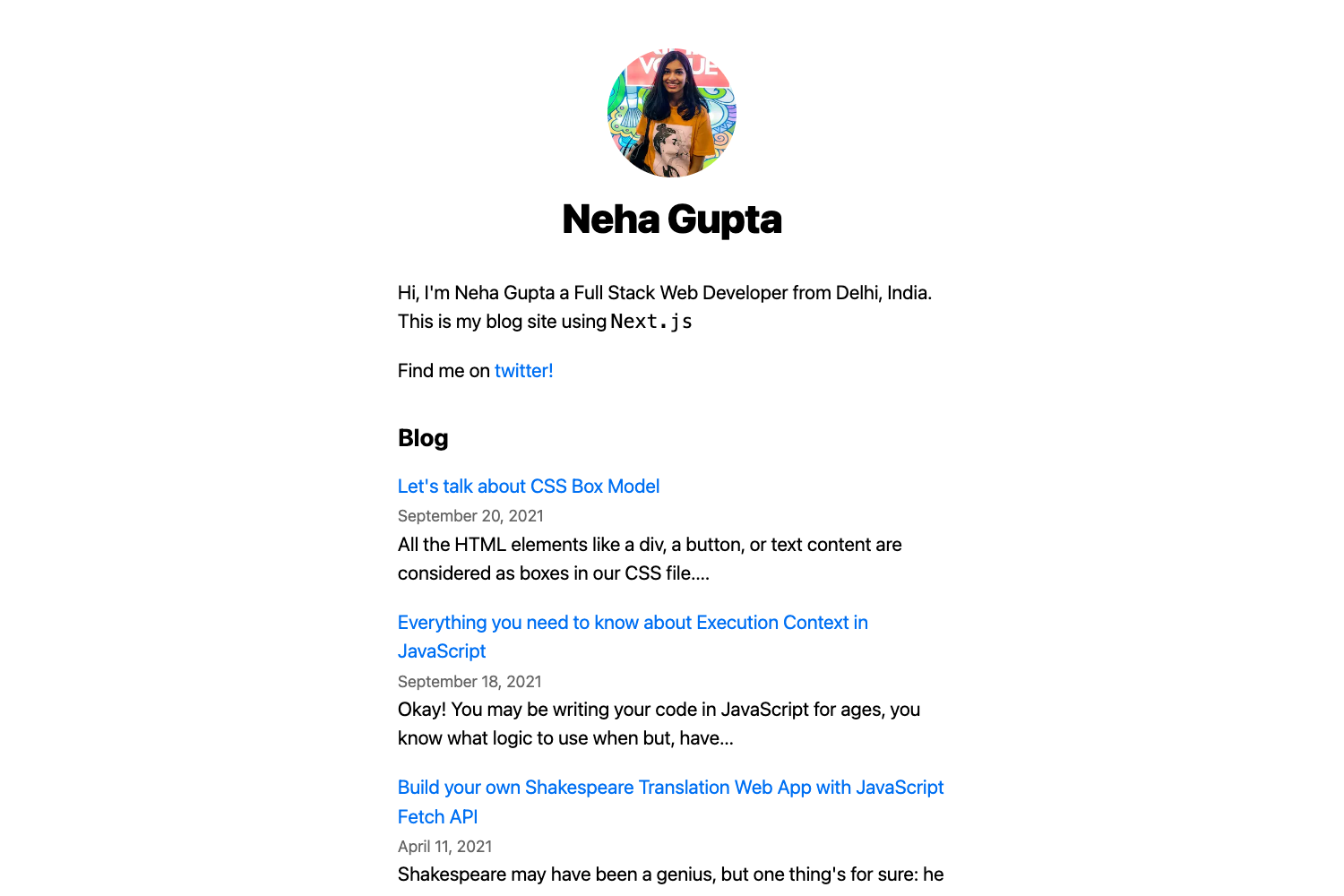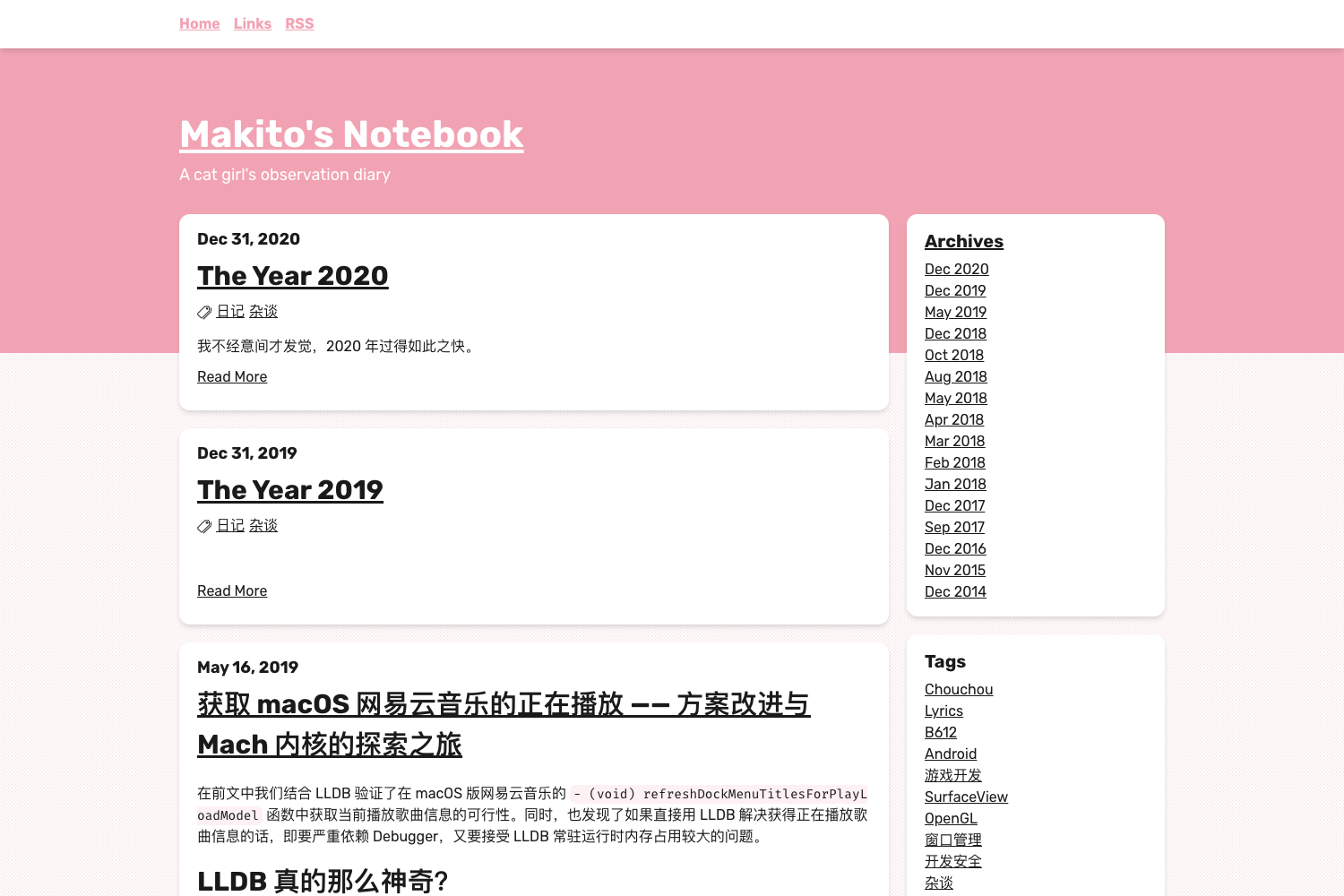
Template details
Hexo Persona Color
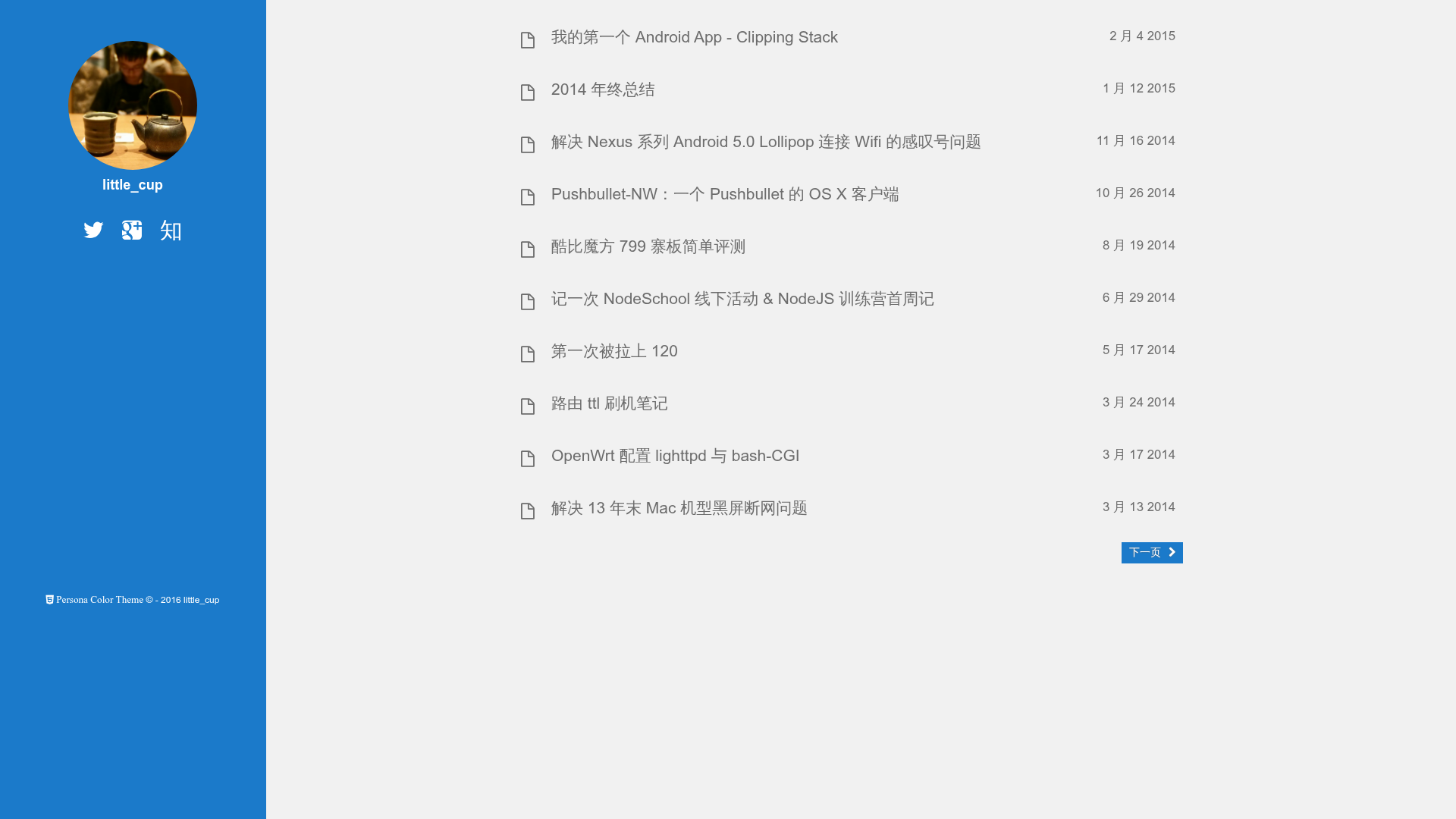
Persona Color is a theme for Hexo, based on thiagopnts/hexo-persona-dark
About this template
Persona Color is a Hexo blog theme that ships with four swappable color schemes, social-media sidebar links, and AddThis share buttons for personal blogs built on the Hexo static site generator.
What is Persona Color?
Persona Color is a Hexo theme developed by heruoxin and derived from thiagopnts/hexo-persona-dark. It takes a Hexo site’s configuration and Markdown posts and renders them as a personal blog with a homepage, article pages, a sidebar, and a mobile-friendly header. All color customization happens through a single Stylus variables file, and the theme is installed by cloning it into the themes/persona-color directory and setting theme to persona-color in _config.yml.
The theme includes a photo placeholder (recommended size 340x340), social-network links, optional AddThis sharing, Fancybox lightbox, Google Analytics, and RSS support. The demo site is available at http://1ittlecup.com/.
Key Features
- Four color schemes — The theme includes four color schemes that you can edit in
themes/persona-color/source/css/_base/variable.styl; changing palette colors in that one file restyles the entire theme. - Social network integration — Out of the box it supports Twitter, Facebook, Google+, GitHub, Pinterest, LinkedIn, Instagram, Zhihu, Weibo, and Renren; usernames are set in
_config.ymland appear on the sidebar for desktop or the header for mobile. - AddThis share buttons — Optional share buttons at the bottom of articles, with toggles for Facebook, Twitter, Google+, and Pinterest; requires your AddThis publisher ID.
- Fancybox lightbox — The theme can enable Fancybox for viewing images in an overlay, controlled by a
fancyboxconfig flag. - Homepage navigation mode — The
bighomepageoption uses the HTML5 history.pushState API to create a smoother navigation feel, at the possible cost of slower homepage loading. - CDN control — The
usecdnflag toggles whether assets load from CDNJS and other CDNs or locally, giving you a speed/privacy trade-off depending on your hosting setup. - Analytics and RSS — Includes a
google_analyticsfield for your tracking ID and anrssfield for your subscription feed such as/atom.xml.
Who should use Persona Color?
This theme fits developers and writers who are already using Hexo and want a simple, personal blog layout with strong social integration. Specifically, it suits:
- Hexo bloggers — who need a drop-in theme with a sidebar photo, social icons, and a configurable color palette.
- Chinese-speaking users — because it includes Zhihu, Weibo, and Renren alongside Western networks, a combination rarely found in default themes.
- Developers — who prefer editing Stylus variables directly in the theme source instead of using a large admin panel, making the theme easy to fork and customize.
- Self-hosters — who can set
usecdn: falseto avoid third-party CDN dependencies and keep all assets served from their own domain.
What can you do with Persona Color?
- Publish a personal blog — Import your Hexo Markdown posts and get a clean blog with four possible color moods, share buttons, and a photo sidebar.
- Grow your audience with sharing — Enable AddThis and let readers share your posts to Facebook, Twitter, Google+, or Pinterest from the article footer.
- Showcase a professional profile — Use the sidebar to link up to ten social profiles, giving visitors one place to find you on GitHub, LinkedIn, Instagram, and Chinese platforms alike.
How does Persona Color work?
Installation is a two-step process: clone the repository into themes/persona-color and set theme to persona-color in your Hexo _config.yml. After that, run git pull inside themes/persona-color to update. The theme then reads your _config.yml for the photo path, usernames, AddThis settings, and other options.
Pros and cons
Pros:
- Four built-in color schemes editable in one Stylus file.
- Extensive social-network coverage including Chinese platforms.
- Optional CDN and Fancybox features can be toggled off.
Cons:
- The
bighomepageoption may slow down the homepage. - The default
usecdnsetting relies on third-party CDNs, which can be disabled but adds a config step.
Alternatives
- hexo-persona-dark — The original theme by thiagopnts that Persona Color is based on, which defaults to a dark visual style.
FAQ
How do I change the color scheme of Persona Color?
Edit the file themes/persona-color/source/css/_base/variable.styl and modify the color variables there. The four pre-defined schemes live in that file, and any changes take effect after you regenerate your Hexo site.
How do I enable share buttons?
In your _config.yml set addthis.enable to true, add your AddThis publisher ID as pubid, and choose which networks to show by setting facebook, twitter, google, or pinterest to true. Then refresh your site.
Does Persona Color support mobile devices?
Yes. The theme detects mobile view and moves social links from the sidebar to the header so they remain accessible on smaller screens. The rest of the layout adjusts to a narrower width.
Why is my homepage slow?
If you have bighomepage set to true, the theme uses the HTML5 history.pushState API which can slow down the homepage. Set it to false in your configuration to avoid that behavior.
Can I use my own RSS feed?
Yes, the rss config field lets you specify a custom subscription link. The default is /atom.xml, which you can change if you use a service like Feedburner.