Template details
Next.js Lexical Blog
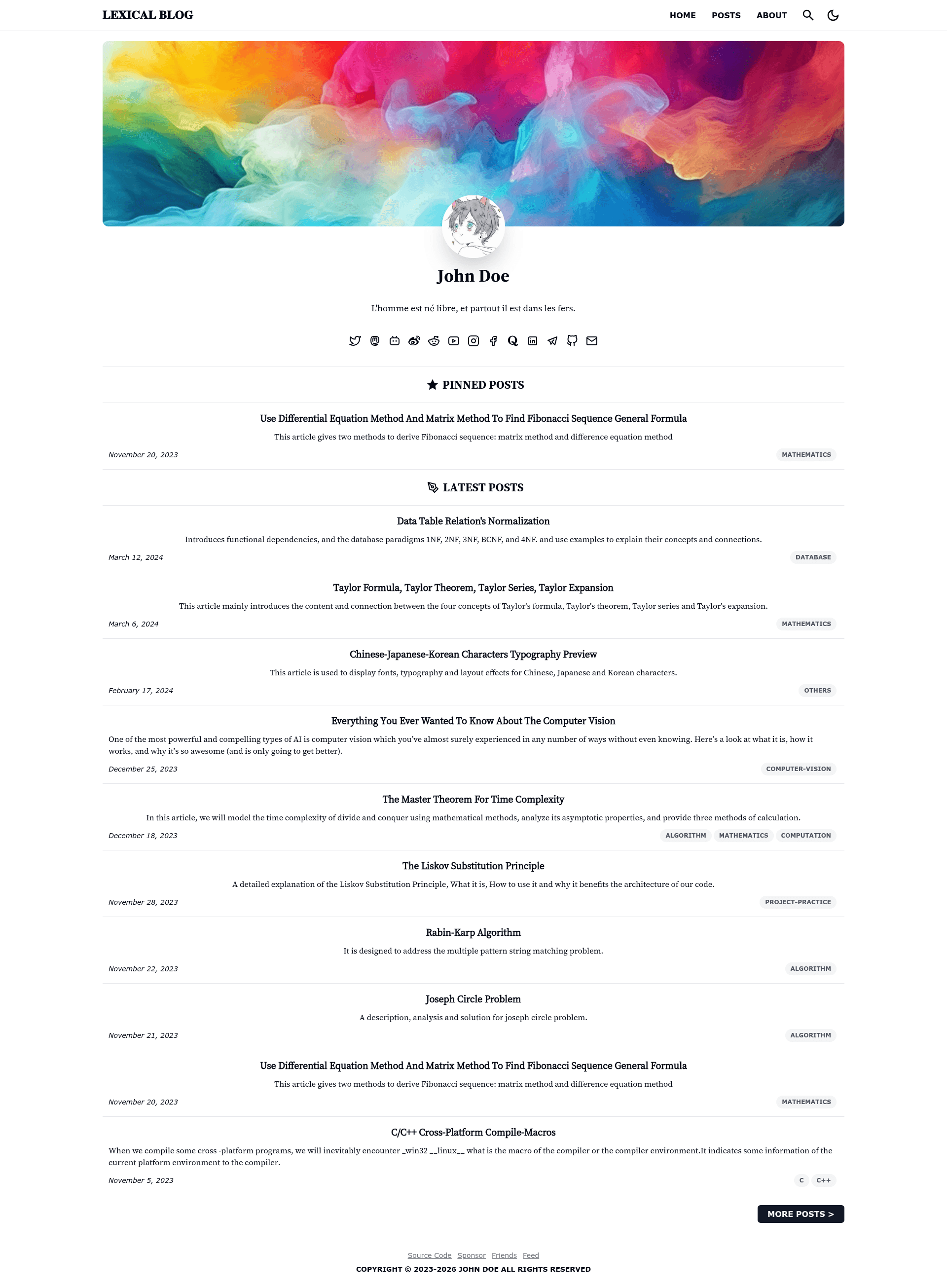
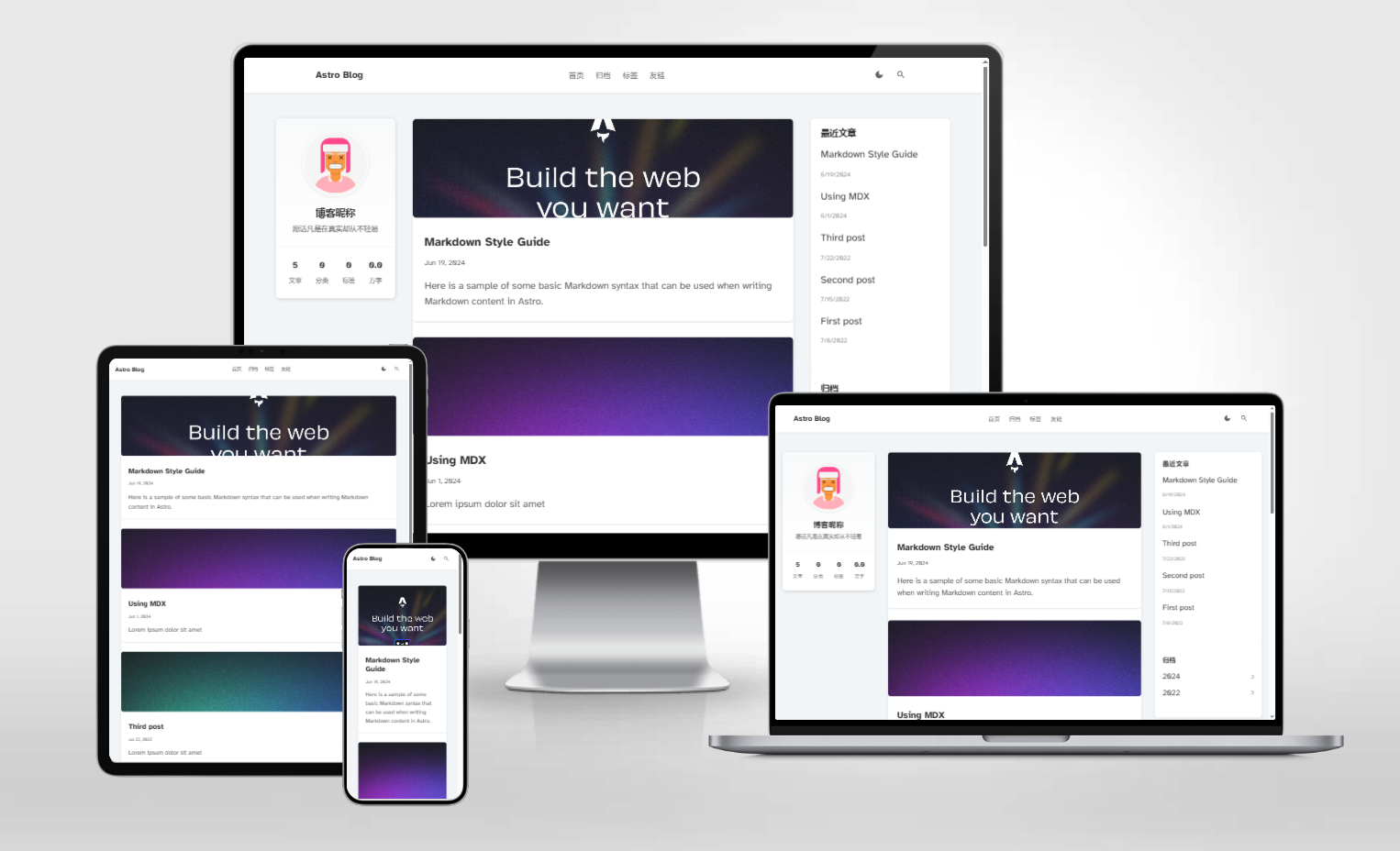
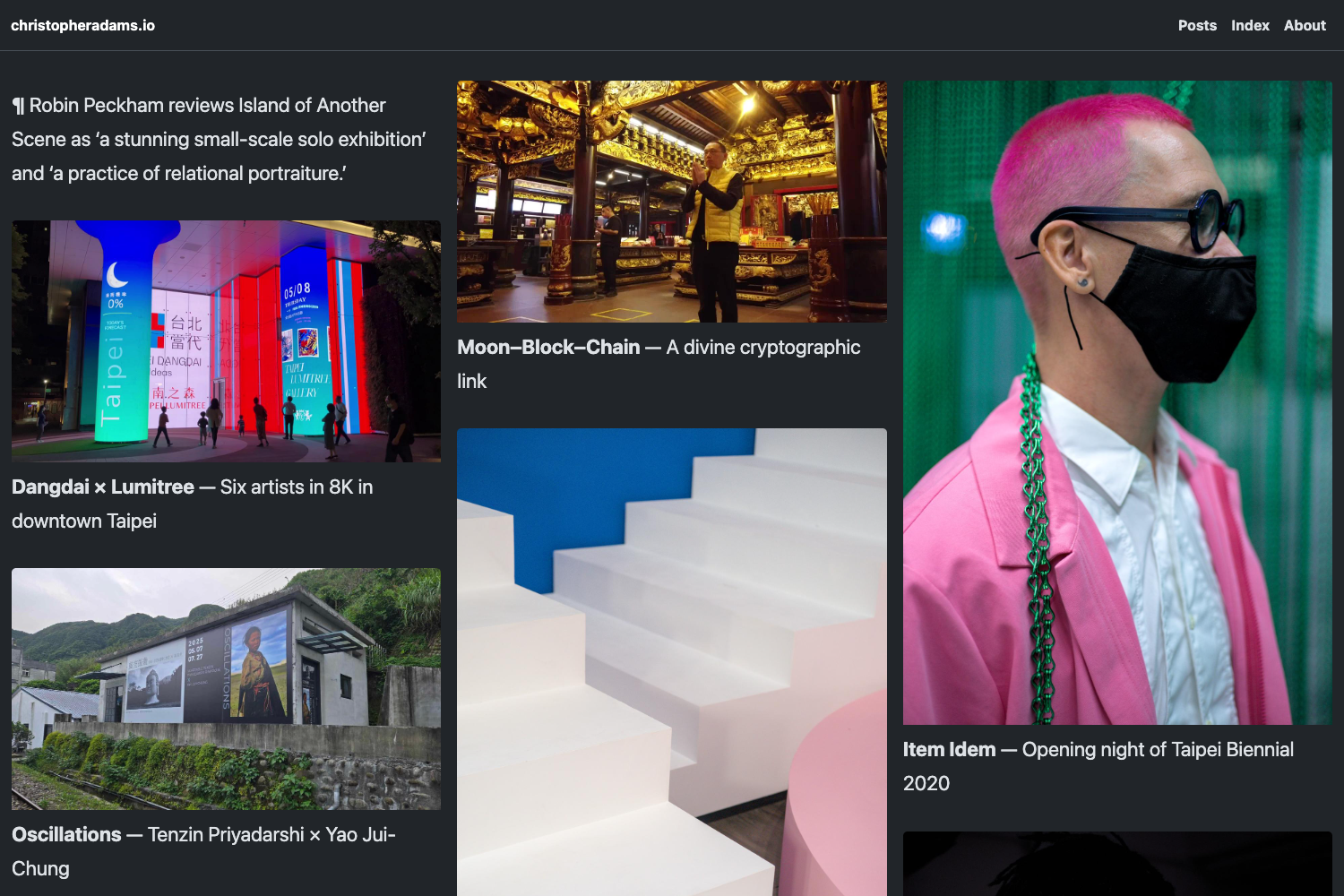
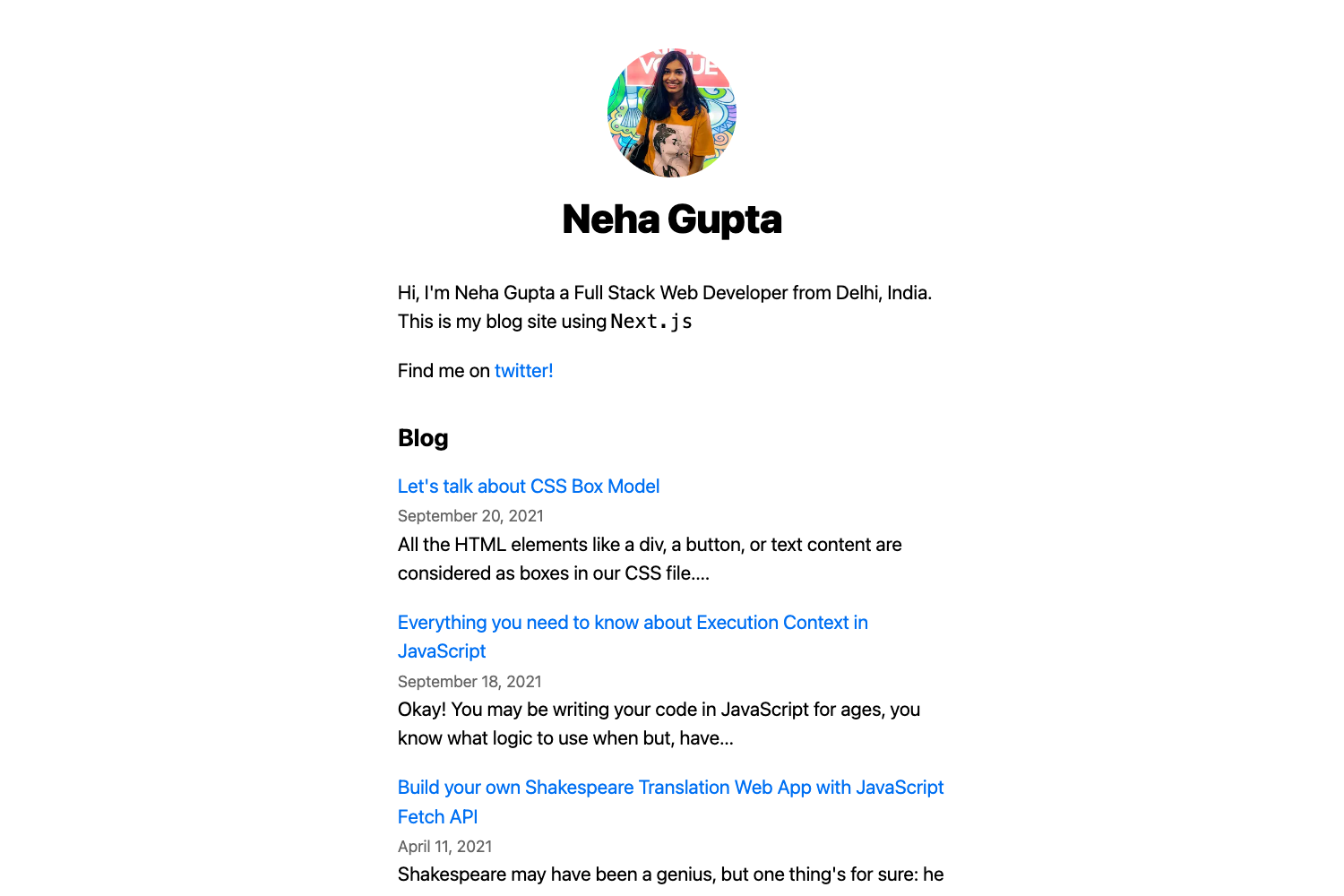
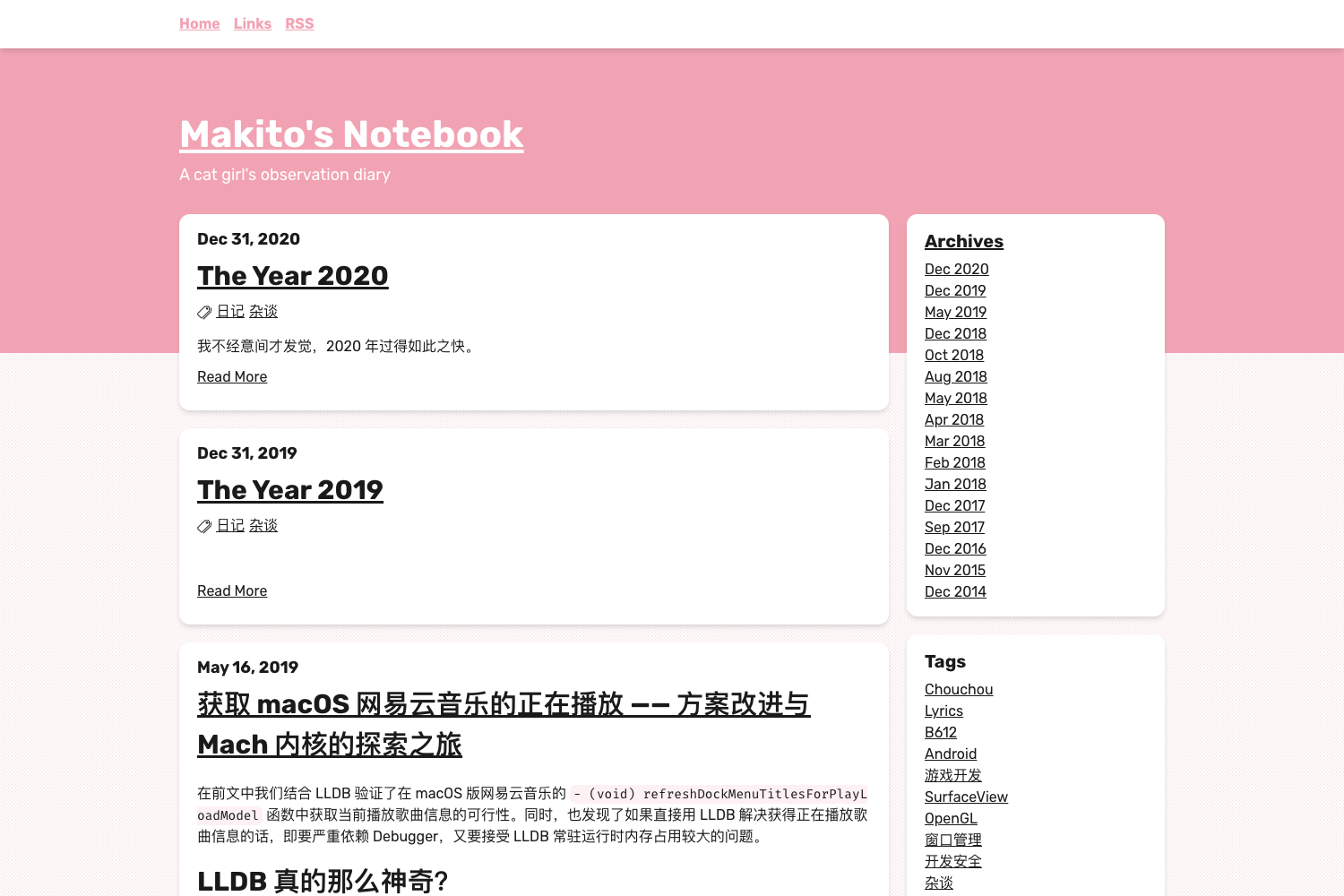
An open-source blog template built with Next.js + MDX + TailwindCSS for writing Markdown posts and deploying to Vercel.
About this template
Next.js Lexical Blog is an open-source, MIT-licensed blog template built with Next.js, MDX, and Tailwind CSS that turns Markdown files from a /data/posts directory into a static blog with tags, comments, full-text search, and RSS.
What is Next.js Lexical Blog?
Next.js Lexical Blog is a blog starter by PrinOrange that outputs a static site from Markdown content. It takes blog posts written as Markdown files with frontmatter and renders them as a styled blog using the next-mdx-remote MDX engine. The project requires Node.js v18+, pnpm v9+, and a Chromium-based browser or Firefox for development. The demo is live at nextjs-lexical-blog-demo.vercel.app.
Key Features
- Markdown-based writing — Blog posts live in /data/posts and are authored in Markdown; the pnpm run newpost script auto-generates frontmatter fields title, subtitle, summary, coverURL, tags, noPrompt, pin, and allowShare.
- Next.js + MDX engine — Uses next-mdx-remote to render Markdown, allows HTML snippets inside Markdown, and does not permit direct local image paths in Markdown, so images are referenced by external URLs.
- Tailwind CSS styling — The UI is built with TailwindCSS and the codebase is formatted with Biome.
- Full-text search — Uses MiniSearch as an in-memory index; supports Chinese and Latin-family languages only, with no support for Japanese, Korean, Thai, etc.
- Blog comments with Giscus — Comments are powered by Giscus, which requires GitHub accounts, and Disqus is an alternative.
- RSS Feed 2.0 — An RSS link is auto-generated on each build and can be disabled via RSSFeed.enabled in data/config.ts.
- RTL/LTR support (partial) — Default is LTR; RTL is enabled by changing the dir attribute to "rtl" in pages/_document.tsx.
- Sponsor page — Includes a /sponsor page with WeChat Pay, Alipay, Paypal, and Patreon channels configured in data/config.ts.
Who is it for?
- Developers who want a Markdown blog — They can create posts by running pnpm run newpost, editing the generated Markdown, and deploying the static site to Vercel.
- Self-hosting bloggers — They can deploy to their own server using PM2 and Nginx, with SSL from Let's Encrypt, since the template supports server deployment.
- Multilingual authors — Since i18n is not supported, they can manage languages by adding language tags to each post, such as "español" or "English".
What can you do with Next.js Lexical Blog?
- Write and publish posts — Run pnpm run newpost, answer prompts for title, subtitle, tags, visibility, pinning, and share permission, then fill in summary and coverURL manually.
- Archive and restore data — Run pnpm run archive to pack blog files and configuration into a .tar.gz file, or unpack and restore an archive.
- Customize site metadata — Edit data/config.ts for website title, social accounts, avatar, cover images, and friend links, and edit data/friends.ts for friend links.
- Deploy to Vercel in one click — Use the Vercel deploy button to clone the repository and deploy with a demo project.
How does Next.js Lexical Blog work?
Blog content is stored as Markdown in /data/posts, and the build process uses next-mdx-remote to render pages at build time. Development runs with pnpm run dev or pnpm run dev:turbo, and production builds use pnpm run build or pnpm run build:turbo. Configuration is defined as TypeScript objects in data/config.ts and data/friends.ts.
FAQ
Does Next.js Lexical Blog support full-text search in Japanese or Korean?
No. The full-text search feature currently supports only Chinese and Latin-family languages (English, French, Spanish, etc.). It does not yet support Japanese, Korean, Thai, or other Asian languages without adding tokenizers.
Can I deploy Next.js Lexical Blog to Cloudflare Pages?
No. The project does not support Cloudflare Pages because the full-text search feature does not yet run in Edge Runtime, and the MDX library is incompatible with Edge Runtime APIs.
What comment system does Next.js Lexical Blog use?
The template uses Giscus as the comment system, which requires each commenter to have a GitHub account. The README also mentions Disqus as an alternative comment system.
Is Next.js Lexical Blog free to use?
Yes, the project is open source under the MIT License. However, the README notes that commercial use should be avoided because some third-party icons and fonts are intended for non-commercial use.
Pros and cons
- Pros: Open source under MIT; supports Math formulas, RSS, full-text search, and comments; provides a one-command archive/restore tool.
- Cons: Full-text search lacks tokenizers for Japanese, Korean, Thai; no i18n; not deployable to Cloudflare Pages; local images must be hosted externally.
Alternatives
tailwind-nextjs-starter-blog is a similar Next.js + Tailwind blog starter that this project cites as an inspiration.