Template details
Hexo Theme Journal
Minimal Hexo blog theme for reading, with per-post intros, featured images, Livere/Disqus comments, syntax highlighting, RSS, and a sidebar layout.
About this template
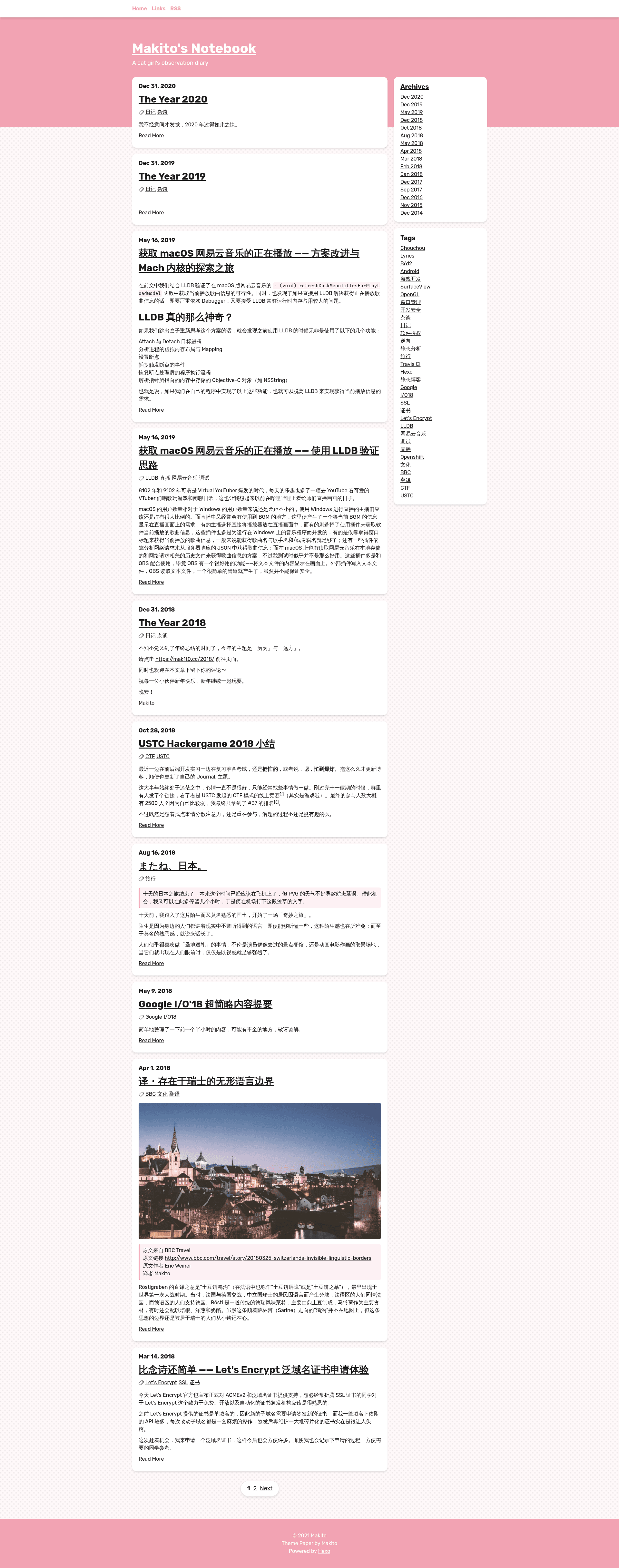
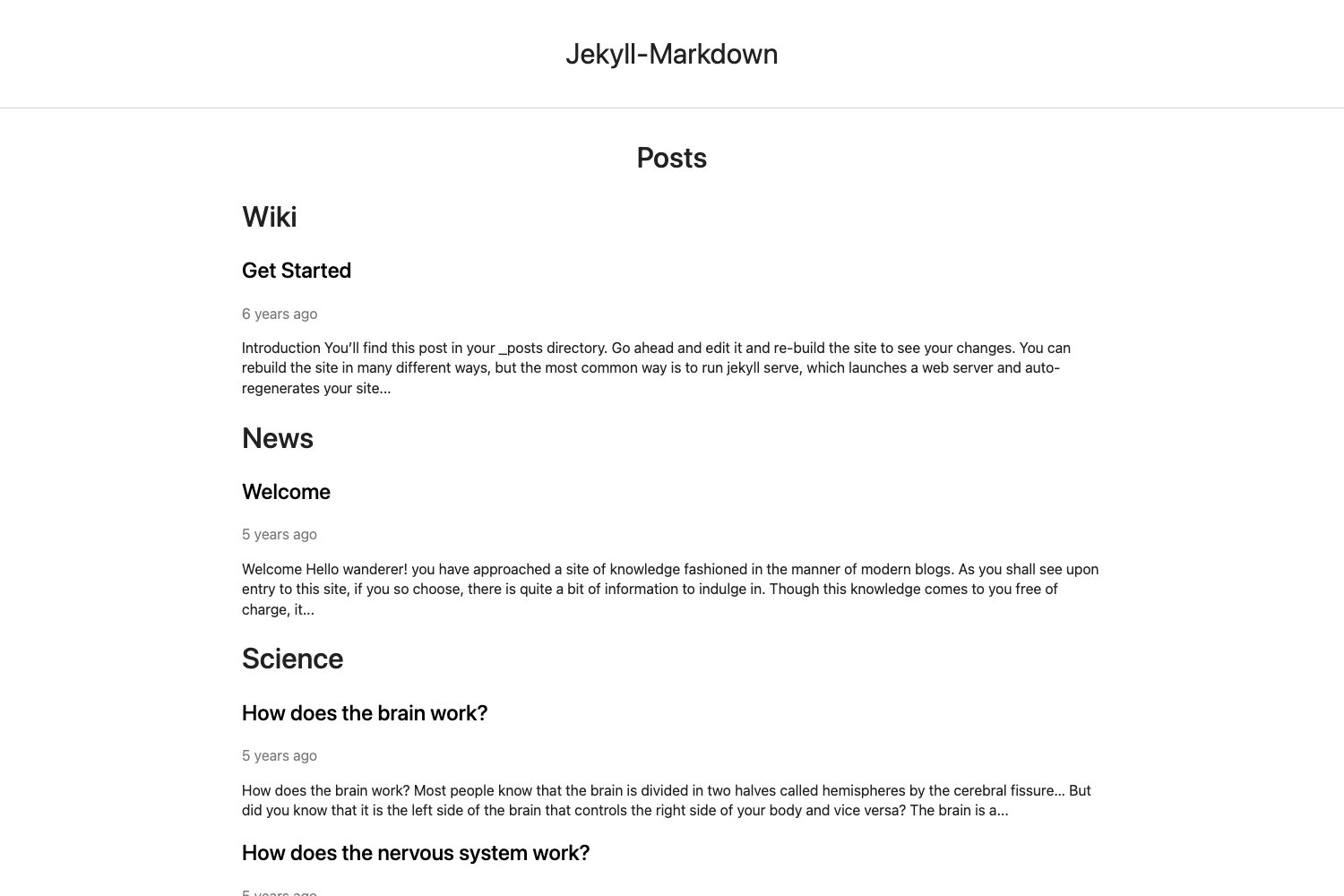
Hexo Theme Journal is a minimal blog theme for the Hexo static site generator, built to highlight the reading experience through a distraction-free layout, optional per-post intros and featured images, and configurable commenting. The theme takes Markdown posts and pages as input and renders them into a mobile-friendly blog with a left navigation drawer, archive and RSS support, syntax-highlighted code, and an optional table of contents.
What is Hexo Theme Journal?
Hexo Theme Journal is a blog theme for the Hexo static site generator, created by SumiMakito, that turns Markdown files in a Hexo site into a clean, reading-focused blog. It is installed by cloning the repository SumiMakito/hexo-theme-Journal into the themes directory and setting theme: journal in the root _config.yml. The theme uses EJS for templating and supports SCSS, PostCSS, and Stylus styling, and it is customized through a theme-level _config.yml file with fields for the sidebar title, subtitle, truncation length, commenting services, and RSS. Output is a static site that works on both mobile and widescreen displays.
Key Features
- Markdown-first reading experience — posts are written in Markdown and displayed as clean, card-like list items and full pages, with a sidebar that holds the title, subtitle, and navigation links.
- Optional intro and featured image — the front-matter fields
introandfeatured_imagelet you set a custom abstract and thumbnail for each post; thetruncate_lenoption in the theme config controls the auto-generated abstract length. Since version 2.0.3,featured_imagecan be a full URL starting withhttp://orhttps://. - Flexible commenting control — natively supports Livere and Disqus; set either
livereordisqusin the theme config, and addno_comments: trueto a post's front matter to disable comments on that post. - Syntax highlighting — requires the
hexo-prism-plugin; the theme natively renders highlighted code blocks in posts and pages. - Table of contents — insert
<!-- toc -->in a post and installhexo-tocto show a table of contents for the article. - Mobile and widescreen friendly — the layout adapts to screen sizes, and the navigation drawer slides from the left on pages.
- Archives and RSS — opt-in archive navigation via
archives: true(needshexo-generator-archive) and an RSS entry viarss: atom(needshexo-generator-feed).
Who is it for?
Bloggers who publish on Hexo and want a minimal, content-first theme without a heavy dashboard or builder. Developers who need a theme that is easy to customize through a single config file and supports common Hexo plugins for syntax highlighting and table of contents. Writers who write in Markdown and want to control how their posts appear through optional intro and featured_image front-matter fields. Self-hosted site owners who want integrated commenting via Livere or Disqus and an RSS feed for their readers.
What can you do with Hexo Theme Journal?
Publish personal blog posts: write Markdown files with front-matter fields like title, intro, featured_image, date, and tags; the theme displays them as cards in a list and as full pages.
Add technical documentation: use the built-in syntax highlighting (via hexo-prism-plugin) and table of contents (via hexo-toc by inserting <!-- toc -->) to present code-heavy articles.
Distribute via RSS: enable the rss option in the theme config and install hexo-generator-feed so readers can follow the blog through their feed reader.
How does Hexo Theme Journal work?
Installation happens in three steps: first install the required Hexo plugins with yarn add hexo-renderer-ejs hexo-generator-archive hexo-generator-category-enhance hexo-generator-feed hexo-generator-index hexo-generator-tag (or the npm equivalents), then clone the repository into themes/journal and run yarn install inside it, and finally set theme: journal in the Hexo root config. Configuration is done in the theme's _config.yml: edit sidebar_title and sidebar_subtitle (HTML allowed), set truncate_len for auto-generated abstracts, add archives: true to show the Archives entry, add rss: atom for an RSS link, and add either livere or disqus for comments. Per-post overrides like no_comments: true or an intro field are read from each Markdown file's front matter.
FAQ
Is Hexo Theme Journal free?
Yes, the theme is open-source and freely available via the GitHub repository. The developer accepts optional donations through PayPal to support further development.
How do I enable comments?
Add either livere: [data-uid] or disqus: [short_name] to the theme's _config.yml. Leaving both fields non-empty results in two comment boxes, so you should set only one. To disable commenting on a specific post, add no_comments: true to its front matter.
What plugins are required?
The theme requires hexo-renderer-ejs, hexo-generator-archive, hexo-generator-category-enhance, hexo-generator-feed, hexo-generator-index, and hexo-generator-tag. For syntax highlighting, install hexo-prism-plugin; for table of contents, install hexo-toc.
Can I use an external image as the featured image?
Yes, since version 2.0.3 the featured_image field accepts a full URL starting with http:// or https://, in addition to a local image in the post's asset folder.
How do I change the sidebar title and subtitle?
Edit sidebar_title and sidebar_subtitle in the theme's _config.yml. HTML is supported, so you can use <br> or other tags for formatting.