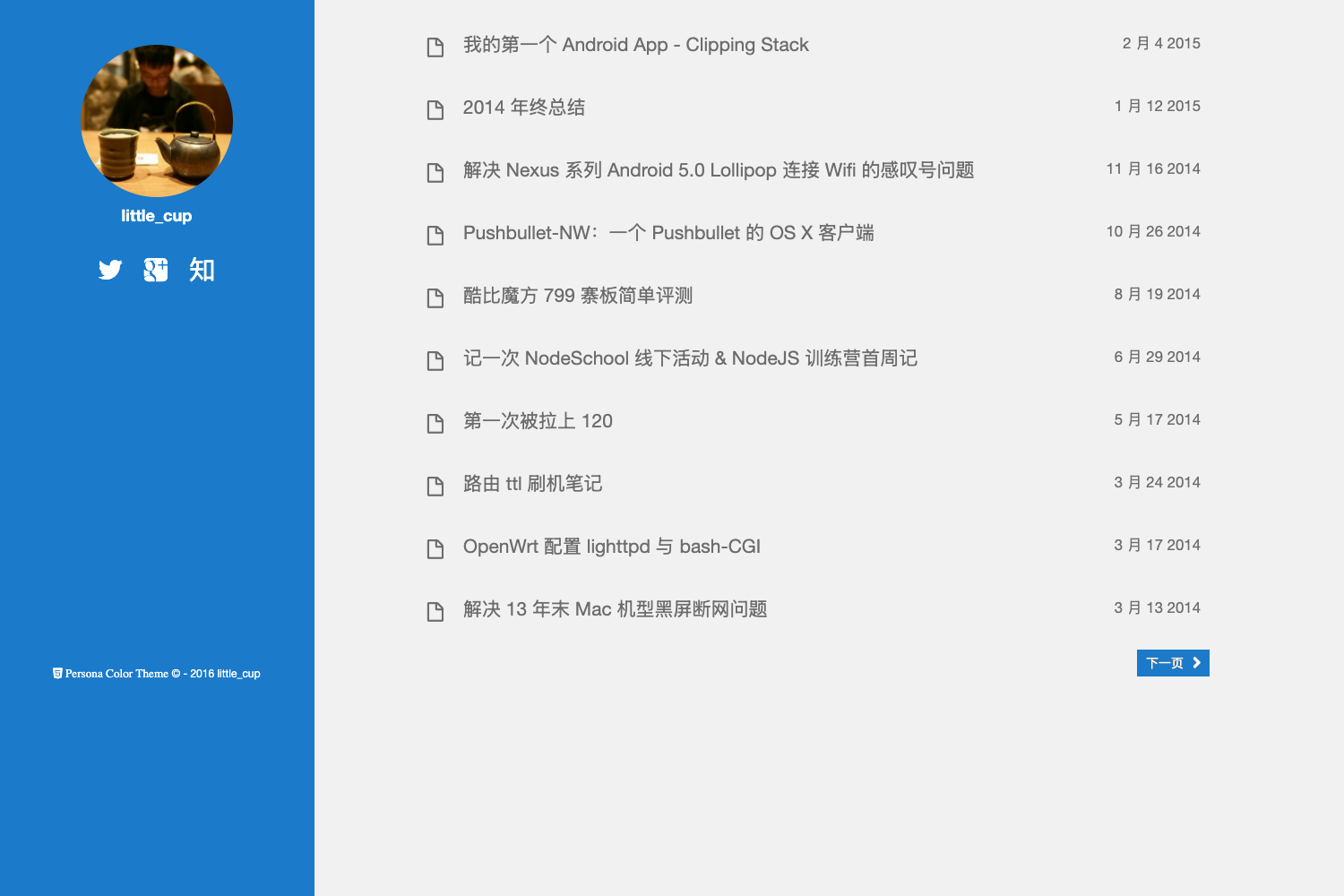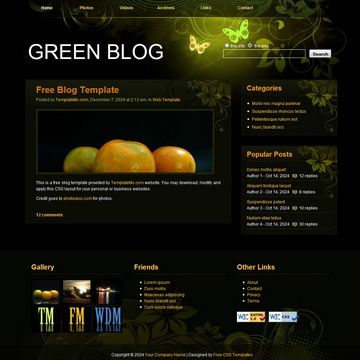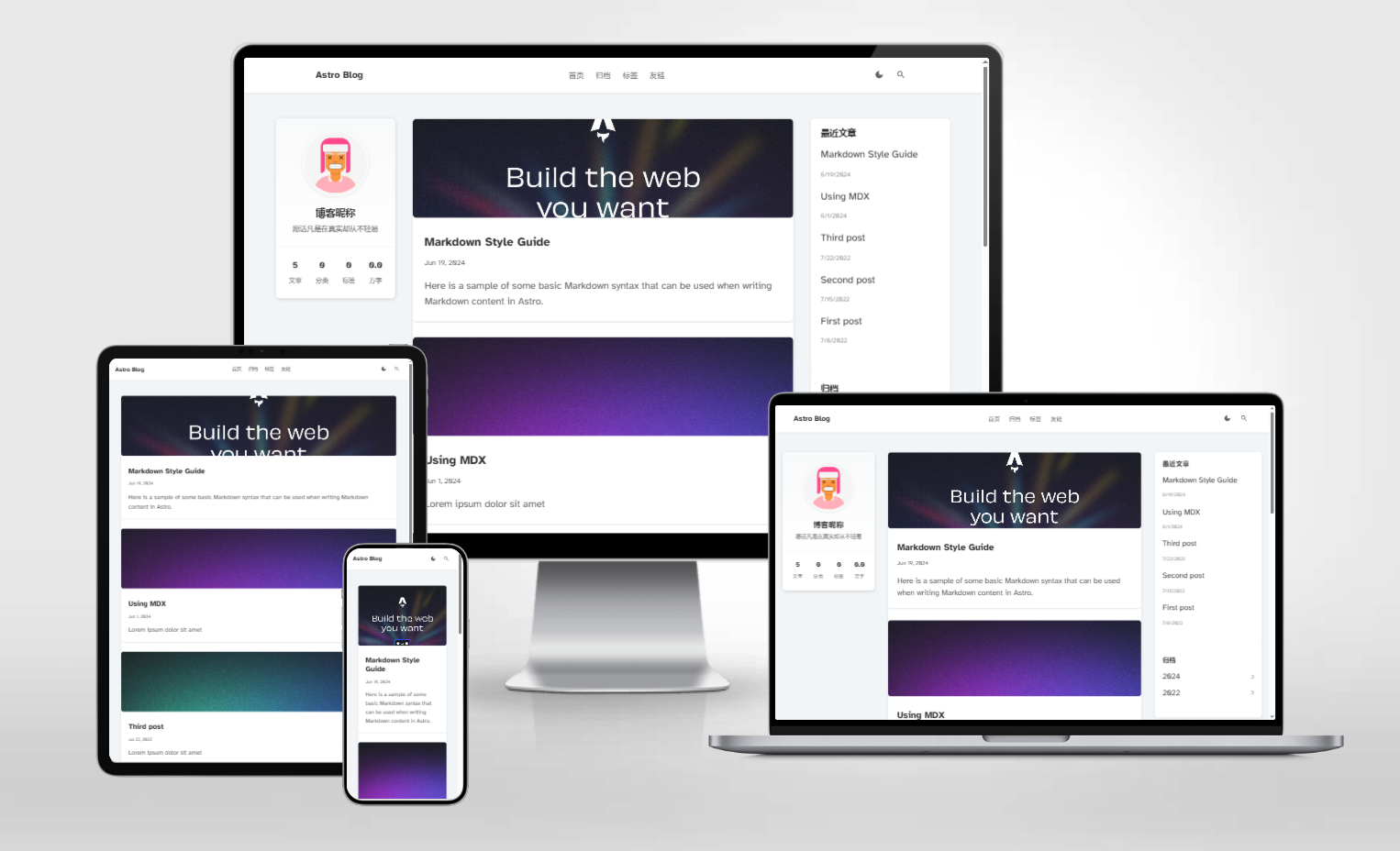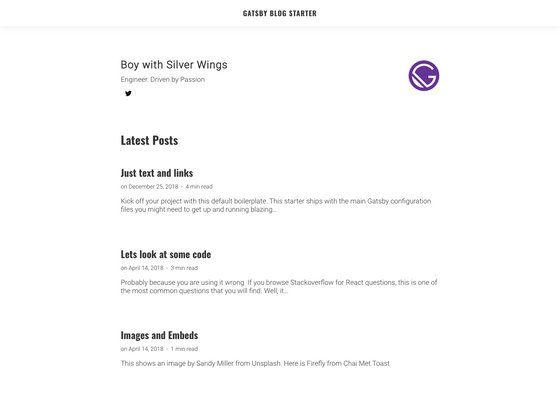
Template details
Christopheradams.io
A Jekyll-based personal blog and photography website with custom frontmatter and automated make deployment.
About this template
Christopheradams.io is a Jekyll-based personal blog and photography template that builds a static website from Markdown posts and data files, with automated build and deployment via make commands.
What is Christopheradams.io?
This is a Jekyll-powered static site template for a personal blog and photography portfolio. It takes Markdown posts with YAML frontmatter as input and produces a static HTML website through Jekyll's build process. The site is authored by Christopher Adams and is currently themed after Barber, implemented with Bootstrap. It runs on Ruby and requires Bundler, libvips or ImageMagick, Git LFS, and wget.
Key Features
- Jekyll framework — Uses Jekyll, a static site generator, to turn Markdown posts into static HTML pages.
- Bootstrap styling — The current theme is implemented with Bootstrap, providing responsive layout components.
- Custom frontmatter fields — Supports title, description, date, published_at, last_modified_at, location, category, tags, image, and related links per post.
- Data-driven structure — Authors are managed in
_data/authors.ymland categories in_data/archives.yml. - Automated build with make — Commands like
make install,make,make serve, andmake deploywrap common tasks. - Image processing dependencies — Requires libvips and/or ImageMagick, indicating automated image handling in the pipeline.
- Deployment target —
make deployaccepts a DEPLOY_TARGET variable to publish the site via your own server path. - Previous theme available — A
remarkdownbranch exists with the earlier Remarkdown-based design.
Who is it for?
- Jekyll developers who want a ready-made personal blog structure with custom data files and automated build workflows.
- Photographers and writers who need a static site that supports featured images and location metadata in post frontmatter.
- Developers who prefer make-based automation for install, build, serve, and deploy steps rather than manual commands.
What can you do with it?
- Publish articles: Write posts in Markdown with frontmatter defining title, description, date, category, tags, and more.
- Manage authors and categories: Edit
_data/authors.ymland_data/archives.ymlto define site metadata. - Deploy to your own server: Run
make deploy DEPLOY_TARGET="user@example.org:/path"to sync the built site. - Develop locally: Run
make serveto preview the site during development.
How does Christopheradams.io work?
The template uses Jekyll to compile content. After installing dependencies (Ruby, Bundler, libvips or ImageMagick, Git LFS, wget), run make install to set up the environment and make to build the site. For development, make serve launches a local preview. Deployment is handled by make deploy with a DEPLOY_TARGET argument.
Pros and cons
- Pros: Clear Makefile automation; data-driven author/category management; flexible frontmatter; supports image processing via libvips/ImageMagick.
- Cons: Requires multiple system dependencies (Git LFS, wget, libvips/ImageMagick) which may be cumbersome for newcomers.
FAQ
Is Christopheradams.io free to use?
The repository is publicly available; there is no mention of licensing or pricing in the content.
What Jekyll version does it use?
The content does not specify a Jekyll version, but it expects a Ruby environment with Bundler.
Can I change the theme?
Yes. The current theme is inspired by Barber and uses Bootstrap, and the previous Remarkdown theme is available on the remarkdown branch.
Does it support featured images?
Yes, posts can include an image field in frontmatter, either as a simple path or a nested object with a path property.
How do I deploy the site?
Use make deploy DEPLOY_TARGET="user@example.org:/path/to/webroot" after building.