Template details
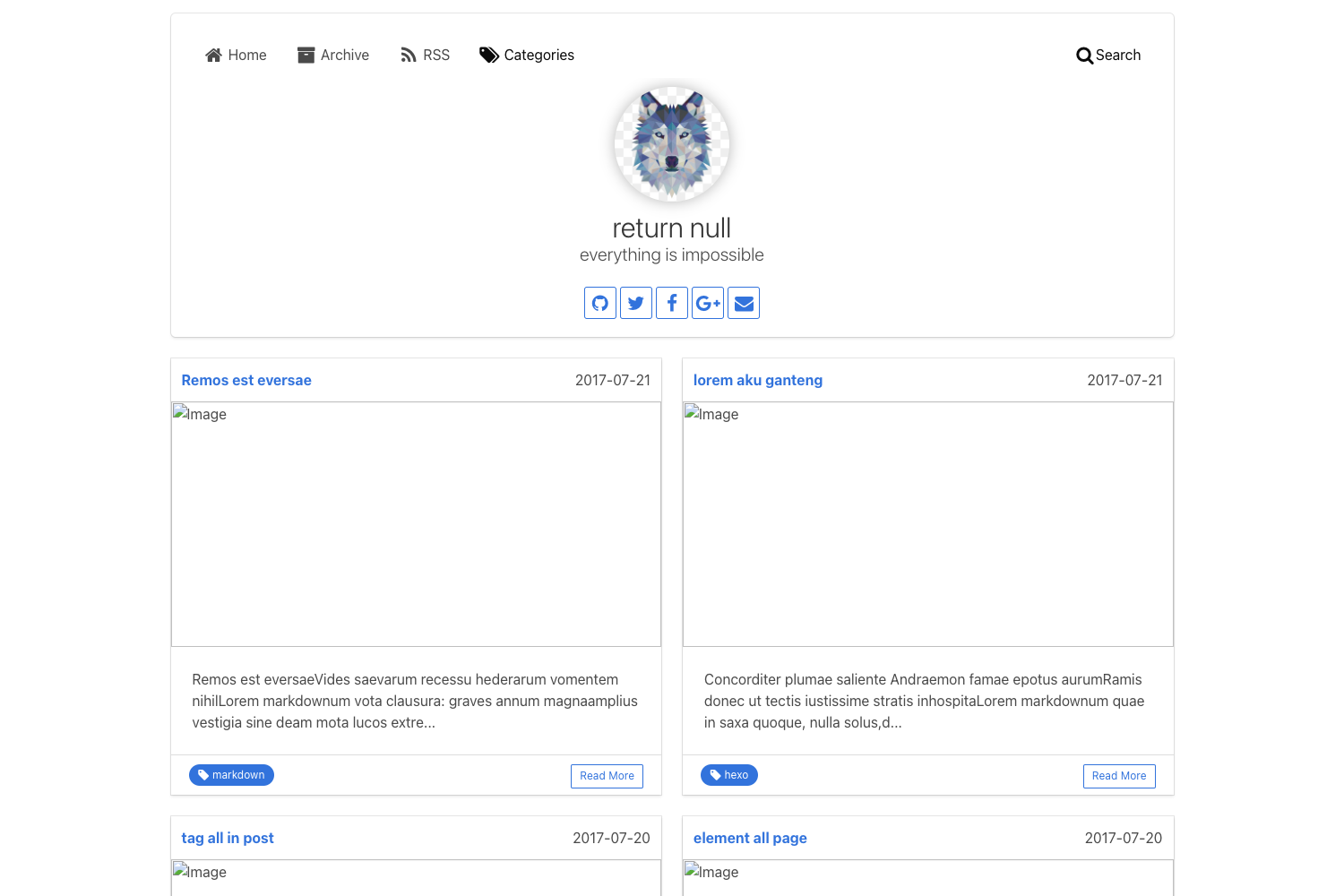
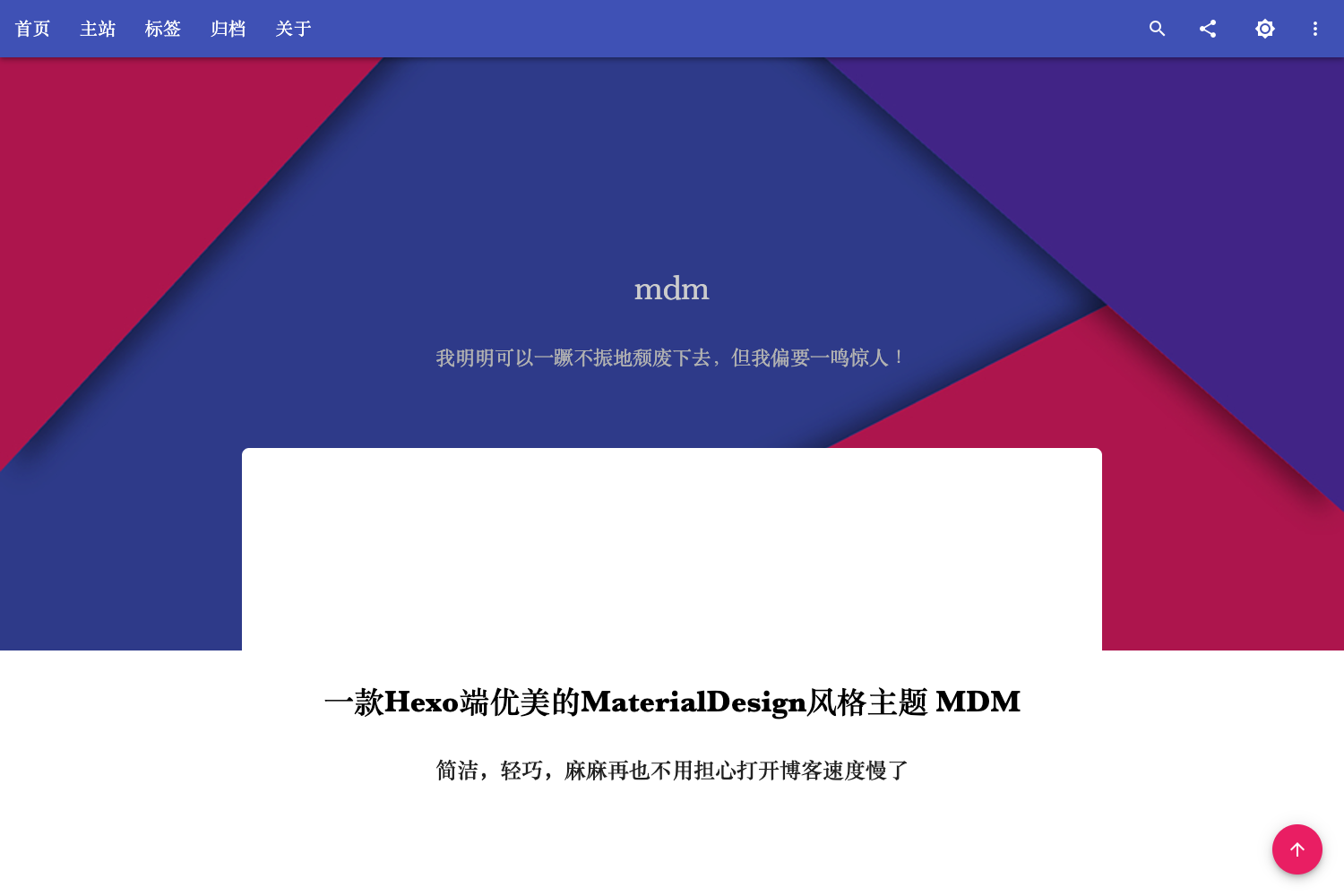
Hexo Theme Claudia
Concisely designed & easy to config, match device dark mode, 90+ Lighthouse scoring
About this template
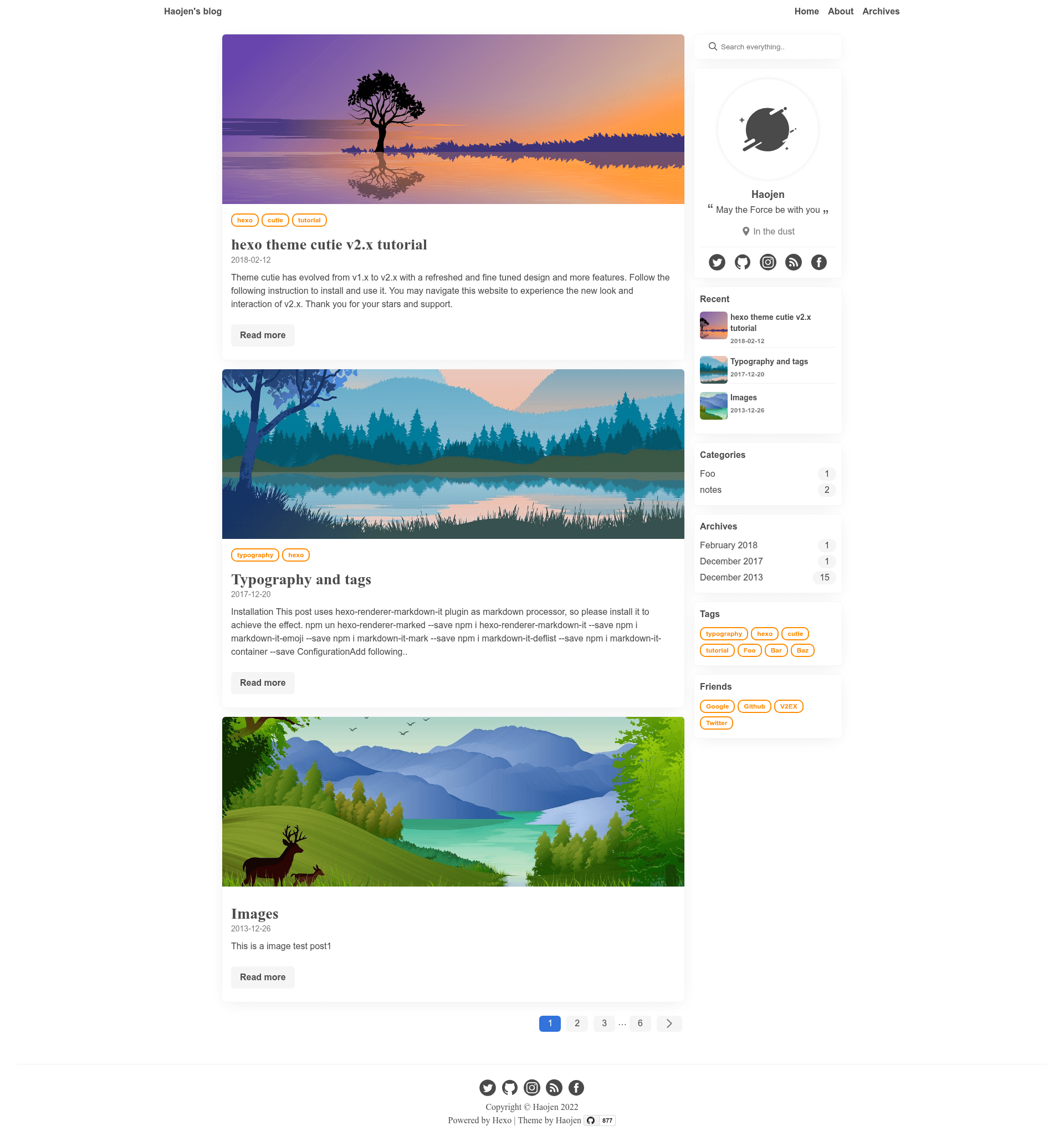
Claudia is a Hexo blog theme that focuses on concise configuration, automatic dark mode, and high performance (90+ Lighthouse scores).
What is Claudia?
Claudia is a blog theme for the Hexo static site generator. It takes Hexo blog content and renders a clean, responsive site with automatic dark mode support. The theme is authored by Haojen (HAOZHEN MA) and is distributed under the MIT license. It requires Hexo version 4.2 or higher.
Key Features
- Automatic dark mode — Set
appearance: autoin the theme config and the site matches the visitor's device appearance setting;lightanddarkoptions are also available. - 90+ Lighthouse performance — The theme is designed to score 90 or higher on Lighthouse audits, covering accessibility, best practices, and SEO.
- Pug and Dart Sass — The theme templates use Pug (via
hexo-renderer-pug) and styles use Dart Sass (viahexo-renderer-dartsass), both installed as npm dependencies. - Multiple comment systems — Supports Utteranc (GitHub-issue based) and Valine (LeanCloud based) with simple config flags in
_config.yml. - Built-in analytics — Include Google Analytics and Baidu Analytics by setting
ga_track_idandba_track_idin the config. - Search and RSS — Search is provided by
hexo-generator-search; RSS requires thehexo-generator-feedplugin. Flowchart and MathJax support are available viahexo-filter-flowchartandhexo-renderer-mathjax. - Customizable widgets — Sidebar widgets for tag, archive, category, and recent posts are toggled in the config.
- SNS links and friend links — Configure social media links (Zhihu, Twitter, Facebook, LinkedIn, Instagram, GitHub) and display friend links through the theme config.
Who is it for?
- Hexo bloggers — Anyone running a Hexo site who wants a minimal, fast blog theme with dark mode support.
- Developers who like Pug/Sass — Those comfortable editing Pug templates and Dart Sass files can customize the theme's markup and styling directly.
- Users who prioritize Lighthouse scores — Blog owners who care about performance and accessibility metrics will appreciate the theme's 90+ Lighthouse scoring.
- Multilingual users — The README is available in English and Simplified Chinese, and the theme supports configuration for different language settings.
What can you do with Claudia?
- Set up a personal blog — Create a Hexo blog, install the theme, and configure your profile, navigation menu, and sidebar widgets in
_config.yml. - Add comments to posts — Enable Utteranc or Valine by filling in your repository or app credentials, so readers can leave comments.
- Track visitors — Insert Google Analytics or Baidu Analytics IDs to monitor site traffic.
- Support math and flowcharts — Install the optional
hexo-renderer-mathjaxandhexo-filter-flowchartplugins to render equations and flowcharts in your posts.
How does Claudia work?
- Install the required npm packages in the Hexo root directory:
hexo-renderer-pug,hexo-renderer-dartsass, andhexo-generator-search(plus optional plugins for RSS, flowcharts, and math). - Edit
hexo-theme-claudia/_config.ymlunder the theme profile to set your user name, avatar, social links, sidebar widgets, and appearance mode. - Configure optional features such as comments (Utteranc or Valine), analytics, and friend links in the same config file.
- Run
hexo cleanandhexo generateto build the site.
Pros and cons
Pros:
- Simple to configure with a single theme
_config.yml. - Automatic dark mode without extra JavaScript.
- Good performance with 90+ Lighthouse scores.
- Open source under MIT.
Cons:
- Requires manual installation of multiple npm plugins for search, RSS, math, and flowchart support.
- The documentation is brief; less experienced users may need to consult Hexo guides.
- Only supports the two comment systems mentioned; other comment platforms require additional work.
Pricing
Claudia is free and open source under the MIT license. You can use it for personal or commercial projects without payment.
Alternatives
- Hexo-theme-Anisina — another Hexo theme by the same author, Haojen.
- NexT — a widely used Hexo theme.
FAQ
Is Claudia free?
Yes, Claudia is released under the MIT license, so it is completely free to use, modify, and distribute.
What Hexo version do I need?
The theme requires Hexo version 4.2 or higher, as indicated by the badge in the repository.
How do I enable dark mode?
Set appearance: auto in the theme's _config.yml. This will match the visitor's device appearance setting. You can also force light or dark mode.
Does Claudia support search?
Search is not built in directly. You need to install the hexo-generator-search plugin and configure it; the theme will display search results in the side or navigation.
How do I add comments?
Claudia supports Utteranc and Valine. For Utteranc, set comment_utteranc.enable: true and provide your repository name. For Valine, set comment_valine.enable: true and add your App ID and App Key from LeanCloud.