Template details
Efficiency_jekyll_theme
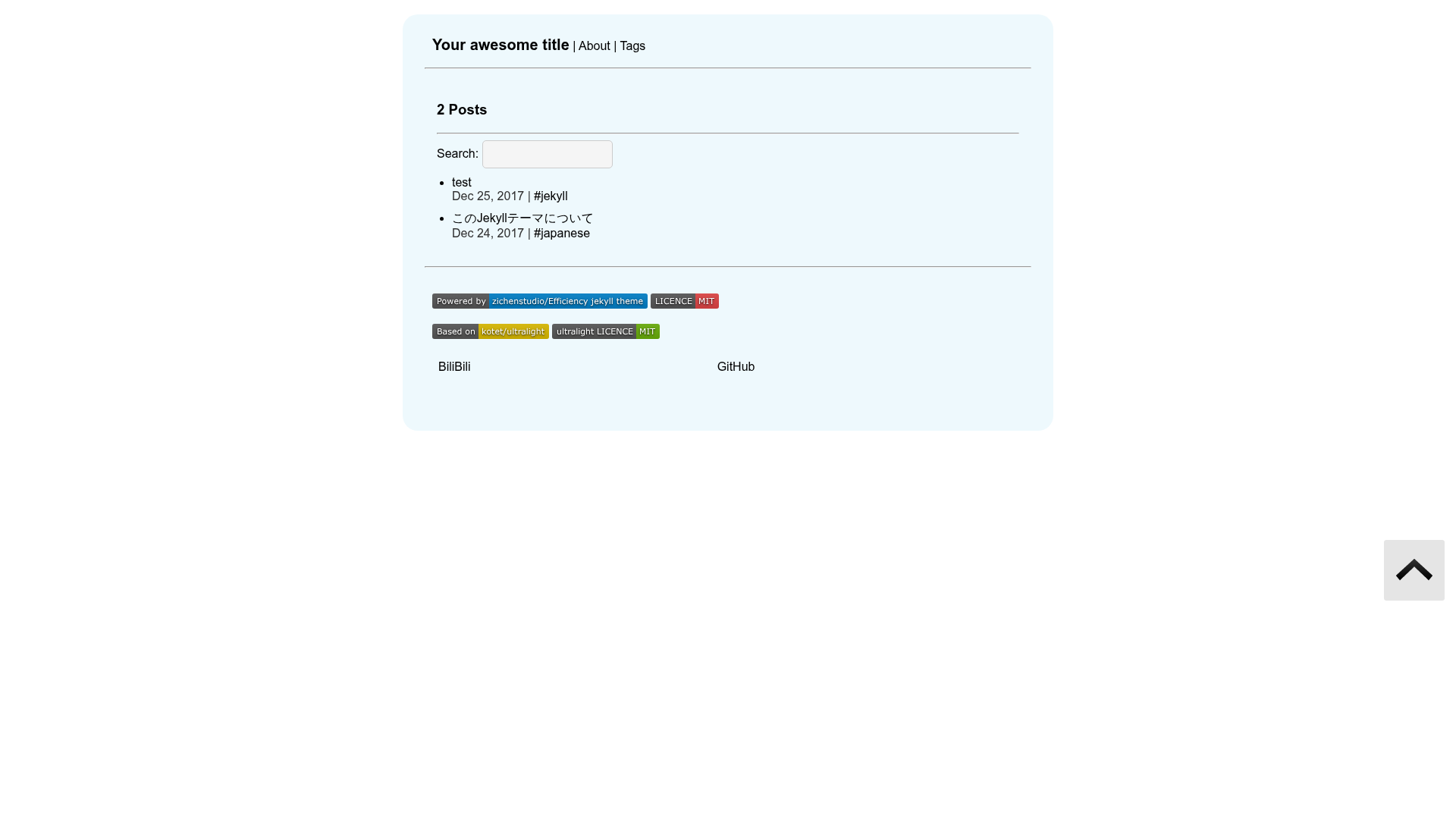
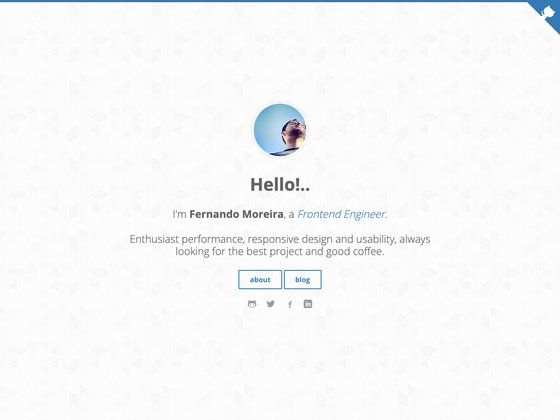
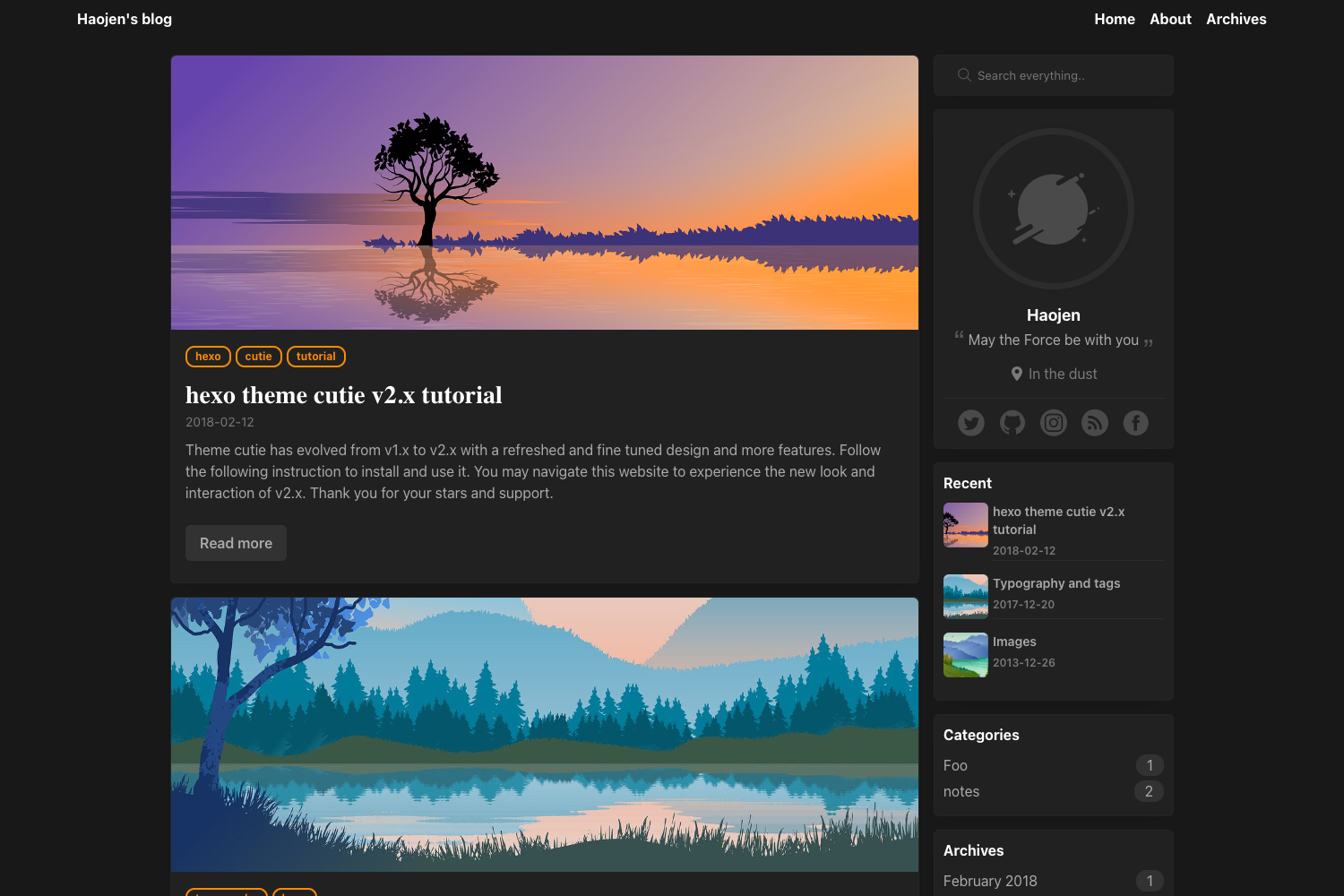
An open-source Jekyll theme for blogs, based on kotet/ultralight, claiming 18% faster performance, with syntax highlighting and smooth scrolling.
About this template
Efficiency_jekyll_theme is an open-source Jekyll theme for blogs on GitHub Pages, forked from kotet/ultralight, which the author reports runs 18% faster than the official Jekyll theme.
What is Efficiency_jekyll_theme?
Efficiency_jekyll_theme is a Jekyll theme distributed through the zichenstudio GitHub repository. It is a fork of kotet/ultralight with modifications, and it provides a minimal blogging layout that takes Markdown posts and outputs a static site. The theme bundles three JavaScript libraries: highlight.js for code syntax highlighting, welcometitle.js for a welcome title animation, and smoothscroll.js for smooth scrolling. The project is MIT-licensed: the original ultralight license is kept, and a new LICENSE covers the author's modifications.
Key Features
- Reported speed — the author states their tests show this theme is 18% faster than the official Jekyll theme; no benchmark details are published.
- Ultralight foundation — built on kotet/ultralight, so the theme is deliberately minimal and light.
- Code highlighting — includes highlight.js, so fenced code blocks in posts get color syntax highlighting automatically.
- Welcome title effect — uses welcometitle.js from zichenstudio to display a custom animated page title.
- Smooth scrolling — includes smoothscroll.js for smooth anchor-link scrolling.
- GitHub Pages deployment — the README provides exact commands: clone the repository, change the remote URL to your github.io repository, and push the master branch.
- IPFS deployment — after building with
bundle exec jekyll build, the static_sitefolder can be added to IPFS withipfs add -r _site/. - Dual licensing — original MIT license from ultralight is preserved, and a new MIT LICENSE is added for the modified code.
Who is it for?
- Bloggers who host on GitHub Pages — they can set up a personal blog by cloning the repository and pushing to their username.github.io repository, following the steps in the README.
- Defenders of minimal static sites — users who want a small, fast Jekyll theme can start from this ultralight base and customize it.
- IPFS publishers — the documentation includes explicit IPFS deployment steps, making it easy for people running their own IPFS nodes to publish a blog.
What can you do with it?
- Launch a blog quickly — clone the theme, point the remote to your GitHub Pages repo, and push to deploy.
- Publish a decentralized site — build the theme with Jekyll and add the generated
_sitefolder to IPFS. - Show off your deployment — the project invites users to share their sites using the theme in its Issues section.
How does it work?
The theme is a standard Jekyll repository. You clone it, then either push it to your GitHub Pages remote for automatic building, or run bundle exec jekyll build locally to generate the static _site folder. Posts are written in Markdown in the usual Jekyll structure, and the theme's templates plus the included JavaScript are applied during the Jekyll build.
FAQ
Is Efficiency_jekyll_theme free?
Yes, the theme is open-source under the MIT License, so it is free to use and modify.
Is Efficiency_jekyll_theme compatible with GitHub Pages?
Yes. The README gives specific clone and push commands to deploy it to your own github.io repository.
What does 18% faster mean?
According to the author's testing, the theme loads or builds 18% faster than the official Jekyll theme. The README does not describe the test setup or metrics.
What JavaScript libraries are bundled?
The theme includes highlight.js for syntax highlighting, welcometitle.js for a welcome title effect, and smoothscroll.js for smooth scrolling.