Template details
Hexo Theme Concise
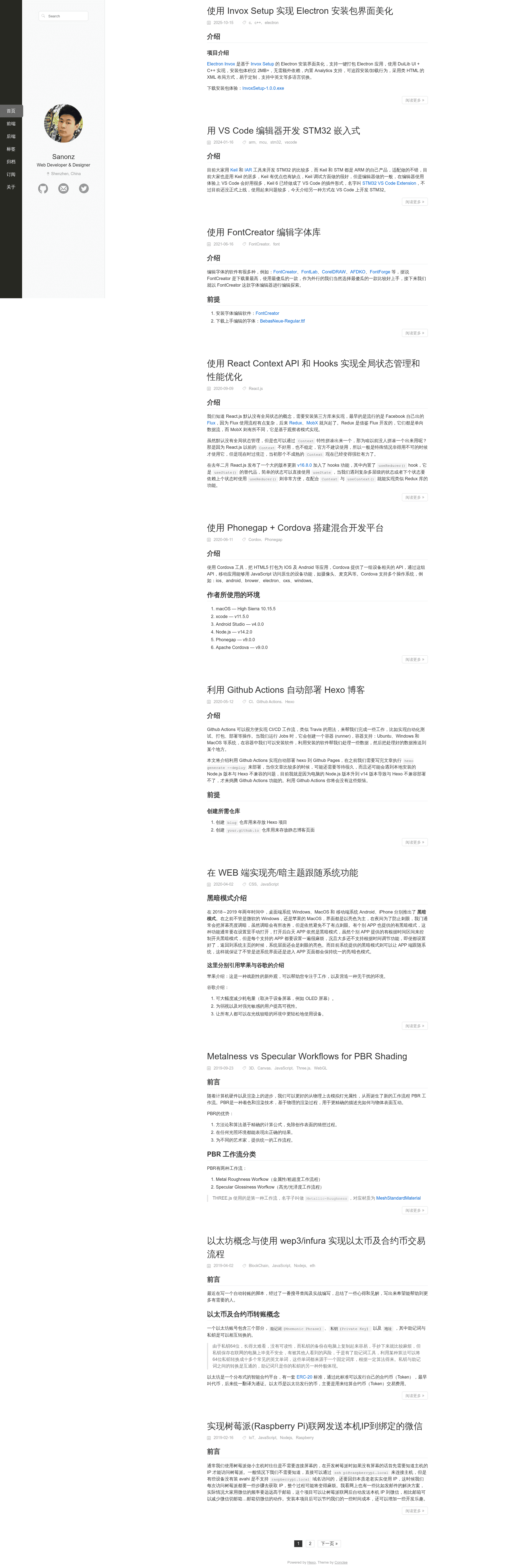
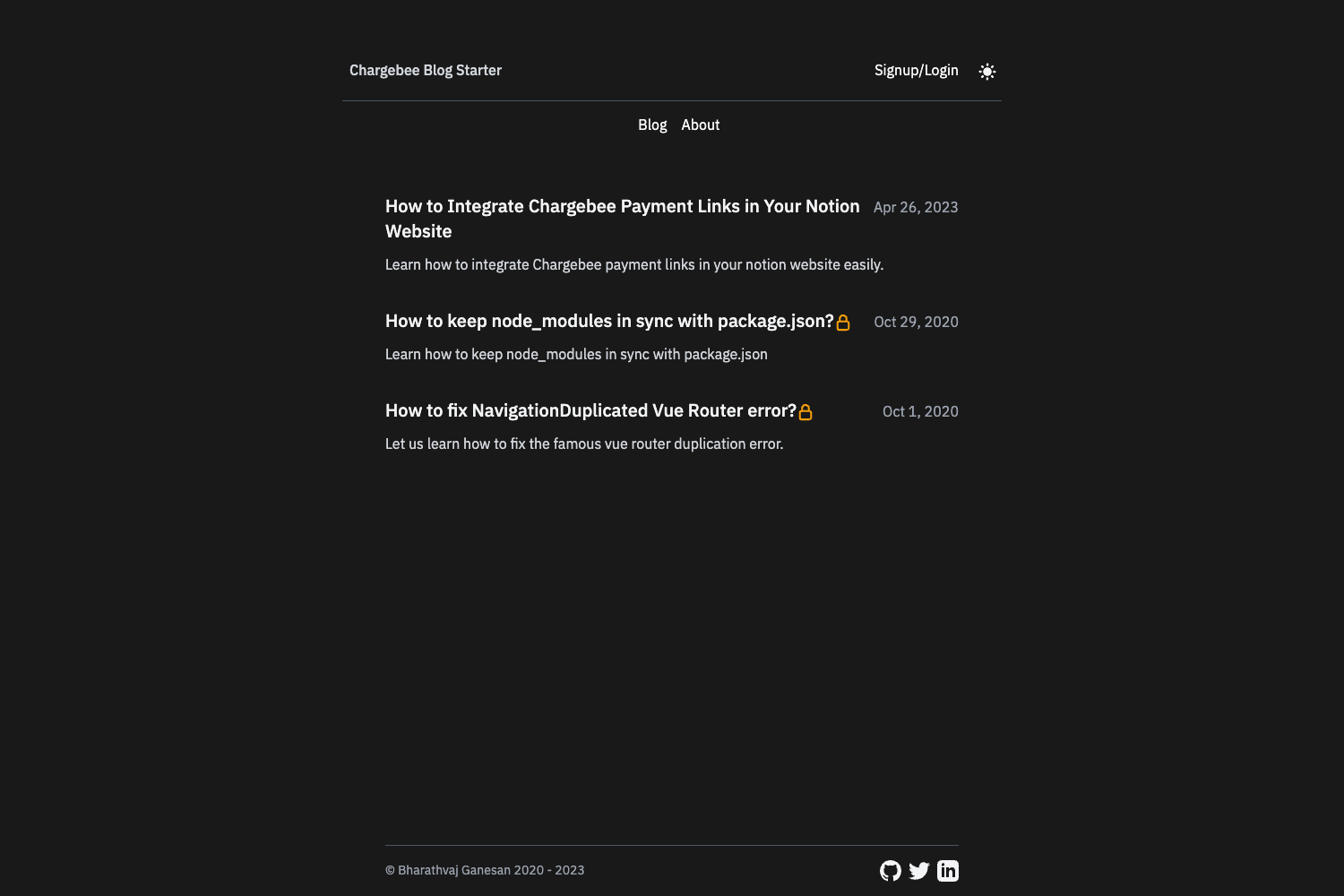
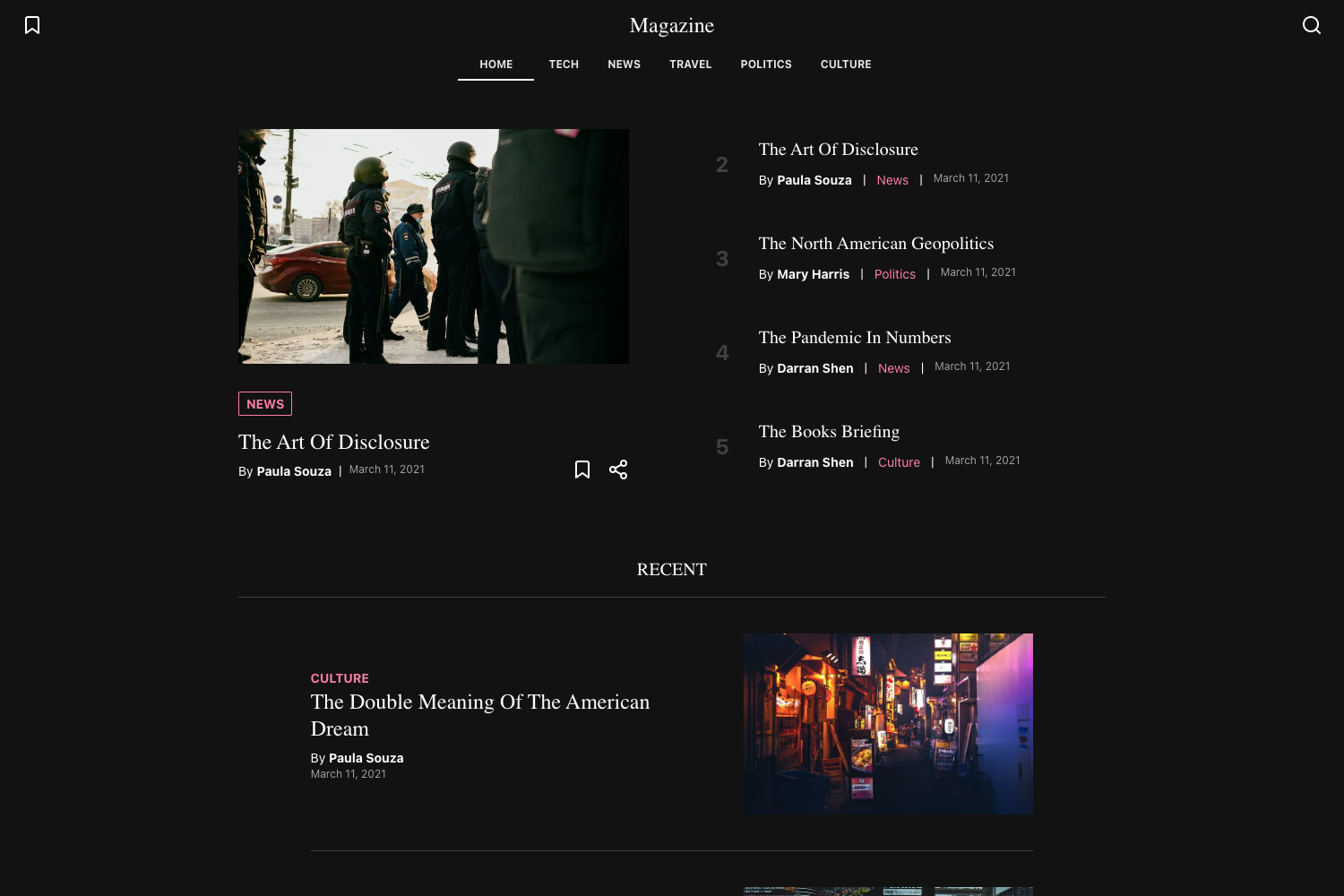
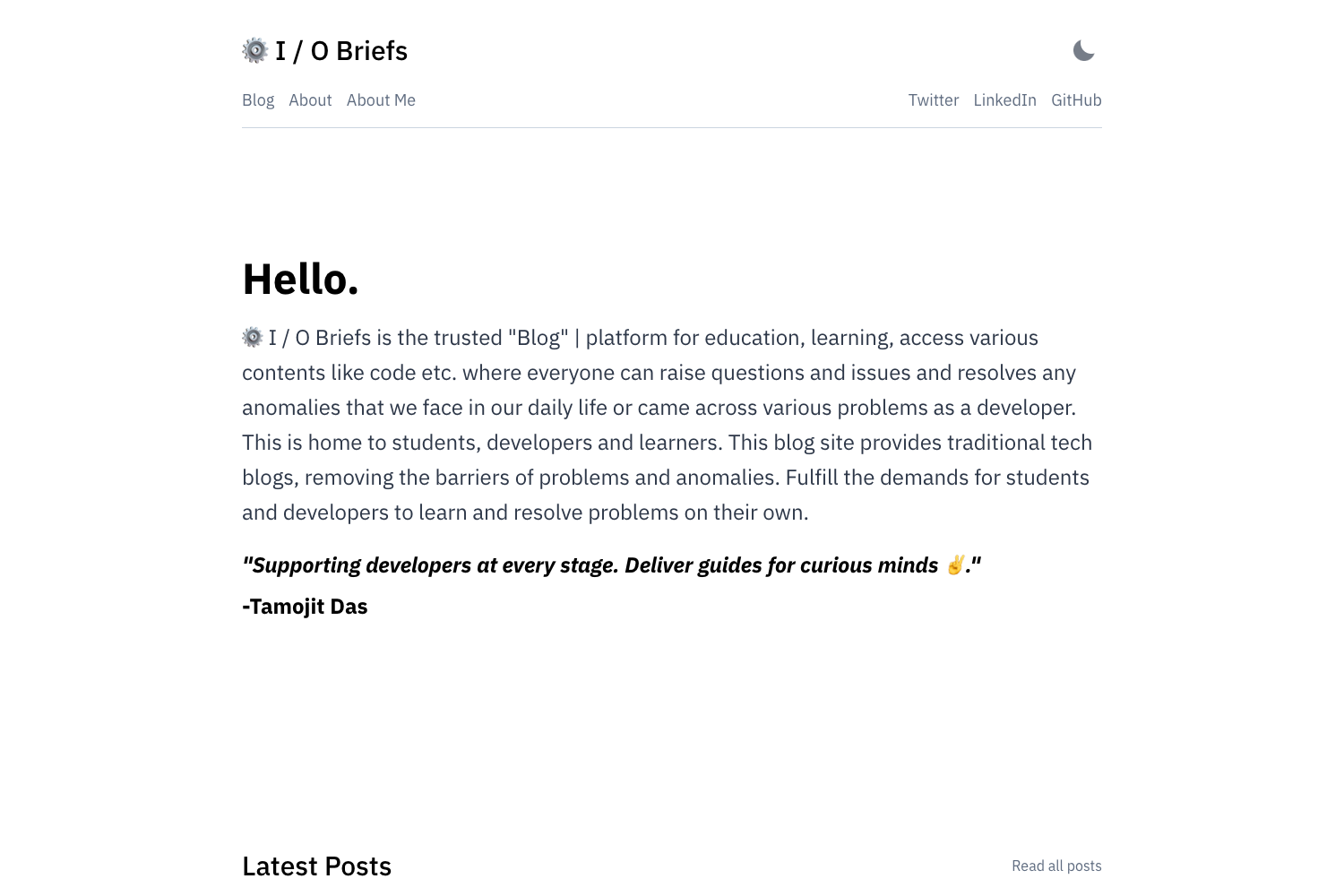
A minimalist Hexo theme with responsive design, monokai-sublime code highlighting, and light/dark theme that follows the system, compatible with IE8.
About this template
Concise is a minimalist Hexo theme that turns static markdown posts into a responsive blog with monokai-sublime code highlighting and system-following light/dark themes.
What is Hexo Theme Concise?
Hexo Theme Concise is an open-source theme for the Hexo static site generator. It takes Hexo's markdown content and configuration as input and outputs a static, SEO-friendly blog with a responsive layout. The theme is maintained by developer Sanonz and is distributed via GitHub at https://github.com/sanonz/hexo-theme-concise.
Key Features
- Responsive design — Supports PC, tablet, and mobile devices with a fluid layout.
- Monokai-sublime code highlighting — Built-in syntax highlighting for code blocks.
- Light/dark theme — Automatically follows the system's color scheme preference.
- IE8 compatibility — The theme is tested to work down to Internet Explorer 8.
- Less-based styling — Requires the hexo-renderer-less package instead of the default hexo-renderer-stylus.
- Customizable sidebar — Displays author name, profession, location, avatar, and social links using SVG icons.
- Gitalk integration — Adds GitHub issue–based comments by configuring client ID, secret, repo, and owner.
- Baidu analytics — Simple configuration to add Baidu site tracking.
- Configurable layout — Options for menu, excerpt link text, content maximum width, RSS, and favicon.
Who is it for?
- Hexo bloggers — who want a clean, no-frills blog theme that works out of the box.
- Developers — who need a theme with a simple codebase based on Less and want to easily customize icons and colors.
- Users with older browsers — because of its IE8 compatibility, it suits audiences still on legacy systems.
What can you do with it?
- Personal blogging — publish markdown posts and organize them with tags and categories.
- Customizing social links — drop SVG files into ./source/svg and reference them in the links config.
- Enabling comments — configure the gitalk integration to let readers comment via GitHub issues.
- Tracking visits — set your Baidu analytics ID to monitor site traffic.
How does it work?
- Install Hexo, then clone the theme into themes/concise.
- Switch the site config to theme: concise and copy _config.example.yml to _config.yml.
- Adjust the theme configuration, then run hexo generate to build the static site.
FAQ
Does Hexo Theme Concise support dark mode?
Yes, the theme supports a dark mode that automatically follows the system's color scheme setting. You can also control it via the site's display settings.
How do I enable comments?
Enable the gitalk option in the theme config by setting enable: true and providing your GitHub client ID, client secret, repository, and owner. Each post's comment section is then powered by GitHub issues.
Is Hexo Theme Concise free?
Yes, it is an open-source theme licensed under a permissive license and available for free from its GitHub repository.
How do I show a "Read More" button on the homepage?
Insert the <!-- more --> comment in your markdown post at the point where you want the excerpt to end. The theme will display the excerpt and a "阅读更多" button.
Why do I get a 404 on my Tags or About page?
Create those pages with hexo new page about and hexo new page tags. For tags, add layout: tags to the front matter. The about page then pulls content from source/about/index.md.