Template details
Chargebee Notion Blog Starter
Open-source Next.js starter for a Notion-powered blog with Chargebee membership subscriptions and Supabase auth.
About this template
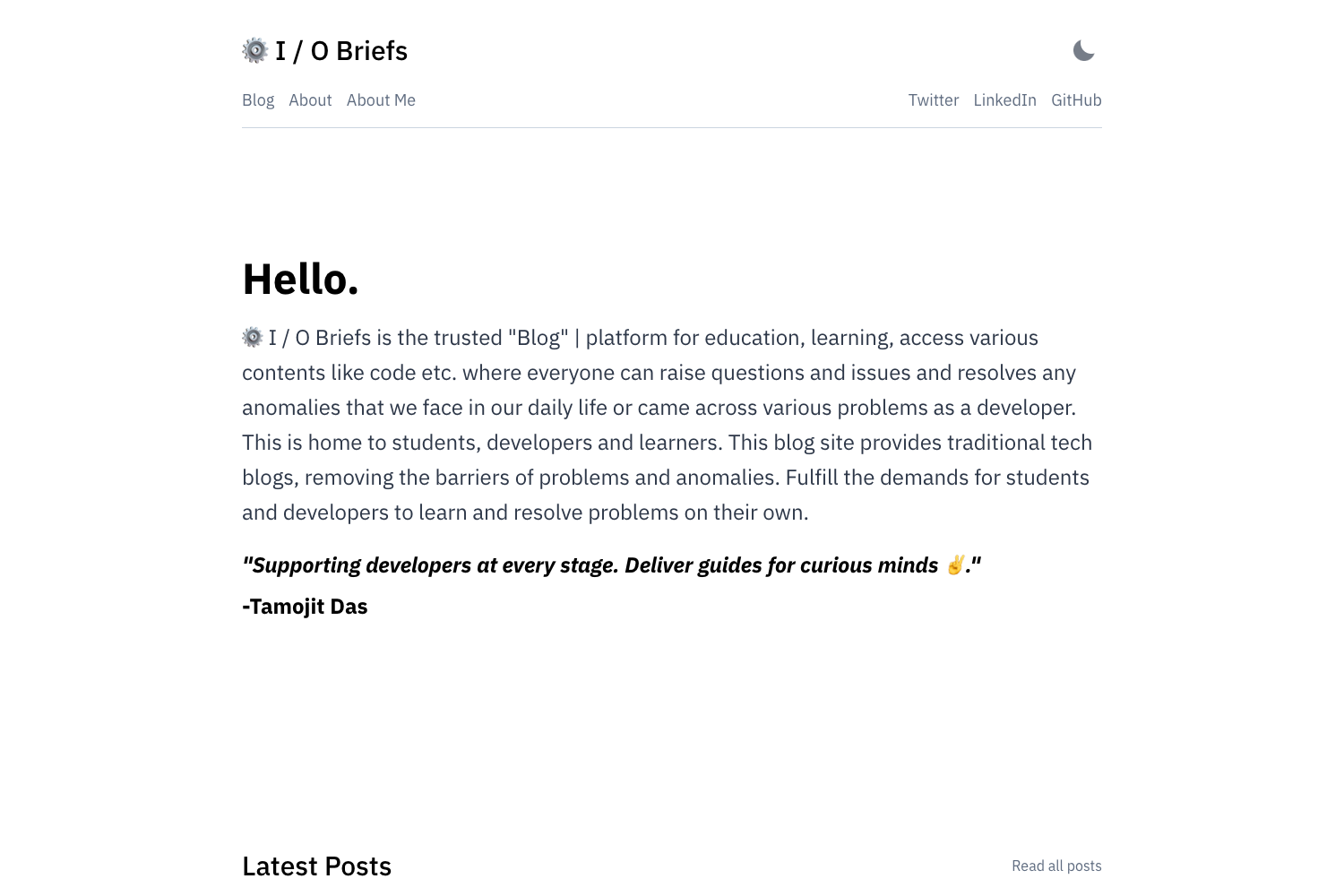
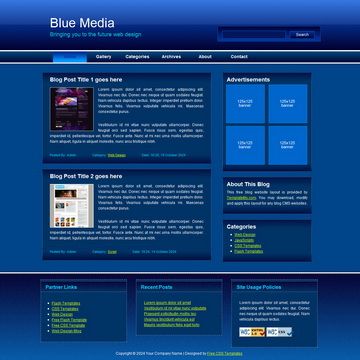
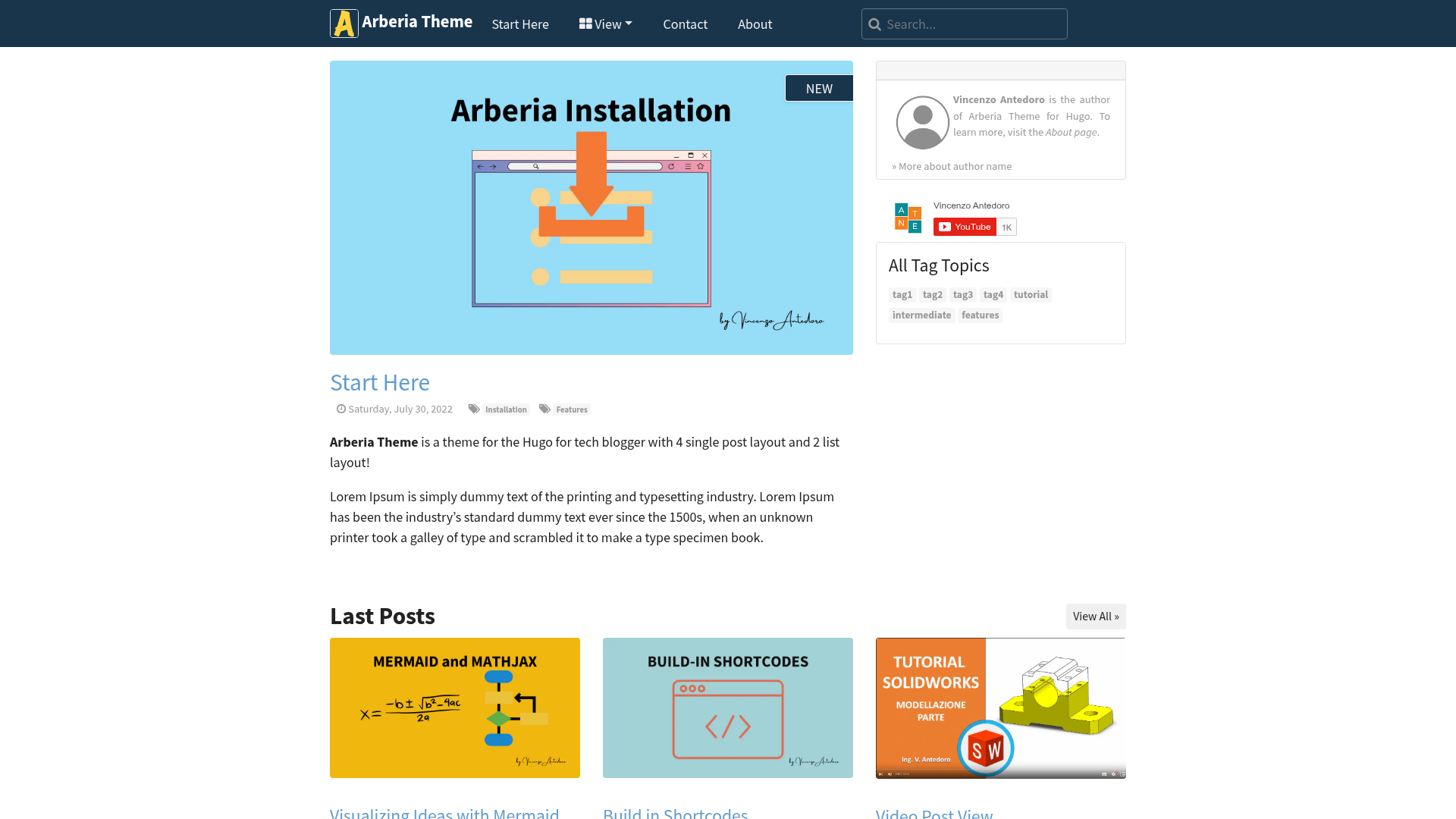
The Chargebee Notion Blog Starter is a sample Next.js starter site that uses Notion as its CMS and Chargebee for managing membership subscriptions, with authentication and user profiles stored in Supabase PostgreSQL.
What is the Chargebee Notion Blog Starter?
The Chargebee Notion Blog Starter is an open-source starter template created by Bharathvaj Ganesan. It takes a Notion page as its content source, a Supabase project for auth and profile data, and a Chargebee site for subscription payments, and outputs a complete blog site with member-only content, comments, search, tag filtering, RSS, and analytics. It runs on Next.js with Tailwind CSS styling and can be deployed to Vercel or Netlify.
Key Features
- Membership management — Manages paid memberships through Chargebee subscriptions; a
pnpm seedcommand creates the required product catalog. - Notion-powered CMS — Content is authored in Notion and fetched with a Notion access token and page ID; incremental static regeneration means no redeploy after content updates.
- Supabase authentication — User sign-up and profiles run on Supabase PostgreSQL; a
seed.sqlscript creates the required tables, triggers, and functions. - Deploy in minutes — One-click Vercel deploy button is included, and Netlify is also supported.
- Search, comments, and tag filter — Built-in quick search, full-width page layout, comments, and tag filtering.
- SEO and social previews — Automatic OG image generation and meta tag generation for social unfurling.
- Customizable config — All settings are in
blog.config.js; the UI is built with Tailwind CSS and supports English and Chinese. - RSS and web vitals — RSS feed and web vital analytics are included out of the box.
Who is it for?
- Developers who want to launch a paid membership blog quickly and prefer to configure Notion, Supabase, and Chargebee rather than build a backend from scratch.
- Content creators who write in Notion and want a subscription-gated blog with user accounts.
- Startups that need a minimal paid-content site deployable to Vercel or Netlify with separate billing and auth services.
What can you do with the Chargebee Notion Blog Starter?
- Paid membership blogs: Gate posts behind Chargebee subscriptions; Supabase stores user profiles and authentication.
- Notion-based content workflows: Update a Notion page and the site regenerates without manual redeploys.
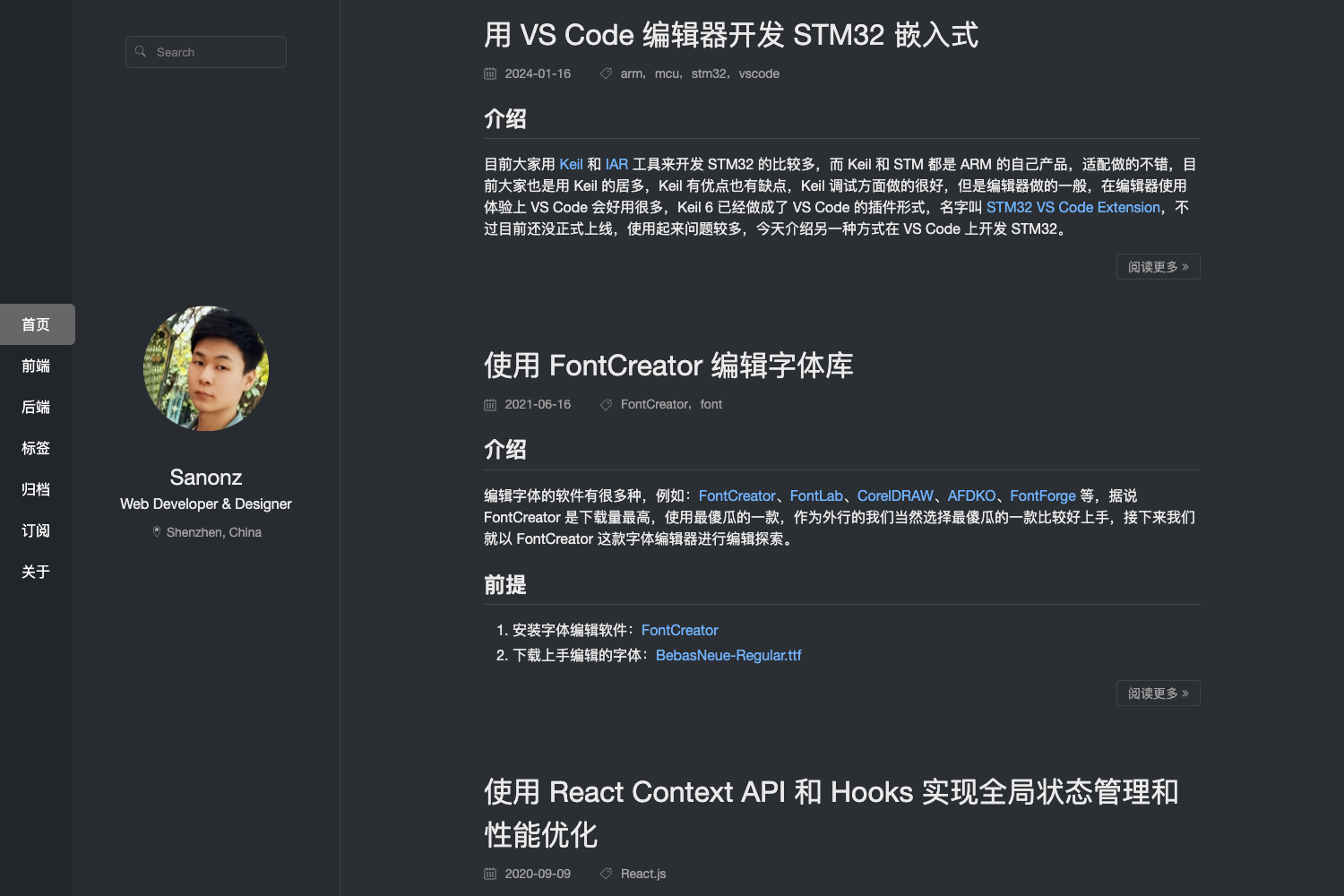
- English/Chinese sites: Switch the interface language via configuration.
How does it work?
After forking the repository, duplicate the Notion template, customize blog.config.js, and set the environment variables listed in the README (Notion page ID and token, Supabase URL and keys, Chargebee domain and API key, plan ID, and an API route secret). Run pnpm seed once to set up Chargebee, then deploy. Finally, configure a Supabase webhook on profile insert to create Chargebee customers and a Chargebee webhook at /api/webhooks to sync subscription changes.
FAQ
Is the Chargebee Notion Blog Starter free?
Yes, the starter is open-source under the MIT license. You will need your own Notion, Supabase, and Chargebee accounts, each billed by those services.
What Node.js version do I need?
The project recommends a recent version of Node.js, at least version 16.
Can I use it without Chargebee?
The template is specifically built around Chargebee for subscription management. Removing it would require replacing the billing and webhook logic in the code.
How do I generate the API route secret?
The README instructs you to run openssl rand -base64 32 and use the output as the API_ROUTE_SECRET environment variable.
Does the blog have comments and search?
Yes, it includes built-in comments, quick search, and tag filtering, along with RSS and web vital analytics.