Template details
Hyde
A Jekyll personal blog and portfolio template with GitHub Pages support.
About this template
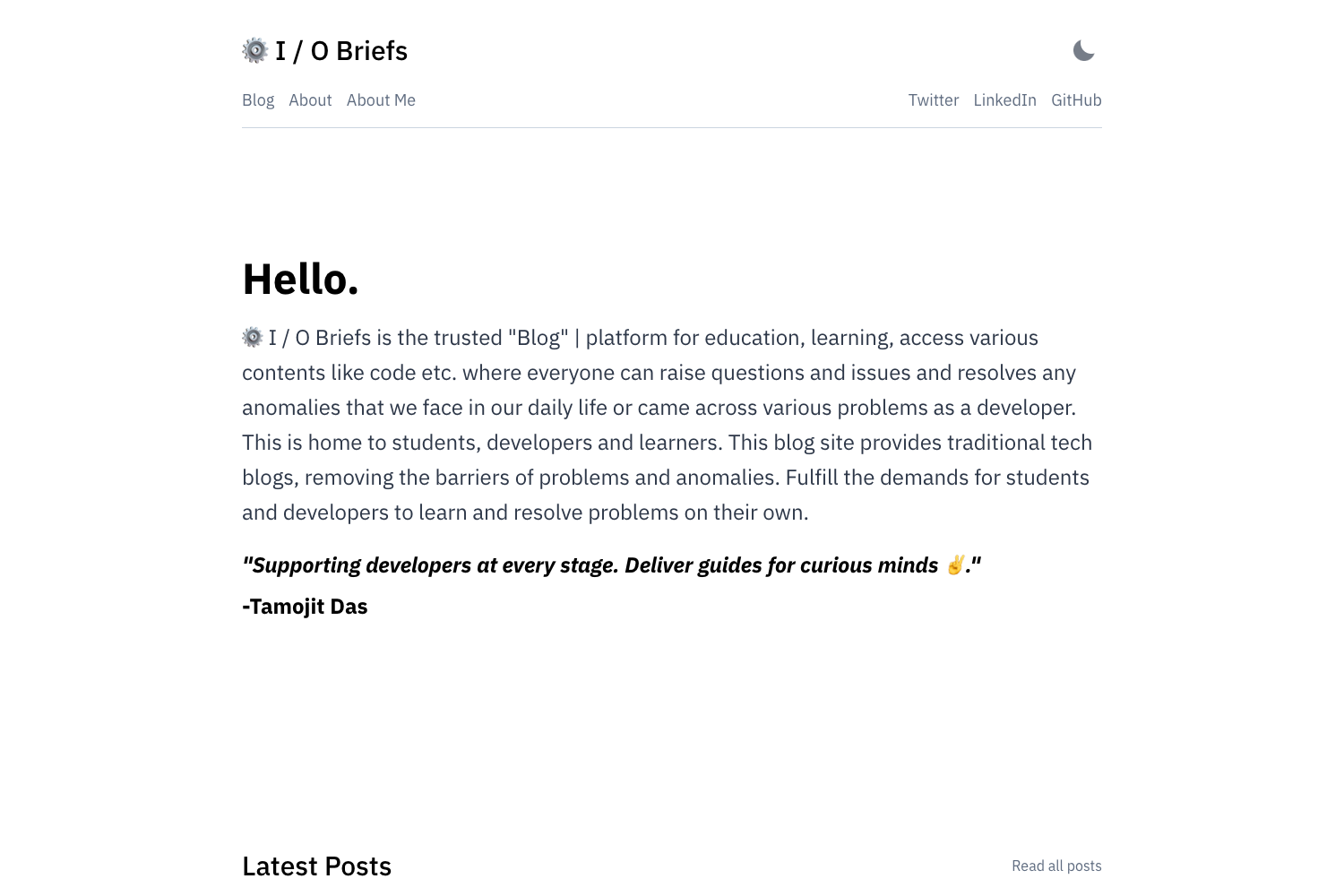
Hyde is a Jekyll template for building a personal blog and portfolio, published as an open-source GitHub repository and deployable to GitHub Pages.
What is Hyde?
Hyde is a Jekyll-based personal blog and portfolio template. It takes Markdown content from _posts, _tags, _data/portfolio.yml, and _projects and produces a static website with a blog, tag pages, portfolio items, and project showcases. It runs on Jekyll and requires Ruby 2.4 or newer for local development, and it is designed for deployment on GitHub Pages. The template is maintained by ChemistryX on GitHub.
Key Features
- GitHub Pages ready — Configure
_config.ymlwith your GitHub username and URL; the site can be published directly via GitHub Pages. - Blog with tags — Write posts in
_postsusingyyyy-mm-dd-title.mdnaming, create tag definitions in_tags, and reference them in post front matter. - Portfolio and projects — Add portfolio entries via
_data/portfolio.ymland project pages in_projectswith front matter for title, description, image, and date. - GitHub-based comments — Comments use utteranc.es, tied to a GitHub repo and issue term; visitors must have a GitHub account to comment.
- Google Analytics integration — Enter your tracking ID in
_config.ymlto enable site analytics. - Author profiles — Register authors in
_data/authors.ymlwith name, email, and image for post signatures. - SCSS styling — The template's styles are written in SCSS, and it includes a navigation bar, footer buttons, and a responsive layout.
- Configurable metadata — Site title, description, URL, email, and GitHub username are set in a single
_config.ymlfile.
Who should use Hyde?
- Developers and designers who want a minimal Jekyll portfolio site with a built-in blog for writing technical articles.
- GitHub Pages users who prefer a static site generator workflow with Markdown posts and no database.
- Freelancers and job seekers who need a personal site with portfolio listings and project case studies.
- Technical writers who are comfortable writing in Markdown and managing content through YAML data files and front matter.
What can you do with Hyde?
- Create a personal blog — Write posts in Markdown with tags and author attribution; tag pages and post signatures are generated automatically.
- Build an online portfolio — Use
_data/portfolio.ymlto list client work or personal projects, each with a title, description, and image. - Document project case studies — Add project pages in
_projectssorted by date, each with a description and image. - Customize site appearance — Edit
_config.ymlfor site-wide text and navigation, and modifyrobots.txtandassets/images/site.webmanifestfor metadata.
How does Hyde work?
Install dependencies with bundle install, then run jekyll serve for local development. Configure _config.yml with your site details, add authors and tags via YAML and Markdown files, and write posts or portfolio entries. The template builds static HTML from your content, ready to commit to a GitHub Pages branch.
FAQ
Is Hyde free to use?
Hyde is an open-source Jekyll template posted on GitHub, so it is free to download, modify, and deploy for personal or commercial use.
Does Hyde require Ruby?
Yes, Ruby 2.4 or newer is required to run Jekyll locally. If you deploy to GitHub Pages, the build happens on GitHub's servers, so you don't need Ruby in production.
How do comments work in Hyde?
Comments are powered by utteranc.es, a GitHub issue-based comment widget. You configure the comments repo and issue-term in _config.yml, and visitors need a GitHub account to leave comments.
What content types does Hyde support?
Hyde supports blog posts in _posts, tag pages in _tags, portfolio items in _data/portfolio.yml, and project pages in _projects. All content is written in Markdown with YAML front matter.
Can I use Google Analytics with Hyde?
Yes, enter your Google Analytics tracking ID in _config.yml under google_analytics, and the template will include the analytics snippet on your site.