Template details
Qubt
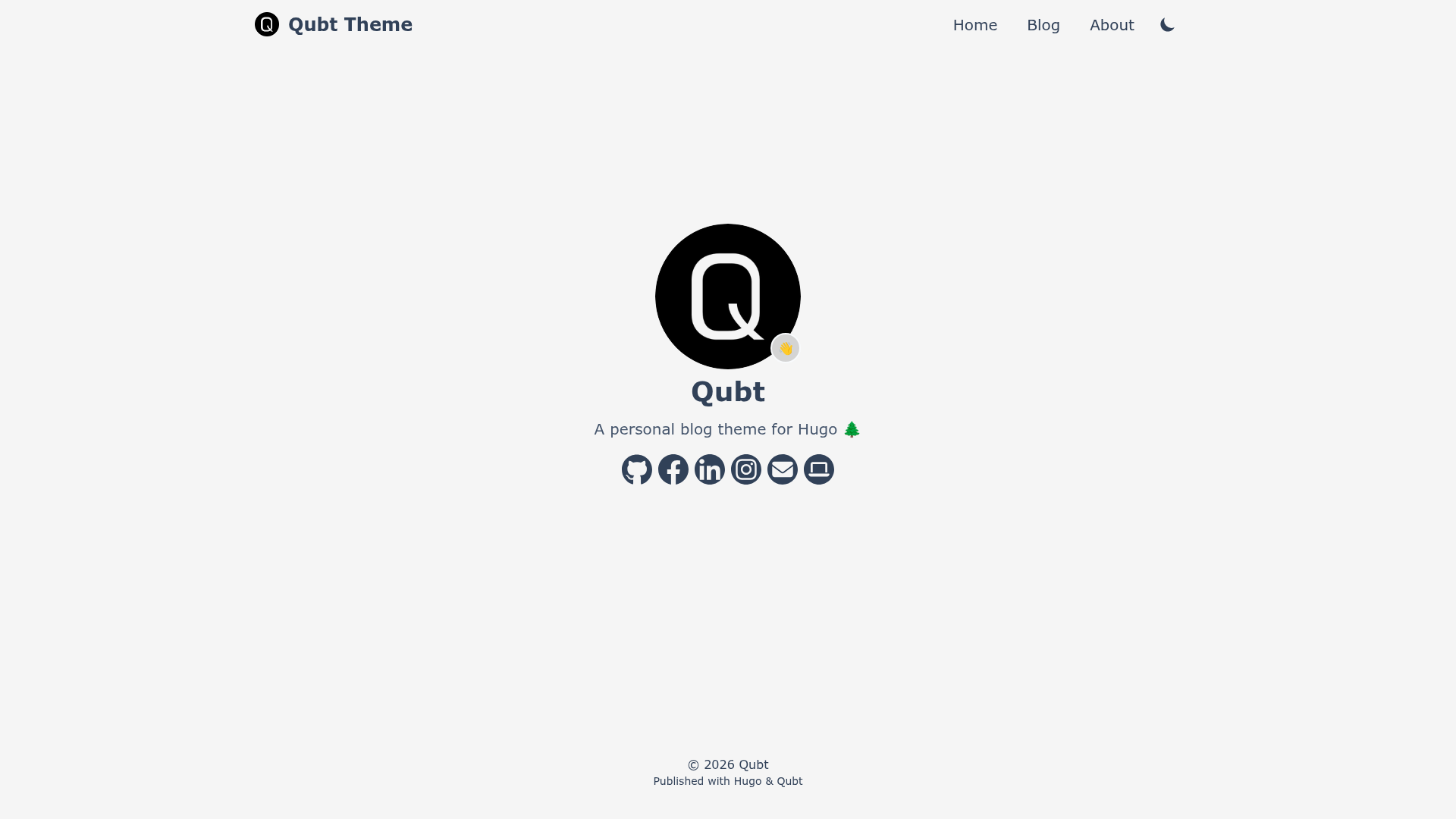
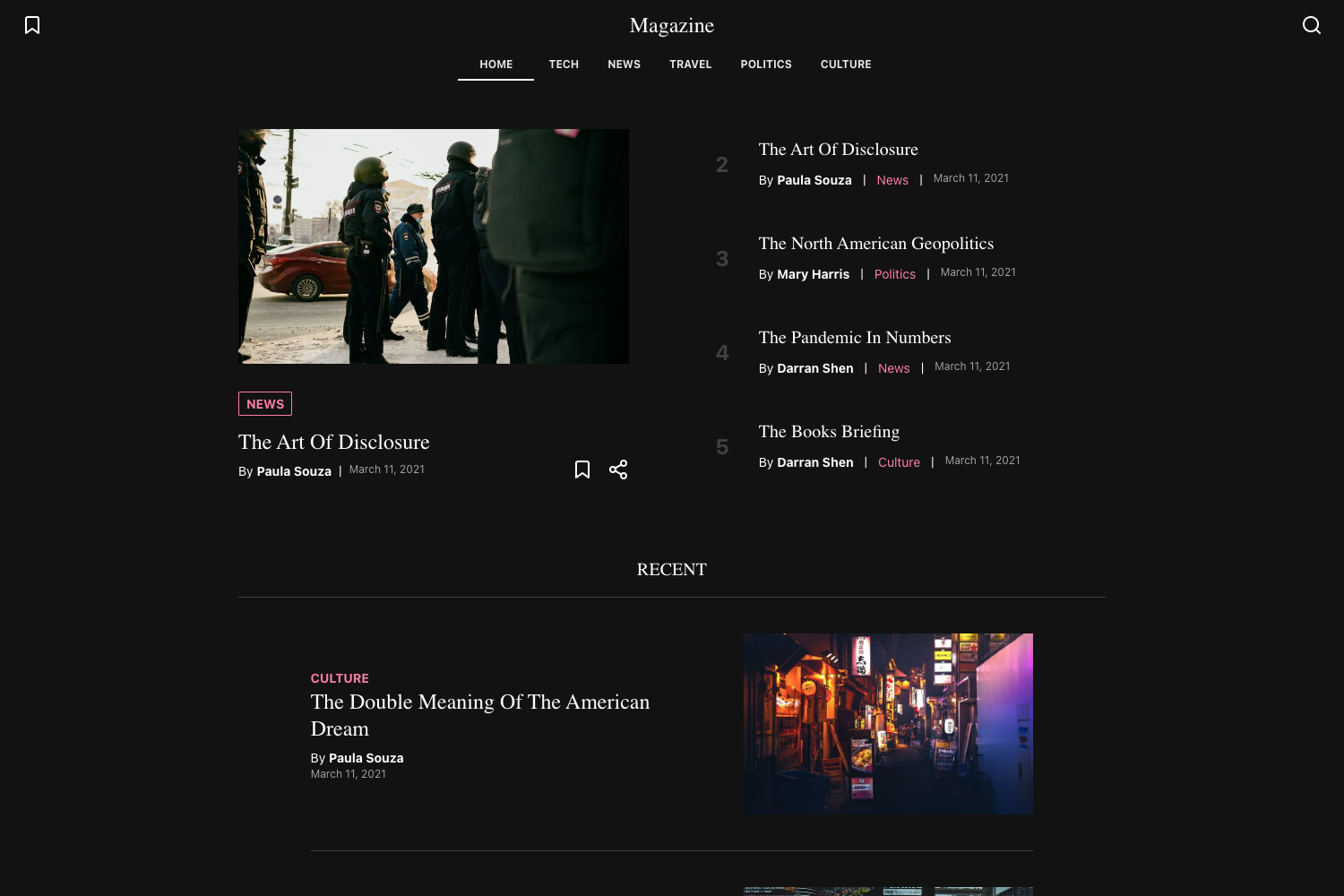
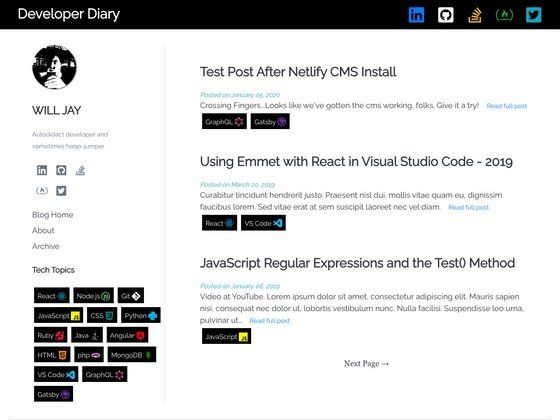
Qubt is a mobile-first personal blog theme for Hugo with automatic dark/light mode, emoji support, and a healthcheck endpoint.
About this template
Qubt is a simple personal blog theme for Hugo that builds fast, mobile-first static websites from Markdown content. Developed by chrede88 and available on GitHub, the theme focuses on a minimal reading experience, automatic theme switching, and easy deployment to GitHub Pages.
What is Qubt?
Qubt is a Hugo theme tailored for personal blogging, taking Markdown files as input and producing a static site with a mobile-first interface. It runs on Hugo, the static site generator, and requires Hugo Extended Edition 0.122.0 or later plus Go 1.23.3 or later. The project is maintained by chrede88 and is distributed under the qubt repository, with a separate template repository (qubtTemplate) for quick setup.
Key Features
- Mobile-first interface — The layout is designed for small screens first, making the blog readable on phones without extra configuration.
- Automatic dark/light mode — The theme respects the browser's color scheme preference and includes a manual switcher so readers can toggle modes themselves.
- Emoji support — Writers can use emojis in Markdown content, rendered directly on the page.
- Healthcheck endpoint — A /healthcheck.json file is generated so external uptime monitors can confirm the site is live.
- Quick-start template — The qubtTemplate repository provides a pre-configured Hugo site, so a new blog can go live by following the template's installation instructions.
- Full wiki — The GitHub wiki documents configuration, customization, theme updates, and deployment to GitHub Pages.
- Automated builds — GitHub Actions workflows run a test build on each push to the main branch, and the repository tracks Lighthouse scores for performance, accessibility, best practices, and SEO.
Who is it for?
Qubt is for personal bloggers who want a clean, distraction-free reading experience without dealing with complex theme configuration. Developers comfortable with Hugo can use the template to scaffold a site and customize the styling through the wiki. It's also a good fit for hobbyists who want to publish a blog quickly and deploy it to GitHub Pages.
What can you do with Qubt?
- Personal bloggers: write posts in Markdown and get a mobile-first site with automatic dark/light mode and emoji rendering.
- Developers: start from the qubtTemplate repo, install the required Hugo and Go versions, and follow the wiki to add custom pages or tweak settings.
- Site operators: use the /healthcheck.json endpoint to integrate the blog with uptime monitoring services for availability alerts.
How does Qubt work?
Install Hugo Extended Edition 0.122.0 or later and Go 1.23.3 or later, then clone the qubtTemplate repository and follow its instructions to set up the theme. Content is written as Markdown files, Hugo builds the static site, and the wiki explains how to configure menus, enable dark mode, and deploy the finished blog to GitHub Pages.