Template details
Hexo Theme Greyshade
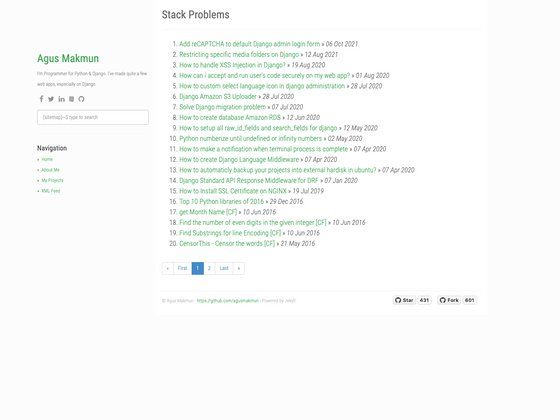
A simple, fast Hexo blog theme with site search, categories, RSS, and Valine comments, ported from Octopress.
About this template
Hexo Theme Greyshade is a lightweight, speed-focused theme for the Hexo static site generator, ported from an Octopress theme and maintained by GitHub user thinkerchan.
What is Hexo Theme Greyshade?
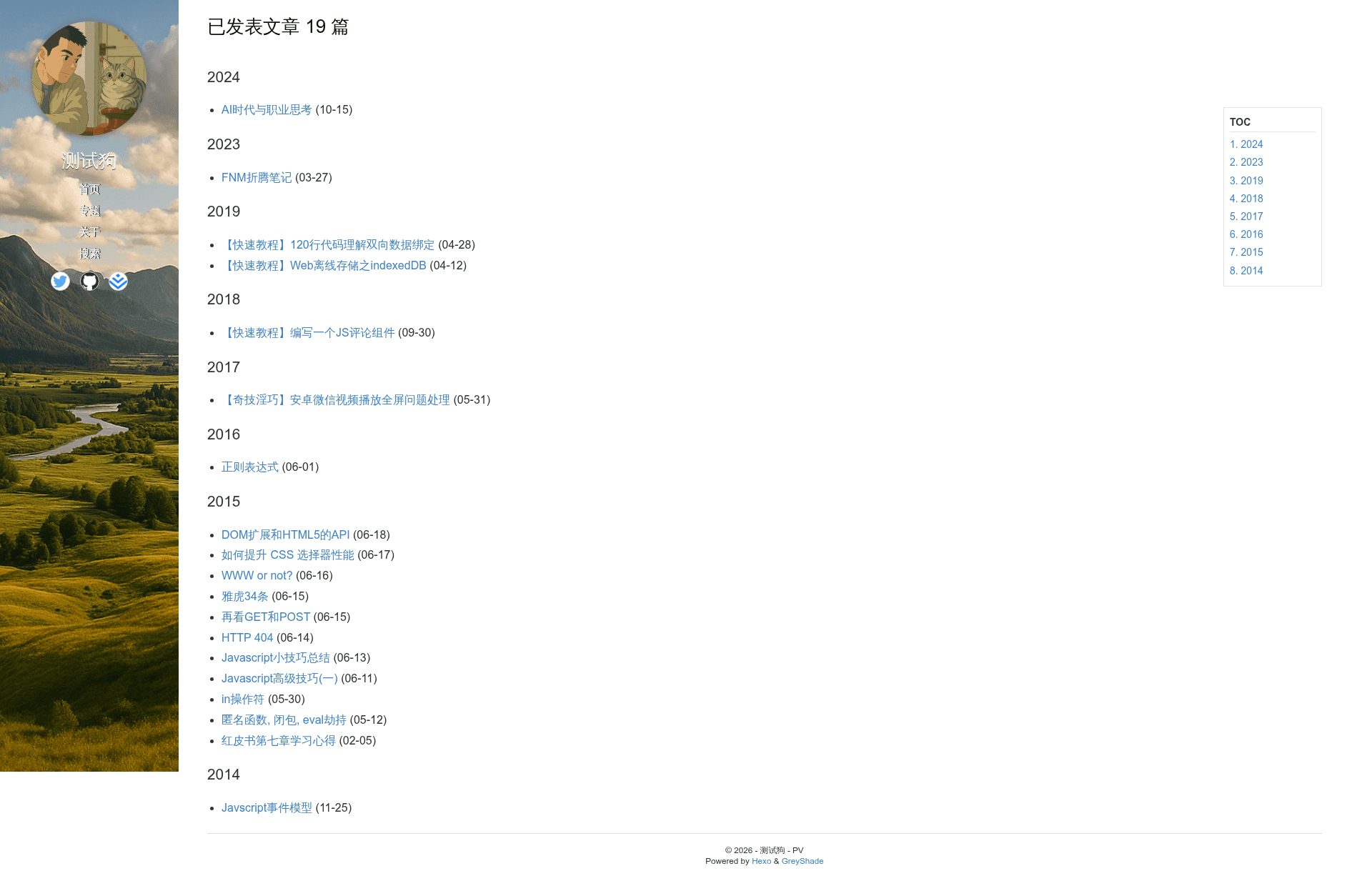
Hexo Theme Greyshade is a minimal blogging theme that runs on Hexo, a static site generator built on Node.js. It takes a standard Hexo site and produces a static blog with a configurable menu, sidebar image, avatar, excerpts, and social links. The theme originated from Qu Guangyu's greyshade design for Octopress and was later migrated to Hexo; the current maintainer, thinkerchan, refactored it to remove unnecessary JavaScript and social widgets for faster page loads. The theme's configuration lives in a _config.yaml file inside the theme folder, where users set menus, images, comment system credentials, and social profile URLs.
Key Features
- Speed optimizations — The theme removes all unnecessary JavaScript, caches JS in localStorage, and encodes the avatar and social icons as base64 to cut HTTP requests.
- Built-in site search — A dedicated search layout enables keyword search; create a page and set front matter layout to search to activate it.
- RSS feed — RSS integration is available through the social config section; set rss to false to disable.
- Valine + LeanCloud comments — Third-party commenting powered by LeanCloud storage and the Valine SDK, with CDN-hosted scripts and configurable appId and appKey values.
- Categories page — A cate layout organizes posts by topic; create it with hexo new page categories.
- Responsive design — Bottom navigation bar and top page entry are styled for mobile screens.
- Article navigation — Forward/back buttons inside articles and an article expiry notice (added in the 2021-11-10 update).
- Archive page — Archive layout is included, plus a 404 page with a custom permalink.
Who is it for?
- Personal bloggers seeking a fast, minimal Hexo theme with search, categories, and RSS.
- Developers who prefer clean, bloat-free templates and want to customize configuration in YAML.
- Former Octopress users who want a similar greyshade visual style in Hexo.
- Chinese-language bloggers who rely on LeanCloud and Valine for a simple comment system.
What can you do with Hexo Theme Greyshade?
- Set up a full blog in minutes — clone the theme, set the theme option to greyshade, and configure menu, avatar, social profiles, and comment credentials in the theme's _config.yaml.
- Add site search — create a page with the search layout and get a static search experience without a third-party search service.
- Organize posts by topic — create a categories page with the cate layout to group articles into special topics.
- Customize the 404 experience — generate a 404 page with a custom permalink and a friendly message.
How does Hexo Theme Greyshade work?
The theme works as a standard Hexo theme. First, clone the repository into the themes folder and switch the theme option to greyshade in the Hexo _config.yaml. Then create the required pages with specific front matter: the search layout for search, the cate layout for categories, and a 404 page with permalink set to /404. Finally, set optional theme parameters such as sidePic, avatar, excerpt length, and LeanCloud/Valine credentials to enable comments.
Pros and cons
- Pros: The theme is lightweight, removes unused JavaScript and social logic, and includes search, RSS, categories, and responsive mobile styles.
- Cons: The README notes that it is not as aggressively optimized as Qu Guangyu's original version, and the project has few stars (16) and no active community around it.
Pricing
The theme is free and open-source, distributed via GitHub. The author accepts optional donations (e.g., WeChat coffee) but there are no paid tiers or premium features.
FAQ
How do I install Hexo Theme Greyshade?
Clone the repository into your Hexo themes folder with git clone https://github.com/thinkerchan/hexo-theme-greyshade.git greyshade, then set the theme option to greyshade in the Hexo _config.yaml. The theme has its own _config.yaml for customization.
How do I enable site search?
Run hexo new page search to create source/search/index.md, then set the front matter layout to search (add title, hideDate, and comments set to false as shown in the README). The theme provides the search page layout.
Does the theme support comments?
Yes, it supports third-party comments using Valine with LeanCloud storage. You must configure your LeanCloud appId and appKey in the theme's _config.yaml; the Valine script is loaded from a CDN.
Can I use RSS with this theme?
Yes, RSS is available through the social section. Set rss to false in the theme configuration to disable it.
Is the theme responsive?
Yes, the README lists responsive fixes for the bottom navigation bar and top page entry, and the theme works on mobile devices.