Template details
Stack Problems
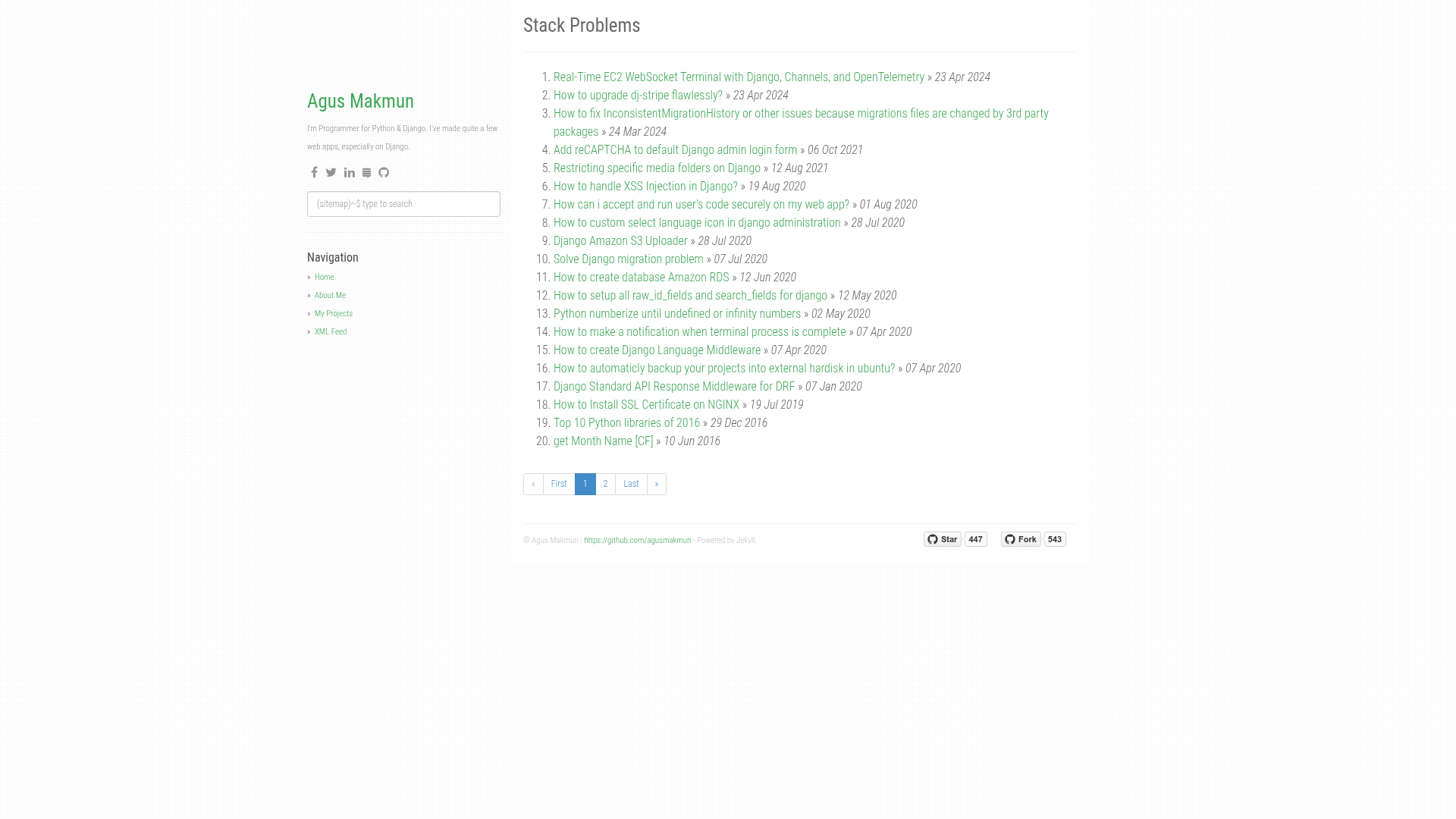
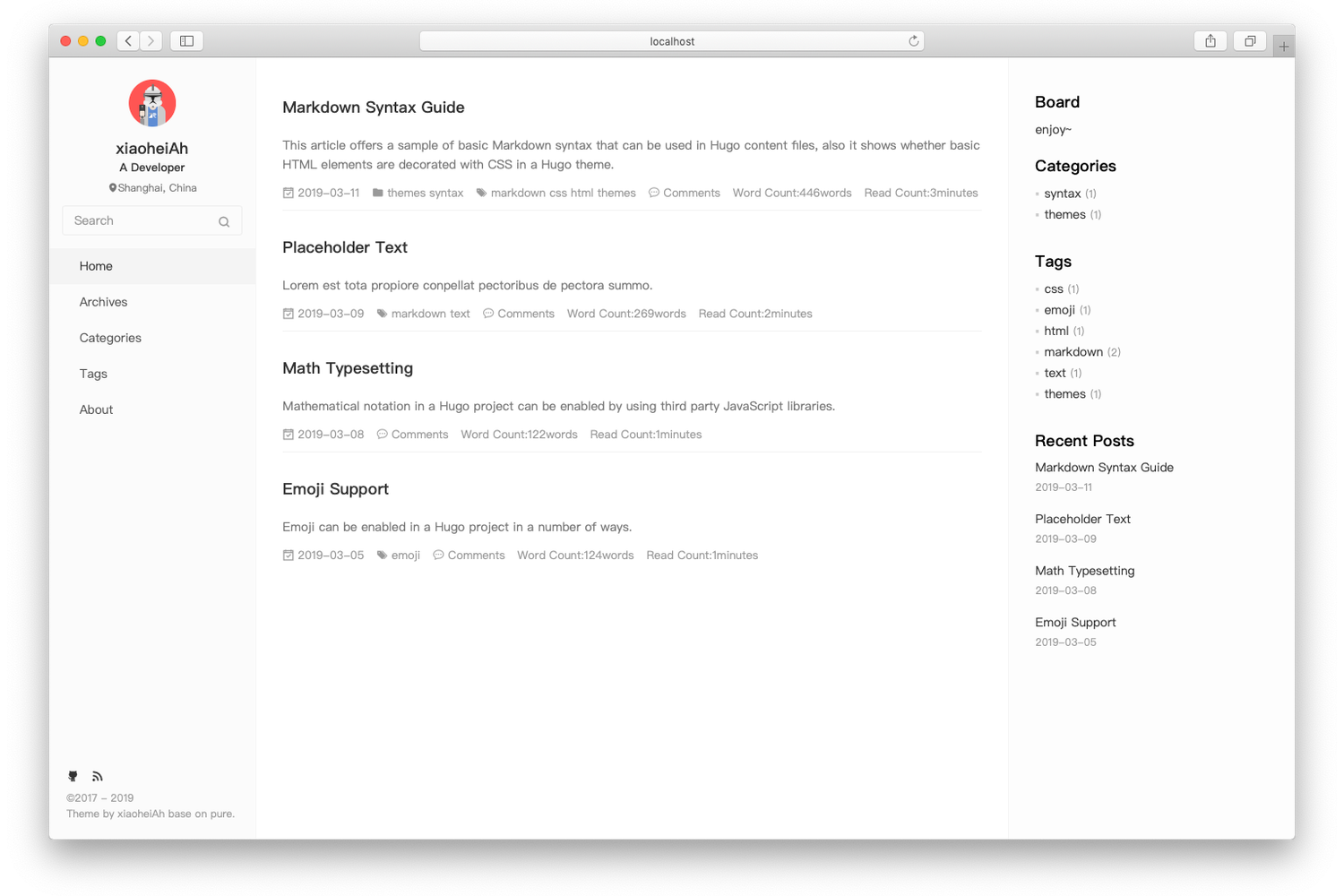
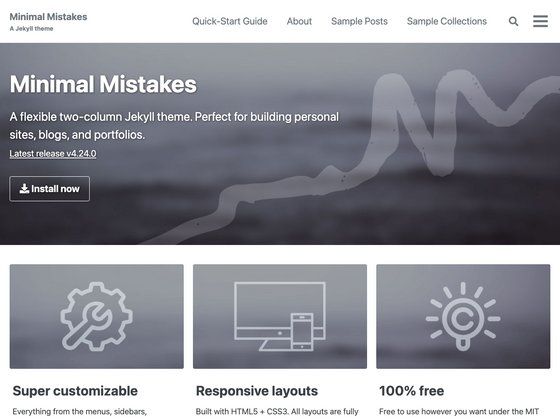
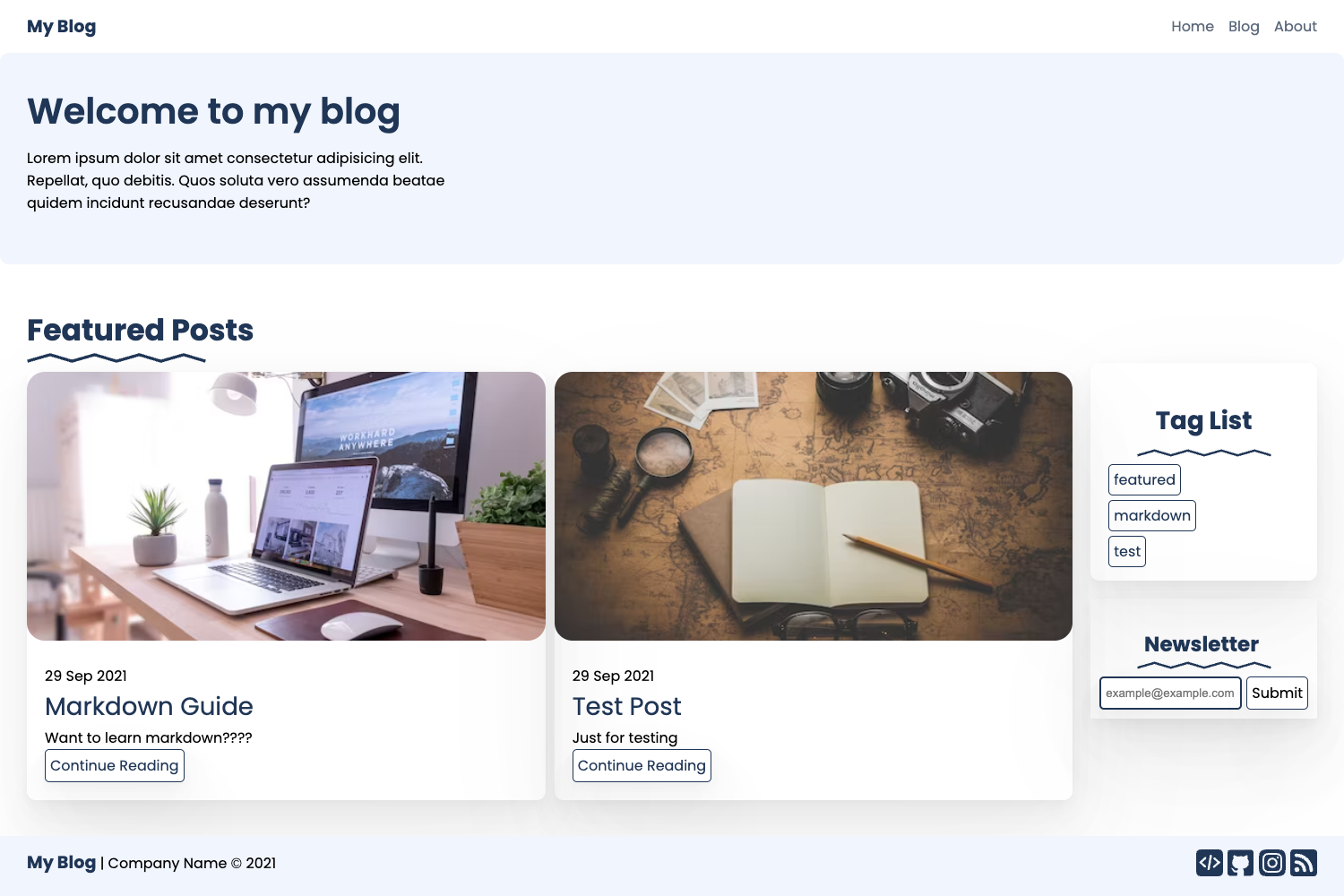
Free and open-source Jekyll theme for blogs and portfolios with realtime search, related posts, Disqus, and project pages.
About this template
Stack Problems is a free, open-source Jekyll theme for GitHub Pages that turns a personal blog and project portfolio into a static site with realtime search, category archives, and a dedicated projects section.
What is Stack Problems?
Stack Problems is a Jekyll theme forked from the "simplygrey-jekyll" theme, designed for personal blogs and project showcases. It takes Markdown posts, YAML front matter, and project data (stored in _data/projects.json) as input, and produces a fully static HTML site with a homepage that paginates posts, a category archive system, project detail pages, and an XML feed. The theme runs on Jekyll and is intended for free hosting on GitHub Pages; the demo site is hosted at agusmakmun.github.io. The theme is maintained by Agus Makmun and has attracted 447 stars on GitHub.
Key Features
- Realtime search — Uses the Super Search plugin to filter posts by title and description live as the visitor types, with no server-side dependencies.
- Category archives — Posts are grouped under categories stored in the category/ folder; each category gets its own archive page.
- Related posts — Each post displays a list of related posts based on shared tags or categories, computed by Jekyll at build time.
- Project portfolio — A projects page lists all projects from _data/projects.json, and each project can have a detailed page in the _project/ folder.
- Disqus comments — Comments are integrated via Disqus, so readers can discuss posts without building a custom comment system.
- Social sharing — Posts include share buttons for social media, making it easy for readers to distribute content.
- Google Analytics — A built-in slot for the Google Analytics tracking code, configured through _config.yml.
- HTML minification — Output HTML is compressed using the jekyll-compress-html plugin, reducing page weight.
- Sitemap and XML feed — An auto-generated sitemap and RSS/XML feed help search engines and feed readers index content.
Who is it for?
- Personal bloggers — Publish markdown posts with tags and categories, and let readers search the archive in real time.
- Developers — Showcase open-source projects alongside blog posts, using the structured project JSON to drive a portfolio page.
- GitHub Pages users — Anyone who wants a free, self-hosted blog with comments, analytics, and search, without maintaining a separate server.
- Students and researchers — Use the category archives and related-post system to organize and cross-link technical notes.
What can you do with Stack Problems?
- Publish a blog post — Write a Markdown file in _posts/ following the date-slug naming convention, add YAML front matter with title, date, categories, tags, and an optional image, then rebuild.
- Create a project page — Add a project entry to _data/projects.json and a corresponding Markdown file in _project/ to give that project a full detail page.
- Launch a searchable archive — Rely on Super Search to let visitors find posts by typing a query that matches the title or description.
- Add categories — Create a new category by adding a file in the category/ folder and referencing that category in posts.
How does it work?
To get started, fork the repository, edit _config.yml with your site settings, and update the personal files: about.md for your bio, projects.md and _data/projects.json for your projects, and the category/ folder for your taxonomy. Locally, run bundle install --path vendor/bundle and then bundle exec jekyll serve to preview at http://127.0.0.1:4000; alternatively, if Jekyll is already installed, bundle install && jekyll serve works. When ready, push the repository to GitHub, and GitHub Pages will build and serve the site automatically.
FAQ
Is Stack Problems free?
Yes, the theme is free and open-source. The GitHub repository is publicly accessible, and the project description explicitly says "Free and open-source Jekyll theme". You can fork it and modify it for your own site without licensing fees.
Does Stack Problems work with GitHub Pages?
Yes, it is designed specifically for GitHub Pages. The demo site is hosted at agusmakmun.github.io, and the installation instructions assume you will fork the repository and then push to GitHub, where Jekyll builds the static site automatically.
How do I add a new category?
Categories live in the category/ folder. To add a new one, create a Markdown file there that follows the same front-matter pattern as the existing category pages. Then reference that category in the categories field of your posts' YAML front matter.
How do I add a new post?
Add a Markdown file (with .md or .markdown extension) to the _posts/ folder. The filename must follow the format YYYY-MM-DD-slug.md (for example, 2013-09-23-welcome-to-jekyll.md). The file must contain YAML front matter with at least the layout, title, and date fields; categories, tags, and an image are optional.
Does the theme have search?
Yes, realtime search is implemented with Super Search. It matches the title and description of posts as the visitor types, displaying results instantly without requiring page reloads or a third-party search service.