Template details
Minimal Astro Blog Template
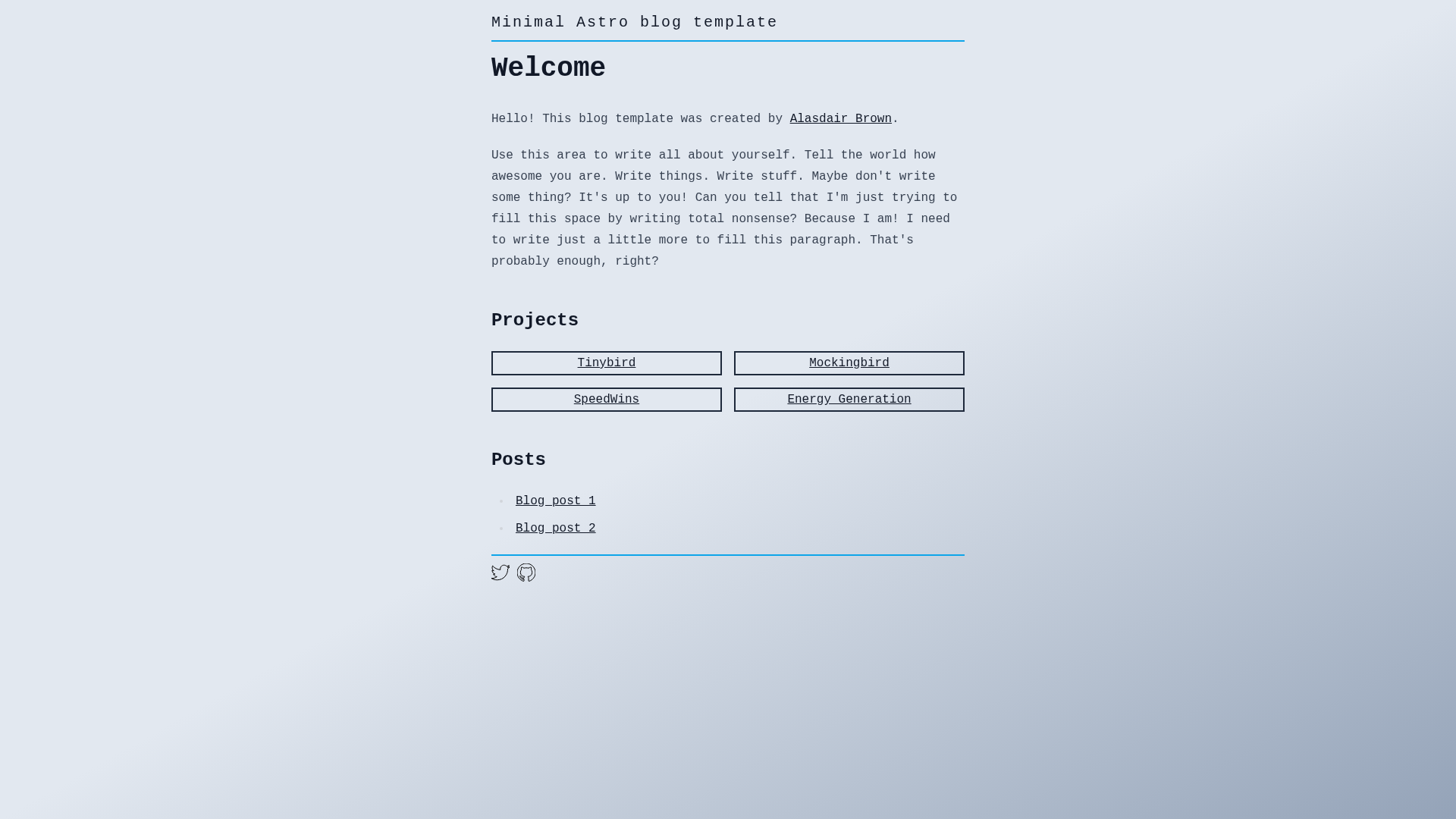
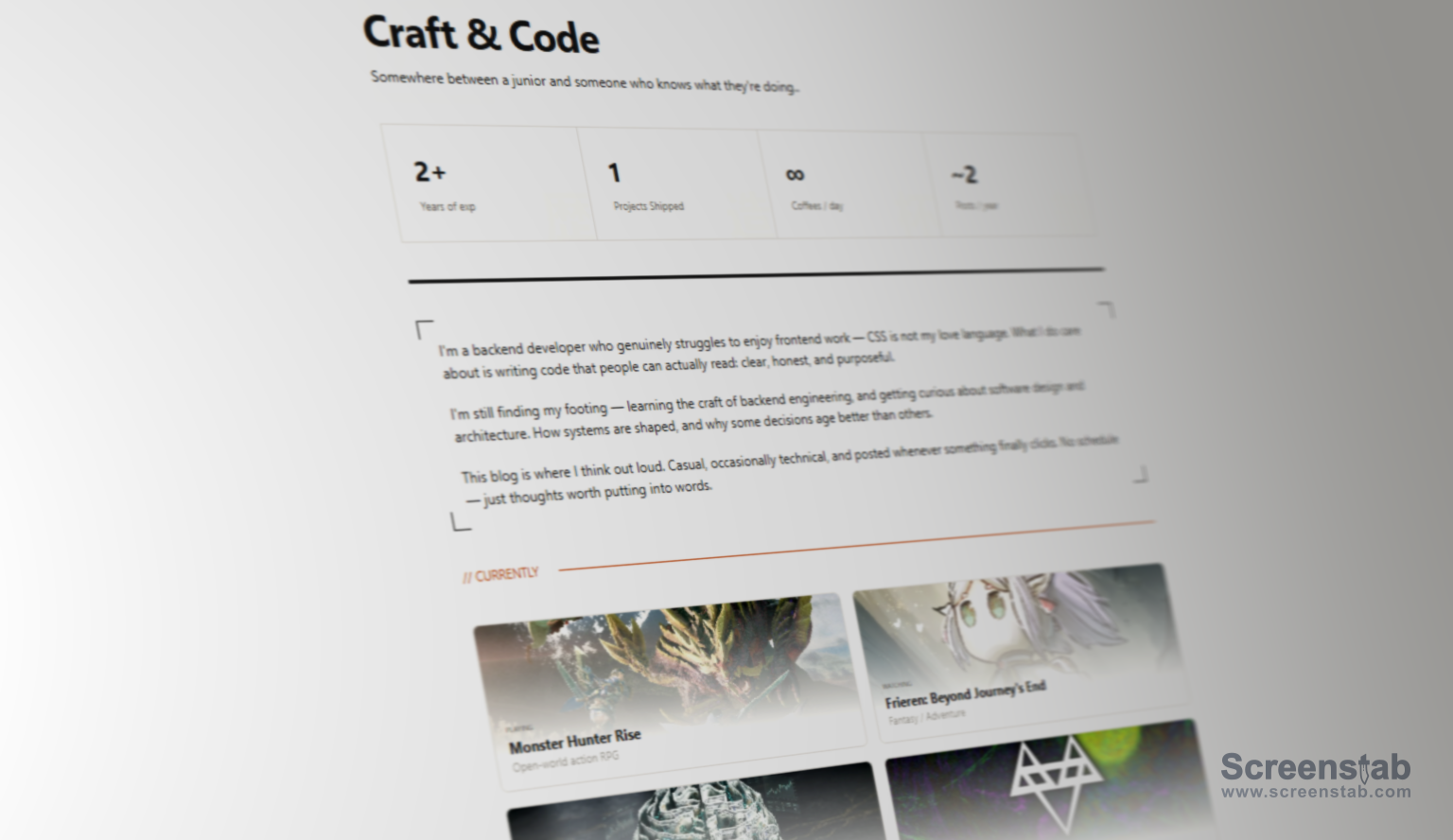
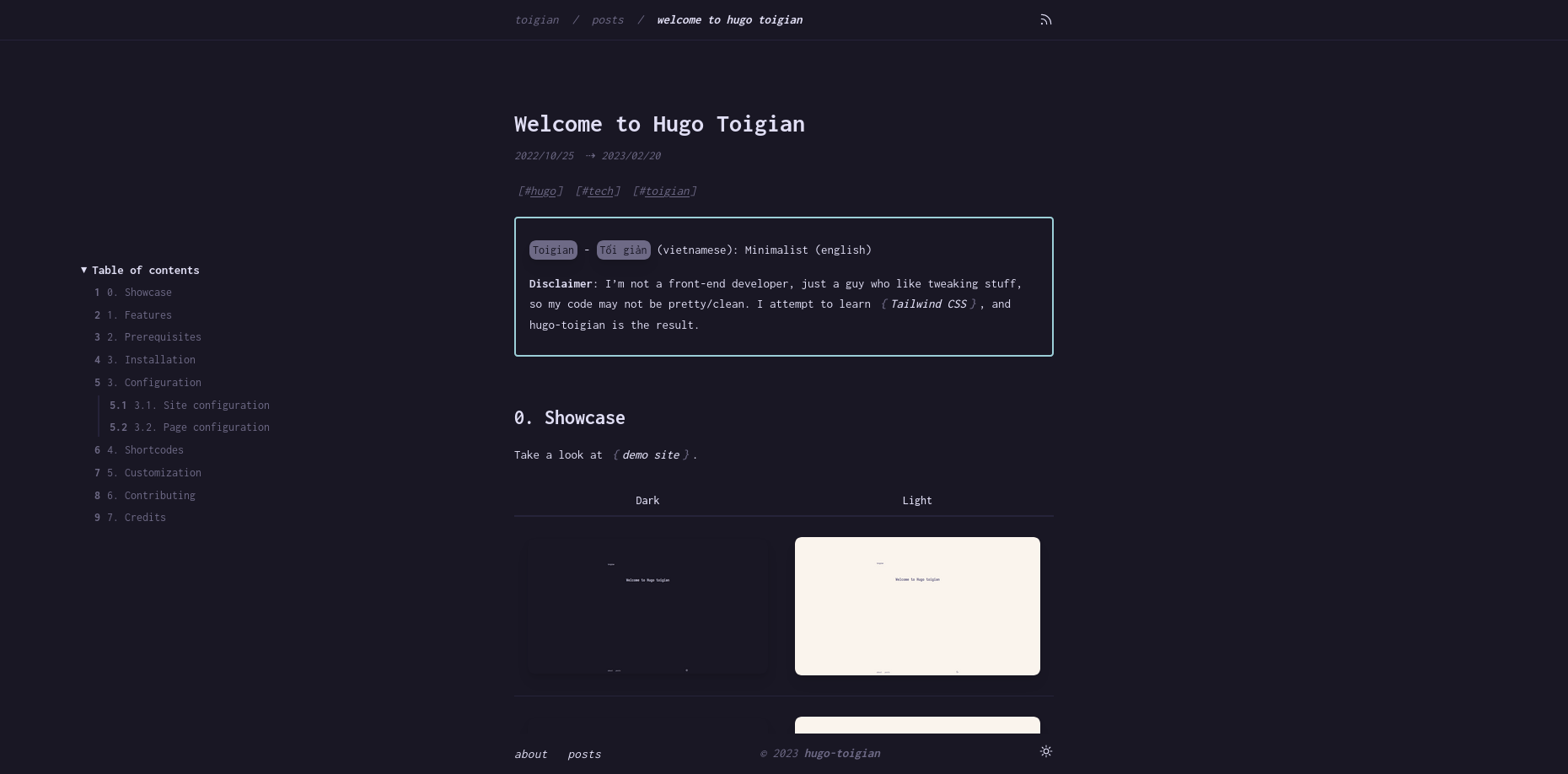
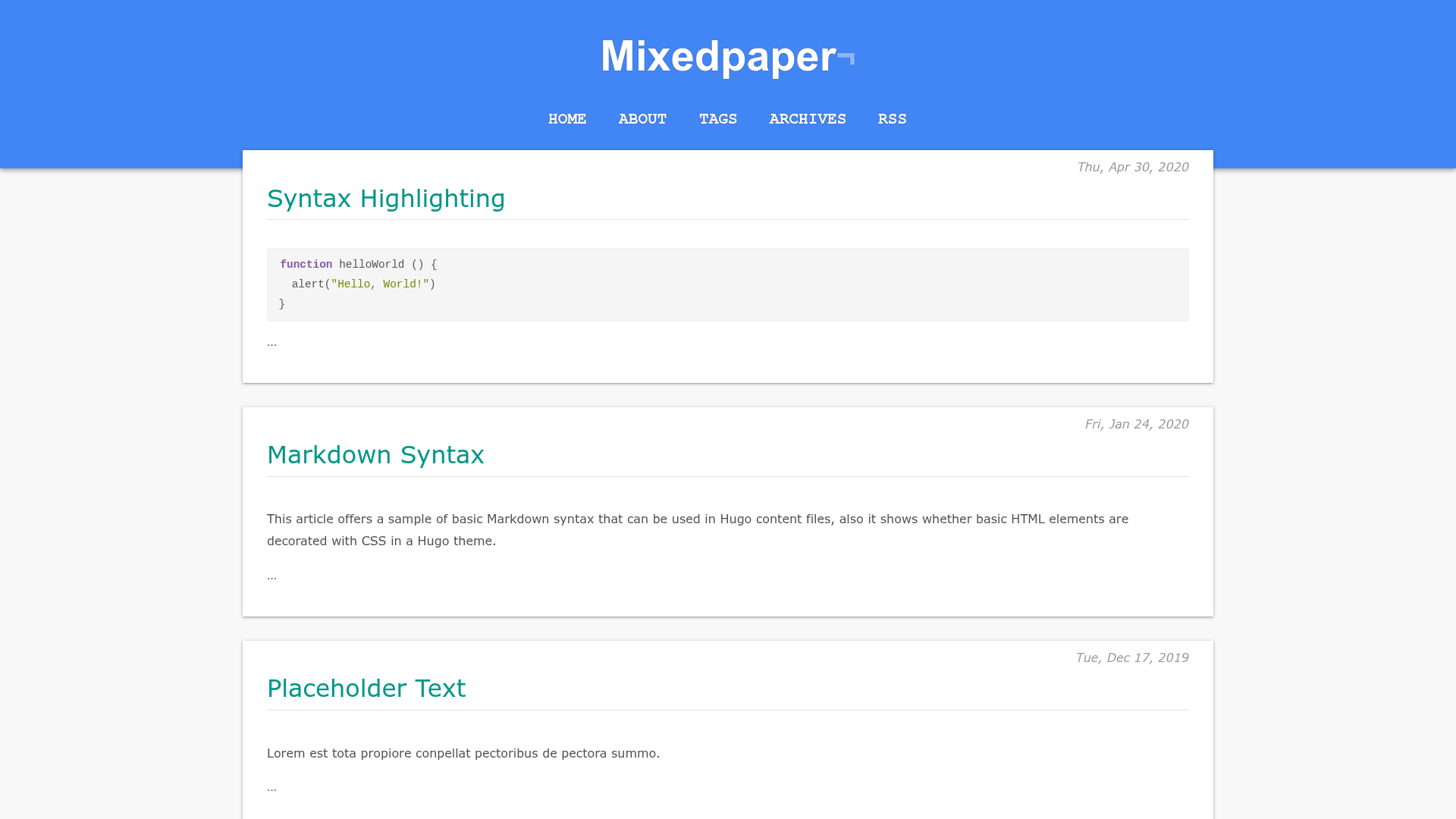
Minimal personal blog template built with Astro and Tailwind CSS, featuring MD/MDX posts, RSS, tags, and social links.
About this template
Minimal Astro Blog Template is a lightweight blog starter built with Astro and Tailwind CSS that turns a folder of Markdown or MDX files into a static personal blog with an RSS feed, tag pages, and configurable sections for about, projects, and social links.
What is Minimal Astro Blog Template?
Minimal Astro Blog Template is a single-purpose blog template authored by Alasdair for his own site, alasdairb.com, and published as a GitHub repository. It takes Markdown or MDX blog posts stored in src/content/blog as input and produces a static website with a post feed, tag cloud, tag pages, RSS feed, and social links. The project is built on Astro's Content Collections and styled with Tailwind CSS, giving you a minimal codebase with no build-time database or CMS requirements.
Key Features
- Built with Astro and Tailwind CSS — Astro is the static site generator and Tailwind CSS provides styling; content is stored as Markdown or MDX in
src/content/blog. - MD/MDX content collections — Blog posts are authored as
index.mdorindex.mdxfiles, each in its own folder, using Astro's Content Collections API. - RSS feed —
src/pages/rss.xml.jsgenerates an XML feed based on the site URL configured inastro.config.mjsand the site name/description in the RSS script. - Tag cloud and tag feed —
TagCloud.astrodisplays tags on the homepage, andsrc/pages/tags/index.astrogenerates a dedicated page per tag. - Blog feed —
BlogFeed.astrolists all posts on the homepage, drawing from the content collection. - About section —
About.astrois a configurable component for a short author bio, edited directly. - Project links —
Projects.astroholds a hand-edited list of external project links, useful for portfolio-style blogs. - Social links —
Social.astrocentralizes all social media URLs so you can update them in one component. - Header and navigation —
Header.astrocontrols the site header, whileNav.astrois empty by default for you to add your own links.
Who should use Minimal Astro Blog Template?
This template suits developers who want a bare-bones starting point for a personal blog and prefer to read and customize every line of code. It is also a practical reference for web developers learning how Astro Content Collections, the Astro CLI, and component-based page structure work in a real project. Because it intentionally ships with only the core blogging features, it appeals to writers who are comfortable editing Markdown files in Git and don't need a CMS or admin panel.
What can you do with Minimal Astro Blog Template?
- Personal bloggers: Publish Markdown or MDX posts with optional images, and the template automatically builds a static site with an RSS feed for readers to subscribe to.
- Developers learning Astro: Study a compact, working example of Content Collections, the Astro file-based routing, and component composition, then run commands like
npm run devandnpm run buildto see the effect. - Portfolio-and-blog owners: Combine the About section and Project links component to present work and writing together on one site.
- Hobbyist site architects: Rapidly set up a fast, static personal site with no framework dependencies beyond Astro and Tailwind, then extend it with your own components.
How does Minimal Astro Blog Template work?
After cloning the repository, run npm install, then set your site URL in astro.config.mjs and your site name/description in src/pages/rss.xml.js. Blog posts are added as new folders under src/content/blog, each containing an index.md or index.mdx file; images go in an images subfolder inside the post folder. To customize the site, edit About.astro, Projects.astro, Social.astro, Nav.astro, and Header.astro, then run npm run dev for local preview or npm run build to output the static site to ./dist/.
Pros and cons
- Pros: Very small codebase with few dependencies, built on current Astro Content Collections, includes RSS and tag support out of the box, and all sections are separated into simple Astro components.
- Cons: Intentionally few features — navigation is empty by default, and there are no built-in comments, pagination, search, analytics, or dark-mode theming, so you must add those yourself if you want them.
Alternatives
- AstroPaper — A more feature-rich Astro blog theme that includes comments, search, and more styling options; the author used AstroPaper as a reference for this template.
FAQ
How do I add a new blog post?
Create a new folder under src/content/blog, add an index.md or index.mdx file inside it, and optionally place images in an images folder in that same folder. The post automatically appears in the blog feed and RSS feed.
Does Minimal Astro Blog Template support tags?
Yes. Add tag names to each post's frontmatter. The TagCloud.astro component displays a tag cloud on the homepage, and the tag feed at src/pages/tags/index.astro generates a dedicated page for each tag.
How do I change the navigation links?
Open src/components/Nav.astro. The component is empty by default, so you need to add your own anchor or list markup. You can also remove the Nav component from the layout entirely if you don't want navigation.
How is the RSS feed generated?
src/pages/rss.xml.js builds the RSS feed at build time using the site URL from astro.config.mjs and site details you edit in that script. It scans your content collection and outputs valid XML into the built site.
Does this template require a CMS or database?
No. All content lives as Markdown or MDX files in the repository, and the build process turns those files into a static site. This keeps the template lightweight and easy to host anywhere static files are served.