Template details
Hexo Theme Hiker
An attractive theme for Hexo called Hiker, short for HikerNews.
About this template
Hexo Theme Hiker is an open-source, MIT-licensed theme for the Hexo static site generator that turns Markdown posts into a feature-rich blog with configurable backgrounds, code highlighting, and built-in search.
What is Hexo Theme Hiker?
Hiker, short for HikerNews, is a free Hexo theme created by GitHub user iTimeTraveler. It takes a standard Hexo site's Markdown content and outputs a responsive blog with a styled homepage, article pages, sidebar widgets, and comment integration. The theme is written with Stylus and configured through its own _config.yml file; the GitHub repository has 363 stars and a live preview at https://itimetraveler.github.io/hexo-theme-hiker/.
Key Features
- Homepage background modes — Choose between image, polyline, or trianglify backgrounds; image mode supports multiple URLs and a rolling effect.
- Code highlight themes — Six built-in themes based on Tomorrow Theme: default, normal, night, night blue, night bright, and night eighties, set via
highlight_theme. - Blog theme colors — Five color schemes (orange, blue, red, green, black) or a random selection set via
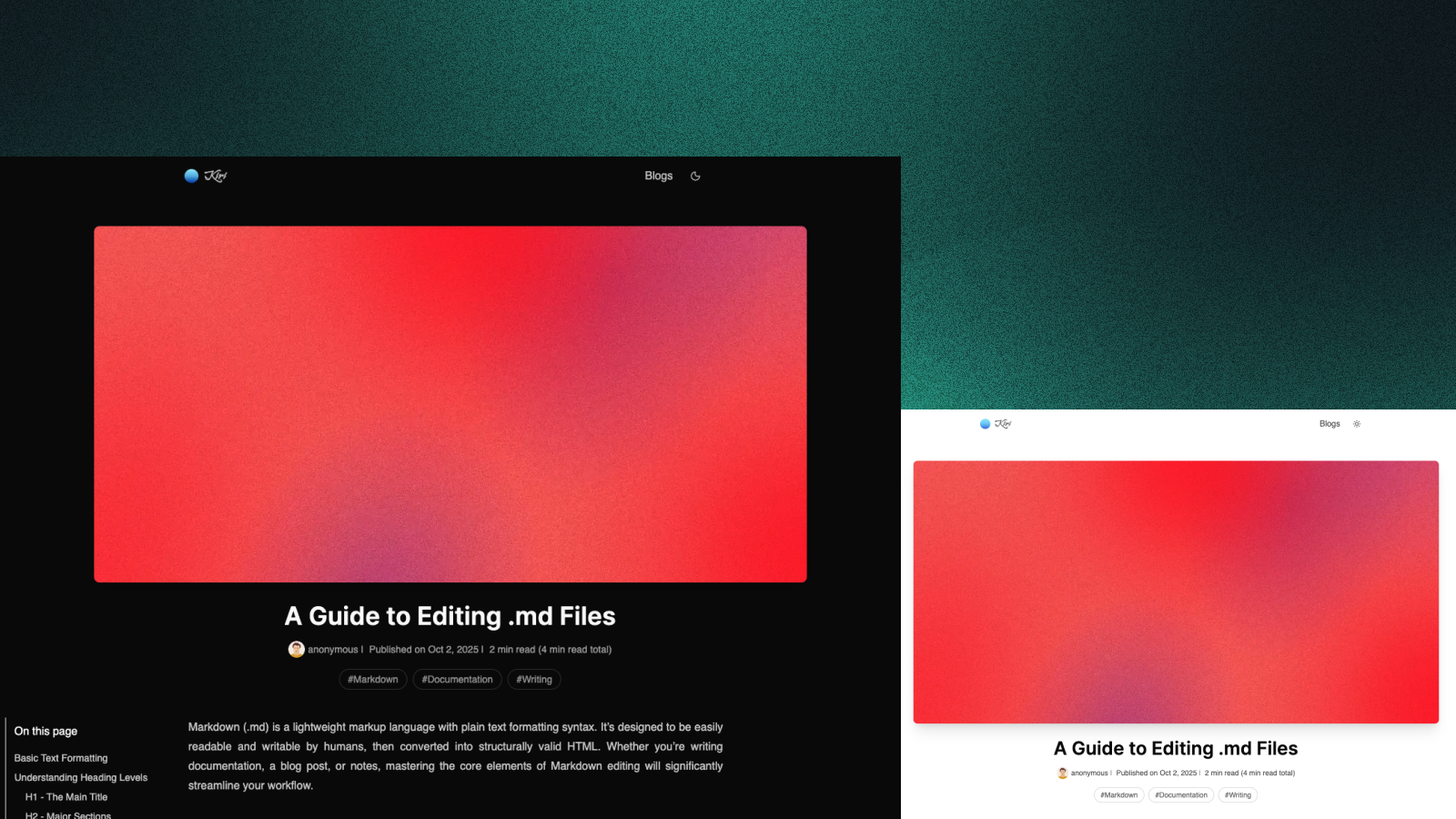
theme_color. - Night mode — Click the header logo on any article page to switch to a night-mode reading view.
- Insight Search — Full-text search without a third-party service; requires installing
hexo-generator-json-content. - Fancybox image gallery — Display photos in a lightbox using Markdown syntax or the fancybox tag plugin.
- Sidebar widgets — Five built-in widgets: category, tag, tagcloud, archives, and recent_posts, with configurable left/right/bottom position.
- Comment system support — Native integration for DuoShuo, Disqus, Livere, and other commenting services via shortnames in the config.
Who is it for?
- Bloggers using Hexo who want a ready-made theme with multiple visual styles without writing Stylus themselves.
- Developers building personal sites who want easy customization of colors, backgrounds, and code themes through
_config.yml. - Technical writers who need syntax-highlighted code blocks, a reading night mode, and search across content.
What can you do with Hiker?
- Personal blogging: Publish Markdown posts and get a responsive blog with tags, archives, and recent-post widgets.
- Portfolio or project site: Use the homepage background modes and theme colors to match a personal brand.
- Technical documentation: Highlight code with six Tomorrow-based themes and enable Insight Search for content discovery.
How does Hiker work?
Installation is a three-step process: clone the repository with git clone https://github.com/iTimeTraveler/hexo-theme-hiker.git themes/hiker, set theme: hiker in the Hexo _config.yml, then run hexo generate. Updates are done with git pull inside the theme directory. Optional features require npm packages like hexo-generator-json-content for search.
FAQ
Is Hexo Theme Hiker free?
Yes, Hiker is released under the MIT license, so you can use, modify, and distribute it freely.
How do I install Hiker?
Clone the theme into your Hexo site: git clone https://github.com/iTimeTraveler/hexo-theme-hiker.git themes/hiker, then change the theme setting in _config.yml to hiker and regenerate your site.
How do I change the homepage background?
Set home_background_image.enable to true in the theme's _config.yml, pick a mode (image, polyline, or trianglify), and optionally list image URLs; image mode supports multiple images and a rolling effect.
Does Hiker have built-in search?
Yes, it includes Insight Search, but you must install the hexo-generator-json-content package (npm install -S hexo-generator-json-content) and enable it in the search configuration.
Can I change the accent color?
Yes, set theme_color in _config.yml to random, orange, blue, red, green, or black; the default is random.