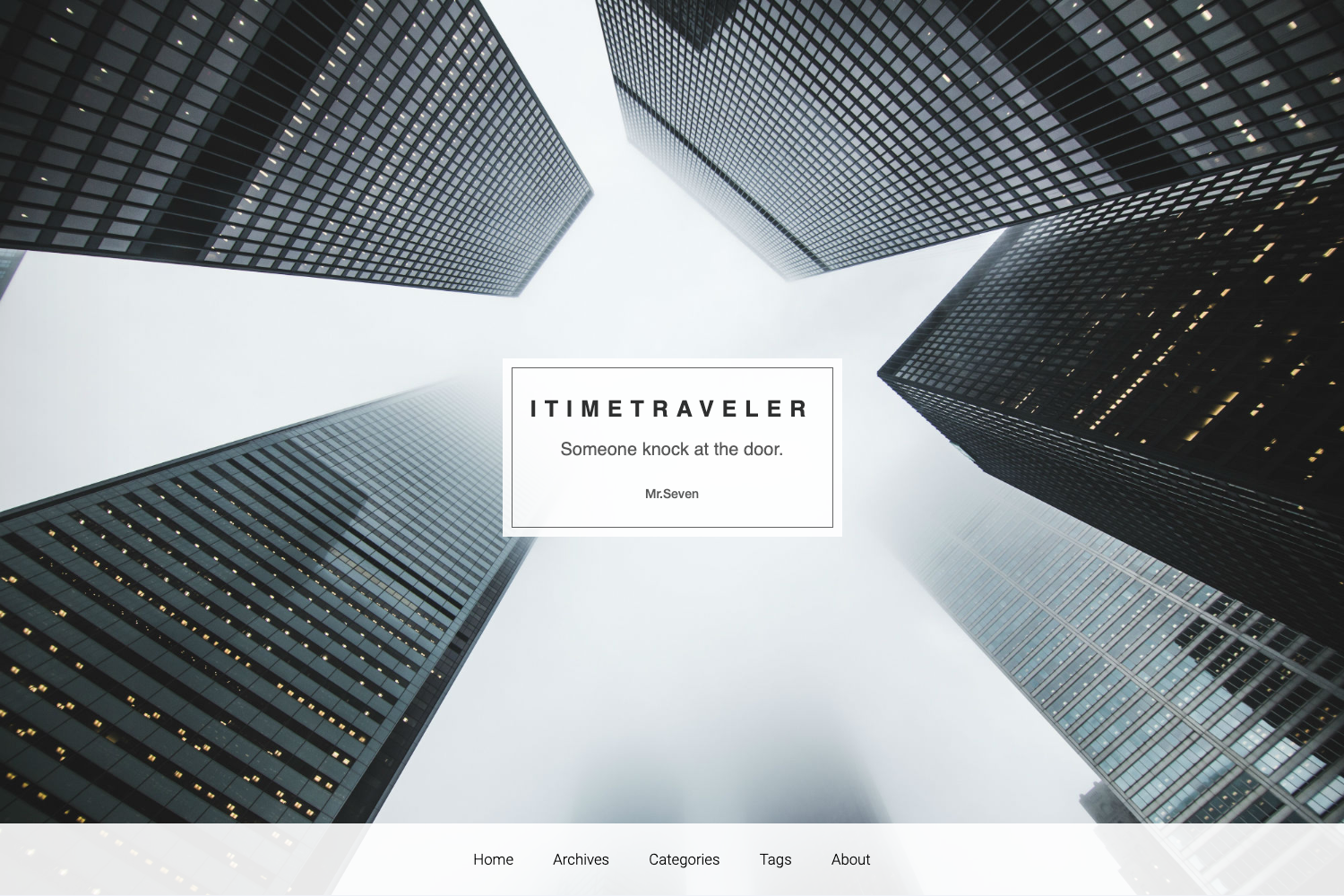
Template details
Taken
Minimalist two-column Jekyll theme based on the Tumblr chapter theme, with Flickr feed and Disqus support.
About this template
Taken is a minimalist two-column Jekyll theme for blogs, based on the Tumblr chapter theme, that turns a standard Jekyll project into a responsive static site with a sidebar, Flickr feed, and Disqus comments.
What is Taken?
Taken is a free, open-source Jekyll theme created by vfalanis and hosted on GitHub. It takes a Jekyll project containing Markdown posts and compiles it into a static two-column website with a left sidebar and main content area. The theme is a port of the Tumblr theme "chapter" and has a stable v1.0 branch plus a master branch with recent updates.
Key Features
- Two-column layout — The design splits the page into a sidebar and content area, following the original Tumblr chapter theme.
- Responsive sidebar — The current master branch includes better responsive support; the sidebar collapses on smaller screens.
- Fade-in animations — The latest update adds fade-in animations for a more polished feel.
- Flickr feed — A built-in Flickr integration displays recent photos in the sidebar.
- Disqus comments — Blog posts support Disqus for reader comments, requiring a Disqus account.
- Jekyll-based — Content is written in Markdown and generated as plain HTML by Jekyll, with no database needed.
- Simple setup — Fork on GitHub, clone locally, and run
jekyll serveto preview at http://127.0.0.1:4000.
Who is it for?
- Personal bloggers — Want a clean, minimalist two-column blog with a sidebar for bio or links.
- Photographers — Need a Flickr feed alongside text posts to showcase photo work.
- Jekyll beginners — Want a simple, working theme to fork and modify without starting from scratch.
- Tumblr theme fans — Prefer the chapter theme aesthetic but want a static, Jekyll-powered version.
What can you do with Taken?
- Launch a personal blog — Publish Markdown posts and get a two-column layout with a sidebar and footer.
- Showcase Flickr photos — Connect a Flickr account and display recent images in the sidebar.
- Enable post comments — Add Disqus to any post so readers can comment.
- Customize the theme — Edit HTML and CSS directly; the repository to-do list mentions future category, portfolio, and Flickr plugin animation additions.
How does Taken work?
The setup process is three steps: fork the GitHub repository, clone it to your computer, and run jekyll serve from the directory. The site then runs locally at http://127.0.0.1:4000. The stable v1.0 branch holds the default theme, while master and gh-pages include responsive and animation updates.
FAQ
Is Taken free?
Yes, Taken is a free, open-source Jekyll theme on GitHub. You can fork and use it for personal or commercial projects; the repository doesn't specify a license.
What does Taken do?
Taken is a minimalist two-column Jekyll theme based on the Tumblr chapter theme. It converts a Jekyll project into a blog with a sidebar, Flickr feed, and Disqus comments, producing a static HTML site.
Does Taken support categories?
The repository to-do list notes that categories support is planned but not yet implemented. It also lists a portfolio section and improved Flickr plugin animation as future additions.
How do I install Taken?
Fork the repository, clone it with git clone https://github.com/YOURUSERNAME/taken.git, and run jekyll serve. The site will be available at http://127.0.0.1:4000.
What is the difference between the stable and master branches?
The stable v1.0 branch is the original theme. Master and gh-pages branches include recent updates: better responsive sidebar support and fade-in animations.