Template details
Krishna
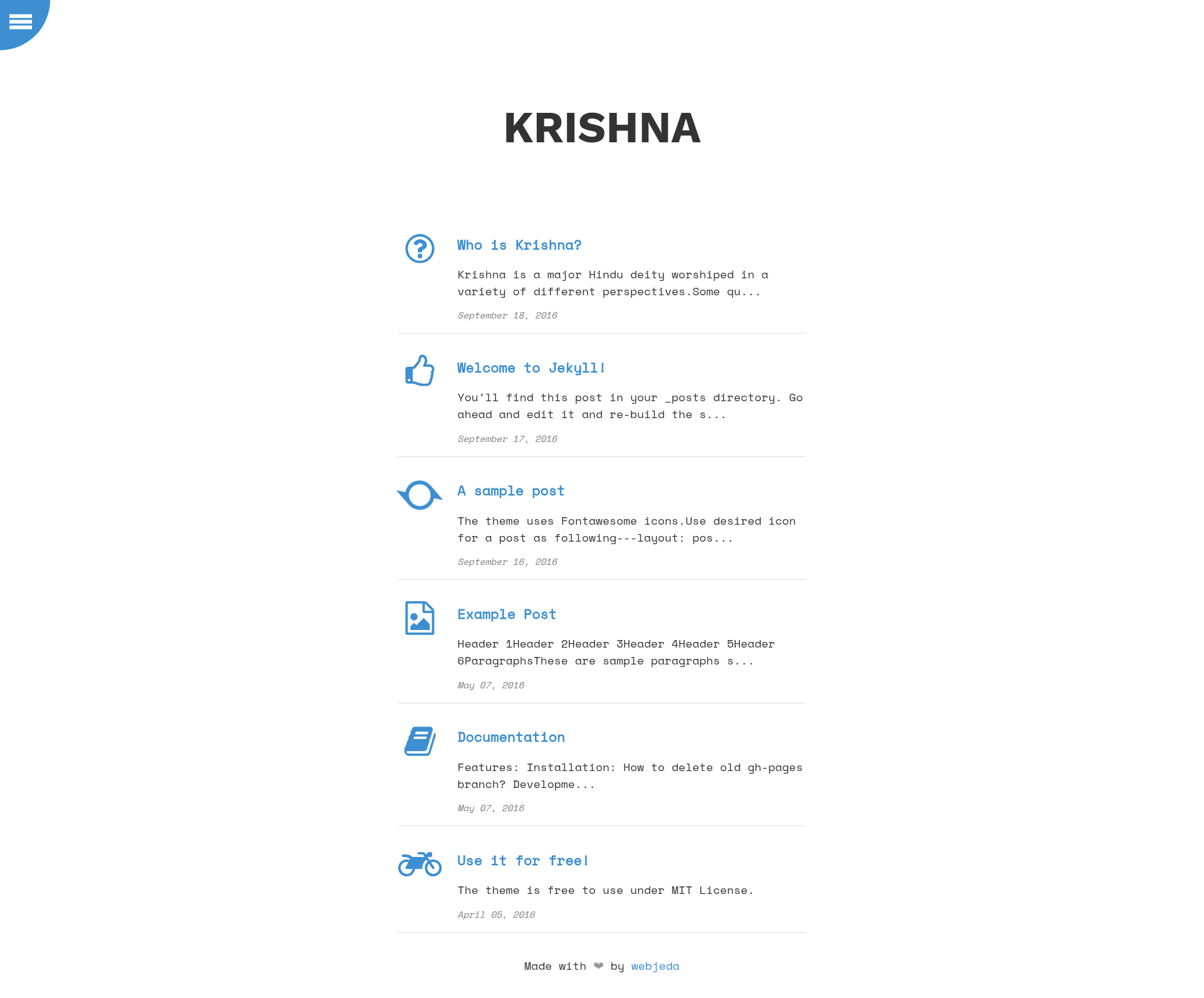
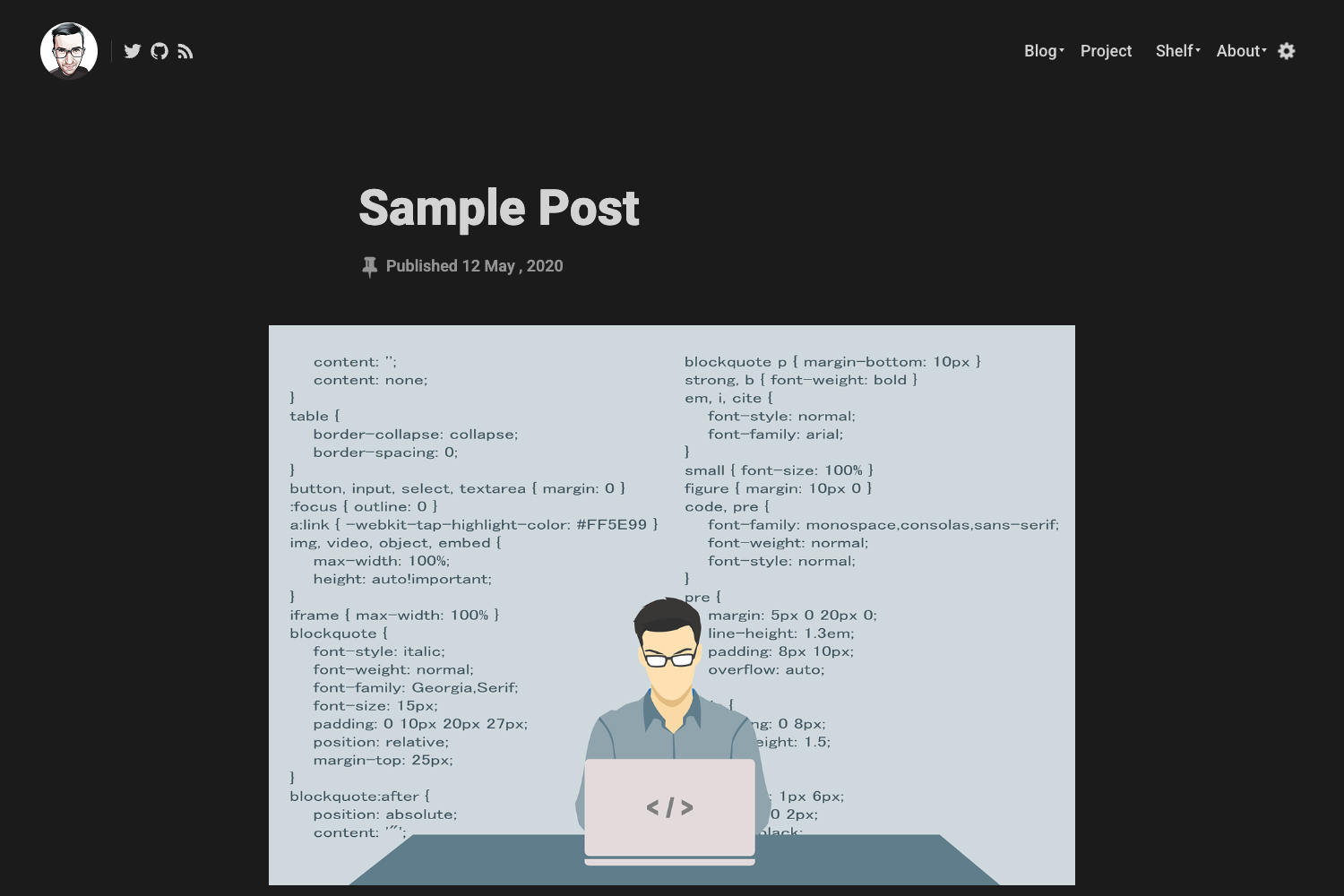
Krishna is a minimal Jekyll theme suitable for code based blogs and project showcase.
About this template
Krishna is a minimal Jekyll theme designed for code-based blogs and project showcases, published by Webjeda and deployable through GitHub Pages with a single fork. It runs on the Jekyll static site generator, turning Markdown content into a fast, content-focused website.
What is Krishna?
Krishna is a free, open-source Jekyll theme that provides a clean, minimal layout for developers and technical writers. It takes content written in Markdown or HTML and produces a static blog or project showcase site through the standard Jekyll build process. The theme is distributed on GitHub, and its live demo is available at webjeda.com/krishna.
Key Features
- Minimal design — A lightweight layout that focuses attention on code blocks and written content.
- Code-based blog support — Tailored for developers who want to publish programming tutorials, technical notes, and code snippets.
- Project showcase layout — Includes space to present projects, making it suitable for portfolios or project documentation.
- GitHub Pages deployment — Installation is simple: fork the repository and set the Pages source to master; GitHub Pages builds the site automatically.
- Jekyll framework — Uses Liquid templates and supports writing posts in Markdown, following the standard Jekyll workflow.
- Live demo — A working example is hosted at webjeda.com/krishna, so you can preview the layout before installing.
Who is it for?
- Developers and programmers — Start a technical blog to share tutorials, coding challenges, and personal experiences without heavy design work.
- Open-source maintainers — Use the project showcase layout to present a portfolio of repositories and documentation in a professional way.
- Technical writers — Publish documentation or release notes with a clean, minimal reading experience.
- Students and hobbyists — Create a personal site to showcase coding projects and learn Jekyll and GitHub Pages in the process.
What can you do with Krishna?
- Publish a code blog — Write posts in Markdown, commit to the repository, and let GitHub Pages generate a static site with no extra tools.
- Showcase projects — Organize projects in a dedicated section, linking to each repository or demo with descriptions.
- Host project documentation — Use the minimal layout for documentation pages that are easy to navigate and read.
- Create a portfolio — Build a simple portfolio for job applications by presenting projects and technical skills.
How does Krishna work?
Krishna works like any standard Jekyll site. To install, fork the repository on GitHub, open the repository settings, and set the GitHub Pages source to the master branch. GitHub Pages will then rebuild the site from the Jekyll source whenever you push changes, making your blog or project showcase available at your GitHub Pages URL.
FAQ
Is Krishna free?
Yes, Krishna is an open-source Jekyll theme. The source code is publicly available on GitHub, and there are no licensing fees for personal or commercial use.
How do I install Krishna?
Fork the repository on GitHub, go to the repository settings, and set the GitHub Pages source to the master branch. Your site will then be built automatically by GitHub Pages.
What does Krishna do?
Krishna is a minimal Jekyll theme intended for code-based blogs and project showcases. It provides the visual layout and structure, while you provide the content in Markdown or HTML.
Can I use Krishna for a project showcase?
Yes, the theme is specifically described as suitable for code-based blogs and project showcase. It includes a layout for presenting projects, making it a good fit for portfolio sites.