Template details
Comet Land
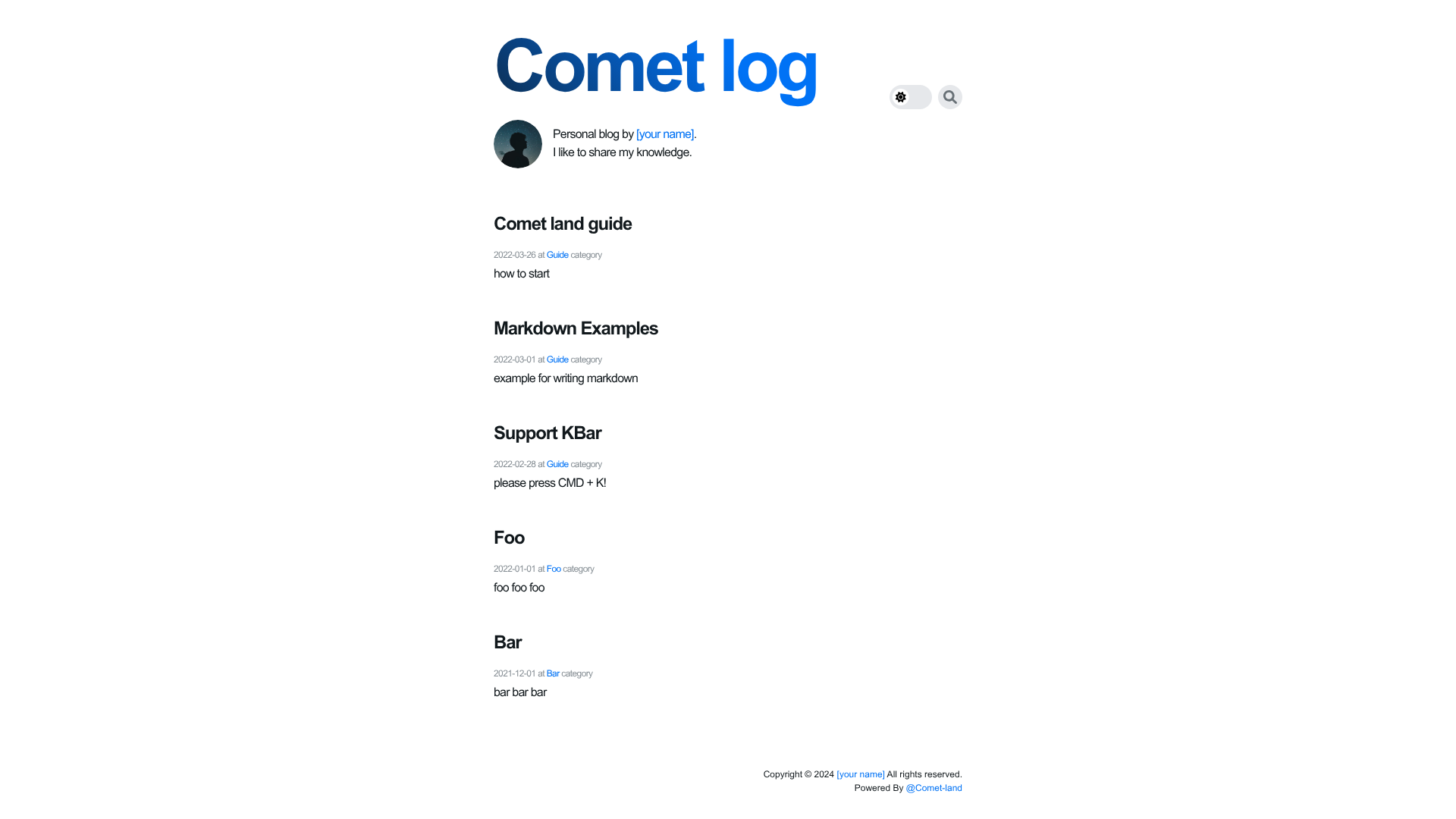
Monorepo template providing a blog and resume site with Next.js, Turborepo, and NextUI.
About this template
Comet Land is an open-source monorepo template that provides both a blog and a resume website, built with Next.js, Turborepo, and NextUI.
What is Comet Land?
Comet Land is a monorepo template that gives you two separate Next.js applications: a blog and a resume site. It takes configuration via a central constants directory and per-app config files, and outputs a statically deployable blog (default port 3000) and resume (default port 3001). The project is maintained by hyesungoh and licensed under MIT.
Key Features
- Monorepo structure — Uses Turborepo to manage two apps (
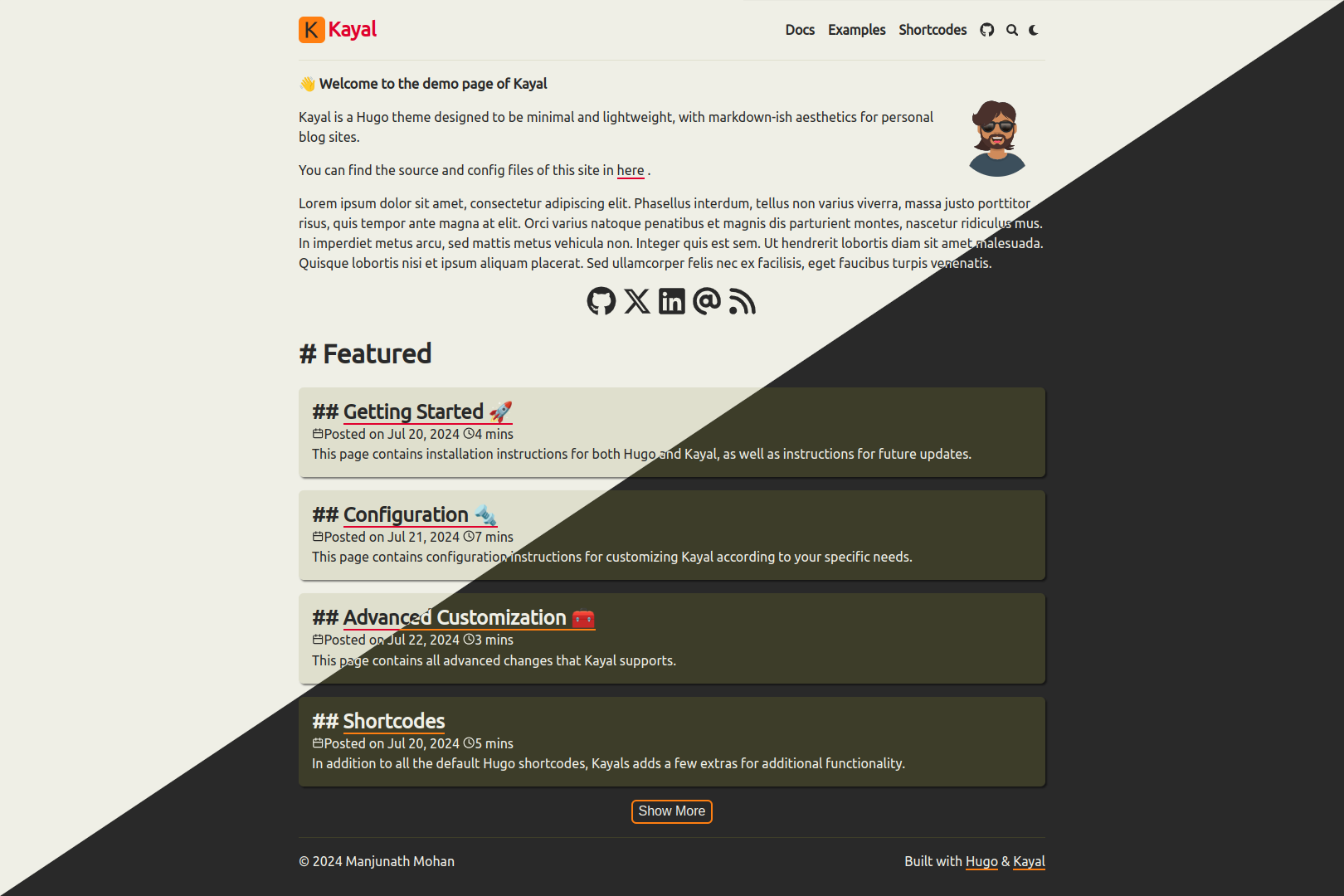
apps/blogandapps/resume) plus a shared core package (packages/core) for constants and configuration. - NextUI design system — Both blog and resume are styled with NextUI components, with dark mode support built in.
- KBar command palette — The blog's search and the resume's contact menu are powered by KBar, letting visitors navigate and search with keyboard shortcuts.
- Code highlighting — Blog posts support code blocks with line highlighting and line numbers, giving a developer-focused reading experience.
- Comments and analytics — Utterances provides GitHub-backed comments on blog posts, while Google Analytics and Hotjar track visitor behavior.
- Configurable content — Edit
packages/core/constantsfor author image, default Open Graph image, favicon, color schema, social media links (GitHub, Instagram, Facebook, LinkedIn, Twitter), and analytics IDs. - Deployment guides — The README includes step-by-step instructions for deploying with Vercel (recommended) and GitHub Pages.
- Lighthouse optimization — The repository shows Lighthouse scores for both blog and resume as demonstrations of performance.
Who is it for?
- Software developers who want a personal blog with code-friendly formatting and a matching resume page without building everything from scratch.
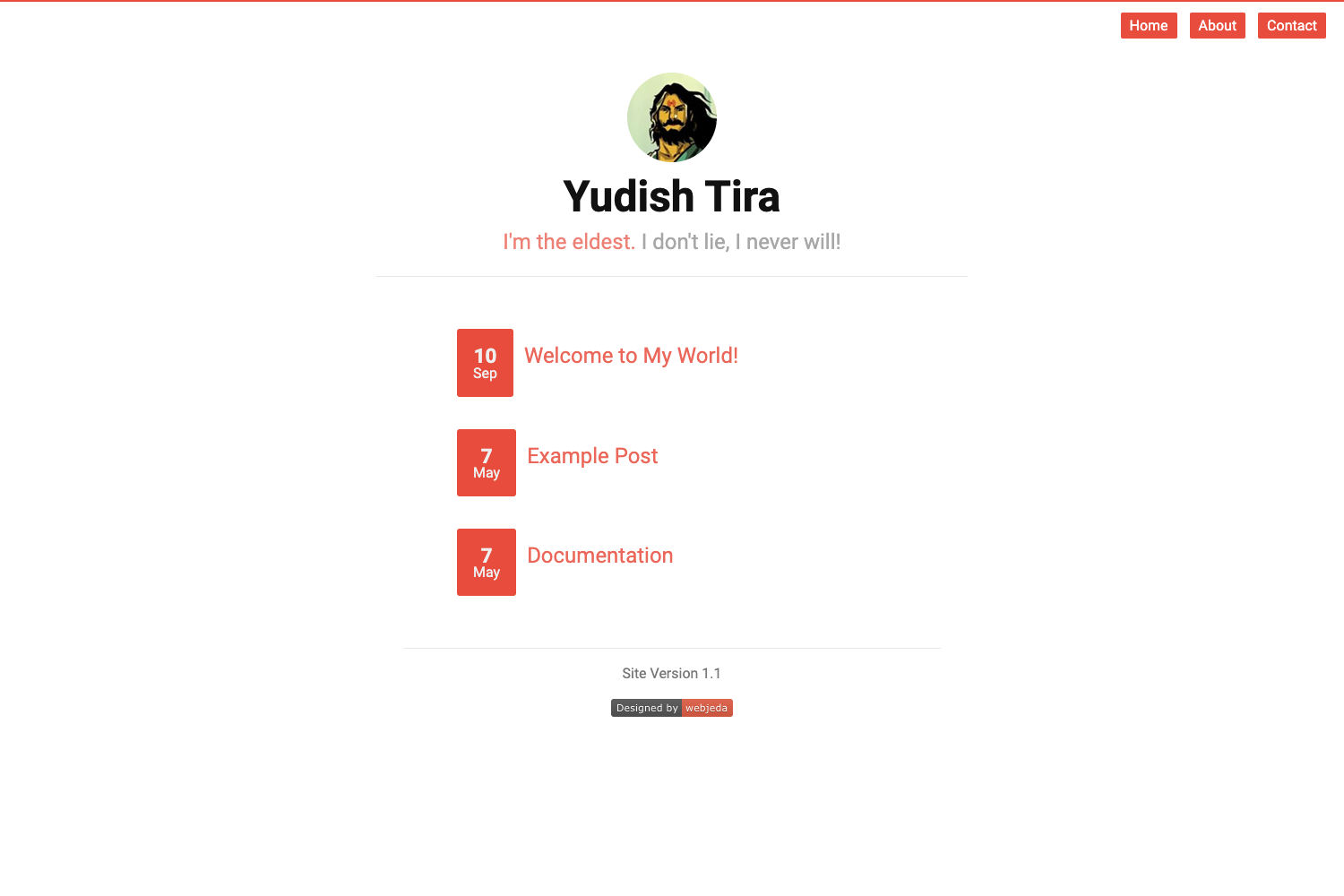
- Job seekers who need a clean, configurable online resume that can be deployed quickly and updated through JSON config files.
- Tech writers who prefer writing in Markdown and want features like line highlights, a table of contents, and comment integration via Utterances.
What can you do with Comet Land?
- Start a personal blog: Run
npx create-comet-landto scaffold the project, add Markdown posts, and publish to Vercel with the provided deployment guide. - Create a developer resume: Customize social links, profile image, and color scheme through the constants directory, then deploy the resume app to Vercel or GitHub Pages.
- Learn monorepo patterns: Use the Turborepo workspace as a reference for sharing code between two Next.js applications.
How does Comet Land work?
The template is bootstrapped with npx create-comet-land (or by cloning the repo). After installing dependencies with yarn, you run yarn dev to start both apps, then edit the configuration files under packages/core/constants and the app-specific _config/index.json files. Blog posts are added by following the documentation in the _docs directory.
FAQ
Is Comet Land free?
Yes, Comet Land is open source under the MIT license, so you can use and modify it freely for personal or commercial projects.
How do I configure Comet Land?
Configuration lives in packages/core/constants (author image, Open Graph image, favicon, colors, social media links, GA ID, Hotjar ID) and in each app's _config/index.json. There is no admin panel; all changes happen in these files.
How do I deploy Comet Land?
The README provides separate guides for deploying with Vercel (recommended) and GitHub Pages. Both are static deployments of the built Next.js apps.
How do I add a blog post?
Follow the guide at _docs/en-blog.md in the repository. The template supports Markdown posts with code highlighting, line numbers, and a table of contents.