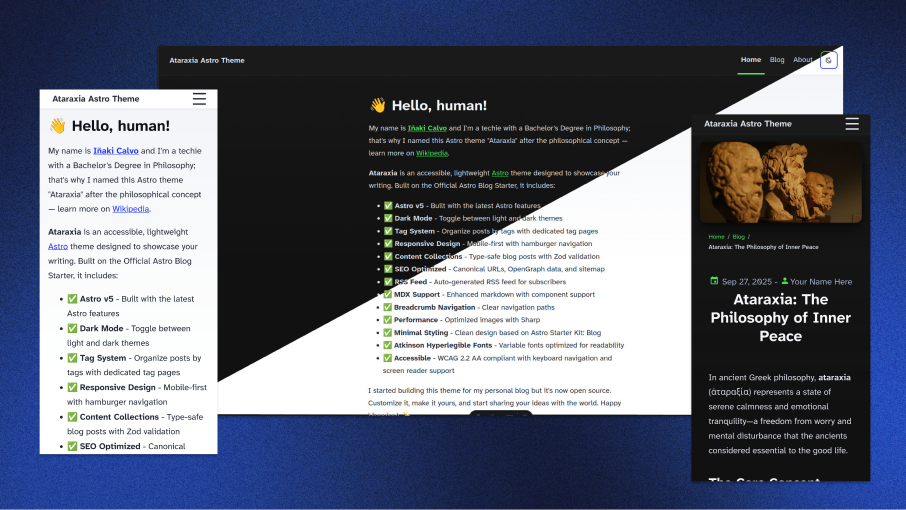
Template details
Kayal
Minimal and lightweight Hugo theme with markdown-ish aesthetics for personal blog sites.
About this template
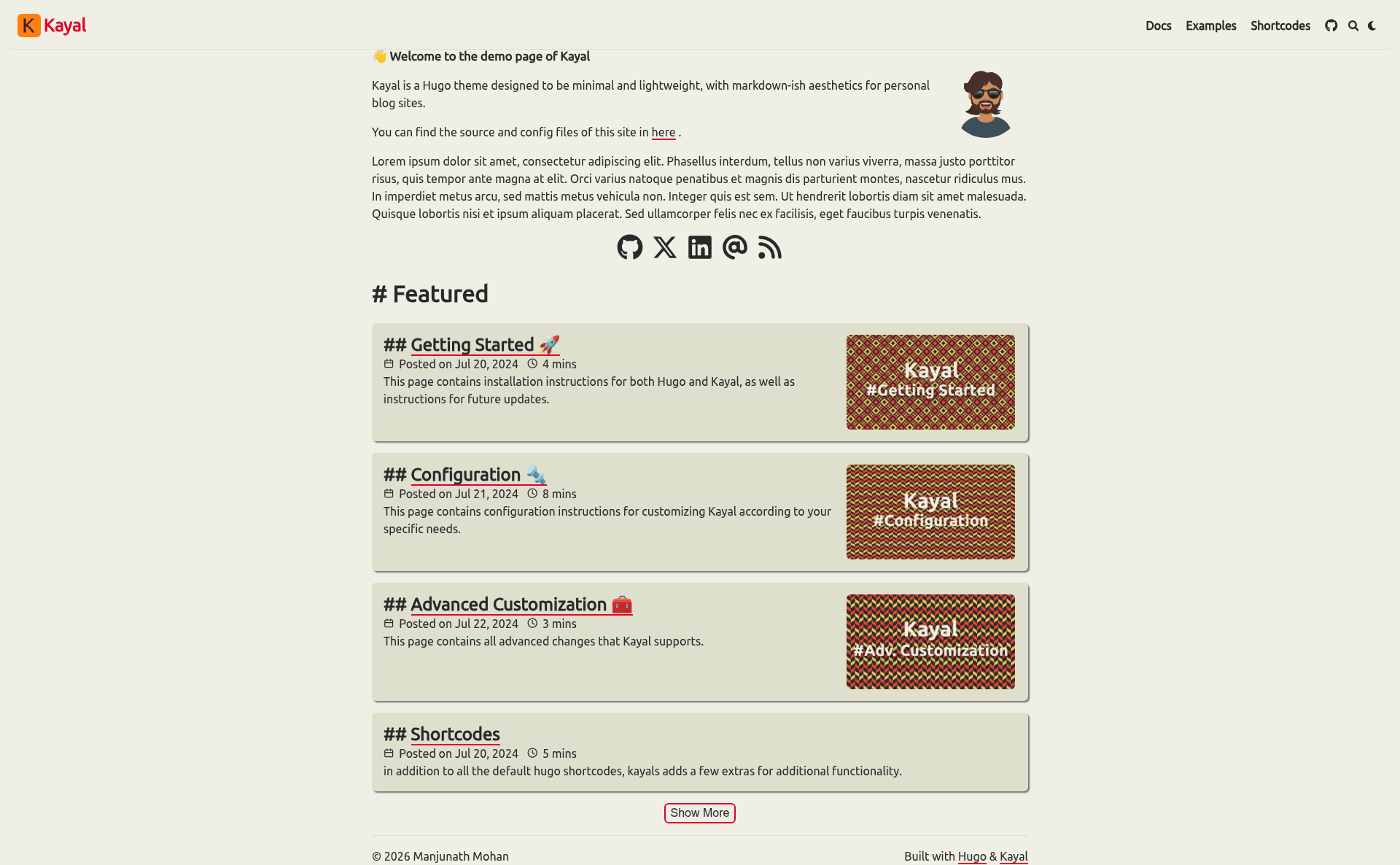
Kayal is a minimal, lightweight Hugo theme with a markdown-ish aesthetic, designed for personal blog sites. It takes Markdown content and Hugo configuration as input and produces a static, responsive website with a profile homepage. The theme is developed by GitHub user mnjm and released under the MIT License.
What is Kayal?
Kayal is an open-source Hugo theme focused on minimalism and speed, built for personal blogging. It parses your Hugo site's Markdown content and generates a static HTML site that avoids external CDNs by self-hosting all assets. The theme includes a demo site and configuration options that cover all recognized settings, many of which are commented out by default for easy enabling.
Key Features
- Light and dark color modes — Automatically adjusts based on browser preferences and includes a manual toggle.
- Profile homepage — A homepage designed to showcase a personal profile, with customizable settings.
- Shortcodes — Includes callouts, markdown, and code import from third-party sites to enrich posts.
- KaTeX support — Renders mathematical notation directly in Markdown content without extra tooling.
- Mermaid diagram support — Embed flowcharts and sequence diagrams in posts using Mermaid syntax.
- Client-side search — Powered by Fuse.js, allowing visitors to search site content without a backend.
- Cross-linking — Links posts on third-party sites, plus built-in RSS feed and table of contents.
- Extensibility — Placeholder hooks for custom homepage, analytics, comments, custom CSS, and custom header.
Who is it for?
- Personal bloggers who want a fast, minimal site without visual clutter.
- Hugo developers looking for a customizable theme with extension points for adding their own features.
- Technical writers who need built-in KaTeX and Mermaid support for posts containing math or diagrams.
What can you do with Kayal?
- Publish long-form posts with automatic table of contents, code copy buttons, and heading anchors for easy navigation.
- Add interactivity — Include callout shortcodes, third-party code imports, and Mermaid diagrams directly in Markdown.
- Make content searchable — The Fuse.js client-side search indexes your site so readers can find posts quickly.
- Optimize for sharing — Enable Google Analytics, breadcrumbs, and article cover images for better SEO and presentation.
How does installation work?
According to the README, you can install Kayal as a git submodule, a Hugo Module, or manually. The quick submodule method: run git submodule add -b main https://github.com/mnjm/kayal.git themes/kayal, copy the default config files from themes/kayal/config/_default into your project's config/_default, then remove hugo.toml and build the site.
Alternatives
- Blowfish — A feature-rich Hugo theme that the author referenced while building Kayal.
- Hugo-PaperMod — Another Hugo theme used as a reference, known for its speed and simplicity.
FAQ
Is Kayal free?
Yes, Kayal is open source and released under the MIT License, so you can use and modify it freely.
Does Kayal support dark mode?
Yes, Kayal automatically adjusts to light or dark mode based on browser preferences, and also offers a manual toggle.
Can I use KaTeX and Mermaid in my posts?
Yes, Kayal includes built-in support for both. Just write KaTeX math or Mermaid diagram syntax in your Markdown content.
How do I install Kayal?
The recommended method is adding the theme as a git submodule, copying the configuration files, and rebuilding your site. Full instructions are on the demo site.
Does Kayal use external CDNs?
No, Kayal is designed to host all assets locally, avoiding third-party CDNs.