Template details
Hexo Theme Lessless
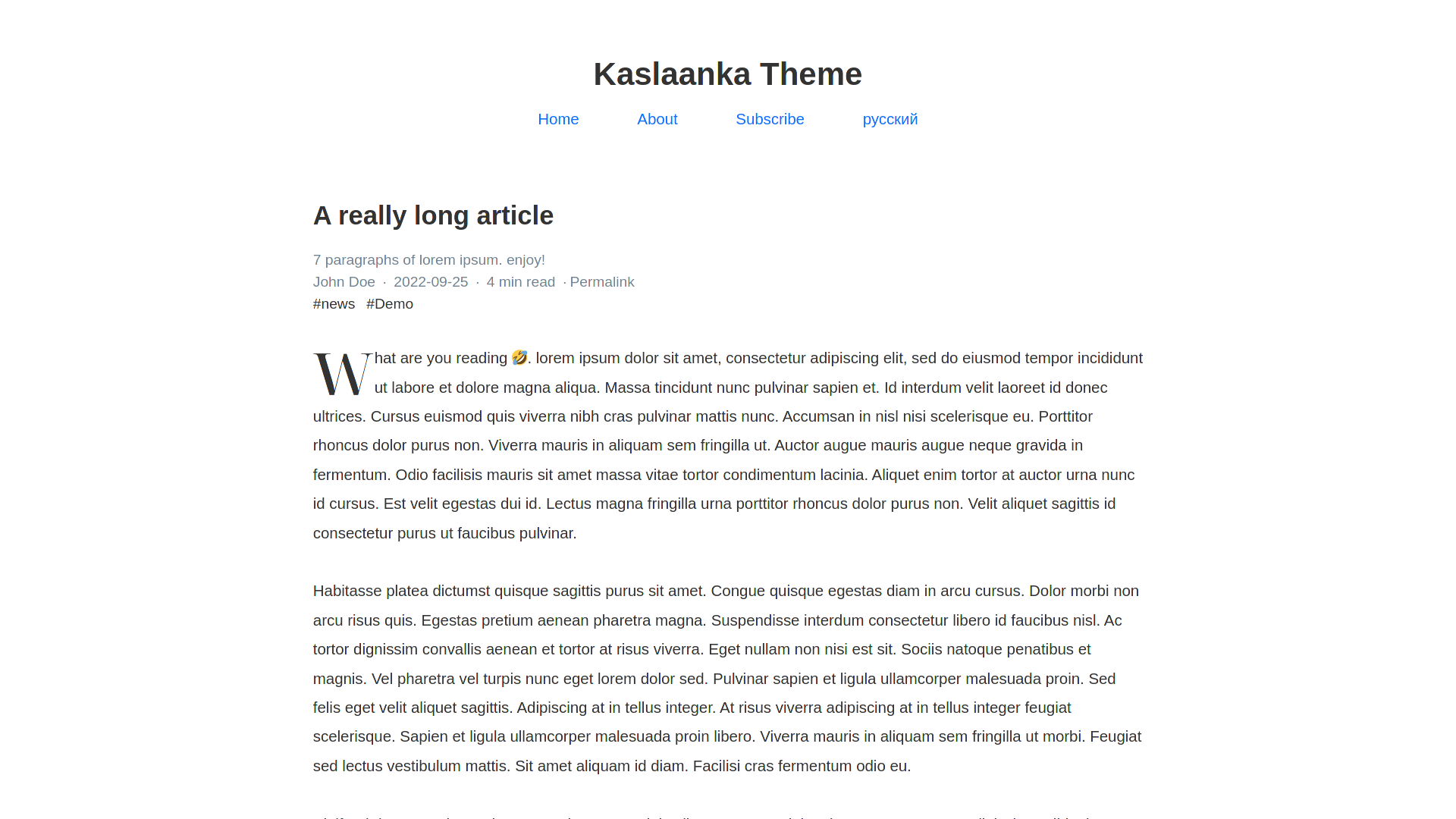
The simple theme for hexo. which has no futures, just very simple.
About this template
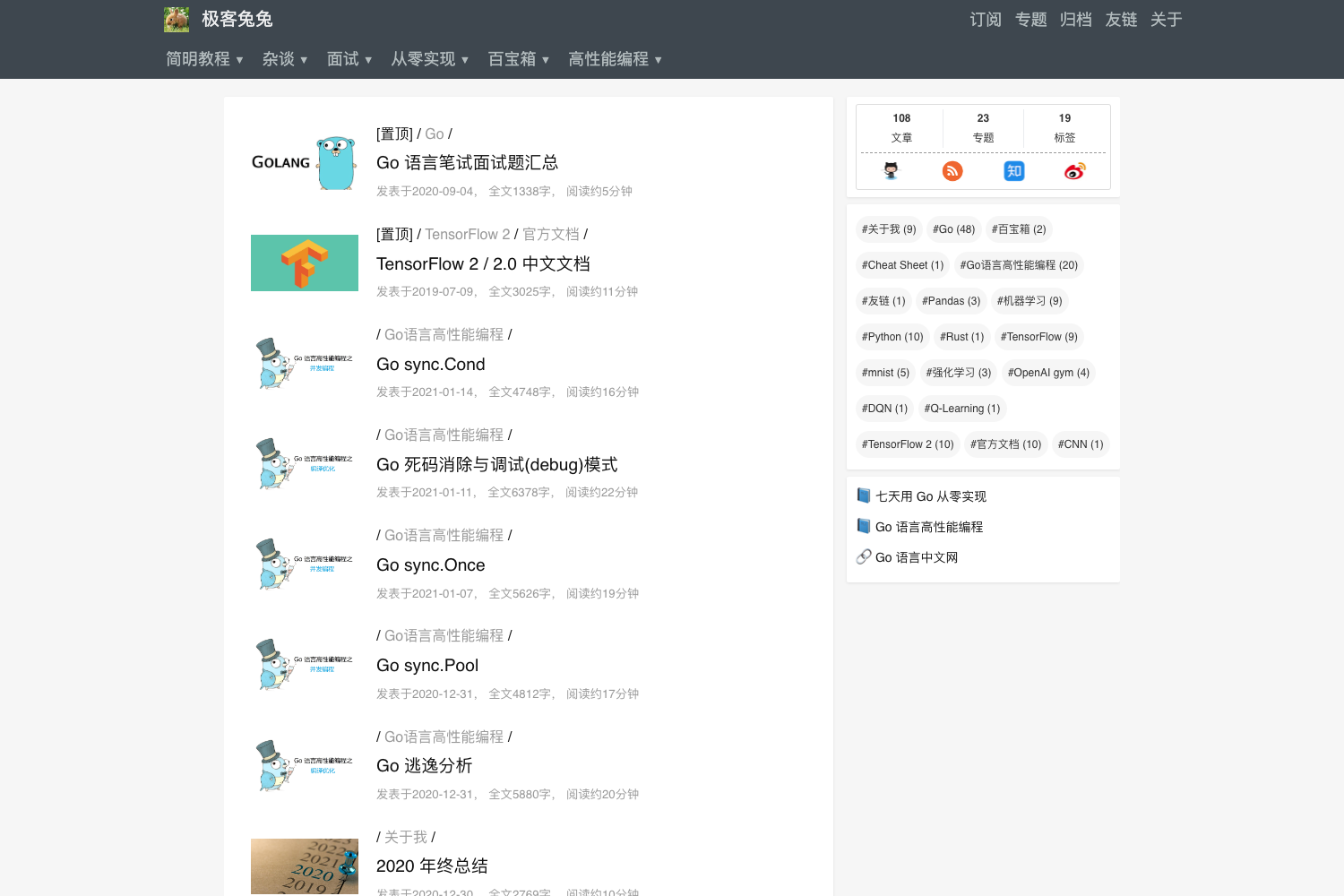
Hexo Theme Lessless is a minimal Hexo theme that produces a plain HTML/CSS blog with a top menu, post listings, and optional Busuanzi and Disqus integrations. It is built for writers who want a no-frills site and is distributed through GitHub by zhengxiaowai.
What is Hexo Theme Lessless?
Hexo Theme Lessless is a minimal Hexo theme designed for content-focused blogs that do not need sidebars, widgets, or social sharing buttons. As input it takes a standard Hexo site's posts and pages; as output it renders static HTML/CSS pages with a configurable top navigation, a list of recent posts, and per-post metadata. The theme is installed by cloning its GitHub repository, and it depends on hexo-prism-plugin for syntax highlighting and hexo-renderer-marked for Markdown parsing.
Key Features
This theme deliberately keeps its feature set small, but the following options are available in the default build.
- Minimal layout — The theme's markup consists of a header navigation, a content area for posts, and a footer; no sidebars or widget areas are included.
- Configurable menu — Set
menuin the theme config with entries like Home, Category, Archive, Tag, and About; Home, Category, and Archive are enabled by default. - Busuanzi visitor counts — Turn on the
busuanzioption to display page views (PV) and unique visitors (UV) on the home page and PV under each post title. - Disqus comments — Enable
disqusand set ashortnameto embed a Disqus comment thread on posts. - Prism syntax highlighting — The theme works with hexo-prism-plugin; configure mode, theme, and line numbers through the
prism_pluginblock in Hexo's_config.yml. - Markdown rendering options — The hexo-renderer-marked configuration supports GitHub-flavored Markdown, tables, breaks, smart lists, typographic punctuation, autolinks, and sanitization toggles.
- Simple install process — Installation requires only a
git cloneof the theme folder and two npm packages, plus settinghighlight.enable: falseto let Prism handle code blocks.
Who is it for?
Hexo Theme Lessless is suited to anyone who wants a fast, uncluttered blog theme that does not impose extra features.
- Minimalist bloggers — Writers who prefer a clean reading experience and do not want social share buttons, author bio widgets, or related-post modules.
- Existing Hexo users — Site owners already on Hexo who want a lightweight alternative to feature-heavy themes and are comfortable editing YAML config files.
- Hexo theme learners — Developers who want to study a compact theme codebase (HTML and CSS, per the repository topics) to understand how Hexo themes are structured.
What can you do with Hexo Theme Lessless?
- Personal blogs: Publish posts and organize them with categories and an archive page using the default menu links.
- Comment-enable articles: Turn on Disqus so readers can leave feedback on individual posts.
- Track basic traffic: Enable Busuanzi to display page views and unique visitor counts without setting up an external analytics service.
How does Hexo Theme Lessless work?
- Clone the theme into your Hexo site:
git clone git@github.com:zhengxiaowai/hexo-theme-lessless.git themes/lessless. - Install the required plugins with
npm install hexo-prism-pluginandnpm install hexo-renderer-marked. - Copy the
prism_pluginandmarkedconfig blocks into Hexo's_config.yml, and sethighlight.enable: falseto disable the default highlighter. - Adjust theme options in
themes/lessless/_config.ymlfor the menu, Busuanzi, and Disqus, then run your normal Hexo build.
FAQ
How do I install Hexo Theme Lessless?
Clone the repository into themes/lessless, install the two npm packages listed in the README, and add the provided prism_plugin and marked configuration to Hexo's _config.yml. Also disable Hexo's built-in highlight so Prism takes over.
Does Hexo Theme Lessless show visitor counts?
Yes, if you set busuanzi.enable: true in the theme config. The theme then displays PV and UV on the home page and PV under each post title.
Can I add comments to posts?
Yes. In the theme config, set disqus.enable: true and supply your Disqus shortname. The Disqus thread will appear on posts once enabled.
Is Hexo Theme Lessless a framework-based theme?
No. The repository's language topics are CSS, Hexo, and HTML, indicating a vanilla HTML/CSS implementation rather than a framework like Tailwind or Bootstrap.