Template details
Hexo Theme Geektutu
A fast-loading Hexo blog theme with no third-party JS libraries, featuring tags, archives, series, QR codes, Gitalk, and rewards.
About this template
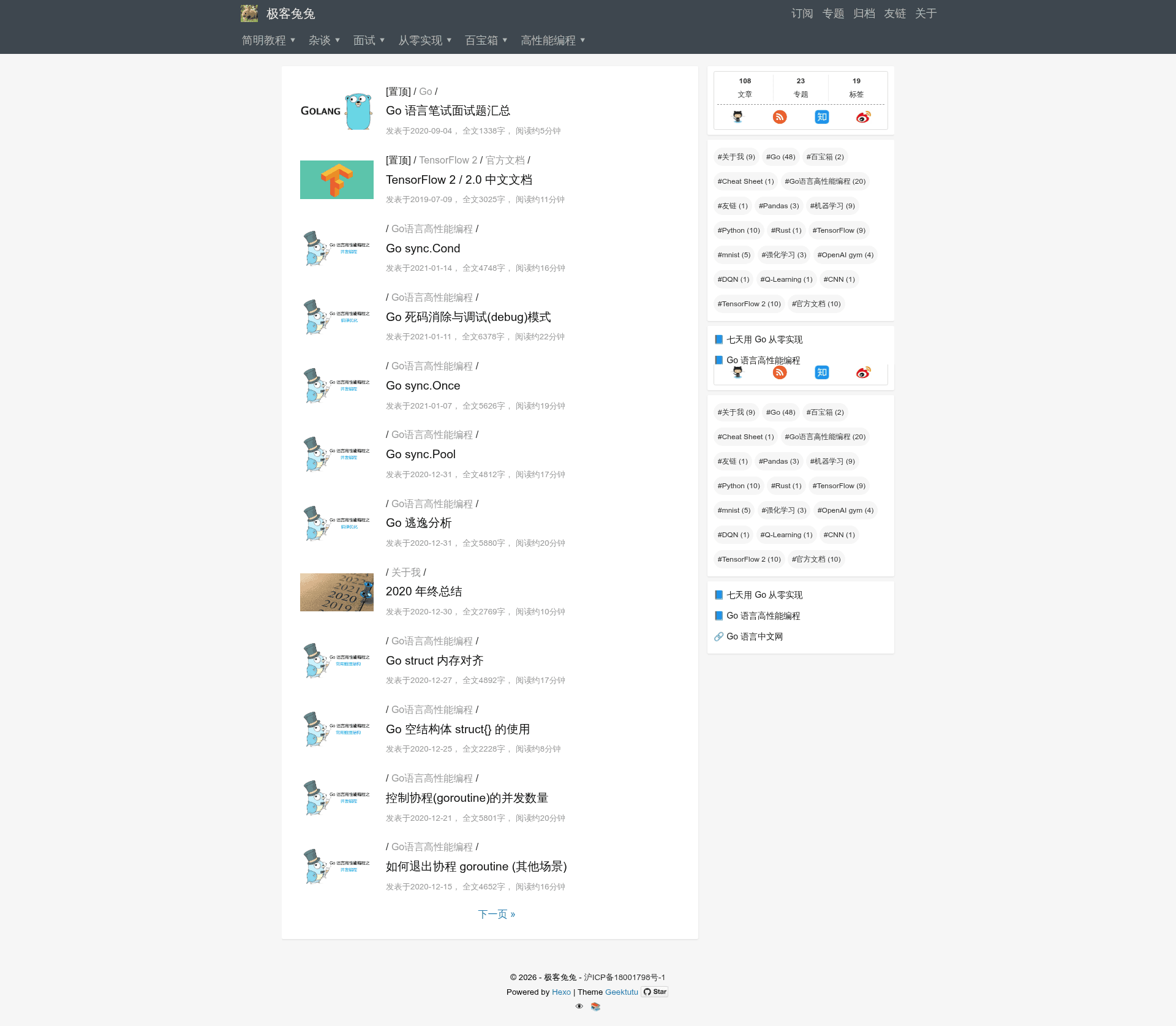
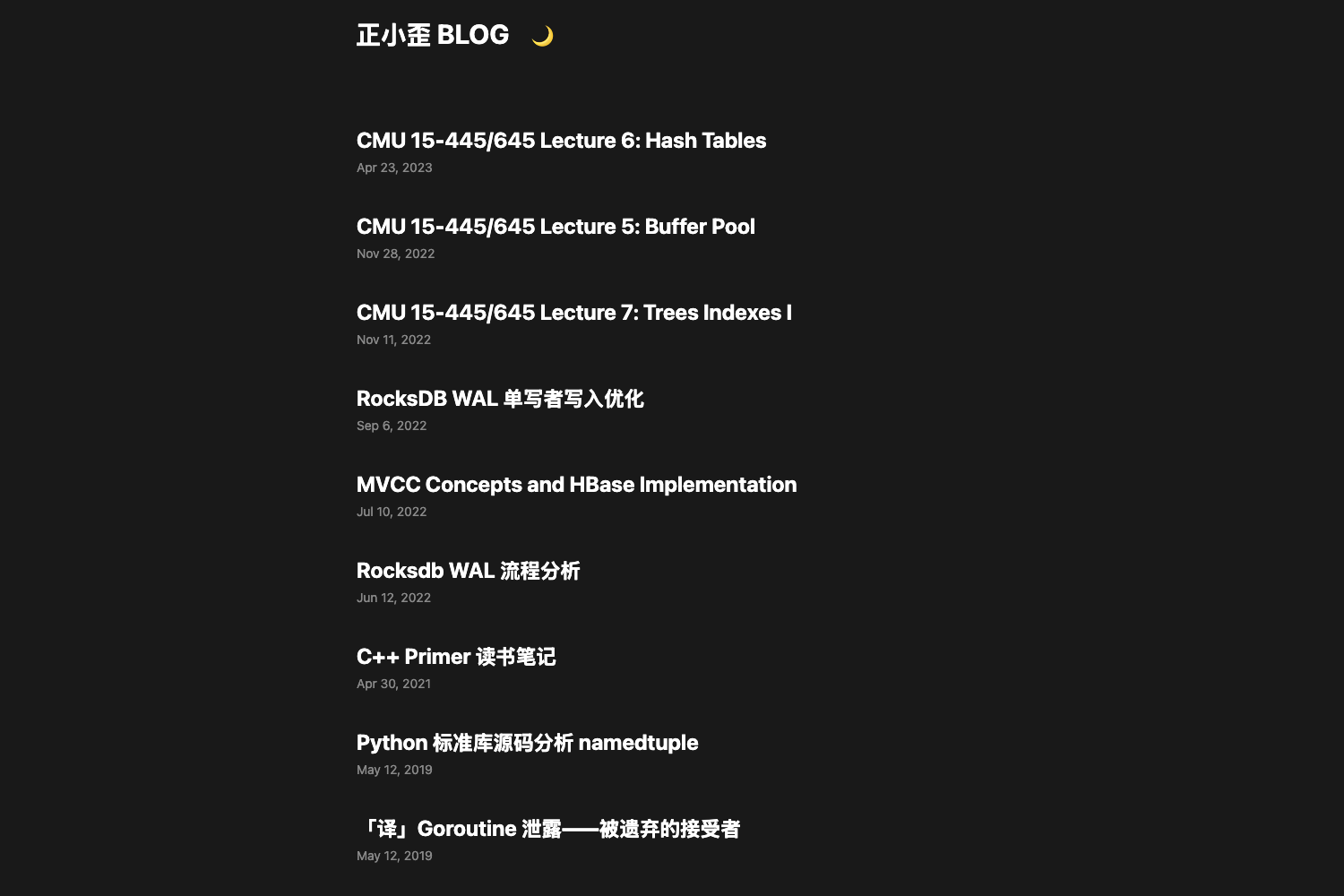
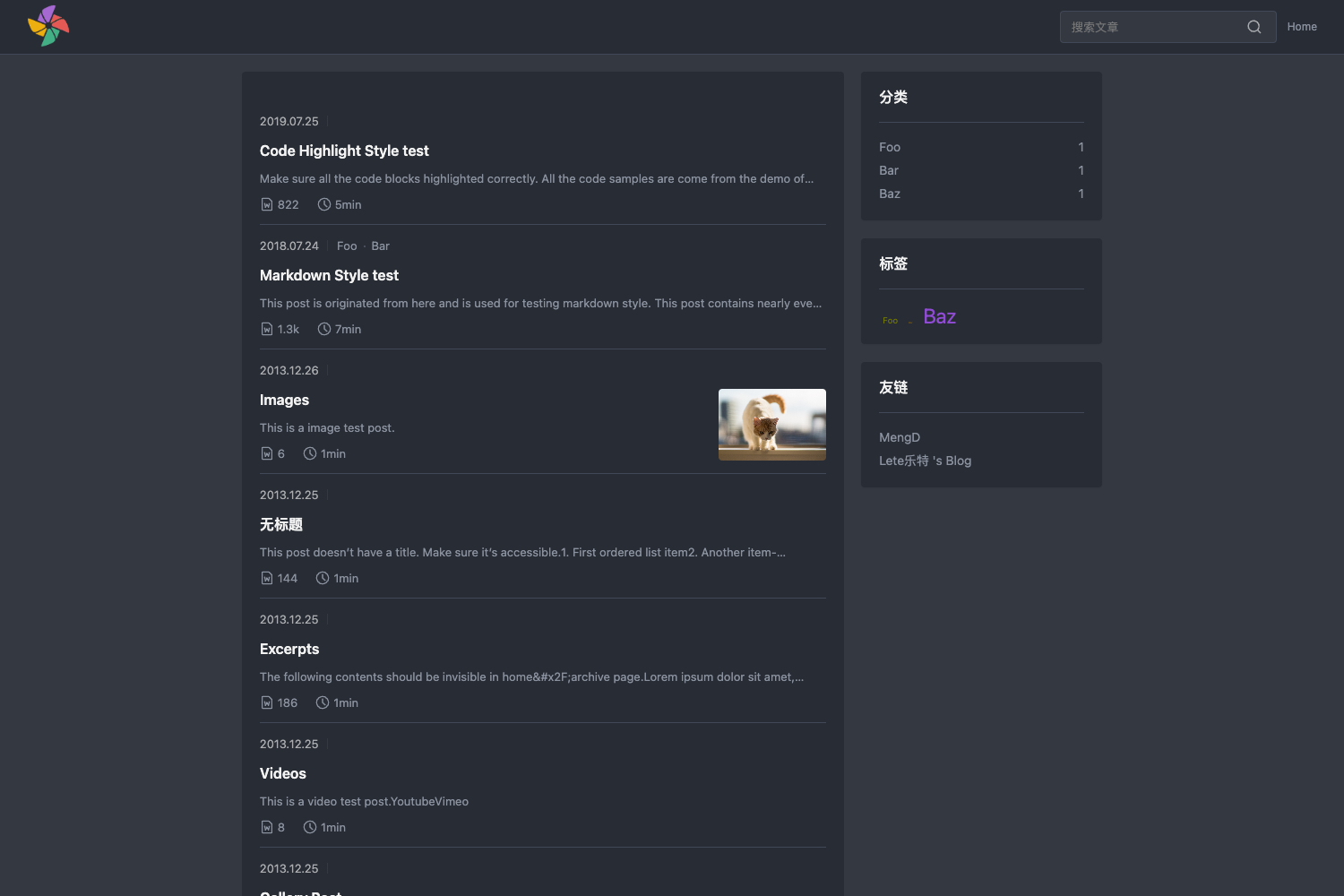
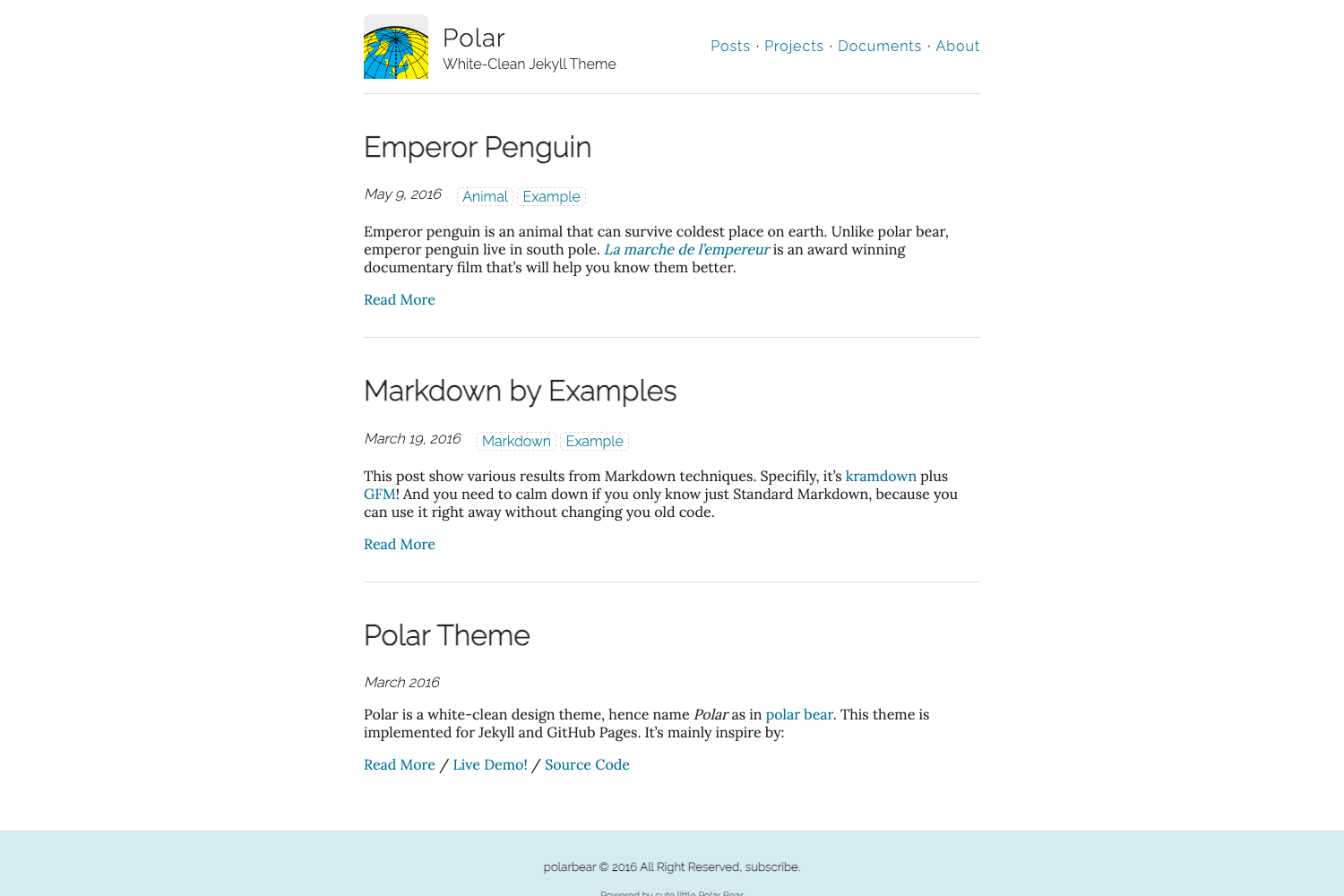
Hexo Theme Geektutu is a fast-loading, feature-rich blog theme for the static site generator Hexo, created by 极客兔兔 (Geektutu) and used on his personal blog at geektutu.com.
What is Hexo Theme Geektutu?
Hexo Theme Geektutu is an open-source Hexo theme designed for personal blogging and technical tutorial sites. It reads standard Hexo Markdown posts with front matter such as title, date, tags, categories, top, and image, and outputs static HTML pages. The theme is built with EJS templates and Stylus stylesheets, rendered through Hexo’s markdown processor. Its repository description claims it avoids third-party JavaScript libraries for speed, though optional widgets like Gitalk comments and QRious QR-code generation can be enabled in _config.yml.
Key Features
- Tags, archives, and series pages — built-in layouts for tags, archives, and a category-based series index (
series/index.mduses thecategorylayout) that aggregates related posts and adds internal links for reading an entire series sequentially. - Search-engine verification and analytics — configuration for Google, Baidu, Bing (listed as
biying), and 360 site-verification codes, plus Baidu Analytics (ba_track_id), CNZZ (cnzz_track_id), Google Analytics (google_analysis), and Google AdSense (google_ad_client) in_config.yml. - Table of contents with scroll highlighting — the sidebar TOC highlights the current section while scrolling, and can toggle to a series-navigation list.
- Gitalk comment integration — comments are powered by Gitalk, which uses GitHub Issues; set
client_id,client_secret,repo, andownerin thegitalkconfig block. - Alipay and WeChat rewards — article-level reward buttons render QR codes generated by QRious, using payment-deeplink strings such as
HTTPS://QR.ALIPAY.COM/...instead of image files. - Responsive layout and mobile QR — the theme works on PC and mobile;
widgets.mobile_qrcodeenables a QR code to open the article on a phone. - Content conveniences — click-to-enlarge images, an optional Easter-egg click effect (
caidan), article pinning viatopin front matter, Baidu URL auto-push toggle, and Busuanzi page-view counters. - Cheat Sheet layout — a special style for quick-reference pages, demonstrated on the author’s SQLite cheat sheet.
Who is it for?
Hexo Theme Geektutu suits bloggers who already use (or plan to use) Hexo and want a lightweight Chinese-language theme with built-in SEO, comments, and reward features. Technical writers can group multi-part tutorials into series collections that readers can navigate sequentially. Developers who value page-speed will appreciate the small dependency footprint and optional analytics widgets.
What can you do with Hexo Theme Geektutu?
- Personal bloggers: set up a complete blog with tags, archives, an About page, and a 404 page by following the example
index.mdfiles in the README. - Tutorial authors: organize posts into series with the
navandcategoriesfront-matter fields so all articles in the same topic are linked together. - Content monetizers: enable Alipay/WeChat reward buttons and configure Google AdSense through
google_ad_clientin_config.yml. - SEO-conscious site owners: add verification codes for Google, Baidu, Bing, and 360, and turn on Baidu auto-push for faster indexing.
How does Hexo Theme Geektutu work?
Installation follows a standard Hexo workflow: initialize an empty Hexo site, replace package.json with the version in the README, clone the theme into themes/geektutu, add the required source files (link.md, about.md, archives/index.md, series/index.md, tags/index.md), then run npm install, npm build, and npm start for local preview. Deployment can target a Git branch — the README’s hexo deploy command uses hexo-deployer-git.
FAQ
Is Hexo Theme Geektutu free?
The theme is open source on GitHub, and the README ends with an invitation to star the repository; no license or price is mentioned, so it is free to use.
Does the theme really load no third-party JS libraries?
The repository description says it does not introduce third-party JS libraries, but the README shows optional widgets that do use external libraries, such as Gitalk (GitHub Issues) and QRious for QR codes. These are enabled only if you configure them.
How do I pin an article to the top?
Add top: 1 or a larger value to the post’s front matter. The top field controls the pinning order, as noted in the README’s sample post.
How do I set up Baidu URL auto-push?
Set ba_auto_push: true in _config.yml. You can also add ba_track_id for Baidu Analytics.
What comment system is supported?
The theme supports Gitalk, which creates comments from GitHub Issues. You need to provide the GitHub repository, owner, client ID, and client secret in the gitalk config block.