Template details
Terrassa
Terrassa is a simple, fast, responsive Hugo theme focused on accessibility, with a contact form, multilingual support, and blog-ready layouts.
About this template
Terrassa is a simple, fast, and responsive Hugo theme built from scratch with a strong focus on accessibility, and it includes a contact form, multilingual support, and blog-ready layouts.
What is Terrassa?
Terrassa is a Hugo theme created by Daniel Kvist that transforms Hugo content (markdown files for posts, pages, and home-page sections) into a static website with a coherent responsive design. The theme is written in Go templates and is archived on GitHub, meaning the author is no longer actively maintaining it. It ships with archetypes for blog posts, sections, and pages, and it integrates with Netlify for contact form handling.
Key Features
- Responsive design — The layout adapts between sizes with a classic navigation menu on large screens and a hamburger menu on mobile devices.
- Accessibility focus — The theme was made from scratch with accessibility as a primary goal.
- Customizable call to action — The home page includes a call-to-action button whose text and relative link are set in config.toml.
- Contact form — A built-in contact page form supports Netlify submissions, and all field names, labels, placeholders, and the textarea length (default 750) are configurable.
- Multilingual support — Sites can define multiple languages, each with its own content directory and overridable site parameters, plus an optional language switcher in the header.
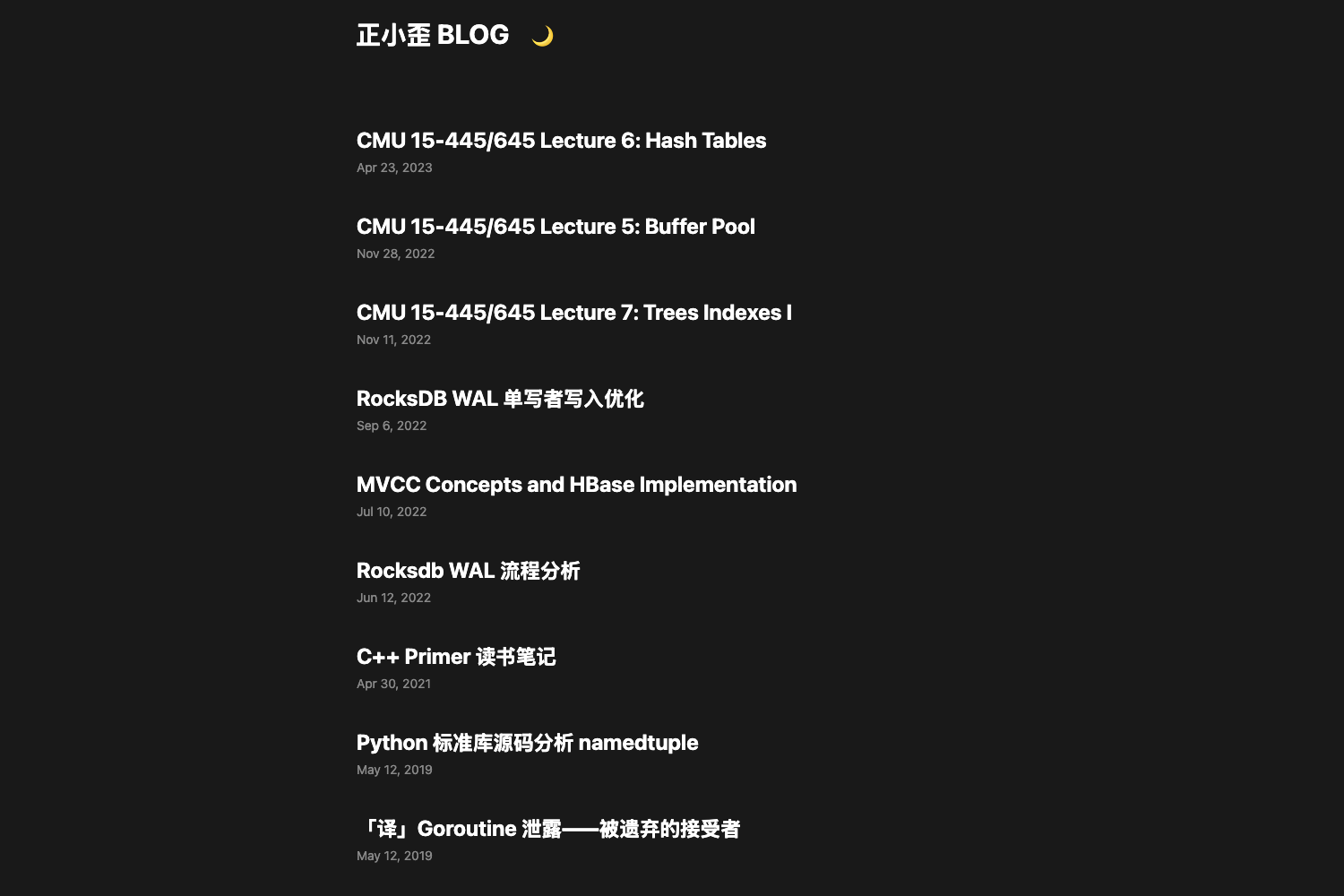
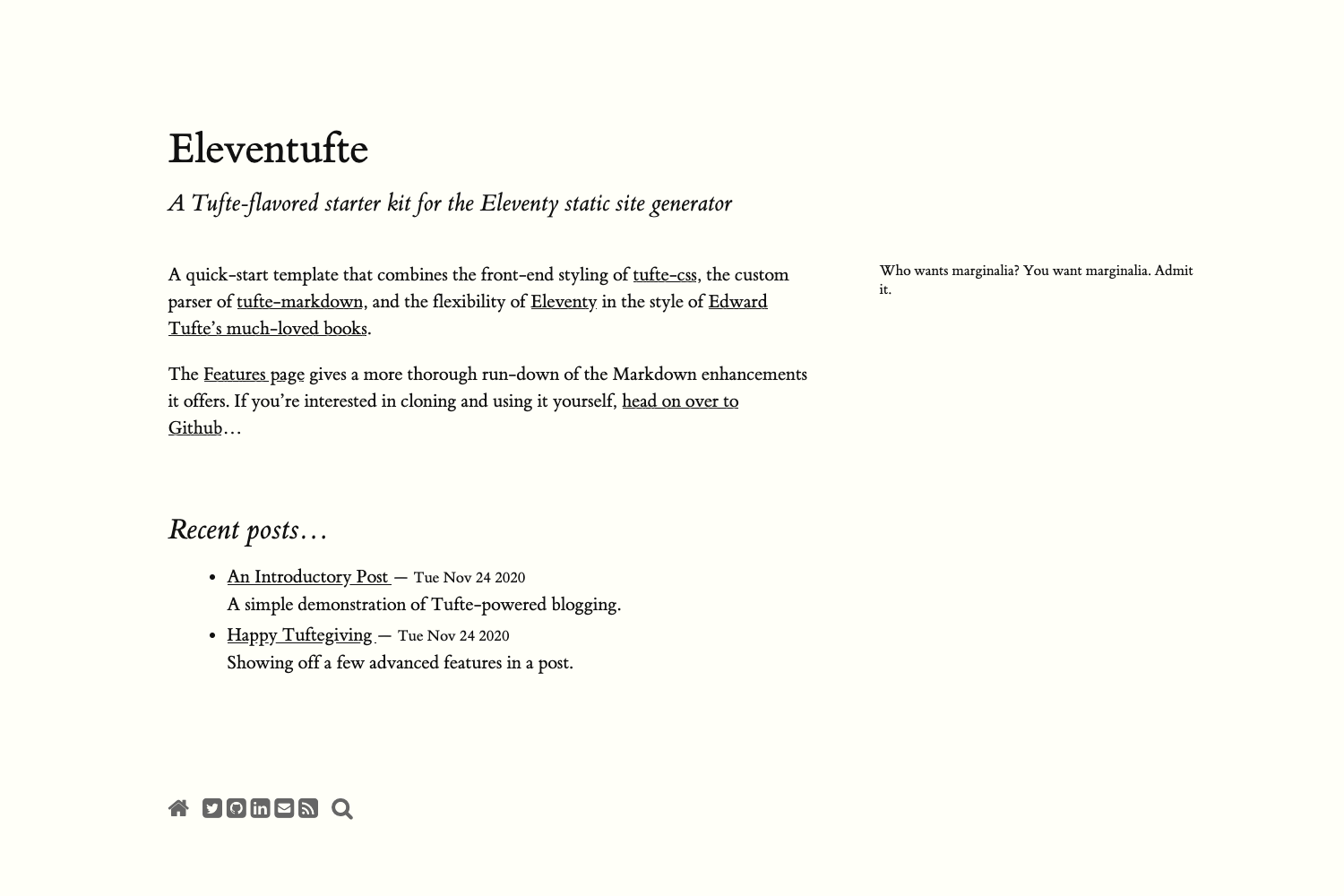
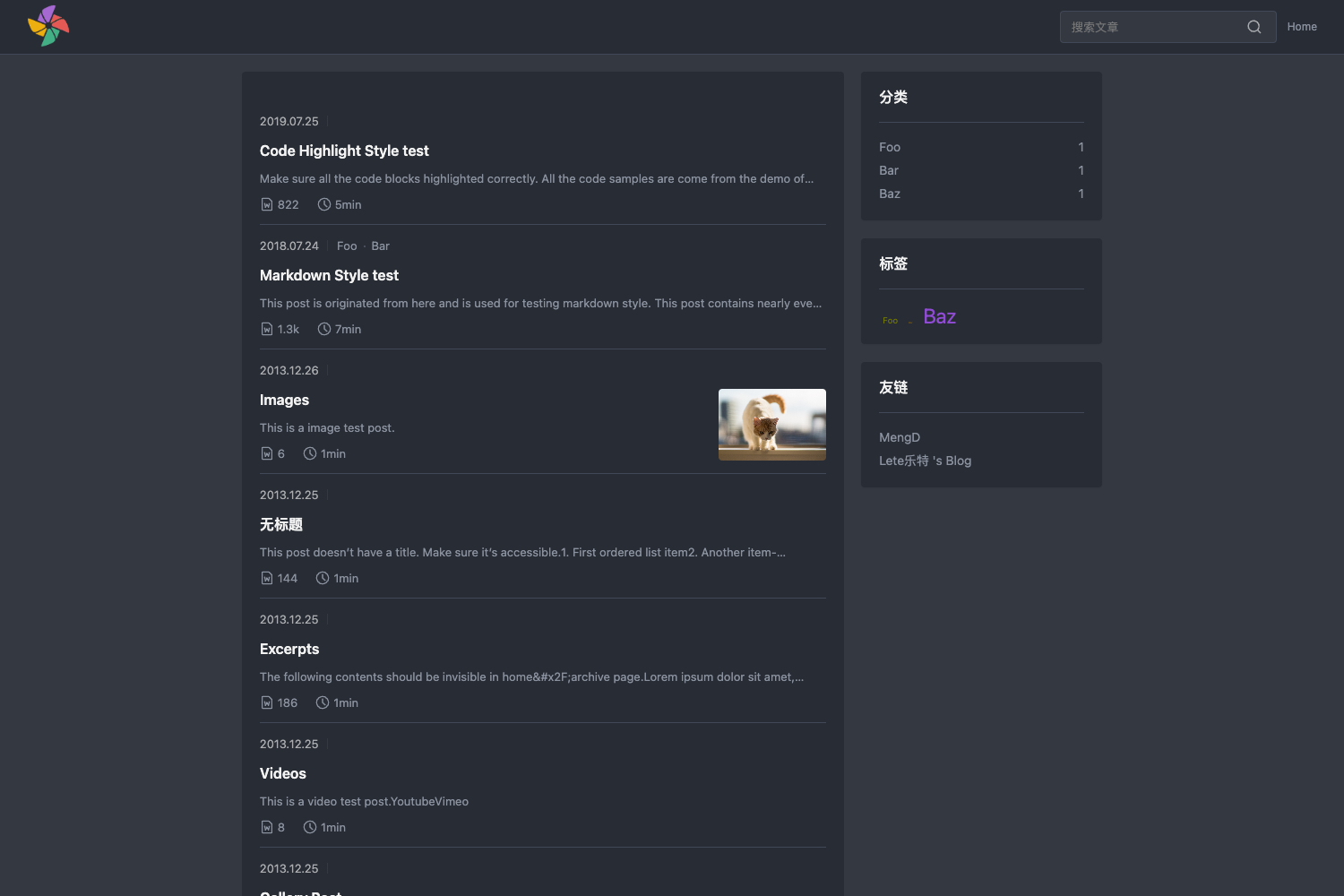
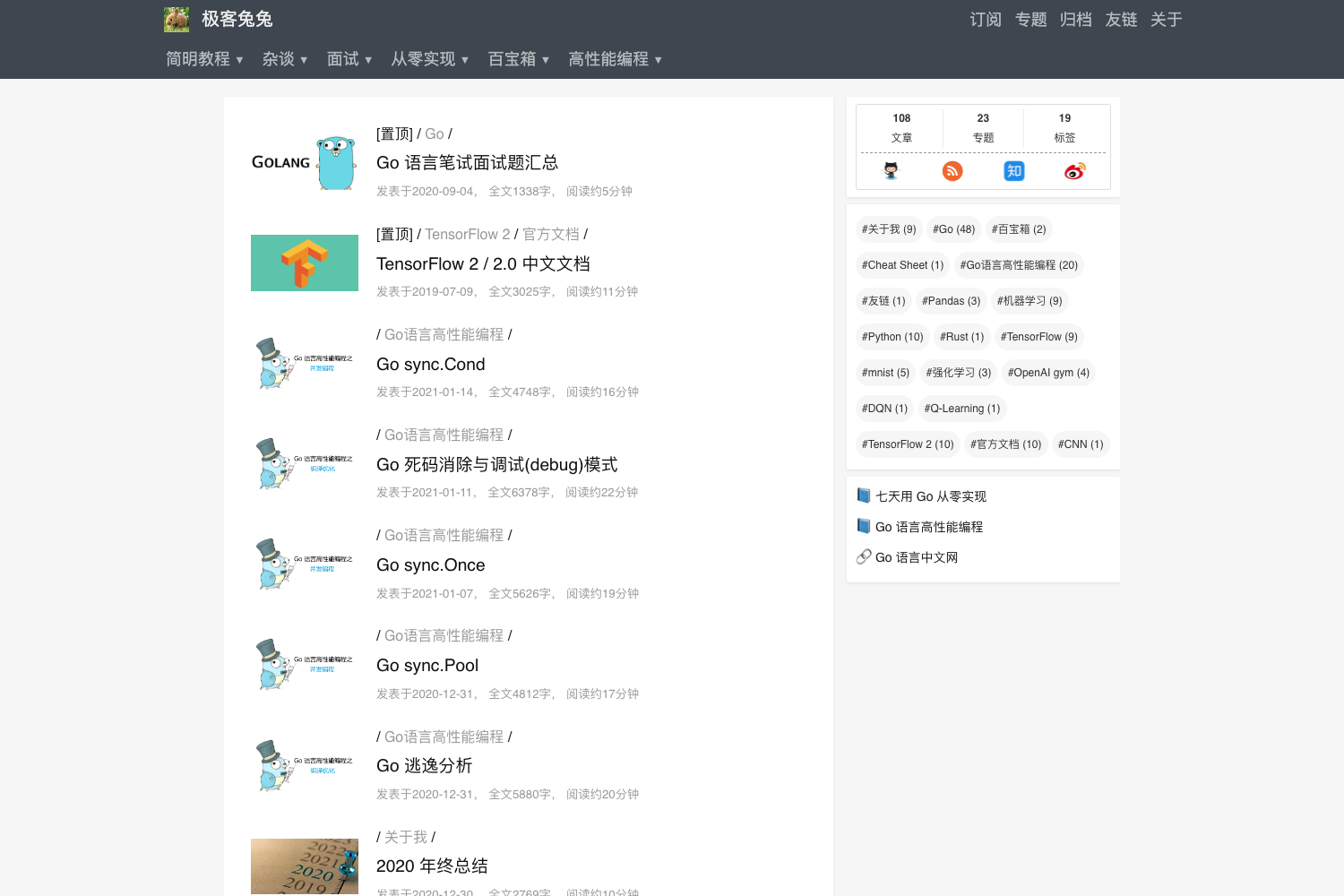
- Blog-ready structure — The theme provides archetypes for posts and a list view that shows cards with title, date, a content summary truncated to 480 words, and tags.
Who is it for?
- Personal bloggers who want a clean, fast Hugo site with a built-in contact form and simple post layouts.
- Developers who need a lightweight, accessible theme they can customize via Hugo's config file and custom CSS in assets/css/custom.css.
- Multilingual site owners who need per-language content directories, translated form fields, and a header language switcher.
What can you do with Terrassa?
- Launch a blog quickly: use the provided archetypes to create posts, tag them, and get a list view with summaries and share images for Twitter Cards and Facebook Graph.
- Build a business or portfolio home page: combine the hero section, call-to-action, and multiple home-page sections to showcase services or projects.
- Deploy a contact page: use the configurable form with Netlify support to collect messages without a backend.
How does Terrassa work?
- Install the theme by cloning the GitHub repository into your Hugo site's themes directory.
- Add
theme = "terrassa"to your config.toml and set parameters for hero, call-to-action, contact info, social networks, Font Awesome, posts, and form. - Create pages and posts using the included archetypes (
hugo new posts/example.mdfor posts,hugo new _index.md -k pagefor the home page). - For multilingual sites, define languages in config.toml and optionally enable the language switcher.
Pros and cons
- Pros: free to use, fast static output, accessible, responsive, and includes a Netlify-ready form and multilingual support.
- Cons: the project is archived, so it no longer receives active maintenance or updates.
FAQ
Is Terrassa free to use?
Yes, Terrassa is an open-source Hugo theme. The GitHub repository is publicly available, and you can clone or download it for free. The project is archived, but the code remains usable.
Does Terrassa support multilingual websites?
Yes, Terrassa has multilingual support. You can define multiple languages in config.toml, each with its own content directory and parameters. The theme also includes an optional language switcher in the header.
How do I customize the contact form?
In config.toml, under the form parameter, you can set the form action, method, Netlify flag, and the names, labels, and placeholders for the name, email, and message fields. The message textarea length defaults to 750 characters.
How do I add custom CSS to Terrassa?
Create an assets folder in your Hugo project, then create assets/css/custom.css. Terrassa loads custom.css automatically, letting you override the theme's default styles.
Is Terrassa still maintained?
No, the author archived the project. The README states that Daniel Kvist decided to archive Terrassa because he migrated to other technologies and no longer has time to maintain it.