Template details
Hugo Theme Wisdom
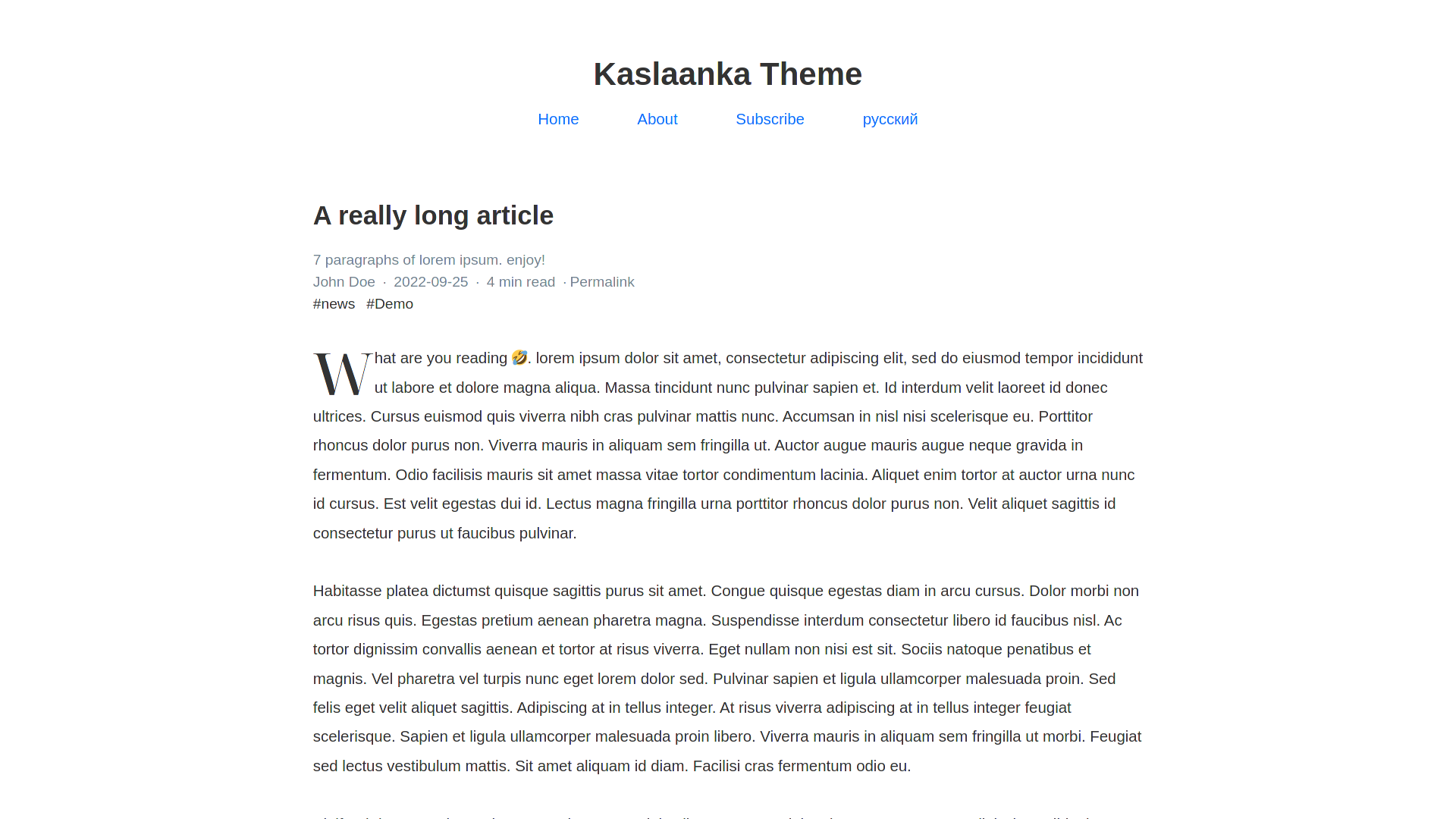
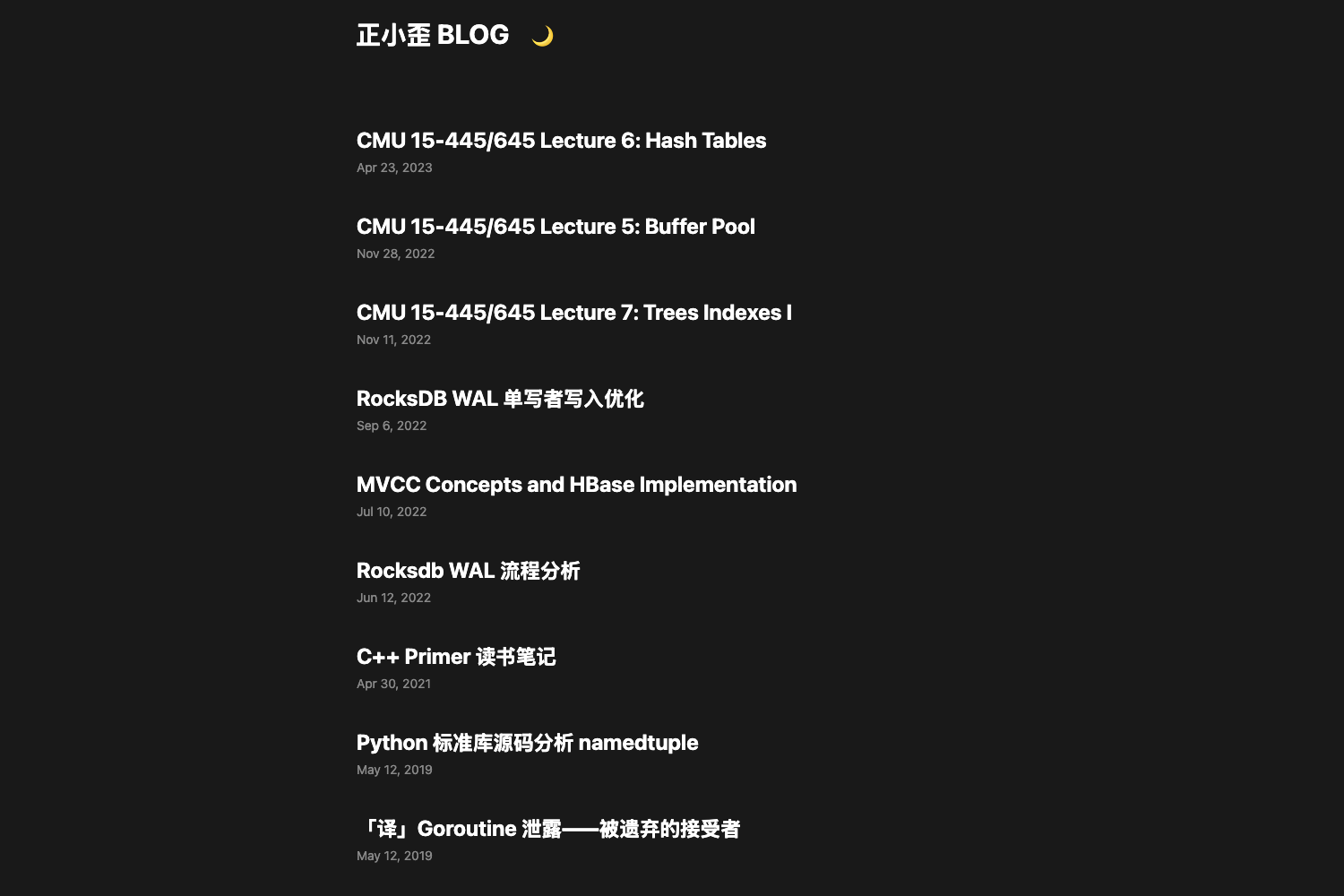
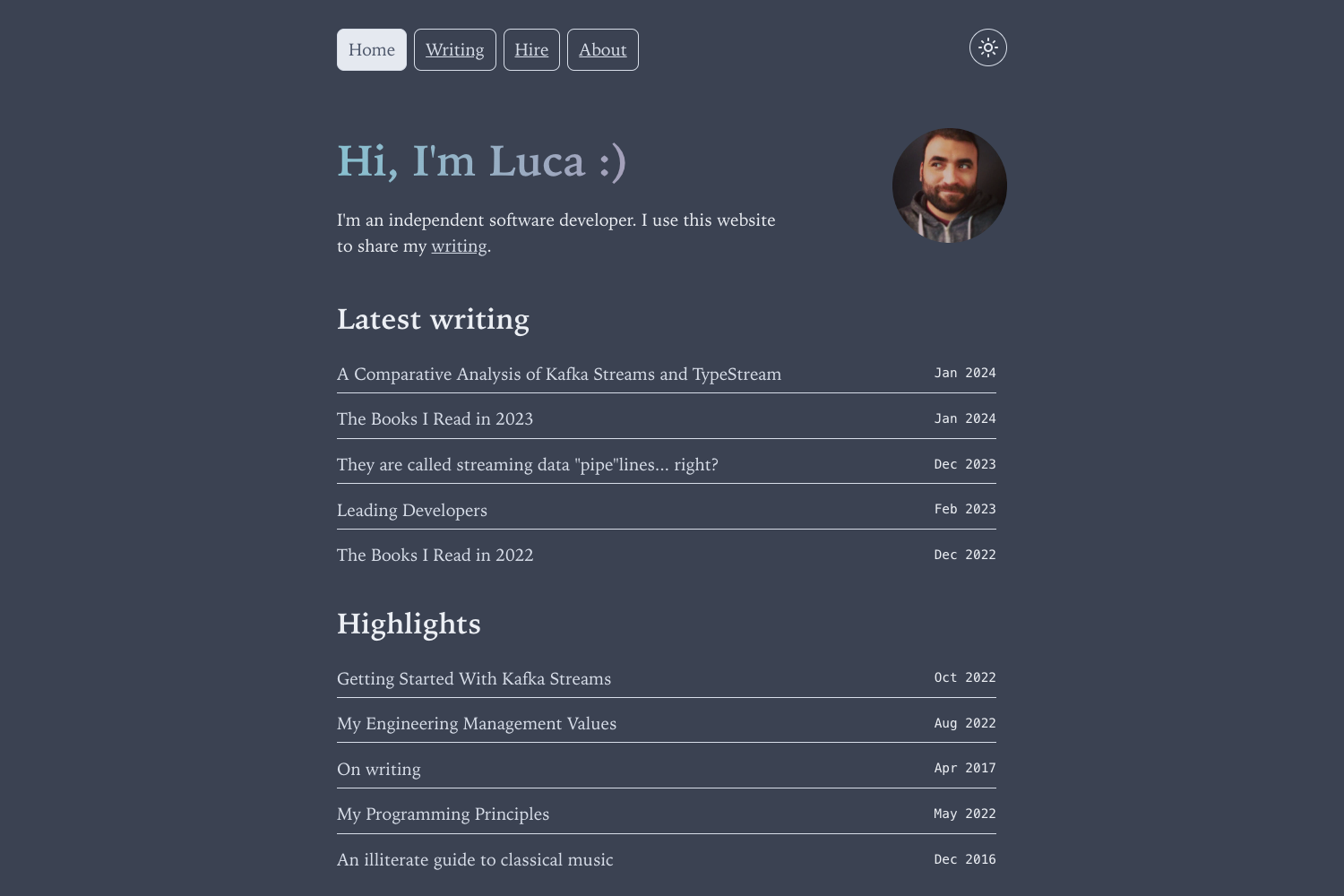
Fast, minimalist, monospace theme for Hugo with dark/light schemes, i18n, and SEO.
About this template
Hugo Theme Wisdom is a fast, minimalist, monospace blog theme for the Hugo static site generator, built around a clean reading experience and near-zero JavaScript overhead.
What is Hugo Theme Wisdom?
Hugo Theme Wisdom is a fast, minimalist, monospace theme for Hugo, developed by maxrodrigo and released under the MIT license. It takes Markdown content plus a configuration file as input and outputs a static blog site with dark and light color schemes, multilingual support, and built-in SEO metadata. The theme is installable as a git submodule and includes an example site for quick reference.
Key Features
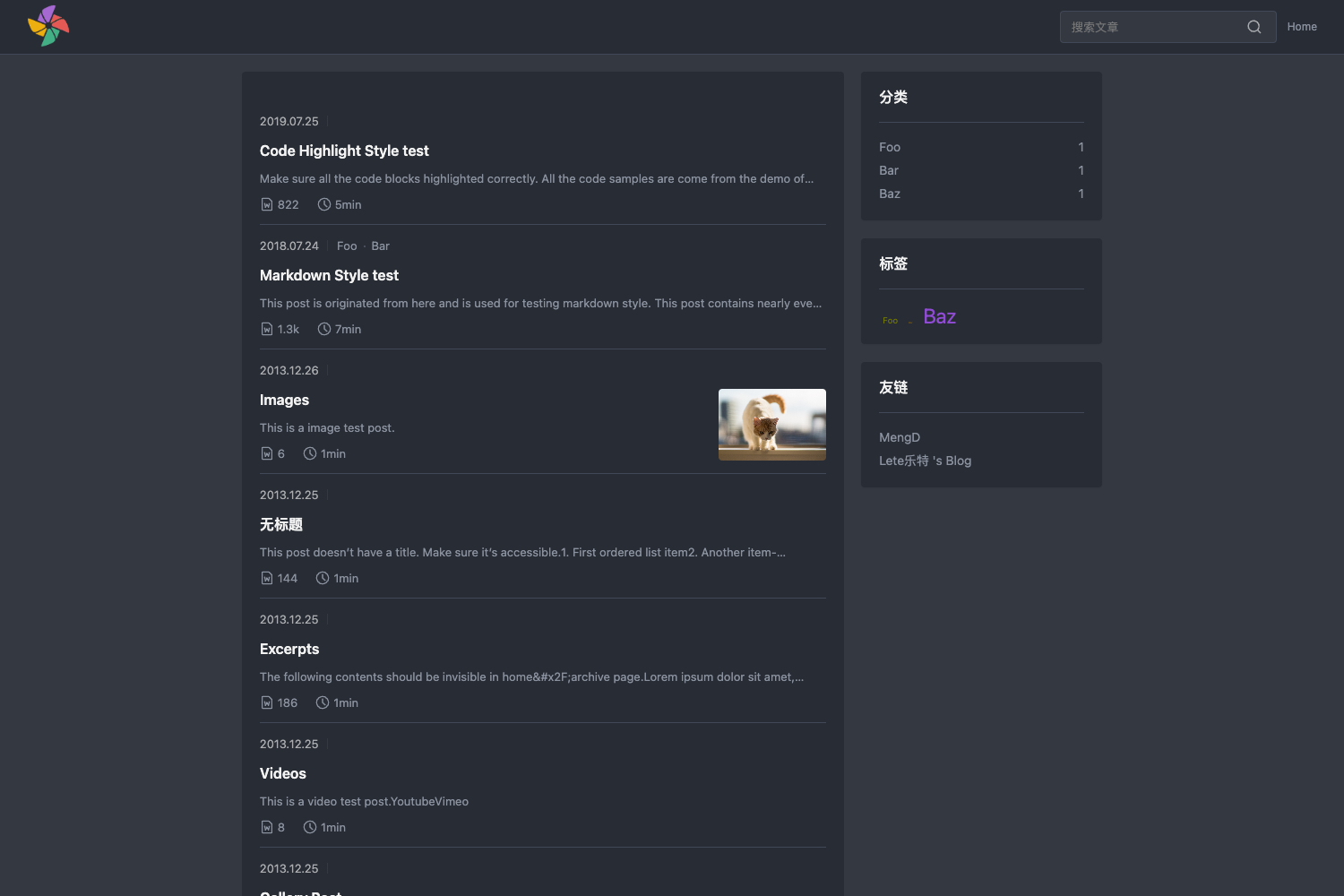
- Dark and Light Color Schemes — Includes both a dark and a light theme, automatically selected by the visitor's system preference.
- Color-Scheme Preference Aware — Uses the
prefers-color-schememedia feature so no manual theme toggle is required. - SEO Friendly — Ships with support for keywords, Twitter Cards, and OpenGraph tags.
- Multilingual and i18n Support — Provides translations infrastructure for building a Hugo site in multiple languages.
- Comments Support — Offers a built-in slot to attach a third-party comment system to posts.
- Google Analytics — Supports Google Analytics with production-environment-aware loading, so analytics scripts only appear on a production build.
- Custom CSS and JS — Lets you add your own stylesheets and scripts to extend the theme without editing the theme source.
- Callouts — Supports callout boxes to highlight notes, warnings, and other content blocks.
- Taxonomies — Works with Hugo taxonomies such as tags and categories to structure content.
Who is it for?
- Bloggers and personal site owners — who want a fast, minimalist, monospace-style theme that puts the writing first.
- Hugo developers — who need a theme easy to install via git submodule, customize with custom CSS/JS, and deploy to static hosting.
- Multilingual content creators — who need i18n support to publish posts in more than one language.
- Privacy-conscious site owners — who appreciate a theme with minimal scripts and analytics that only loads in production.
What can you do with Hugo Theme Wisdom?
- Launch a blog quickly: Add the theme as a submodule, set it in
config.toml, and start writing Markdown. - Customize the design: Override fonts and colors by adding your own CSS and JavaScript files.
- Deploy to any static host: The theme outputs plain HTML and works with Netlify, GitHub Pages, and similar services.
How does Hugo Theme Wisdom work?
Installation follows Hugo's standard theme workflow: clone or submodule the repository into themes/wisdom, set theme = "wisdom" in the site configuration, and configure menus via the [menu] section in config.toml. The favicon lives in the static directory as favicon.ico. Page front matter defaults include title, date, draft, and noindex.
Pricing
Wisdom is free and open source under the MIT license, so there are no paid tiers or hidden fees for personal or commercial use.
FAQ
Is Hugo Theme Wisdom free?
Yes, the theme is released under the MIT license, so you can use and modify it for free in personal and commercial projects.
Does Hugo Theme Wisdom support multiple languages?
Yes, it includes multilingual and i18n support, allowing you to create a Hugo site with content in several languages.
How do I install Hugo Theme Wisdom?
After installing Hugo, run git submodule add https://github.com/maxrodrigo/hugo-theme-wisdom themes/wisdom from your site directory, then set theme = "wisdom" in your configuration file.
Can I customize Hugo Theme Wisdom?
Yes, you can add custom CSS and JS files through the theme's configuration, and the MIT license lets you fork and modify the source.