Template details
Hexo Theme Nexmoe
A special Hexo theme focusing on pictures and images. Images tell stories, and Nexmoe makes them more vivid.
About this template
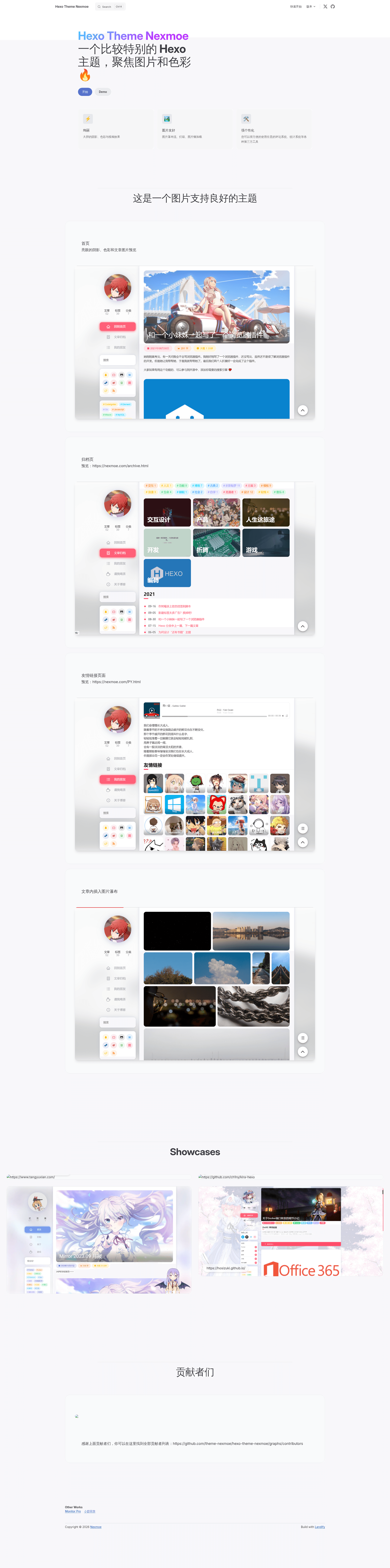
Hexo Theme Nexmoe is a picture-first theme for the Hexo static site generator, designed to make image-heavy blogs and galleries more vivid. It renders Markdown posts into a personal blog with homepage, archive, links, and gallery layouts, and its README lists more than a dozen live sites using it.
What is Hexo Theme Nexmoe?
Hexo Theme Nexmoe is an open-source Hexo theme that prioritizes images over text, letting photographs and illustrations carry the narrative of a blog. It takes Markdown posts written for Hexo and renders them into a static site with distinct page layouts for the homepage, a chronological archive, a links page, and a gallery. The theme lives in a public GitHub repository, its documentation is hosted at docs.nexmoe.com, and it accepts community contributions through Open Collective.
Key Features
- Image-focused homepage — The homepage preview is built around a large image, aligning with the theme's stated focus on pictures and images.
- Gallery page — A dedicated gallery layout is provided for displaying images, visible in the preview screenshots.
- Archive page — A built-in archive layout organizes past posts for returning readers.
- Links page — A built-in links layout offers a ready-made page for blogrolls and external sites.
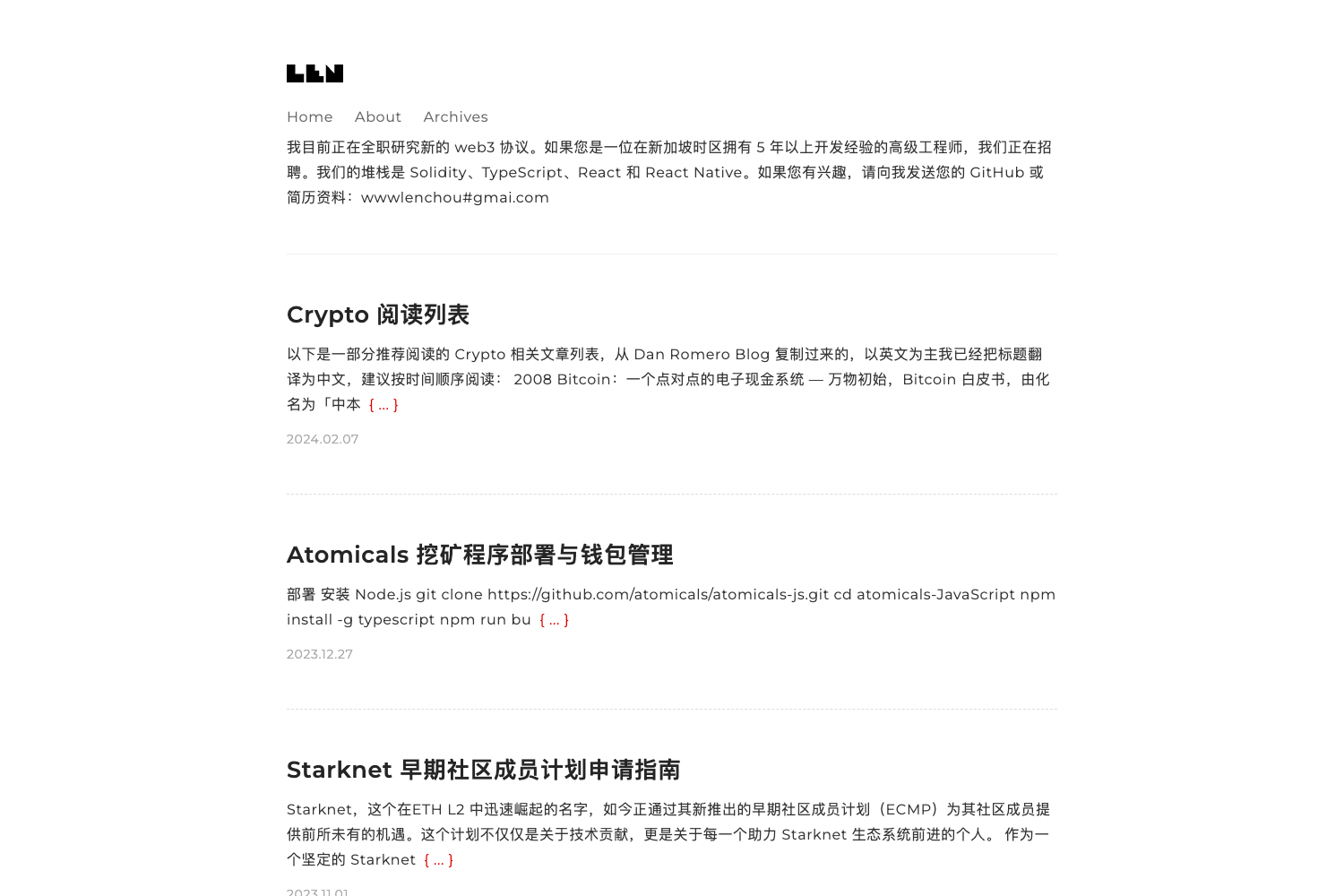
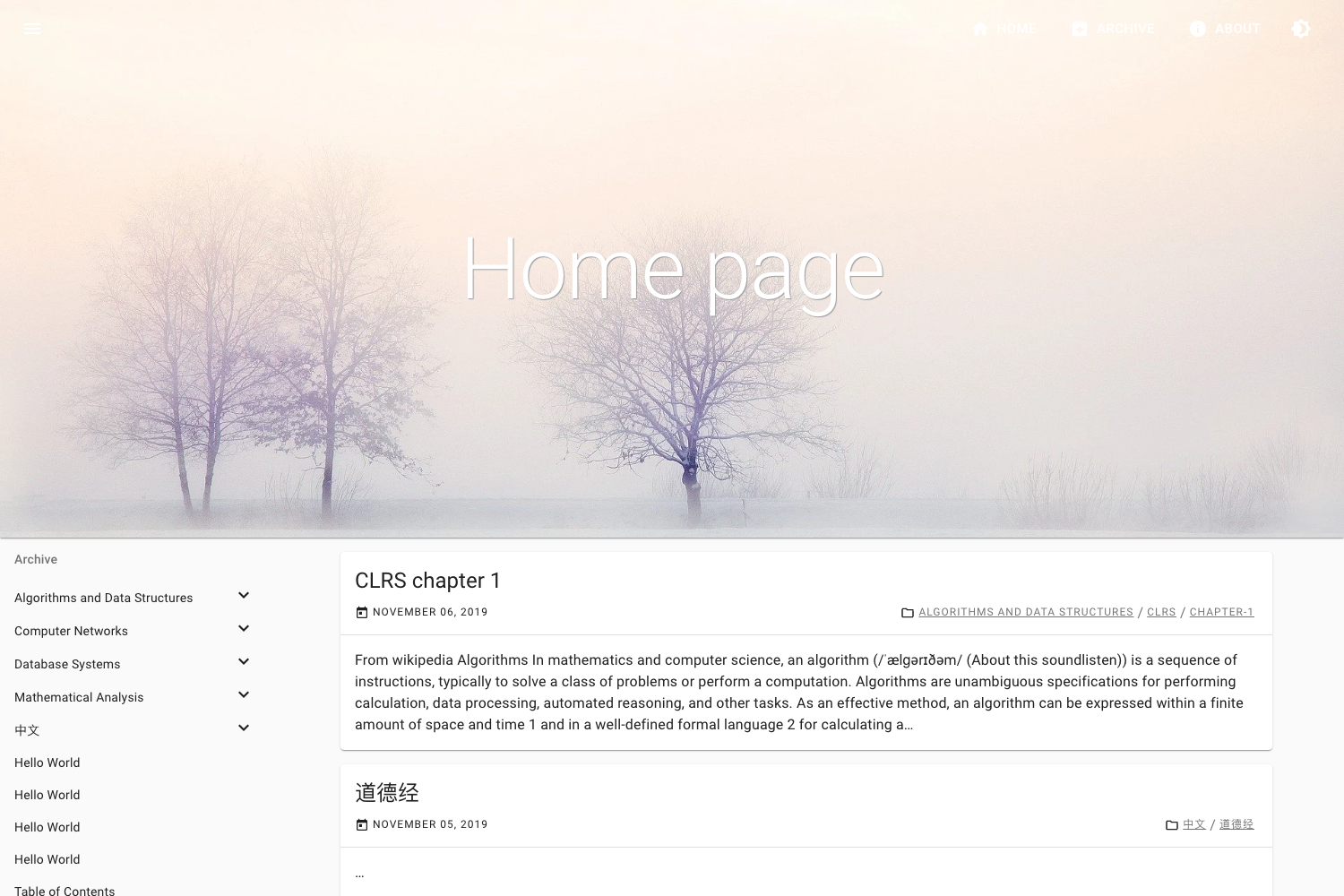
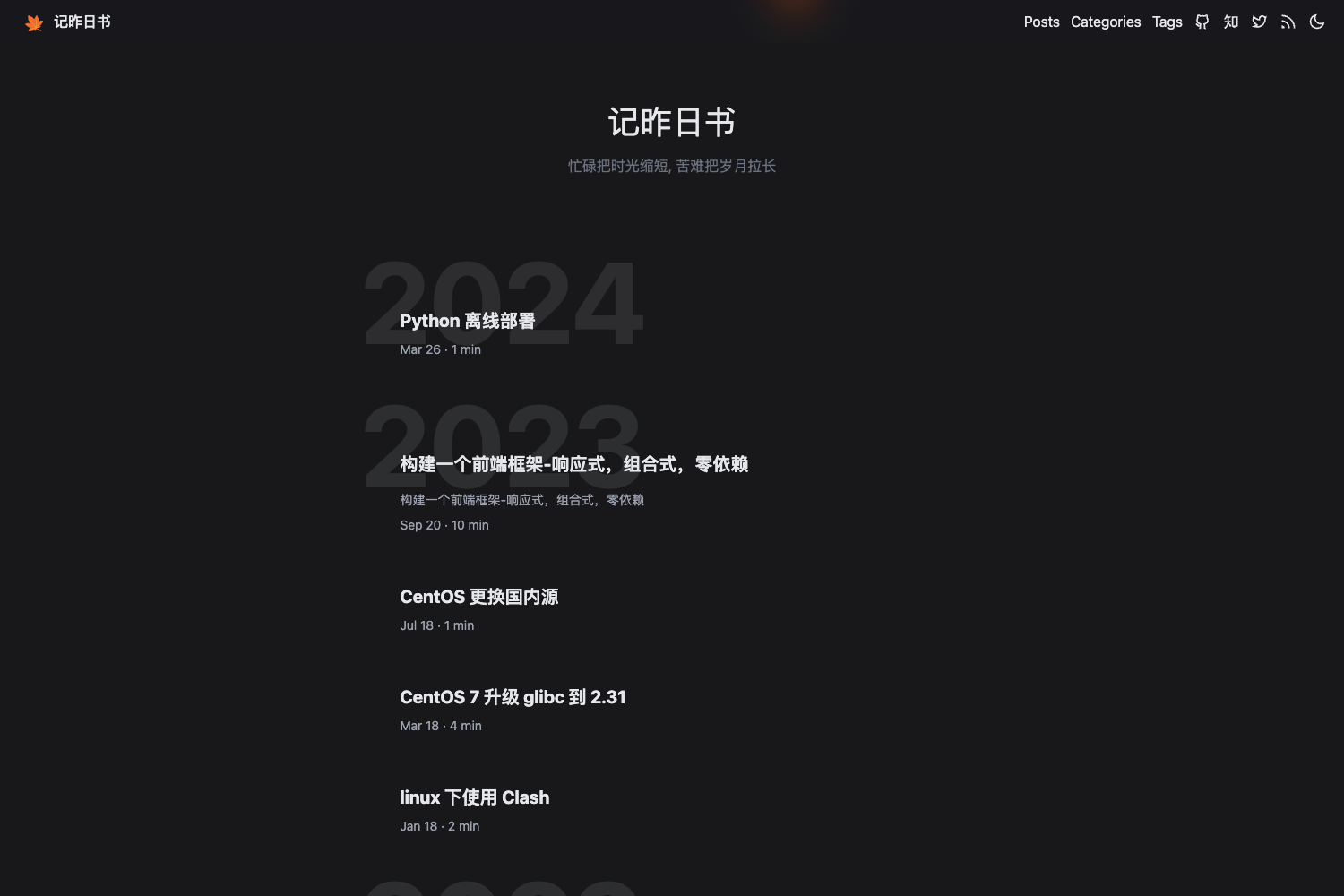
- Proven live adoption — The README displays a table of over a dozen active sites, including 折影轻梦, 糖羽仙, and 深海小涛, each with a status badge.
- Cross-platform ports — The Awesome section links to Typecho, Solo, and Typora adaptations of the theme, along with other Hexo themes.
- Official documentation — Docs at docs.nexmoe.com provide setup and configuration guidance beyond the README.
- Community sponsorship — The project has an Open Collective page and a WeChat appreciation code for sponsors.
Who is it for?
- Personal bloggers who want photographs to lead their posts and need a complete site with archive and links pages.
- Photographers and visual artists who want a gallery layout to present a portfolio without building a custom template.
- Hexo users seeking a maintained theme who want a theme with documentation, live examples, and an active community.
What can you do with Hexo Theme Nexmoe?
- Photography blog: Publish Markdown posts that lead with large images and let the homepage act as a visual entry point.
- Portfolio gallery: Use the gallery page to display a curated set of images as a browsable collection.
- Personal site with a blogroll: Add a links page to exchange friend links with other personal sites.
- Multi-platform consistency: Pair the Hexo theme with the Typecho or Solo ports to keep the same look across different publishing systems.
How does Hexo Theme Nexmoe work?
Hexo Theme Nexmoe is used with the Hexo static site generator; the exact installation and configuration steps are covered in the official docs at docs.nexmoe.com. Content is authored as Markdown posts, and the theme provides the homepage, archive, links, and gallery layouts seen in its preview screenshots.
FAQ
Is Hexo Theme Nexmoe free?
The theme is hosted in a public GitHub repository and accepts community sponsorship through Open Collective, indicating it is distributed as free open-source software, though the README does not state a specific license.
What platforms does Hexo Theme Nexmoe support?
It is built for Hexo, but the Awesome section links to ports for Typecho, Solo, and Typora, so the visual style can be adapted to those systems.
Does Hexo Theme Nexmoe have documentation?
Yes, official documentation is available at docs.nexmoe.com, and the README also links to live example sites for reference.
What pages are included in Hexo Theme Nexmoe?
The preview screenshots show four built-in layouts: Homepage, Archive, Links, and Gallery.
Is Hexo Theme Nexmoe actively maintained?
The README lists more than a dozen live sites and an Open Collective contributors list, indicating ongoing community use and support.