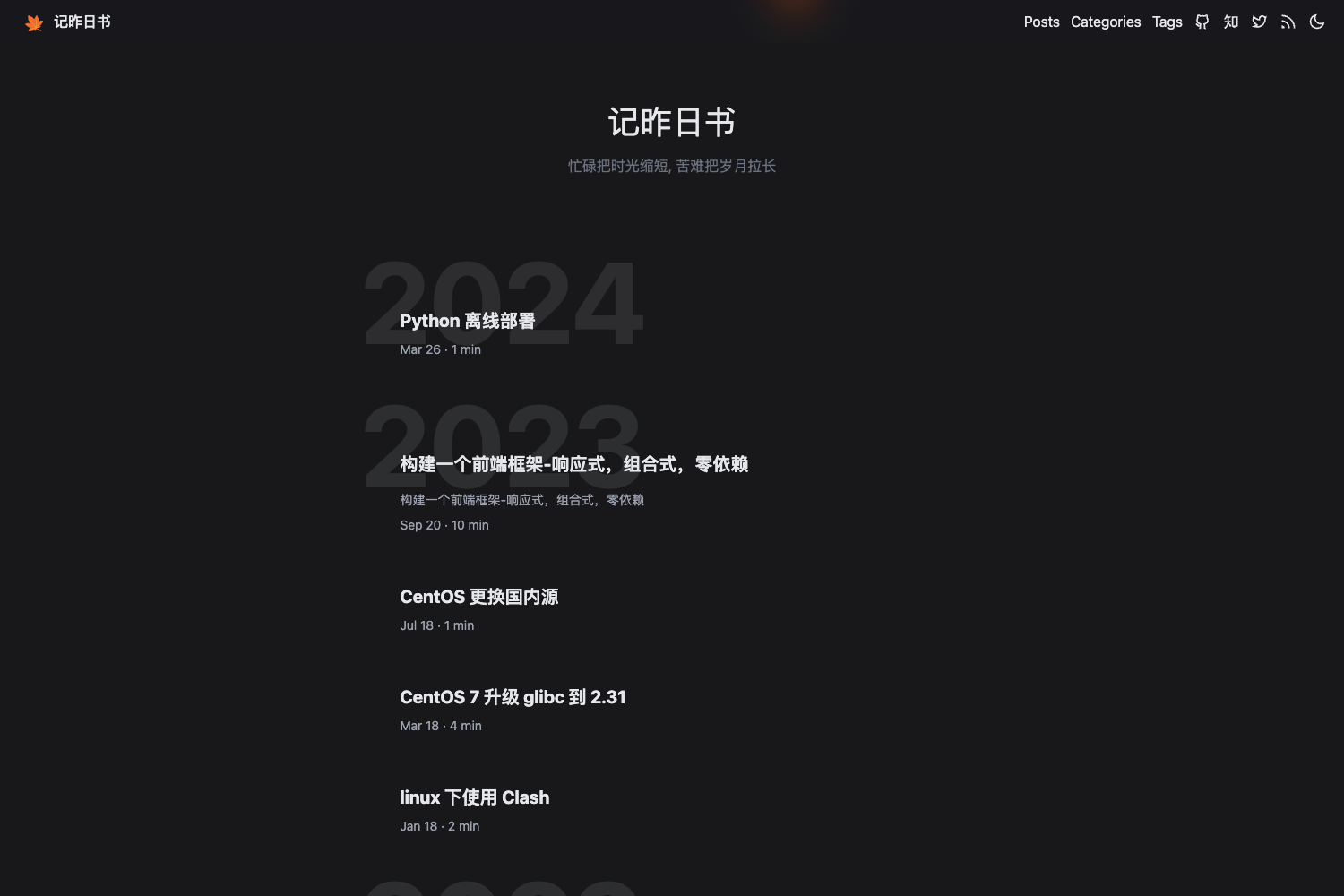
Template details
ZenMind Hexo Theme
A minimalist single-column Hexo theme for a quiet, distraction-free reading and writing experience.
About this template
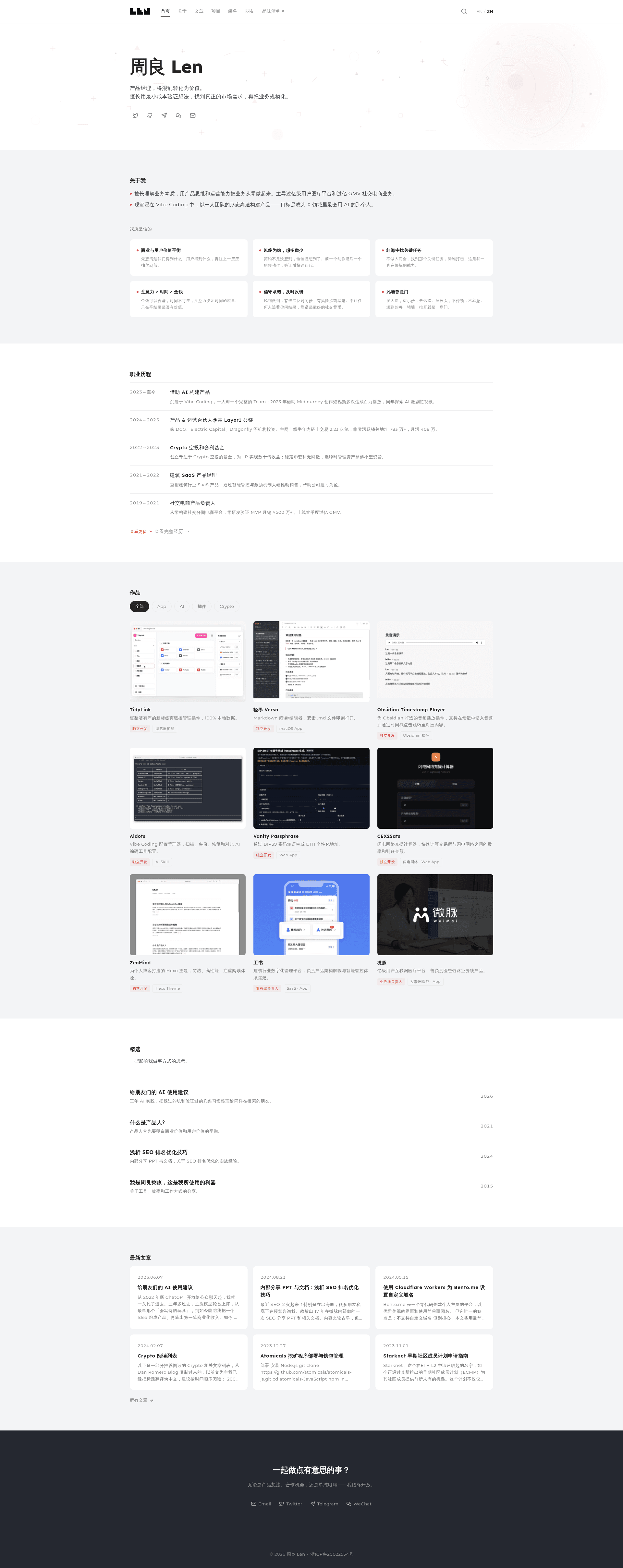
ZenMind is a minimalist single-column theme for Hexo, the popular static site generator, designed to create a calm and distraction-free environment for both reading and writing. The theme's name comes from the Chinese word "静思" (jìng sī), meaning quiet contemplation, and it was adapted by @zhoulianglen from the one-paper Hexo theme. It renders Markdown content into a clean, responsive layout and includes built-in code highlighting out of the box, making it a practical choice for personal blogs and technical writing.
What is ZenMind Hexo Theme?
ZenMind is a free and open-source Hexo theme released under the MIT License. It takes Markdown files written for Hexo and outputs a single-column website with four template types: the homepage, article detail pages, an archive page, and standalone single pages. The theme is maintained by Len Chou and is available on GitHub, where the repository currently has 51 stars. Because it is built for Hexo, installation follows the standard Hexo theme workflow: clone the repository into the themes directory, set the theme field in _config.yml to ZenMind, and run hexo serve to preview.
Key Features
- Responsive design — The layout adapts to mobile phones, tablets, and desktop screens without extra configuration.
- Built-in code highlighting — Includes highlight.js and highlightjs-line-numbers.js, enabled by default, so code blocks show syntax colors and line numbers automatically. If highlighting conflicts with Hexo's own processing, disable
highlightandprismjsin the main_config.yml. - Modern browser support — Works across all modern browsers, as stated in the theme's feature list.
- Markdown formatting — Standard Markdown elements such as headings, lists, blockquotes, and inline code render correctly.
- Bilingual typography — The theme displays both Chinese and English text well, which suits mixed-language blogs.
- Simple template set — Includes templates for the homepage, post detail, archive, and single pages; currently no comment system is included.
- Easy favicon replacement — Replace
source/img/favicon.icowith your own file, or editlayout/_partial/head.ejsto use a PNG icon instead. - Apple touch icon — A dedicated
apple-touch-icon.pngcan be overwritten for iOS home screen display.
Who should use ZenMind?
- Personal bloggers — Set up a minimal, content-focused blog without visual clutter, and rely on the built-in code highlighting to share code snippets.
- Technical writers — Use the clean typography and single-column layout to publish documentation or tutorials that are easy to read on any device.
- Hexo users who want a simple starting point — Fork or modify the theme, since it is MIT-licensed and based on the one-paper design, making customization straightforward.
What can you do with ZenMind?
- Create a personal blog — Write Markdown posts in Hexo and publish them through a single-column layout that keeps the focus on content.
- Publish an archive page — The included archive template lists posts chronologically, giving readers a simple way to browse older entries.
- Serve standalone pages — Use the single-page template for an "About" or "Contact" page that does not follow the blog post format.
- Display code snippets — With highlight.js pre-enabled, code blocks get syntax highlighting and line numbers without extra setup.
How does ZenMind work?
ZenMind follows the standard Hexo theme installation and configuration. First, clone the theme repository into themes/ZenMind. Then open _config.yml and change the theme value to ZenMind. Finally, run hexo serve to preview the site locally, or use hexo generate and hexo deploy to publish it. The theme reads Markdown content from Hexo's source directory and applies the templates located in the layout folder.
Pros and cons
- Pros: Free under MIT license; responsive; built-in code highlighting; no external dependencies beyond Hexo; bilingual-friendly.
- Cons: No comment system, so interactive features require third-party integrations; the template set is limited to home, post, archive, and single pages; the theme does not include built-in search or tag pages.
FAQ
Does ZenMind support comments?
No, the current version does not include a comment system. The feature list explicitly states "不支持评论" (does not support comments). To add comments, you would need to integrate a third-party service manually.
How do I change the favicon?
Replace the file source/img/favicon.ico with your own icon using the same filename. If you prefer a PNG favicon, edit layout/_partial/head.ejs and update the link tag to point to a PNG file.
Why is code highlighting not working?
ZenMind includes highlight.js and highlightjs-line-numbers.js and enables them by default. If highlighting fails, it may conflict with Hexo's built-in highlighting engines. Set both highlight.enable and prismjs.enable to false in the main _config.yml to let the theme's highlighting plugins take over.
Is ZenMind free?
Yes, ZenMind is released under the MIT License, meaning you can use, modify, and distribute it freely as long as the license terms are respected.