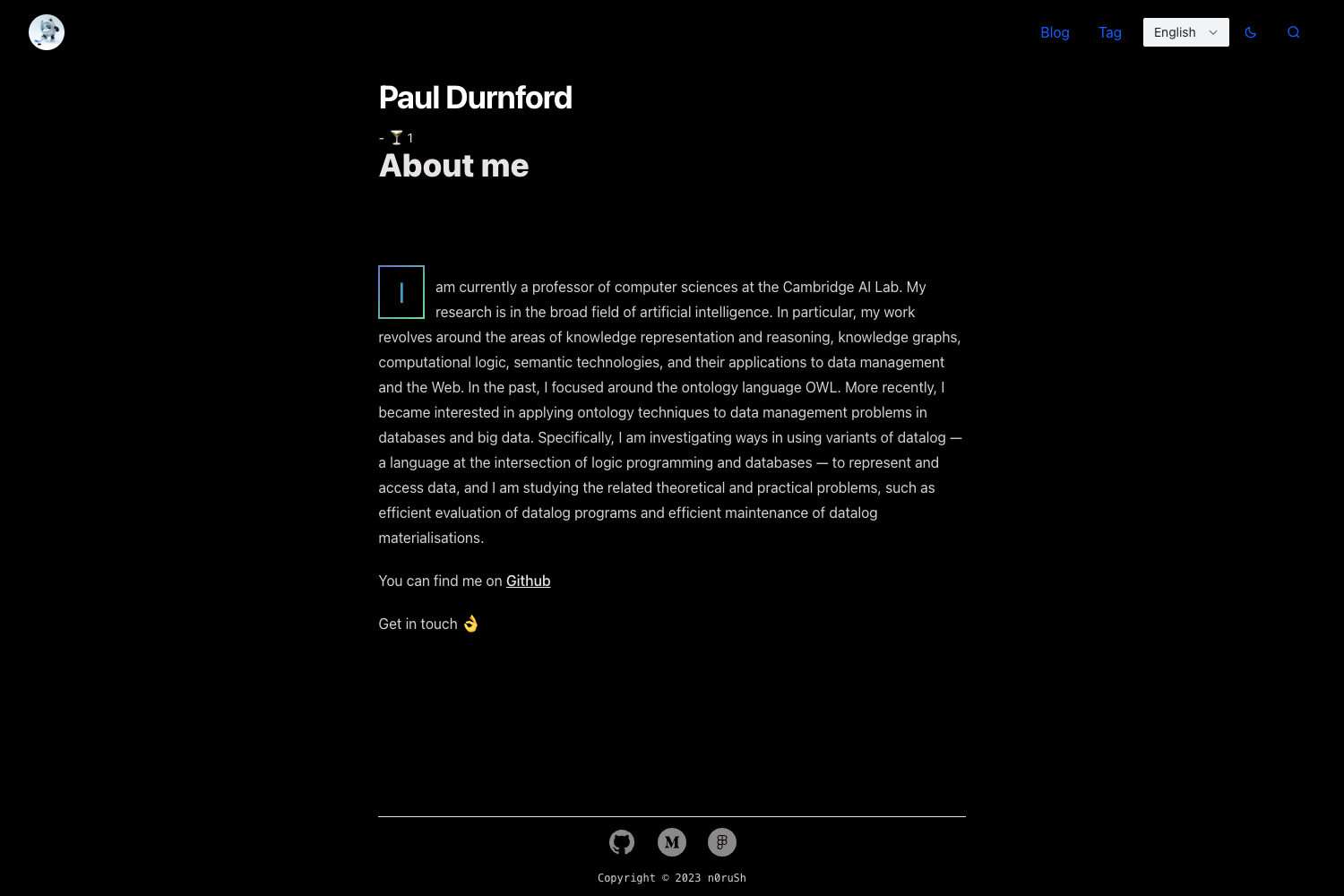
Template details
Hexo Theme Obsidian
A dark Hexo theme, it's responsive, simple but elegant.
About this template
Hexo Theme Obsidian is a free, open-source, dark and responsive theme for the Hexo static site generator, created by developer TriDiamond to turn Markdown-based blogs into elegant night-mode websites.
What is Hexo Theme Obsidian?
Hexo Theme Obsidian is a Hexo theme that renders a standard Hexo blog — Markdown posts with YAML front-matter — into a complete website with homepage, categories, tags, archives, and article pages. It is installed by cloning the repository into the themes folder of a Hexo project and setting theme: obsidian in the site's _config.yml. The theme is authored by TriDiamond, is distributed under an open-source license on GitHub, and its current version is v1.4.9.4. The author notes that the theme is no longer actively maintained because they are building a new Hexo theme called Aurora, but a live preview remains available at obsidian.tridiamond.tech.
Key Features
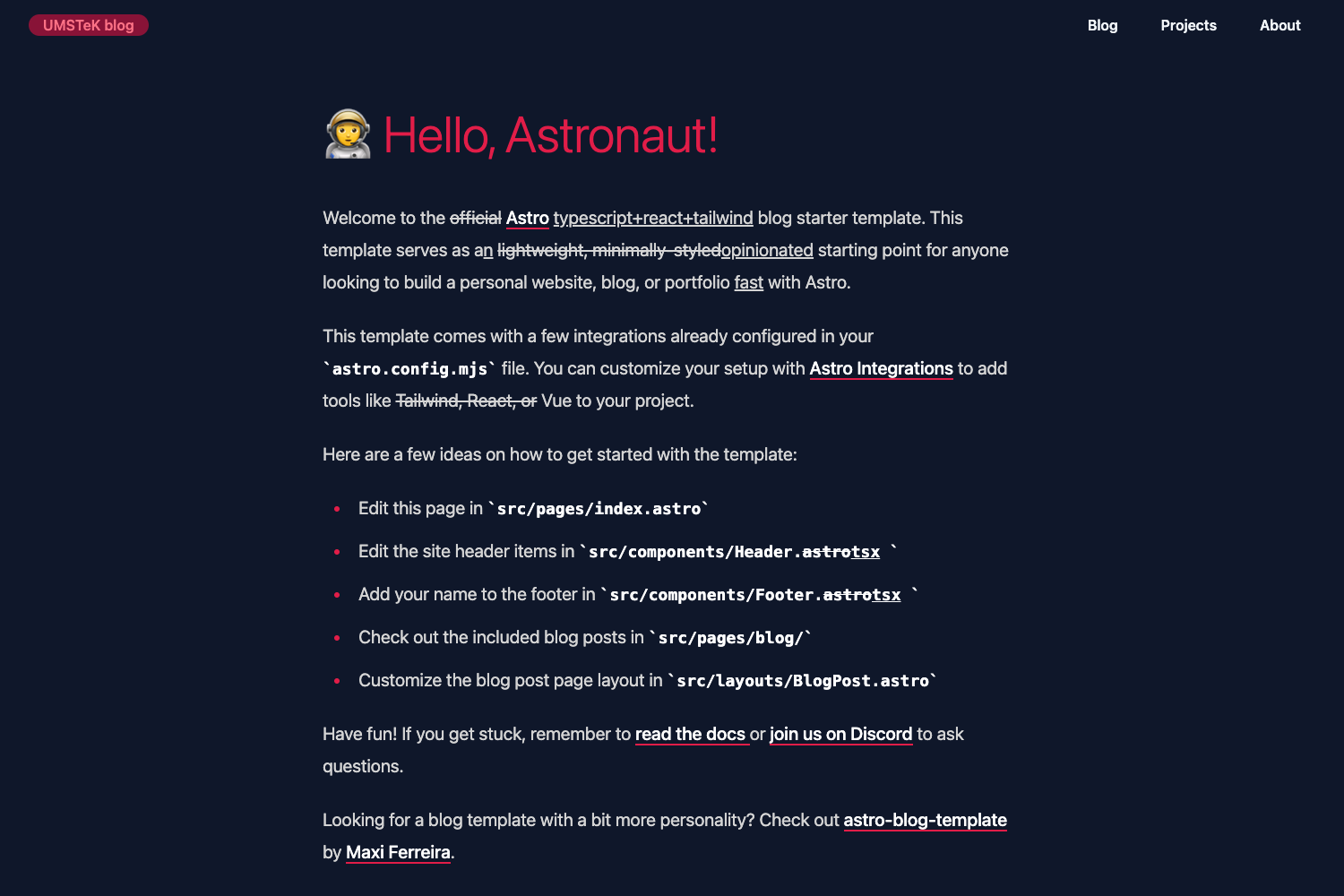
- Dark, responsive layout — Every page (categories, archives, articles) uses a dark color palette and adapts to smaller screens, as shown in the theme's preview screenshots.
- CodeMirror syntax highlighting — Since v1.3.5, code blocks are highlighted by CodeMirror instead of highlight.js; you must set
highlight.enableto false in the root Hexo config. Preconfigured modes include JavaScript, CSS, XML, HTML mixed, PHP, Shell, and Python. - Two comment systems — Valine and Gitalk are both supported; the theme config includes toggles, and Valine provides its own visitor count, so Busuanzi should be disabled when Valine is on.
- Built-in plugin integrations — The theme ships with optional configs for symbols-count-time (word and reading time), html-truncate (post previews), Busuanzi (page views), share.js (social sharing), and APlayer (Netease music lists).
- MathJax support — Set
mathjax: truein the theme config to render mathematical formulas in posts. - Per-post front-matter extras — Each post can define mp3 audio, a cover image, custom author/avatar/slogan, abstracts, and a preview length to control how many characters appear on the homepage.
- Category and tag pages — Running
hexo new pageand adding front-mattertypeof "categories" or "tags" makes the theme auto-generate those listing pages. - Customization and localization — Configure menu, socials, avatar, favicon, SEO keywords, custom mouse cursors, Chinese ICP beian text, and even a Live2D widget from the theme's
_config.yml.
Who is Hexo Theme Obsidian for?
- Personal bloggers who want a dark, developer-flavored blog and are willing to edit a YAML config file to set up menus, social links, and analytics.
- Hexo users who already know Hexo's workflow can drop this theme in, run
npm installin the theme folder, and have a functional dark blog with minimal setup. - Technical writers and coders publishing code-heavy tutorials will benefit from CodeMirror highlighting and MathJax-formatted math.
- Chinese-language bloggers get a Chinese README, Valine comment support, and beian filing options built into the theme config.
What can you do with Hexo Theme Obsidian?
- Launch a personal technology blog: Write Markdown posts with cover images, MP3 attachments, and custom preview lengths; the theme renders them as a dark site with share buttons.
- Organize content with categories and tags: Generate dedicated pages and the theme auto-fills the listings, making it easy to browse posts by topic.
- Add music and interactive widgets: Use APlayer to embed a Netease music list, enable Live2D, and set a custom mouse cursor to personalize the site.
- Deploy as a static site: Because Hexo generates pure static files, you can host the output on any static hosting service, GitHub Pages, or a personal server.
How does Hexo Theme Obsidian work?
Installation follows a standard Hexo theme flow: first, git clone the repository into the themes folder as "obsidian"; second, set theme: obsidian in the site's root _config.yml; third, run npm install inside themes/obsidian to install required packages; finally, disable Hexo's default highlight (highlight.enable: false) and rebuild with hexo clean && hexo g. You can then customize the theme by editing /themes/obsidian/_config.yml and regenerate when you change settings.
Pros and cons
Pros: Free and open source with a live preview; offers a distinctive dark aesthetic; bundles many integrations (comments, analytics, code highlighting, music); includes Chinese documentation and localization fields.
Cons: The original author has stopped active maintenance in favor of their new Aurora theme; the theme requires you to disable Hexo's default code highlighting or CodeMirror colors will not appear; if you enable both Valine and Busuanzi, article view counts may be duplicated.
Pricing
Hexo Theme Obsidian is free to use and download. It is published as an open-source repository on GitHub, and no paid tiers, license fees, or subscription plans are mentioned in the documentation.
FAQ
Is Hexo Theme Obsidian free?
Yes, the theme is free and open source. You can clone the GitHub repository, modify it, and use it on any number of blogs without cost.
Does the theme support code highlighting?
Yes, it uses CodeMirror for syntax highlighting. After installing, you must disable Hexo's default highlight by setting highlight.enable to false in your root _config.yml for CodeMirror to work correctly.
Can I use Valine and Gitalk comments?
Both options are available in the theme config. The README recommends not enabling Busuanzi when Valine is active because Valine already tracks article views; Gitalk works with Busuanzi for view counting.
How do I add a search function to the theme?
Install the hexo-generator-search plugin with npm, add a search block with path, field, and content settings to your root _config.yml, and regenerate the site.
How do I update the theme?
Back up your theme _config.yml first, then run git pull inside the themes/obsidian folder. The README warns that your configuration may be overwritten, so keep a backup.